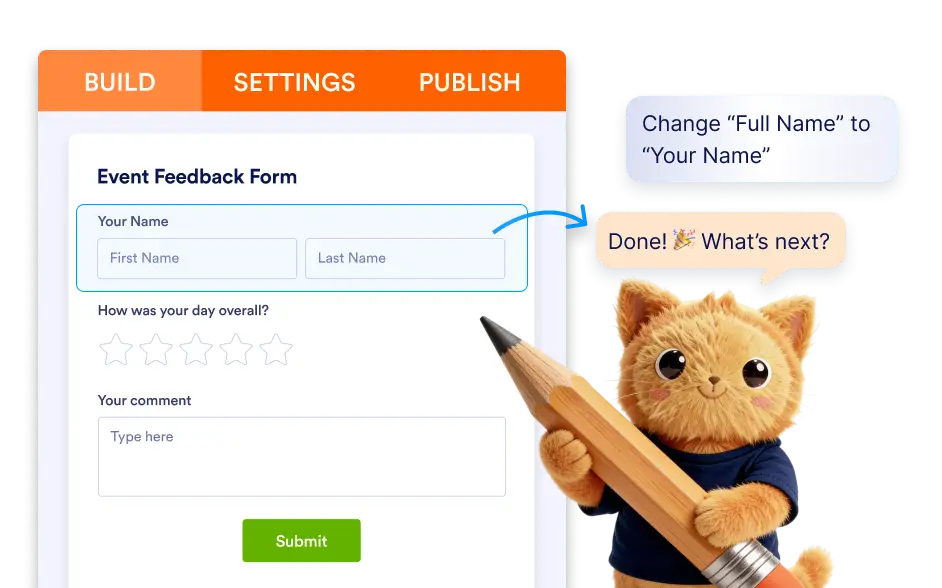
You can ask the AI to create new fields, edit existing field content or settings, convert a field to a different type, move fields to a new position, or add elements such as a logo.
Add, Edit, and Organize Form Fields
Jotform AI allows you to build and update forms faster without manually selecting and configuring each field from the form builder. You can describe the type of field you want to include and the AI will automatically create it in your form.
Add New Form Fields
Whether you need a text input, dropdown, checkbox group, or file upload field, Jotform AI can generate it instantly.
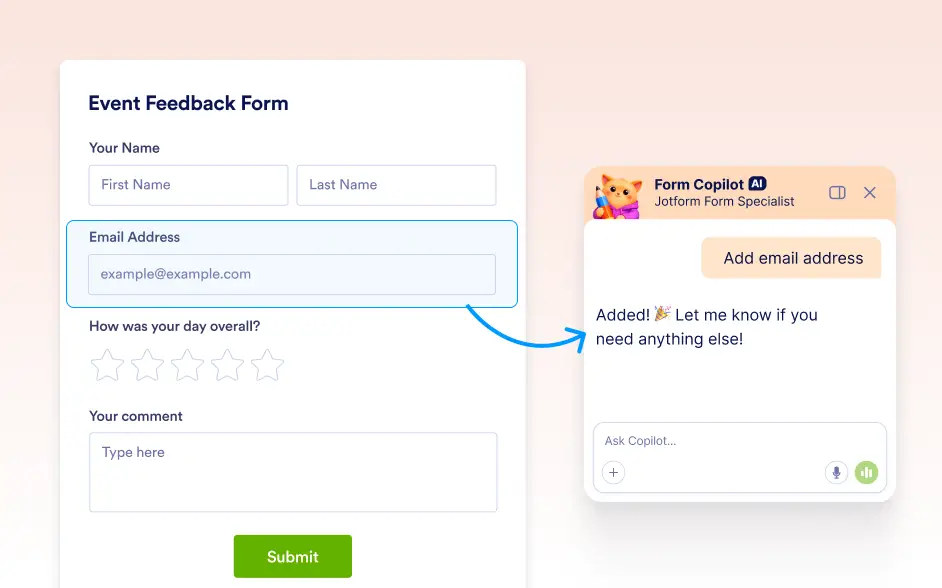
Edit Existing Fields
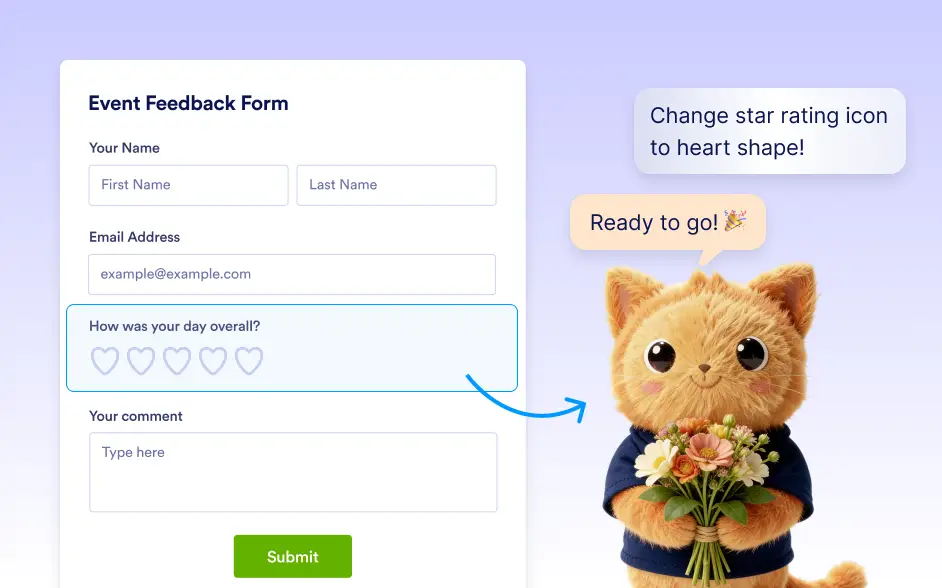
Jotform AI can modify existing fields based on your instructions. You can ask the AI to update field labels, change settings, or convert a field to a different input type. For example, a text field can be converted into a dropdown with selectable options.
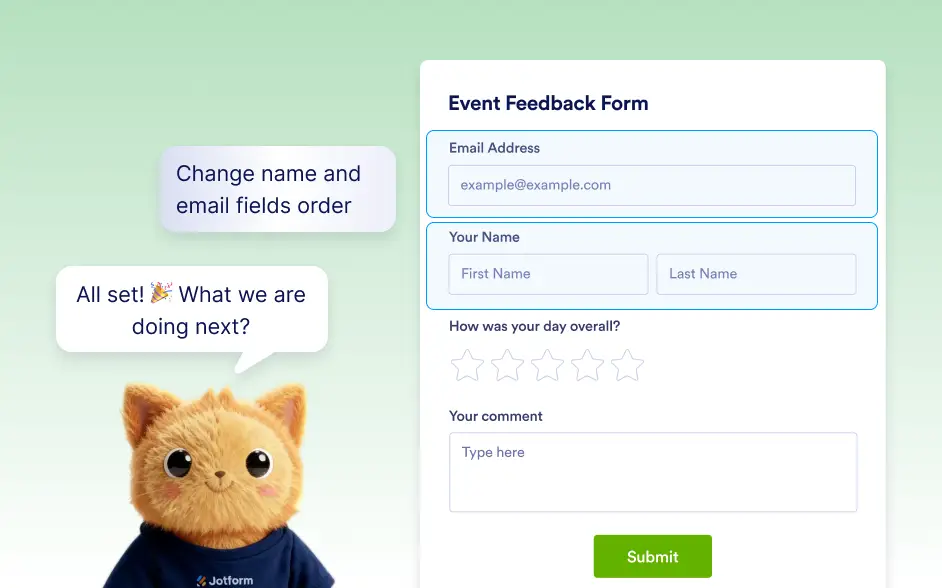
Reorder Fields and Adjust Form Layout
- Ask Jotform AI to reorganize your form layout by changing the order of fields. Simply tell the AI where you want a field to appear, and it will move it to the correct position.
- Jotform AI can also add branding elements such as a logo to your form layout, helping you maintain a professional and organized form while making updates quickly.
Frequently Asked Questions
Yes. You can simply tell Jotform AI what change you want to make and it will update your form automatically. The AI understands instructions related to form editing and can apply changes instantly without manual configuration.
Yes. You can ask Jotform AI to update existing fields by changing their content, adjusting settings, or converting them into a different field type. This helps you quickly refine your form without opening each field individually.
Yes. After Jotform AI updates your form, you can continue editing everything manually in the Jotform builder. You stay in full control and can review, adjust, or customize any AI-generated changes at any time.
Yes. You can ask Jotform AI to move fields to a different position or reorganize the order of questions. The AI will update the layout instantly so your form remains clear and well structured.