Delete and Duplicate Fields
Instead of manually removing fields or copying them within the builder, you can simply tell the AI what you want to do. Jotform AI understands your instructions and performs the action instantly, helping you quickly clean up your form or reuse existing fields without repeating manual steps.
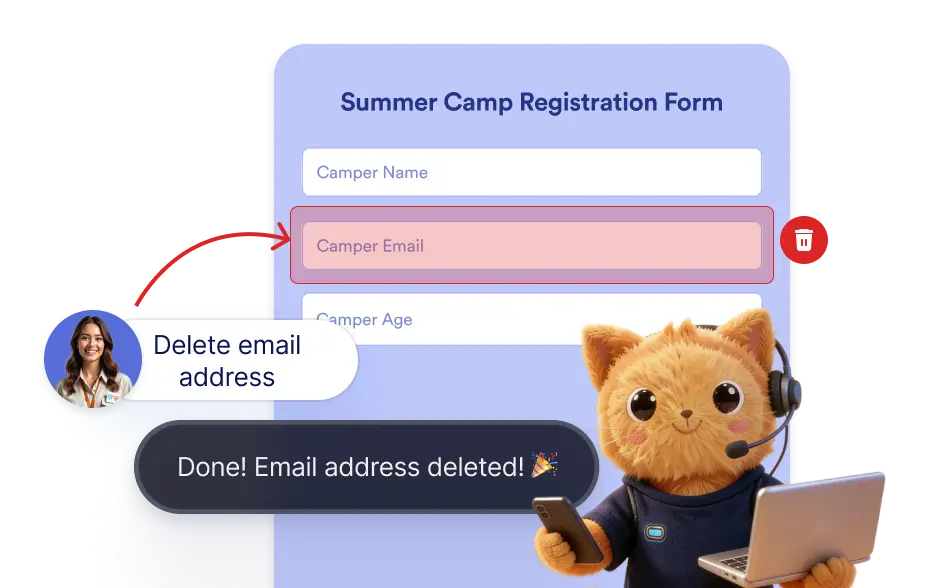
Jotform AI allows you to modify your form layout by deleting unnecessary fields or duplicating existing ones through simple instructions.
Delete and Duplicate Form Fields Using AI
You can ask Jotform AI to add or duplicate any field from your form. The AI will identify the requested field and take desired action on the form instantly without any manual action.
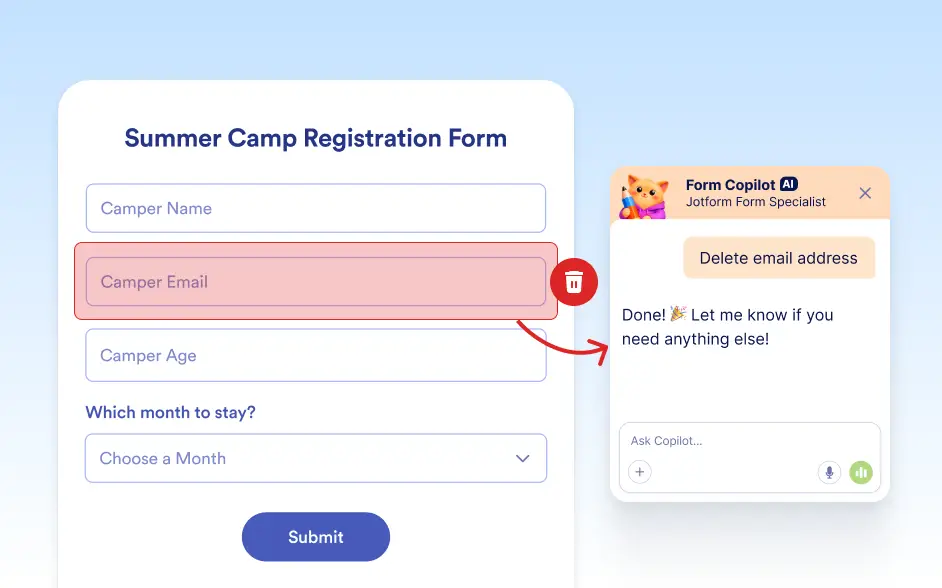
Remove Form Fields Using AI
Keep your form organized by asking Jotform AI to delete fields that are no longer needed. Instead of searching for the field and removing it manually, you can simply instruct the AI to remove it from the form.
Duplicate Fields Instantly With AI
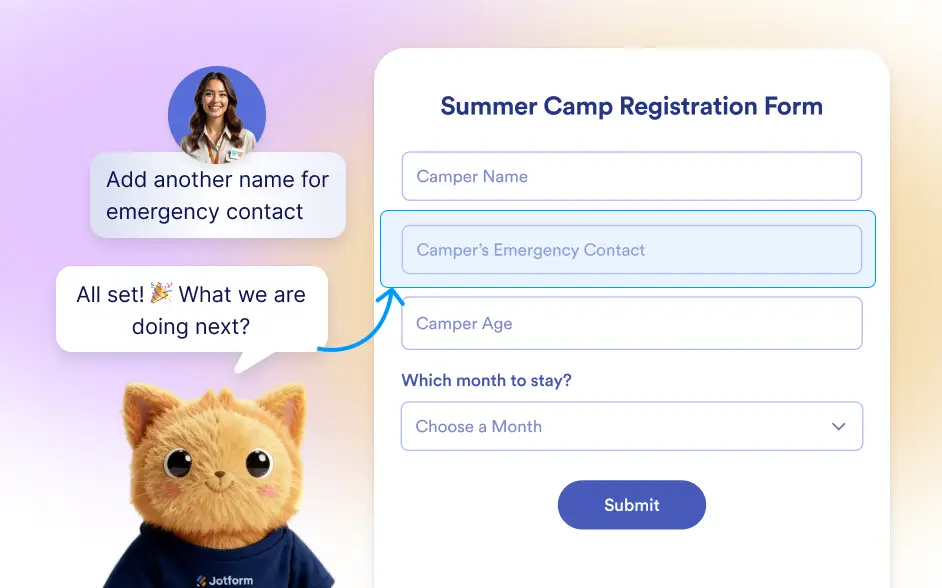
If you want to reuse a field that already exists in your form, you can ask Jotform AI to duplicate it. The AI creates a copy of the field while preserving its settings, labels, and options.
Frequently Asked Questions
Yes. You can ask Jotform AI to delete any field from your form. The AI will identify the requested field and remove it from the form instantly.
Yes. Jotform AI can create a duplicate of an existing field while preserving its label, settings, and options. This allows you to reuse fields without recreating them manually.
Yes. After Jotform AI performs the requested action, you can continue editing your form in the Jotform builder and make additional adjustments if needed.