Configure Form Fields With AI
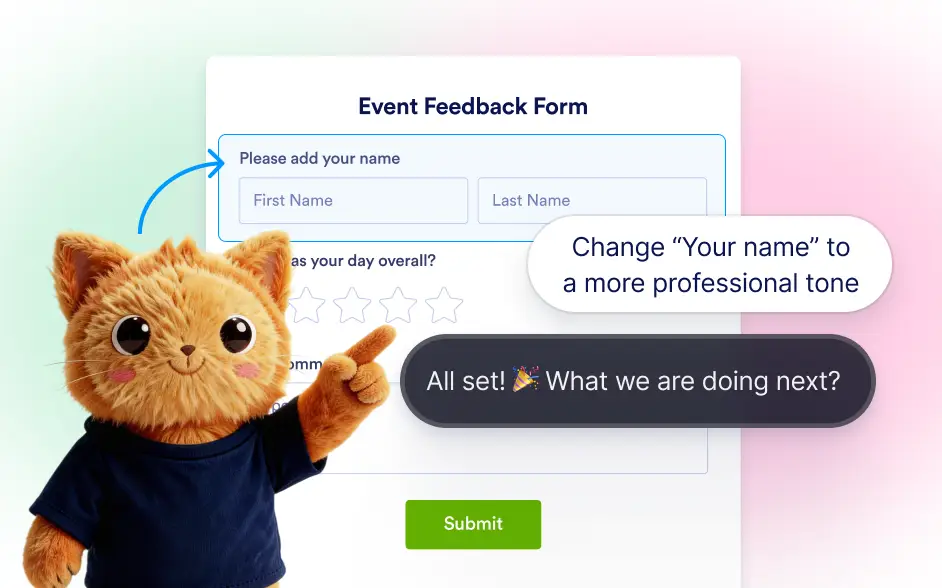
Update form field settings instantly by telling Jotform AI what you want to change. Instead of opening each field’s settings panel, you can ask the AI to rename fields, change labels, mark fields as required, set them to read only, or adjust field size. Jotform AI understands these requests and updates the field properties automatically.

Jotform AI makes it easier to manage field properties through simple instructions. You can request changes like renaming a field, updating its label, setting the field as required, making it read only, or resizing it within the form layout.
Configure Form Field Properties
Jotform AI allows you to quickly update important field properties such as labels, names, and requirements. These adjustments help ensure your form collects the right information while maintaining clear and accurate field labels.
Set Field Requirements and Validation
Jotform AI allows you to quickly update important field settings across your form. You can rename fields, update labels and helper text, mark fields as required or optional, and apply validation rules or entry limits.
Resize and Adjust Field Layout
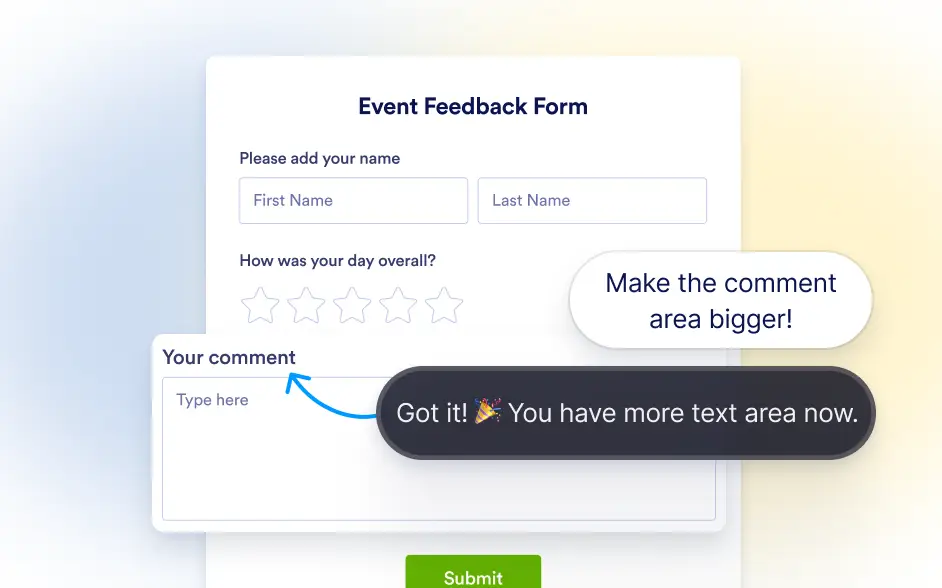
Jotform AI can also help adjust the size and layout of form fields. If you want a field to appear larger or smaller within the form, you can simply ask the AI to resize it.
Frequently Asked Questions
Jotform AI can update several field properties including renaming fields, changing field labels, setting fields as required, making fields read only, and resizing fields within the form layout.
Yes. You can ask Jotform AI to rename a field or update its label text, and the AI will apply the change instantly without requiring manual editing in the field settings panel.
Yes. After Jotform AI updates a field property, you can continue editing the field manually in the Jotform builder and make additional changes whenever needed.