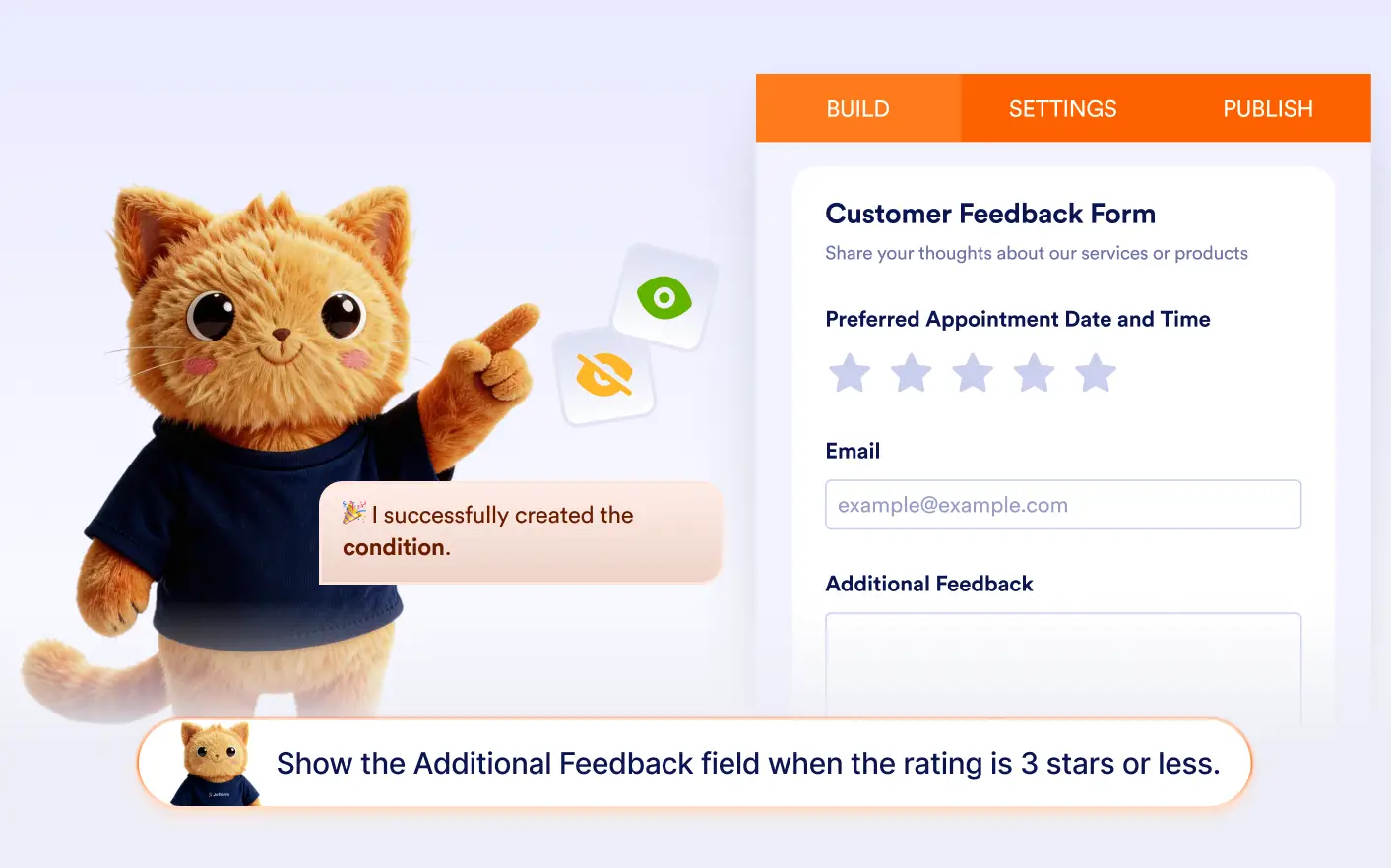
Simply describe the condition you want, and automatically sets up the logic to show or hide fields in your form.
Build Form Logic Through Conversation
Instead of configuring conditions manually, you can tell Jotform AI what should happen when users answer a question. AI creates the show or hide field conditions for surveys, registrations, applications, and more.
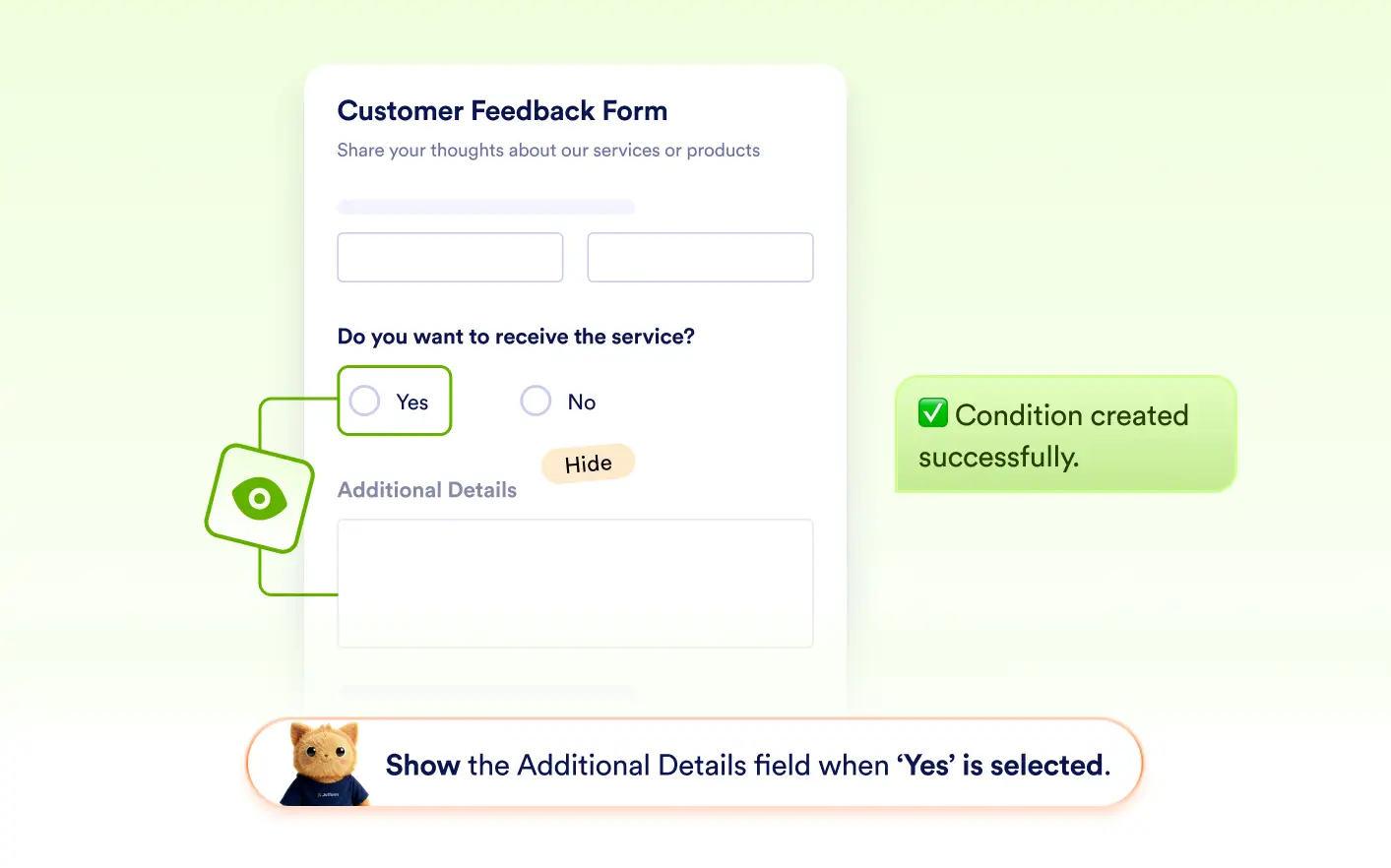
Show Fields Based on Answers
Ask Jotform AI to reveal hidden fields when users select specific answers. AI can instantly create conditions that display one or multiple fields when the defined criteria are met.
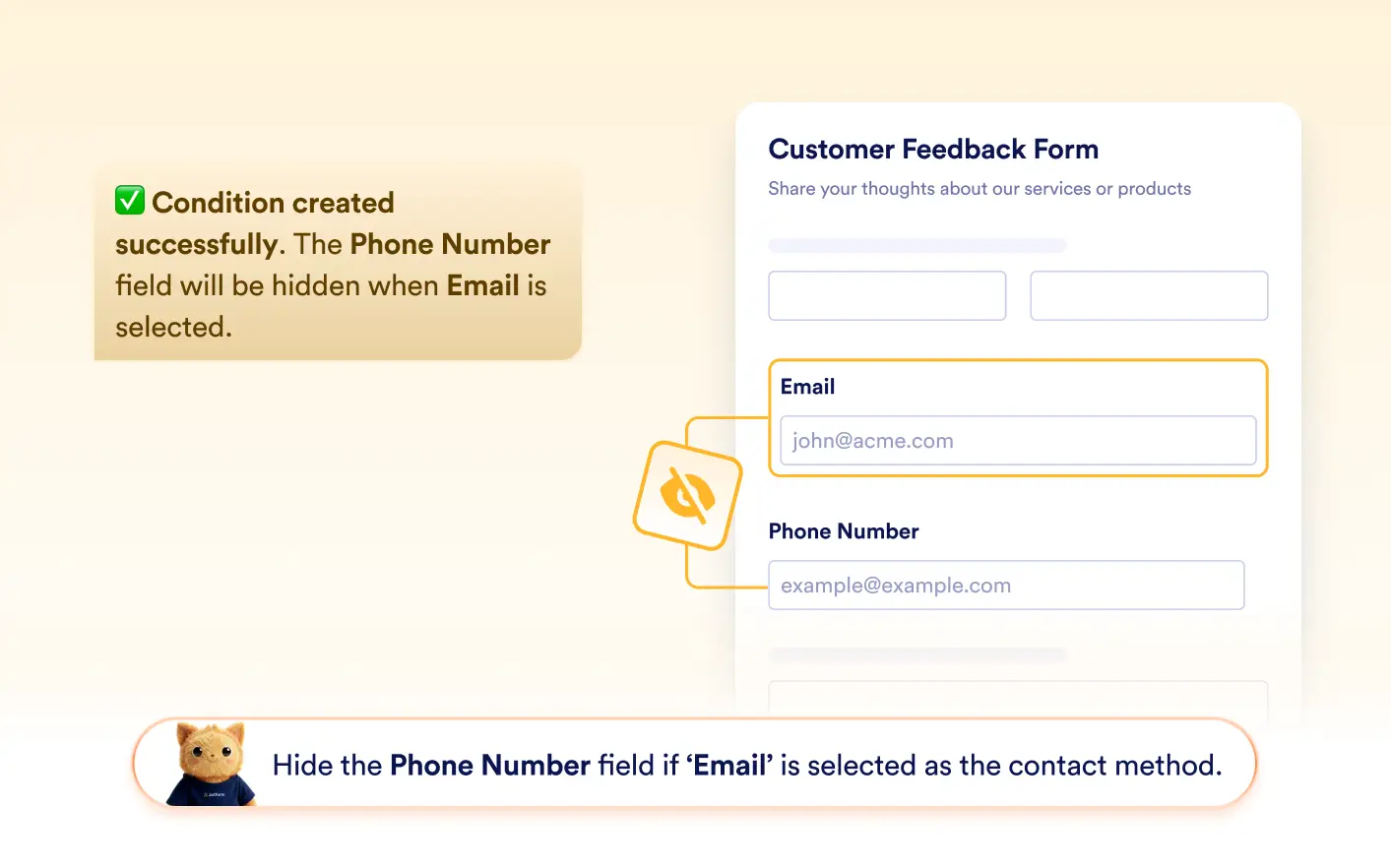
Hide Fields Automatically
Jotform AI can also create conditions that hide fields when certain answers are selected. This helps keep forms focused by removing unnecessary questions based on user input.
Frequently Asked Questions
You can describe the behavior you want in a conversation with Jotform AI, such as “Show the address field when the user selects delivery.” The AI automatically creates the appropriate show or hide field condition in your form builder.
Yes. Jotform AI can create conditions that show or hide one or multiple fields at the same time based on a user’s response. This helps forms stay clean and dynamic by only displaying relevant questions when they are needed.
Yes. After Jotform AI creates the condition, you can review and modify it in the form builder. You can change the triggering answers, adjust which fields are shown or hidden, or add additional conditions as needed.