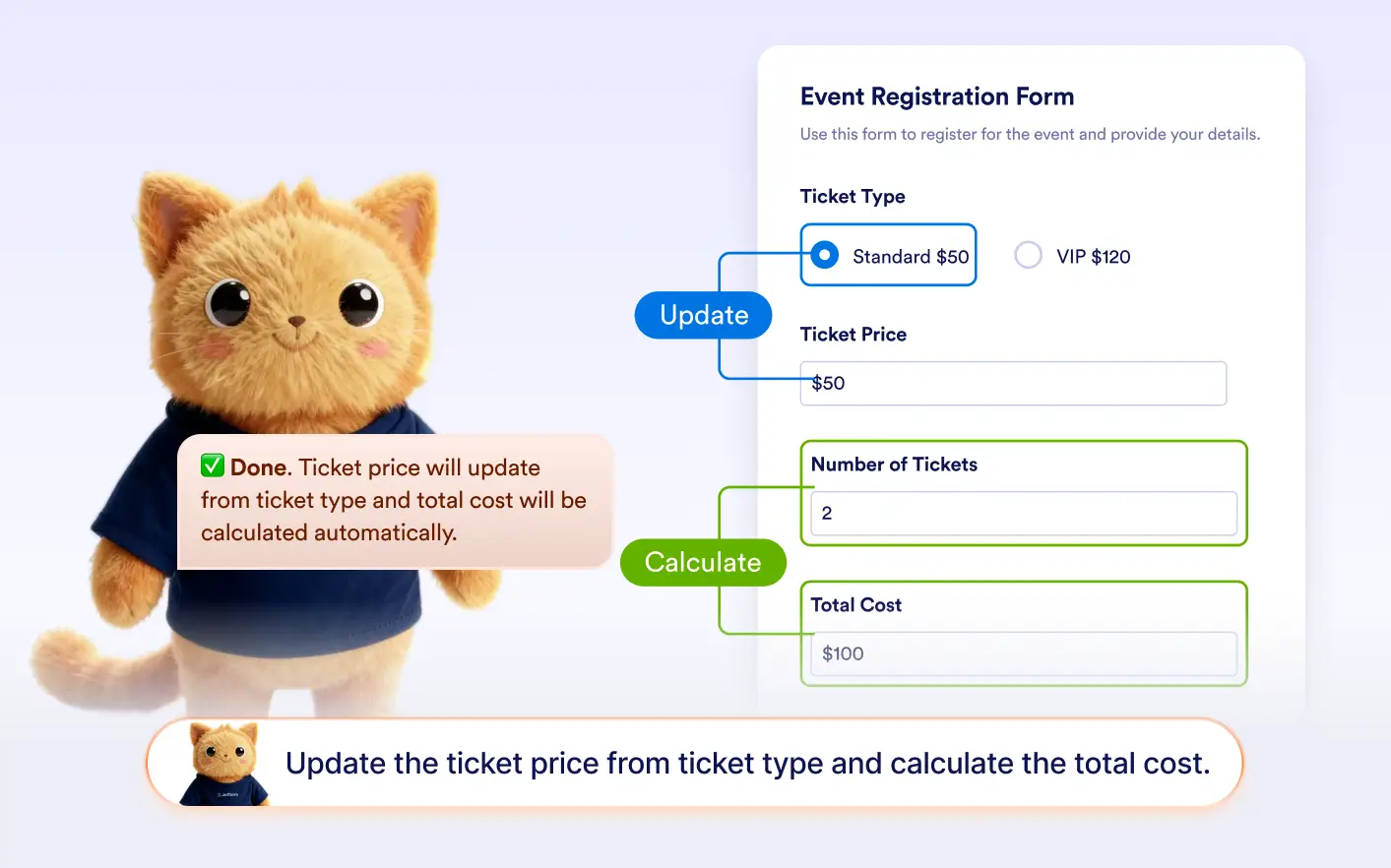
Describe the logic you want, and automatically creates conditions that update fields or perform calculations in your form.
Build Field Updates and Calculations
Instead of configuring formulas or mappings manually, you can explain what should happen when users enter information. Jotform AI creates conditions to copy data between fields or calculate values automatically.
Copy Data Between Fields
Ask Jotform AI to copy answers from one field to another automatically. This is useful for repeating information like contact details, addresses, or names without requiring users to enter the same data twice.
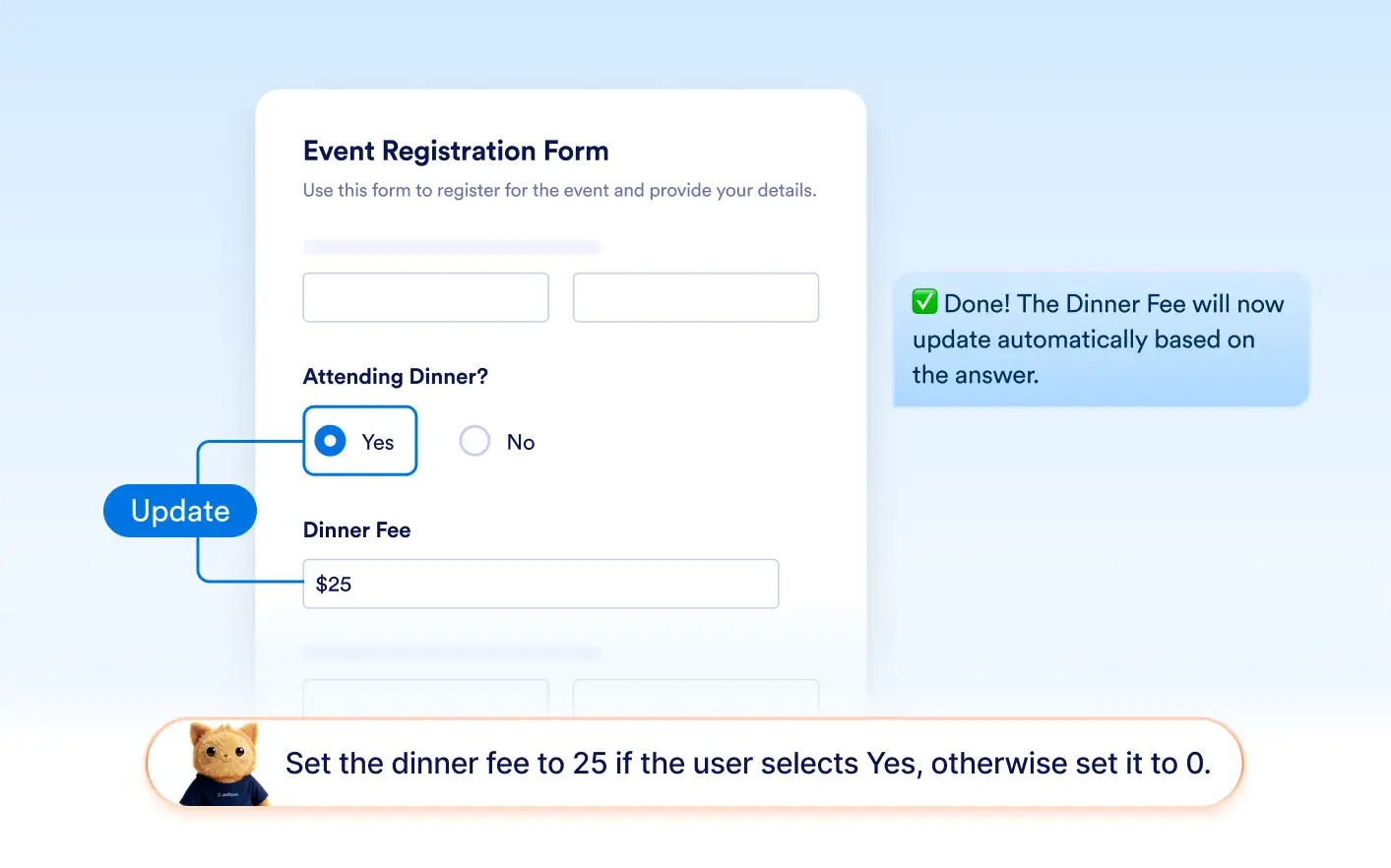
Perform Field Calculations
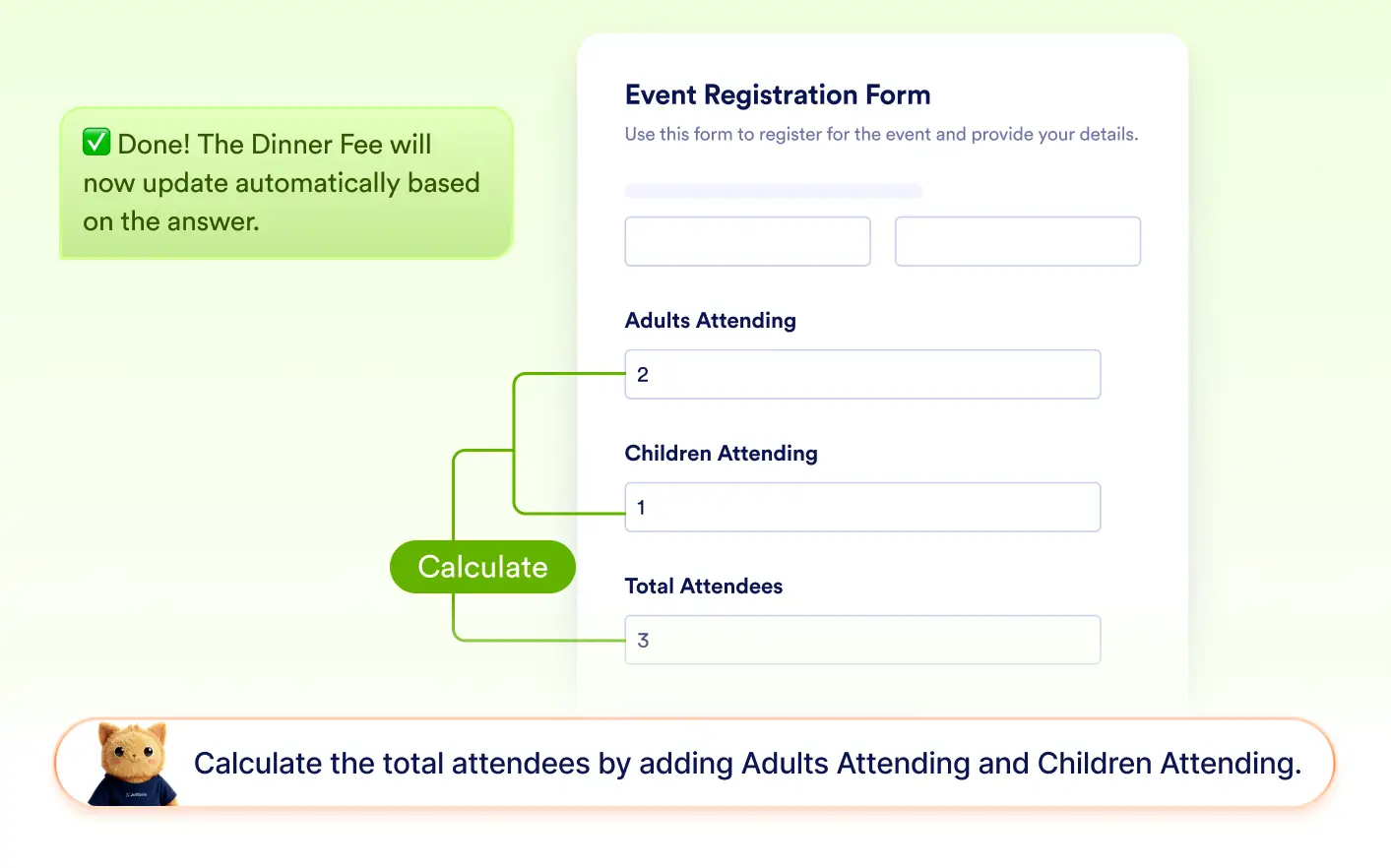
Jotform AI can create conditions that calculate values using form inputs. Automatically generate totals, scores, or computed results by defining how fields should be calculated based on user responses.
Frequently Asked Questions
Yes. Jotform AI can create conditions that copy data from one field to another or calculate values based on user input. This allows forms to automatically reuse information or generate totals, scores, and other calculated results.
You can explain what you want to happen between fields, such as copying an email address or calculating a total price. Jotform AI then generates the condition automatically within the form builder.
Yes. Conditions generated by Jotform AI can be edited at any time in the form builder. You can adjust which fields are connected, update the calculation logic, or change how data is copied between fields.