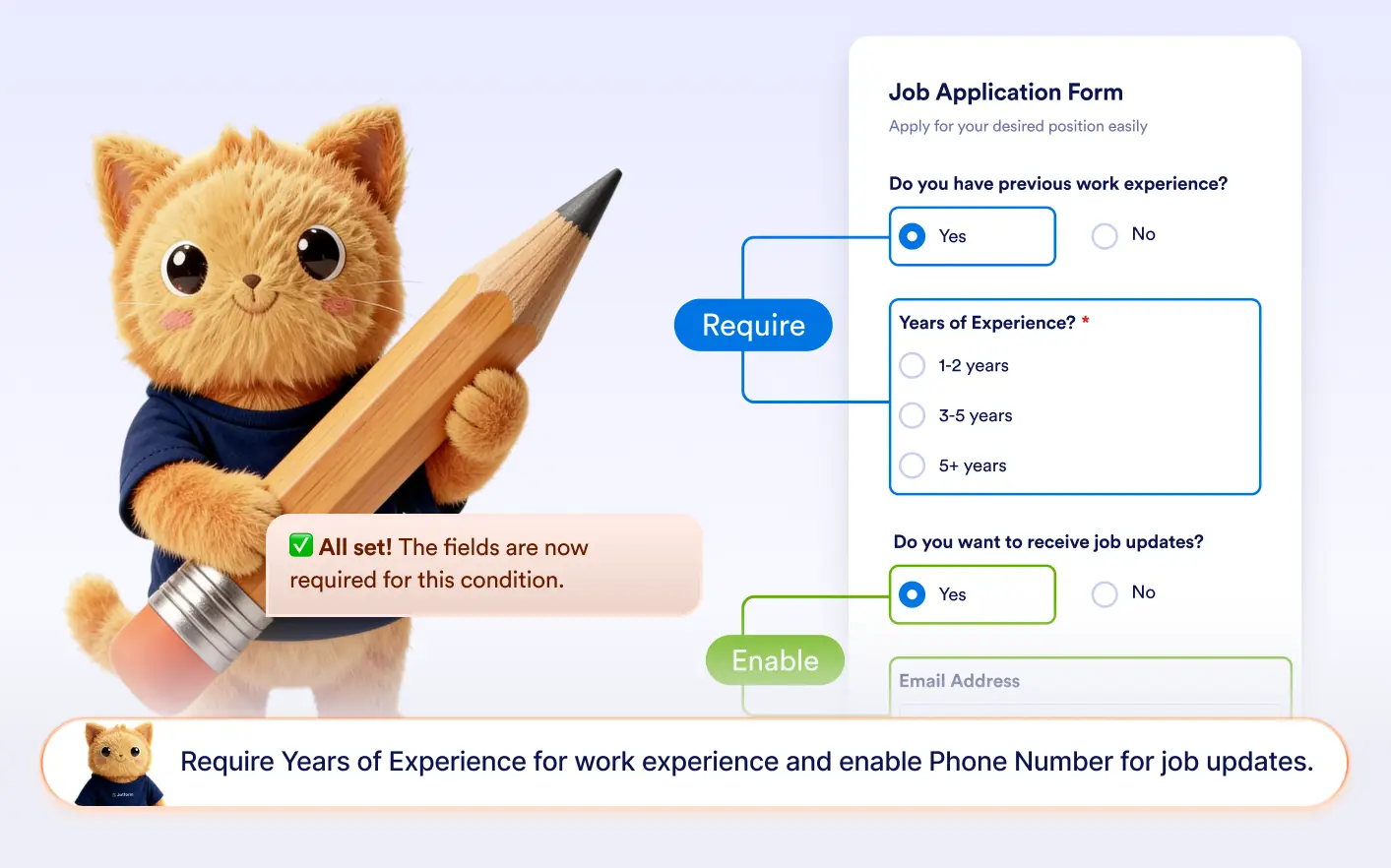
Describe the behavior you want, and Jotform AI instantly creates conditions that control whether fields are enabled or required.
Set Required or Enabled Fields
With Jotform AI, you can explain which fields should be required or enabled based on user responses. AI generates the conditions automatically, making it easy to build dynamic and guided forms.
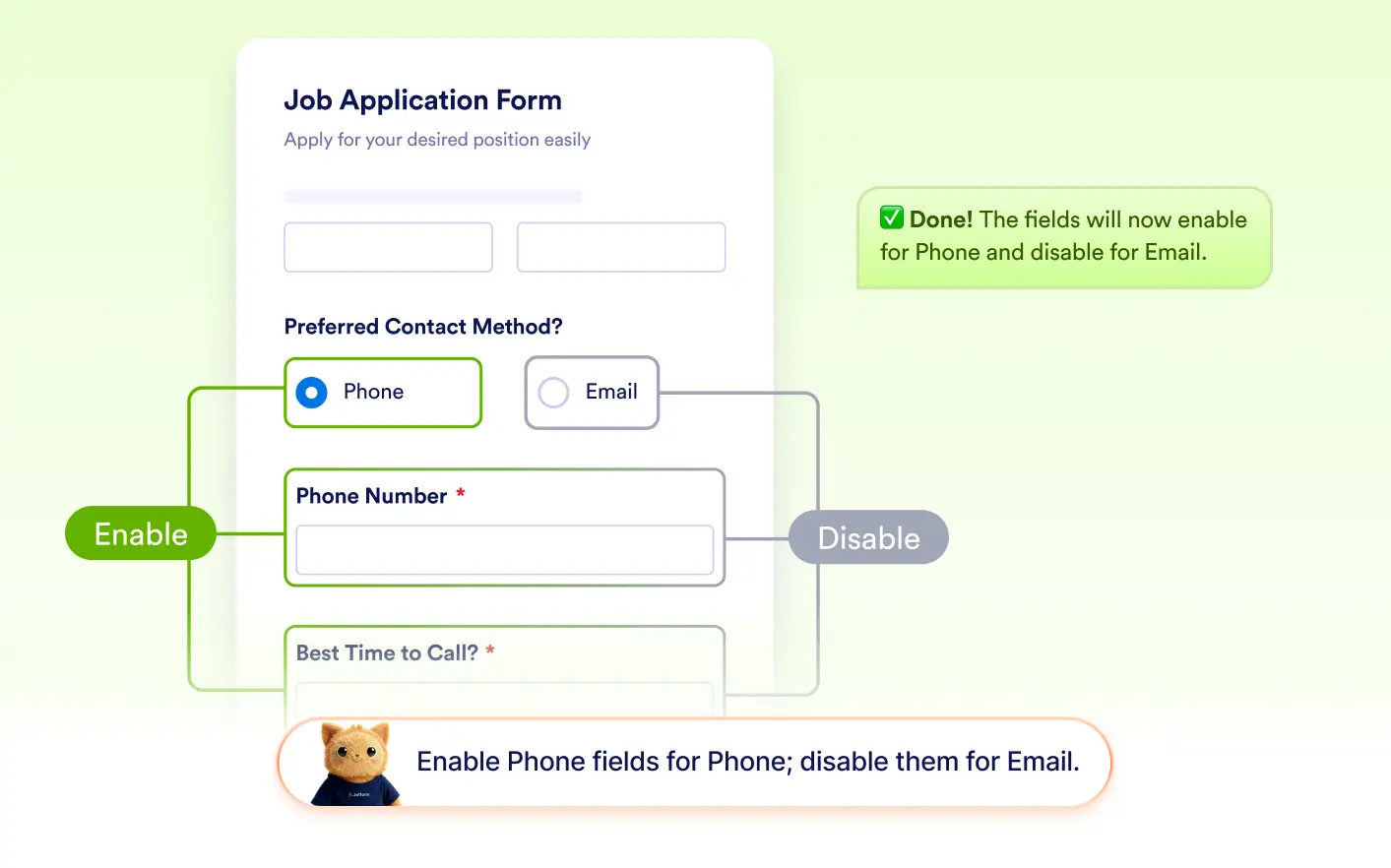
Enable or Disable Fields
Jotform AI can create conditions that enable or disable fields depending on user responses. This helps control when a field can be interacted with and prevents users from editing fields when they are not relevant.
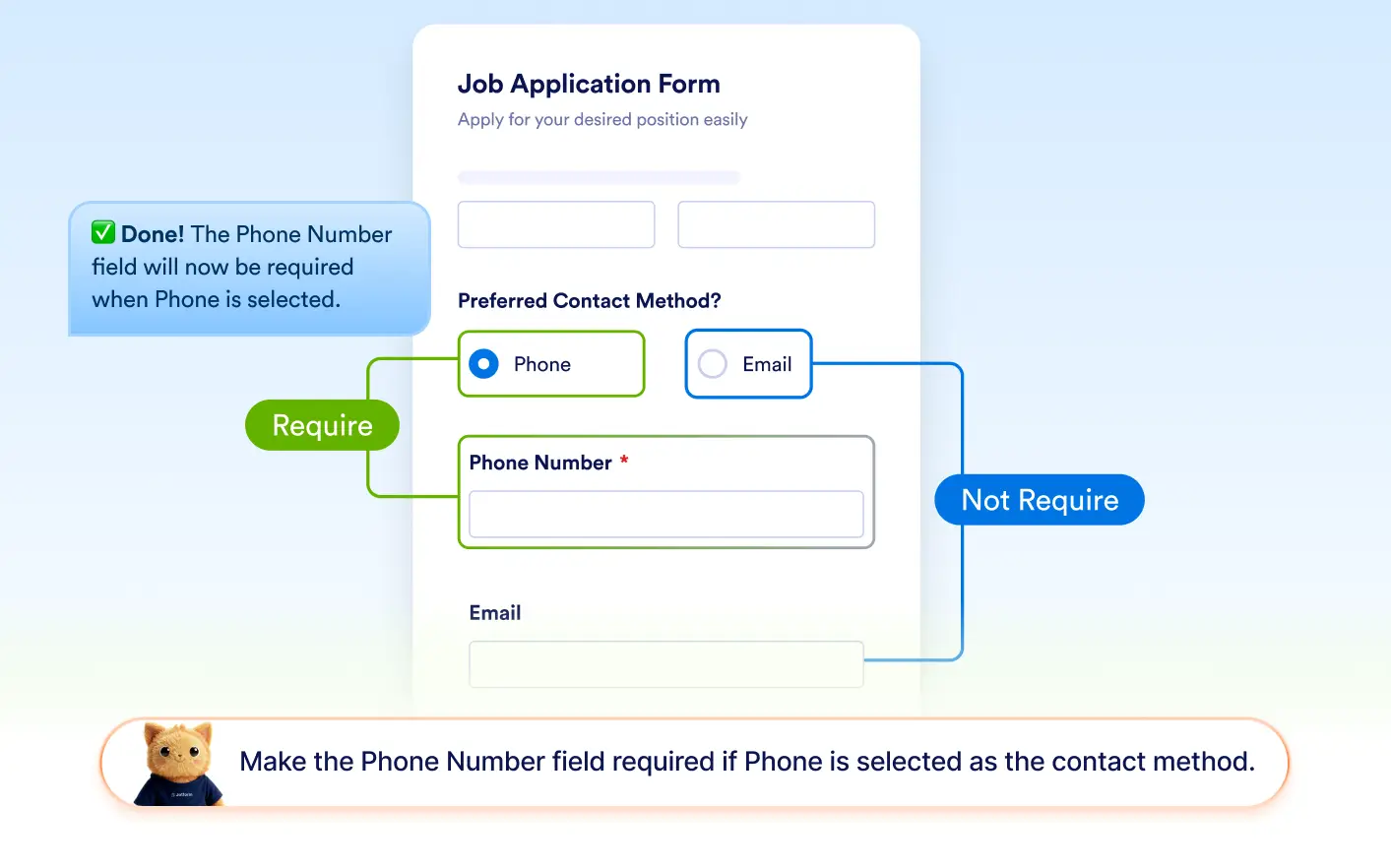
Set Fields as Required
Jotform AI can set one or multiple fields as required based on answers in your form. It can also remove the required status when conditions change, helping ensure users only complete necessary fields.
Frequently Asked Questions
Yes. Jotform AI can create conditions that enable or disable fields based on how users answer previous questions. This helps control when fields become interactive in your form.
Yes. Jotform AI can create conditions that require one or multiple fields at the same time. It can also remove the required status from fields when specific answers are selected.
Yes. Conditions created by Jotform AI can be modified in the form builder. You can change which fields are enabled, disabled, required, or not required at any time.