
Jotform AI supports bulk field actions that allow you to update several form fields simultaneously. You can instruct the AI to apply the same change across multiple fields, such as marking all fields as required or hiding several fields from view.
Apply Bulk Edits to Multiple Fields
With Jotform AI, you can quickly apply the same change to several fields at once. For example, you can ask the AI to make multiple fields required, allowing you to enforce consistent validation across your form.
Delete or Move Multiple Fields at Once
- Jotform AI allows you to delete or move several fields in a single step. If your form contains unnecessary questions, you can remove them all together instead of deleting each one manually.
- You can also move multiple fields to a new location in the form to reorganize the layout quickly and improve the flow of questions for respondents.

Hide Multiple Fields at Once
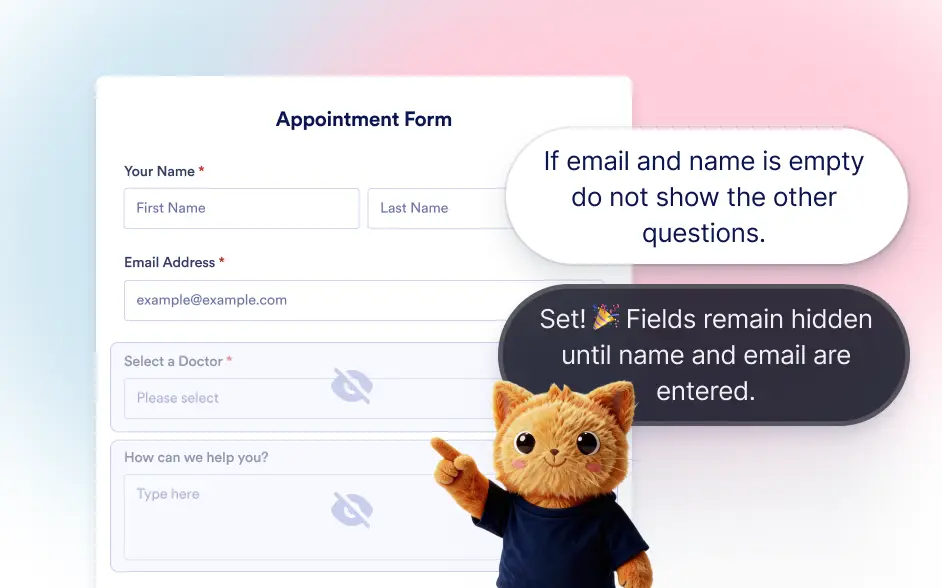
When certain fields should not be visible in the form layout, Jotform AI can hide multiple fields with a single instruction.
Frequently Asked Questions
Jotform AI can perform several bulk actions including editing multiple fields, making fields required, deleting multiple fields, moving groups of fields to another position, and hiding multiple fields from the form.
Bulk field actions help save time when working with large forms. Instead of editing each field individually, you can apply the same change across multiple fields in a single step.
Yes. After applying bulk changes with Jotform AI, you can continue editing individual fields in the form builder and adjust any field settings as needed.