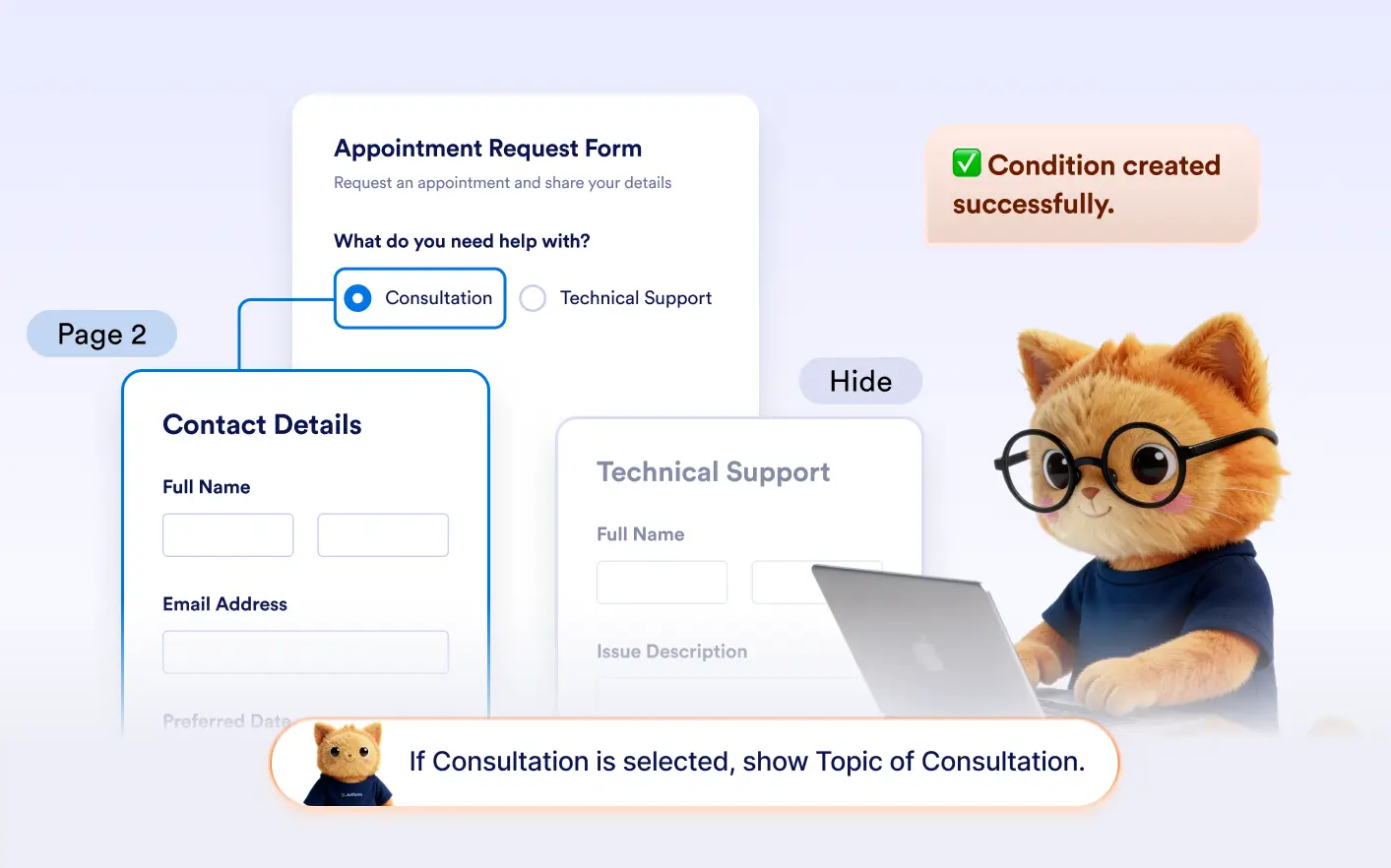
Explain the page flow you want, and Jotform AI will generate the conditions that control which pages users see or skip during form completion.
Build Dynamic Page Navigation with AI
With Jotform AI, you can explain how users should move between pages depending on their responses. AI creates conditions that skip pages or hide them, making multi-page forms smarter and easier to complete.
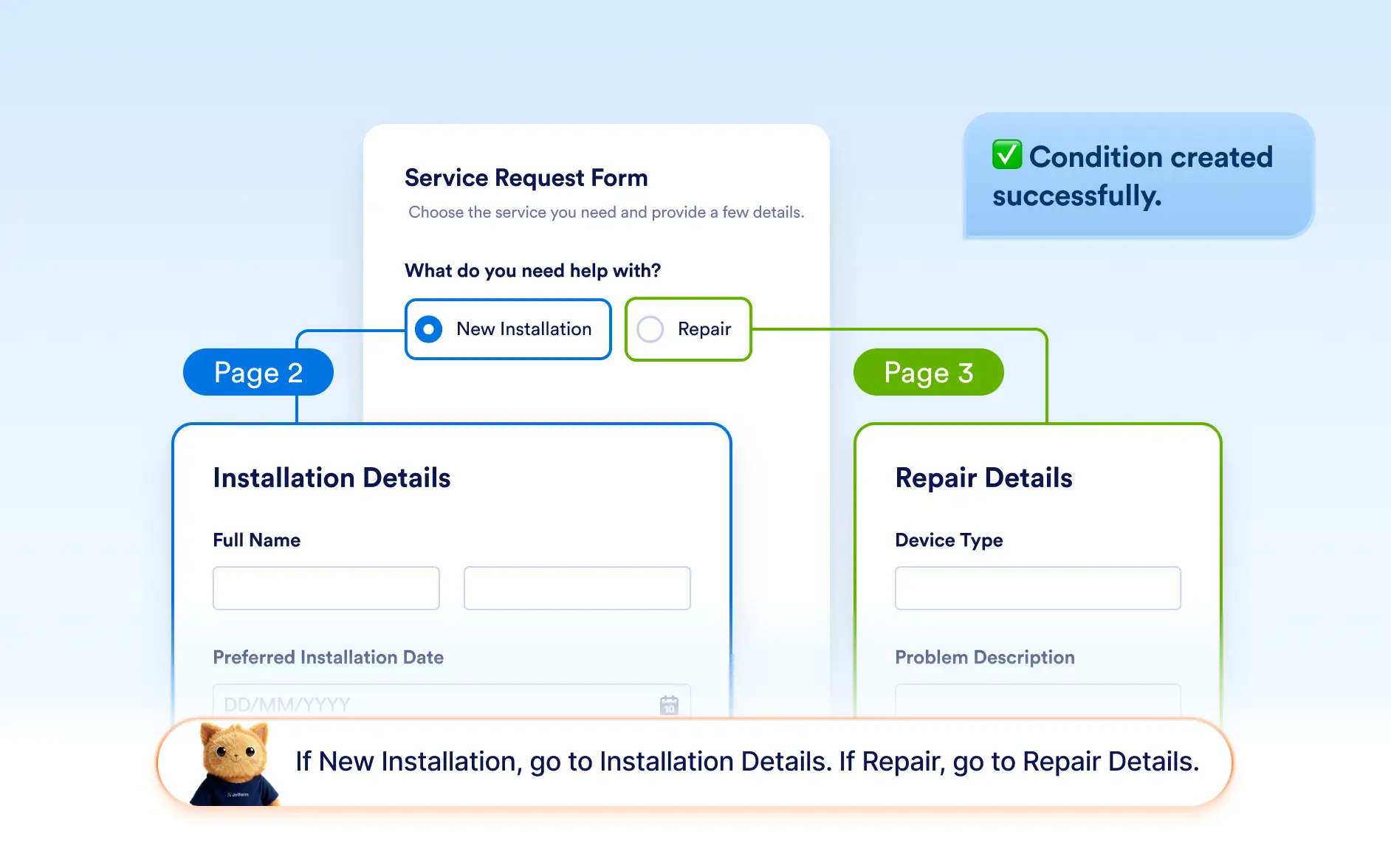
Jump to a Specific Page
Ask Jotform AI to send users to a specific page when certain answers are selected. This helps guide respondents through different paths in your form based on their responses.
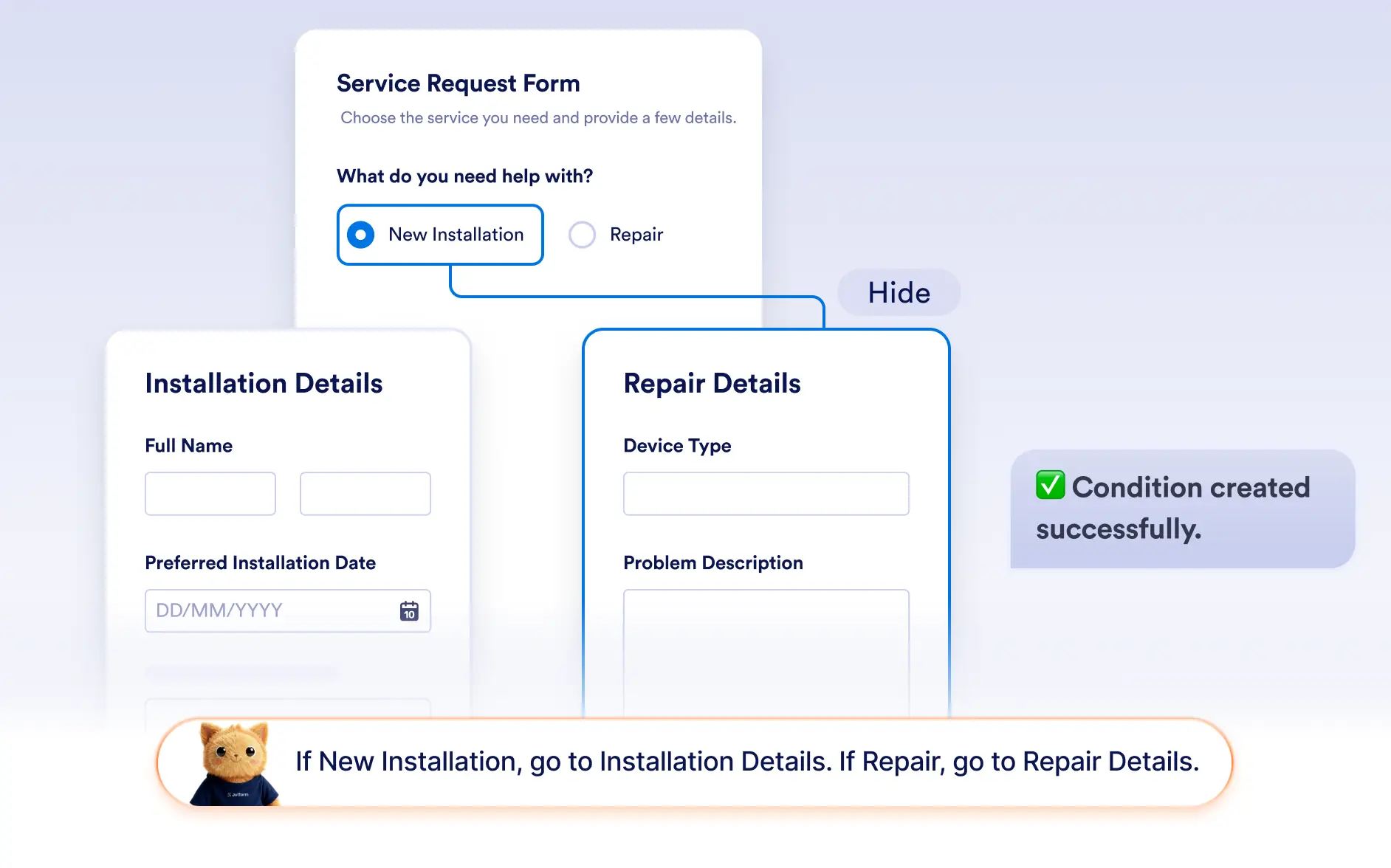
Hide Pages Based on Conditions
Jotform AI can create conditions that hide entire pages when they are not relevant to a user’s answers. This keeps multi-page forms shorter and more personalized for each respondent.
Frequently Asked Questions
Yes. Jotform AI can create conditions that send users directly to a specific page when certain answers are selected, allowing forms to guide respondents through different paths.
Yes. Jotform AI can create conditions that hide entire pages based on user responses. This helps remove unnecessary sections and keeps forms more relevant for each user.
Yes. After Jotform AI generates the condition, you can review and modify it in the form builder. You can change the target page, adjust the trigger answers, or update the logic at any time.