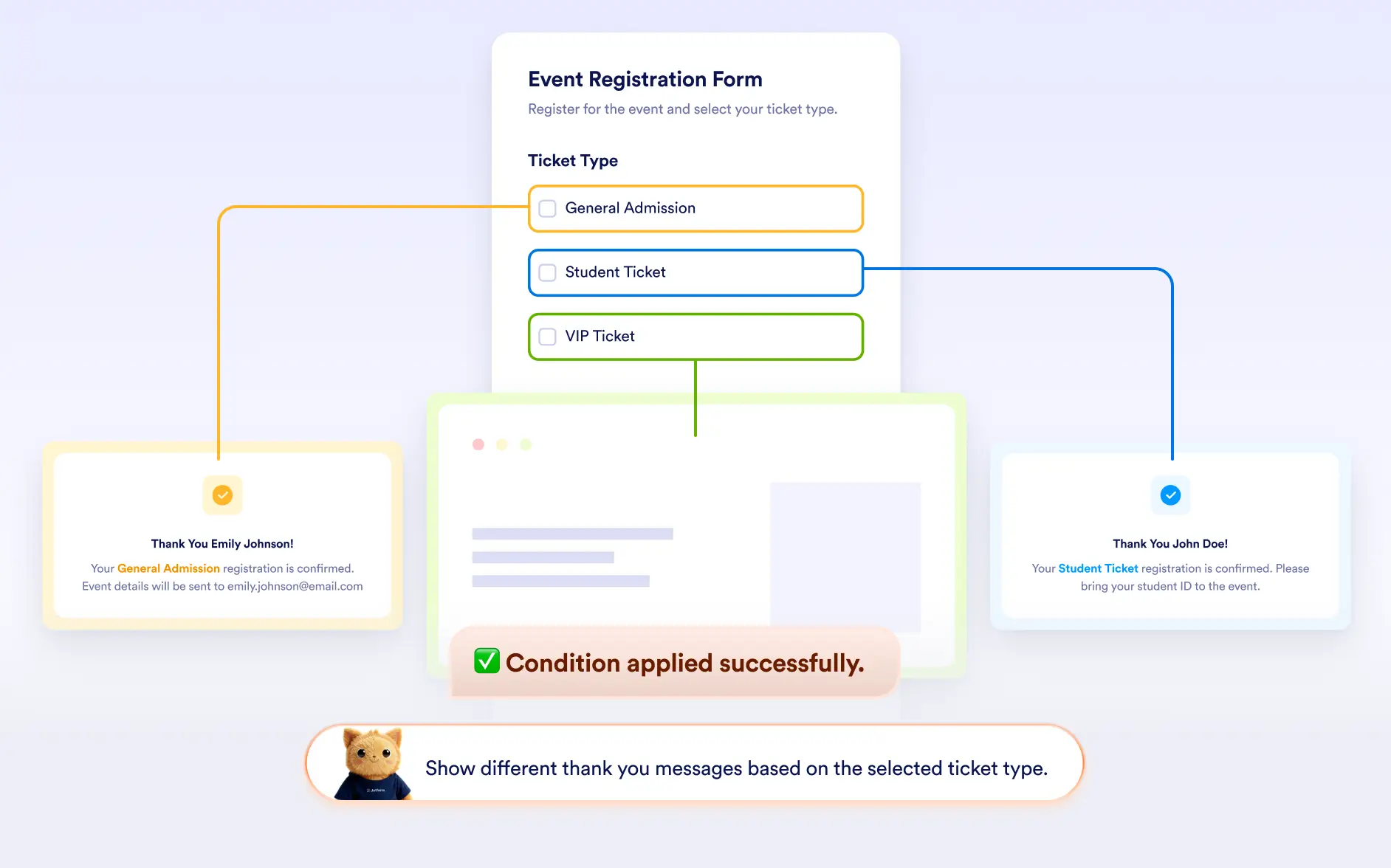
Generate post-submission conditions that customize the final step of form with Jotform AI, ensuring users see the most relevant message or destination.
Customize Post-Submission Experiences
With Jotform AI, you can define different outcomes after a form is submitted. Based on responses, AI can set conditions that display a unique message or redirect respondents to another page or website.
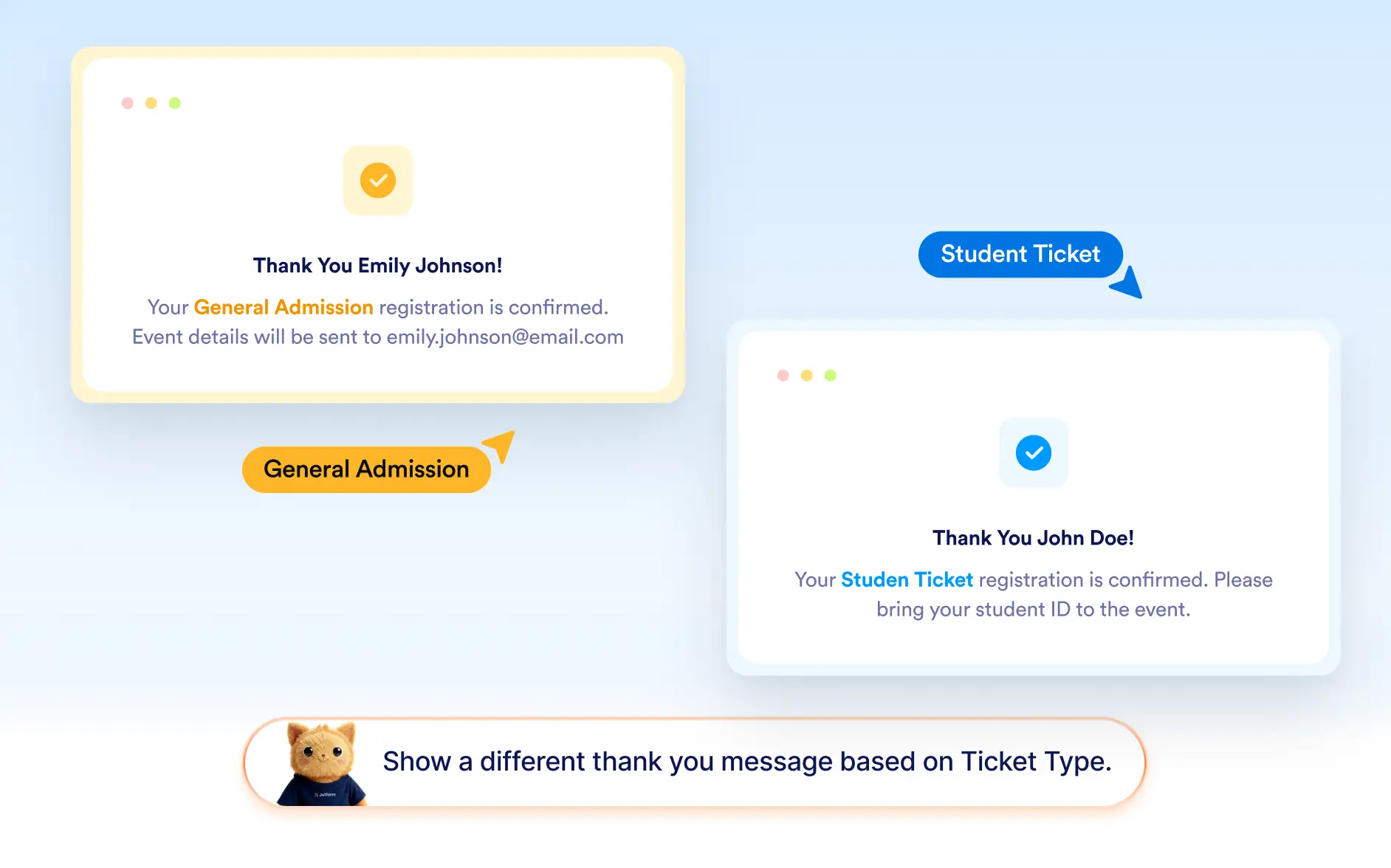
Display Alternative Thank You Messages
Forms normally use a single thank you page from the settings panel. With conditional logic created by Jotform AI, you can display an additional custom message for certain responses, creating more tailored follow-ups.
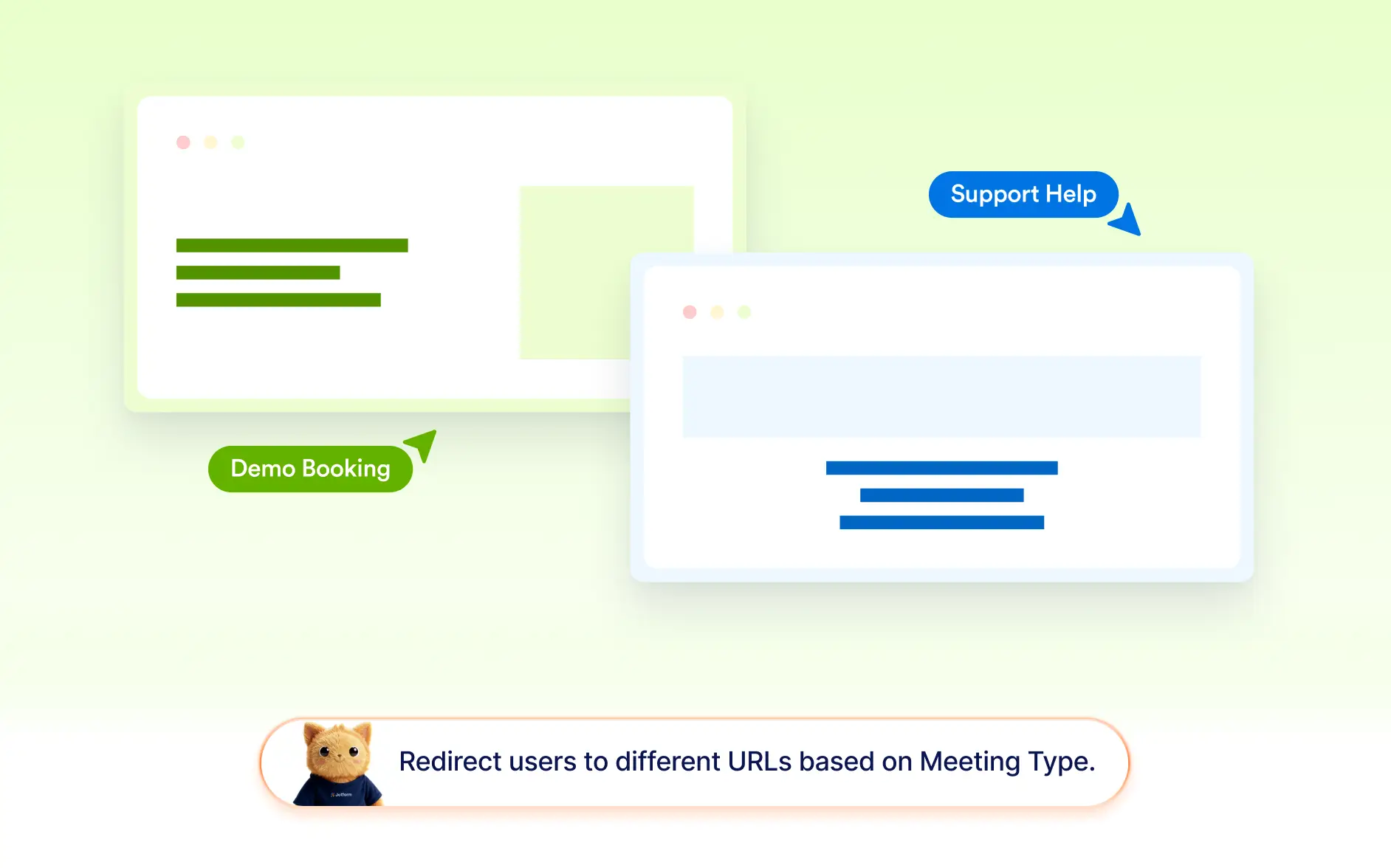
Redirect Users to Different Destinations
Jotform AI can route respondents to different URLs after submission. This is useful for directing users to confirmation pages, resources, booking links, or next-step instructions.
Frequently Asked Questions
Yes. Jotform AI can create conditions that either display a custom thank you message or redirect users to a specific URL after they submit the form, depending on their responses.
Yes. Jotform AI can generate conditions that determine what happens after a form is submitted, such as displaying a custom message or redirecting the user to another page.
Yes. After Jotform AI creates the logic, you can adjust the message, update the redirect link, or modify the conditions directly in the form builder.