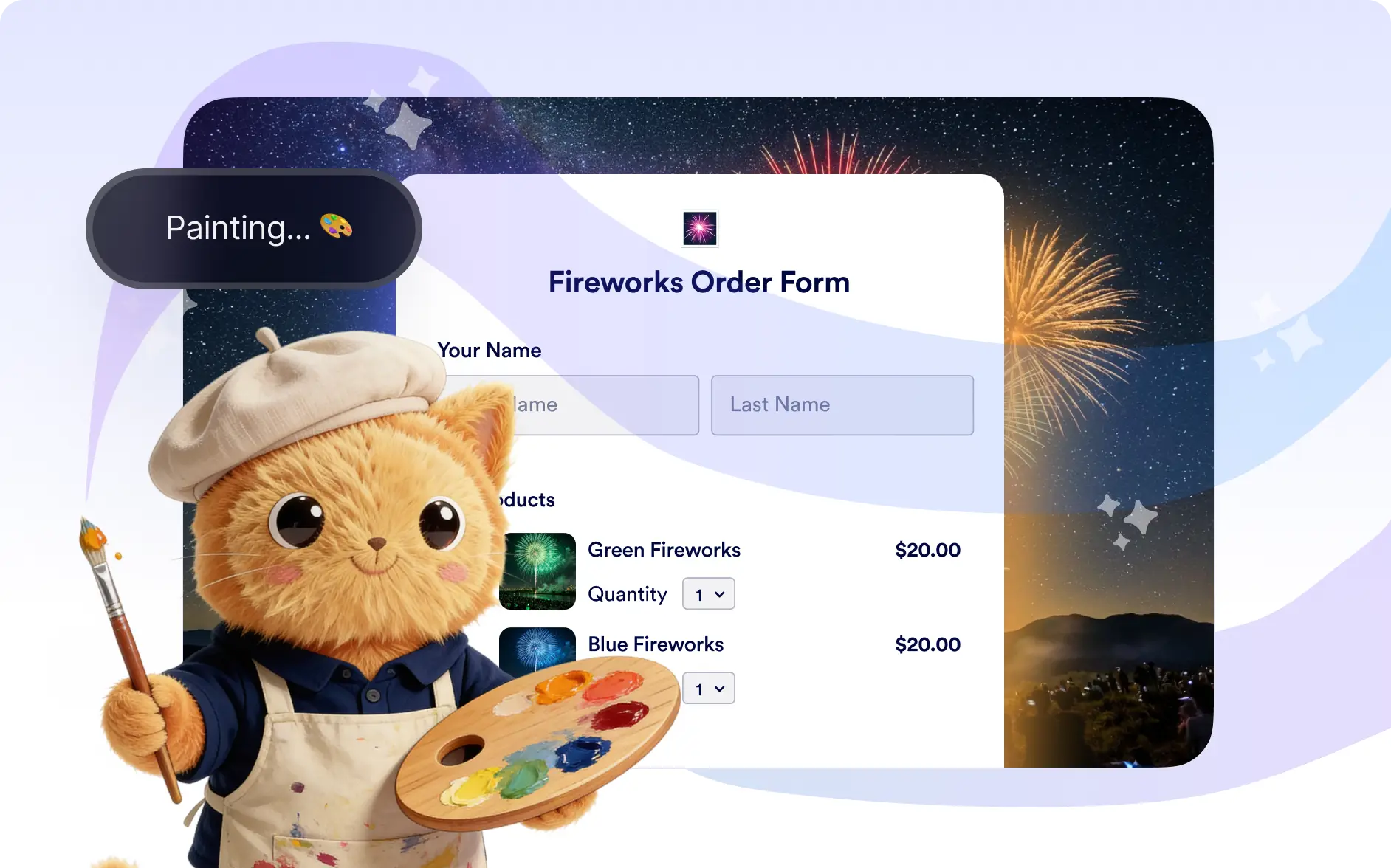
Instantly customize the look of your form by describing the style you want. Jotform AI applies visual changes automatically so your form matches your brand and design preferences.
Customize Your Form Design with AI
Anyone creating forms can quickly design a professional looking form without needing design experience. By describing the appearance you want, Jotform AI automatically adjusts visual elements so your form looks polished, branded, and ready to share.
Change Colors
Quickly update your form’s color settings to match your brand or preferred style. Simply describe the colors you want and Jotform AI will apply them across your form.
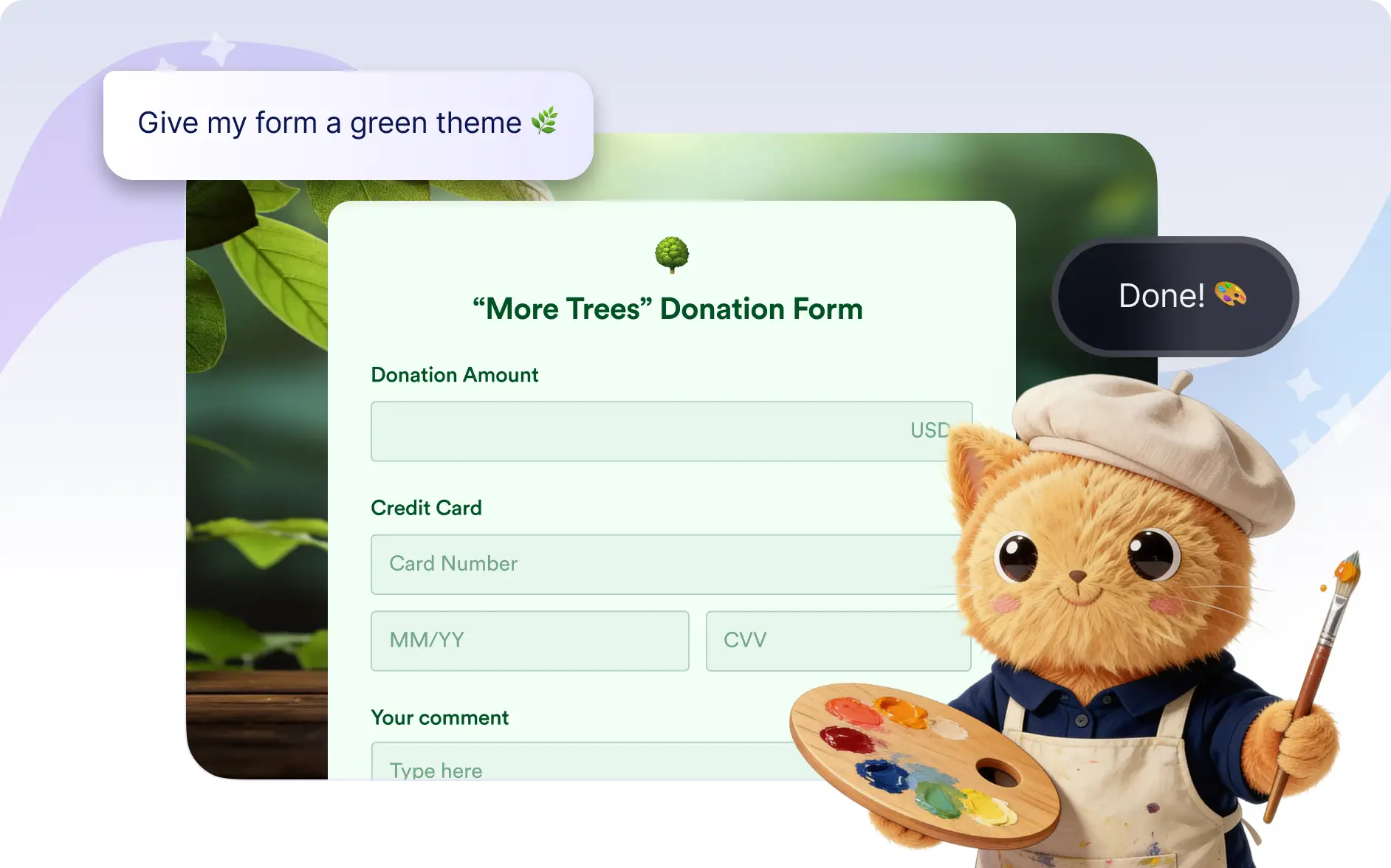
Change Fonts
Modify the font style or size to create a form that fits your desired look and readability. Jotform AI can update typography instantly based on your request.
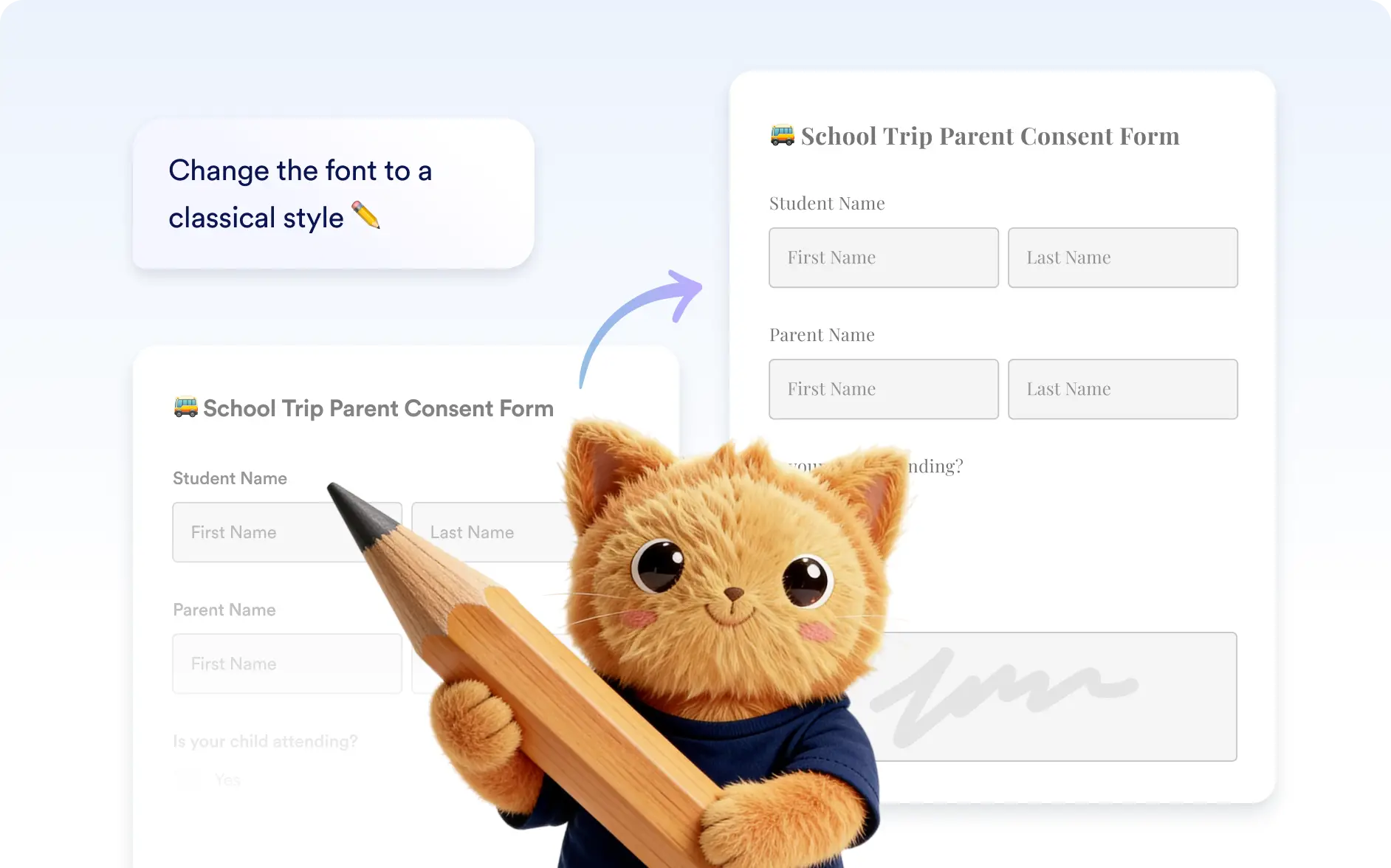
Set Background
Add a background image or replace the existing one to enhance your form’s visual appeal. Jotform AI can apply backgrounds that match the style you describe.
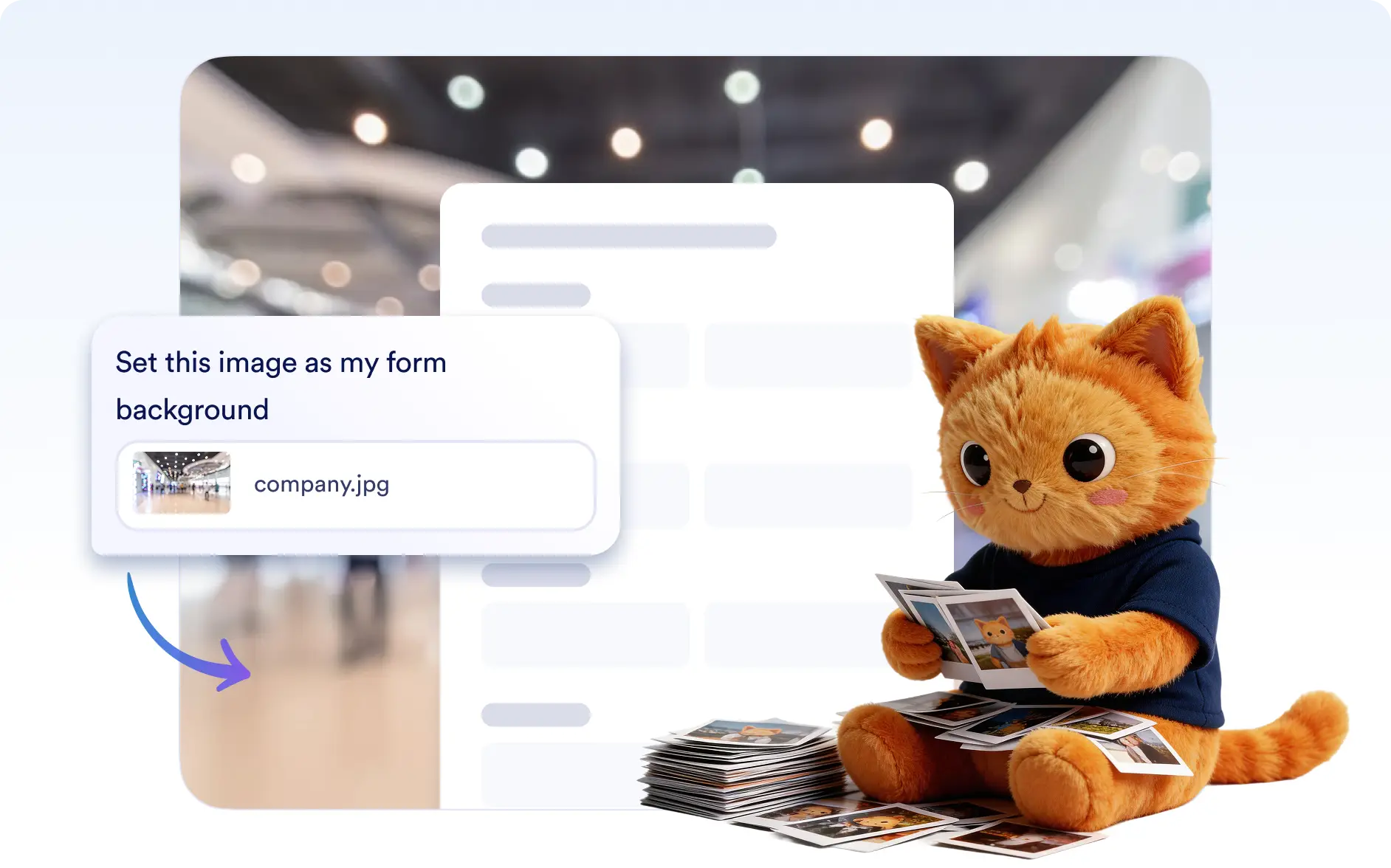
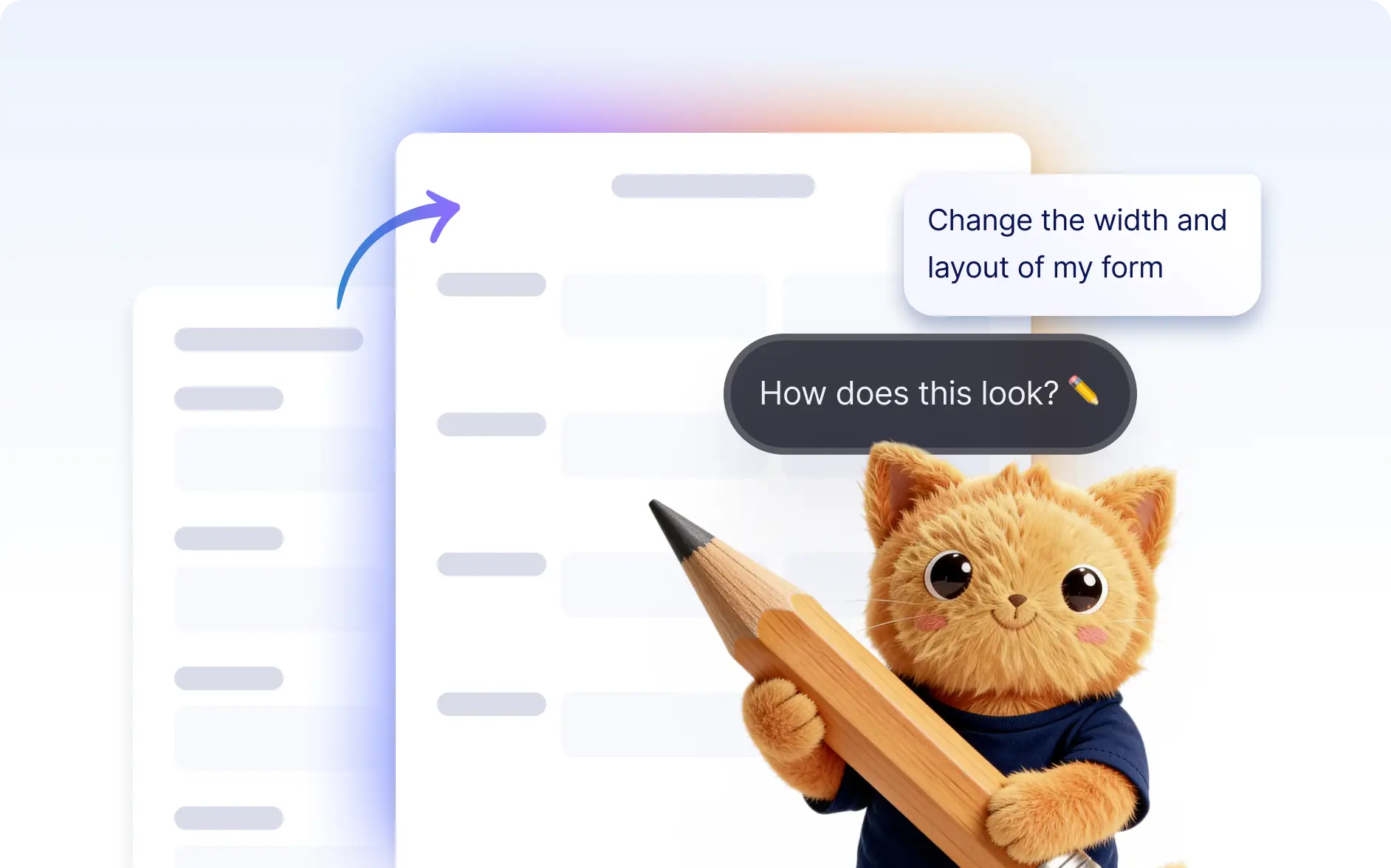
Adjust Width
Change the width or overall layout size of your form to improve spacing and readability. This helps you create a layout that looks balanced on different screens.
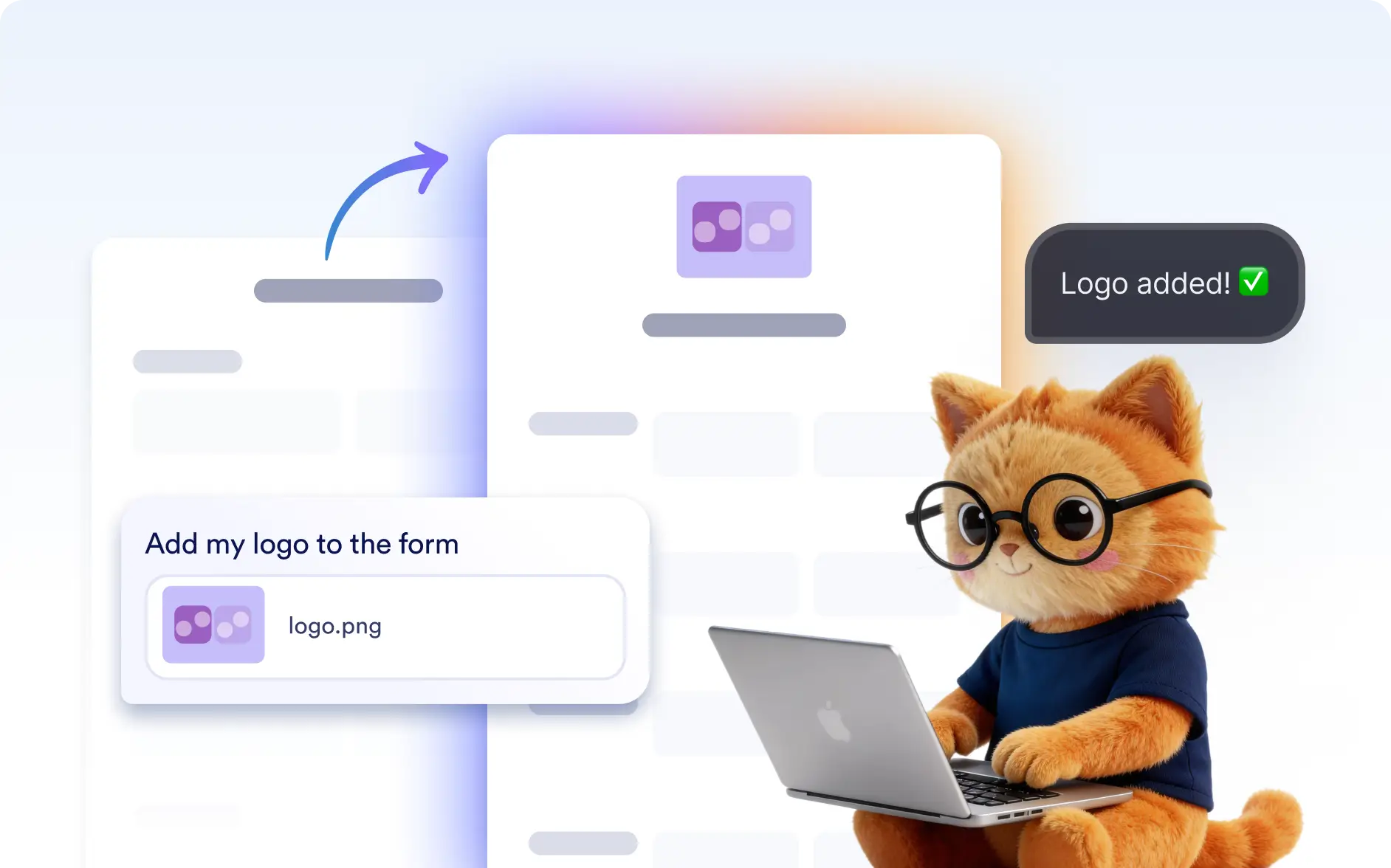
Add Logo
Add your company or organization logo to the form to strengthen branding. Jotform AI can place your logo so the form looks more professional and recognizable.
Frequently Asked Questions
Yes. After Jotform AI updates the appearance, you can still manually edit colors, fonts, backgrounds, or layout settings to fine tune the final look.
Yes. You can ask Jotform AI to add your logo or update the form design to match your brand, helping you create forms that look professional and consistent with your business identity.
No. You can simply describe the style you want, and Jotform AI will adjust the design elements for you, making it easy to create a professional-looking form.
No. Appearance updates only change the visual design of your form. Your questions, fields, and form logic remain the same.