Manage Payment Methods in Forms With AI
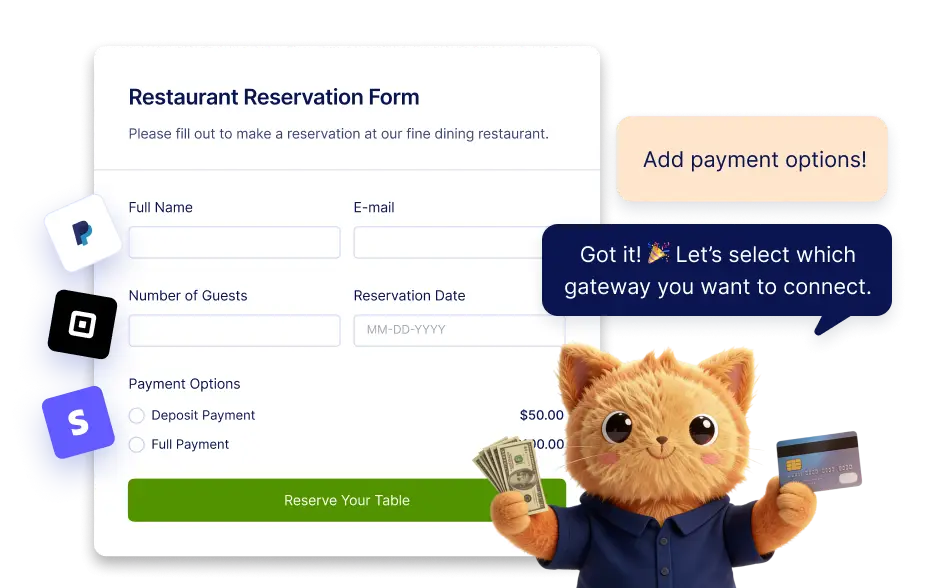
Jotform supports more than 40 payment gateways, giving you flexibility when collecting payments through forms. With Jotform AI, you can easily manage which payment methods appear in your form.
Add a Payment Method to Your Form
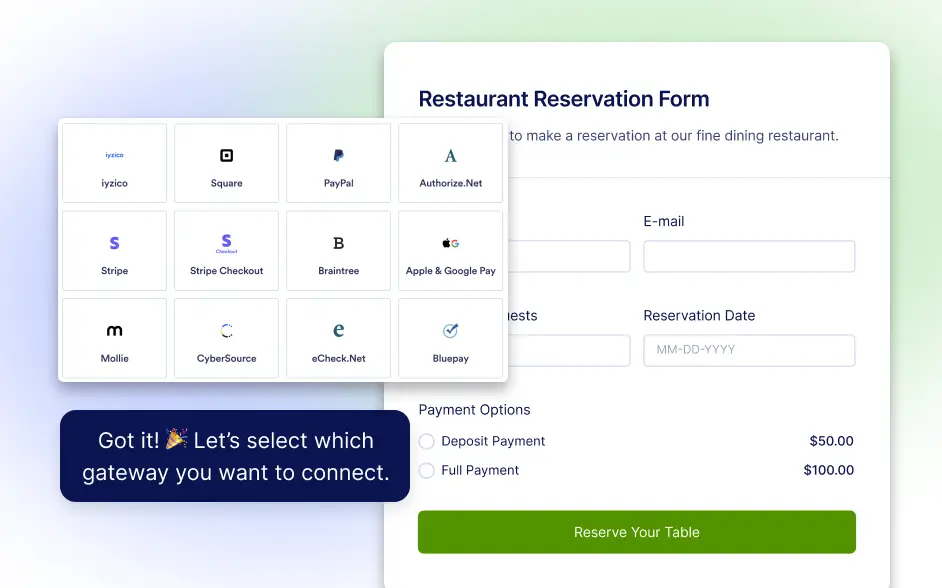
With Jotform AI, you can quickly add a payment method to your form without manually searching through integrations. Simply ask the AI to add a payment option, and it will insert a payment gateway field from the list of supported gateways.
Remove an Existing Payment Method
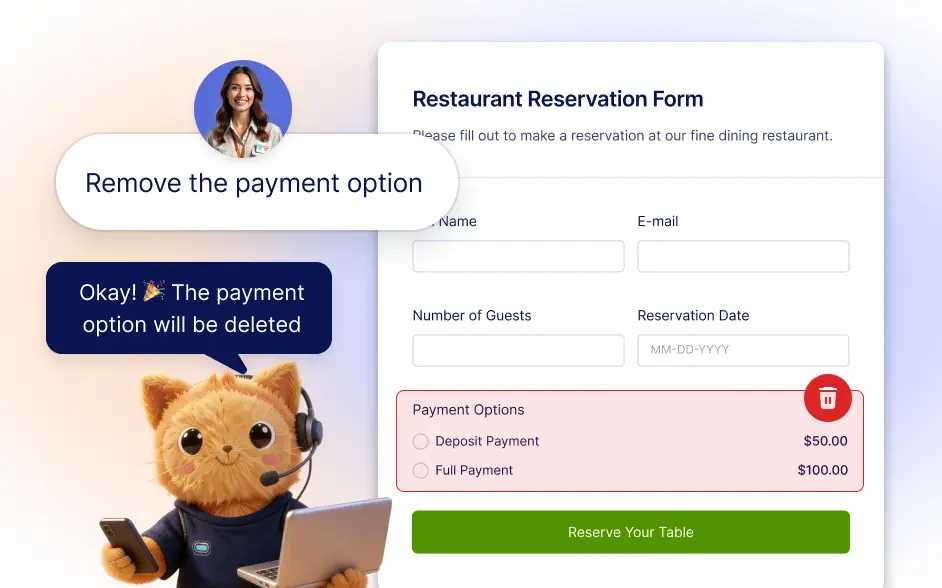
If a payment gateway is no longer needed in your form, Jotform AI can remove it instantly. By giving a simple instruction, the AI can delete the payment method and its associated field from the form.
Frequently Asked Questions
Yes. If you decide to change the payment method used in your form, Jotform AI can help you remove the current payment gateway and add a different one. This allows you to quickly update your form when your preferred payment provider changes or when you want to test a different payment option.
No technical knowledge is required. Jotform AI can add or remove payment methods based on simple instructions, making it easier to update your form. After adding a payment gateway, you may only need to connect your payment account if it has not already been set up.
Yes. Jotform AI can add or remove the payment method in your form, but you may still need to complete the gateway’s account connection or settings if required.