Add and Configure Form Widgets
Jotform AI can insert a new widget into your form, update its settings, or remove it if it is no longer needed. This allows you to quickly customize your form with powerful tools such as QR code generators, calculation tools, or configurable lists without manually adjusting widget settings.
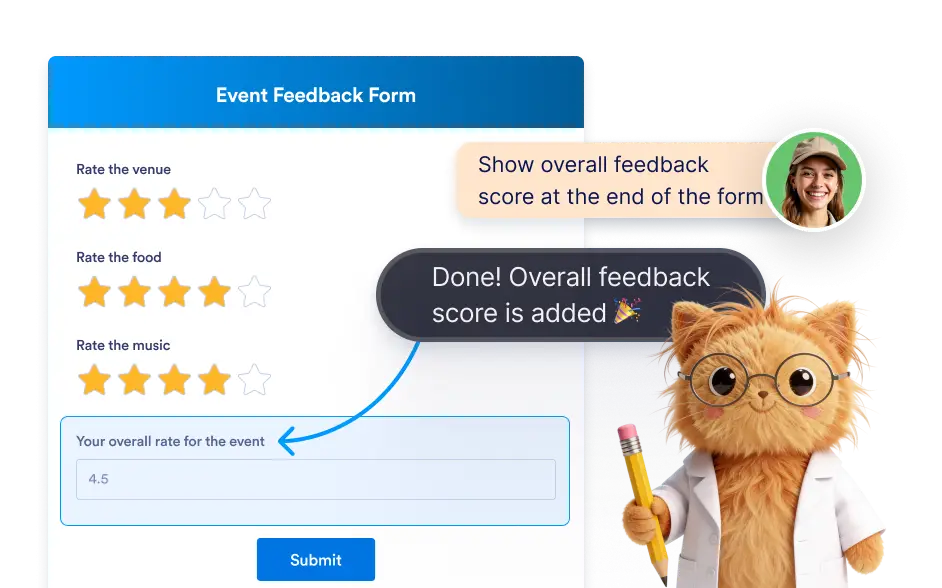
Jotform AI can add new widgets to introduce additional functionality, modify widget settings to match your requirements, or remove widgets that are no longer needed.
Manage Form Widgets With AI
Widgets allow you to expand what your forms can do by introducing specialized tools such as QR code generators, form calculation fields, and configurable lists. Jotform AI helps you manage these widgets without navigating complex configuration panels.
Add Advanced Widgets to Your Form
With Jotform AI, you can quickly add widgets that introduce advanced capabilities to your form. Widgets can provide features such as QR code generation, automated calculations, interactive lists, and other specialized tools.

Update or Remove Widget Settings
Jotform AI can also help you adjust widget settings after they have been added to your form. You can ask the AI to update widget properties, modify configuration options, or remove a widget if it is no longer necessary.
Frequently Asked Questions
A form widget is an add-on field that adds advanced functionality to a form beyond standard form elements. Widgets can provide tools such as QR code generators, calculation features, configurable lists, and many other specialized capabilities that enhance how your form works.
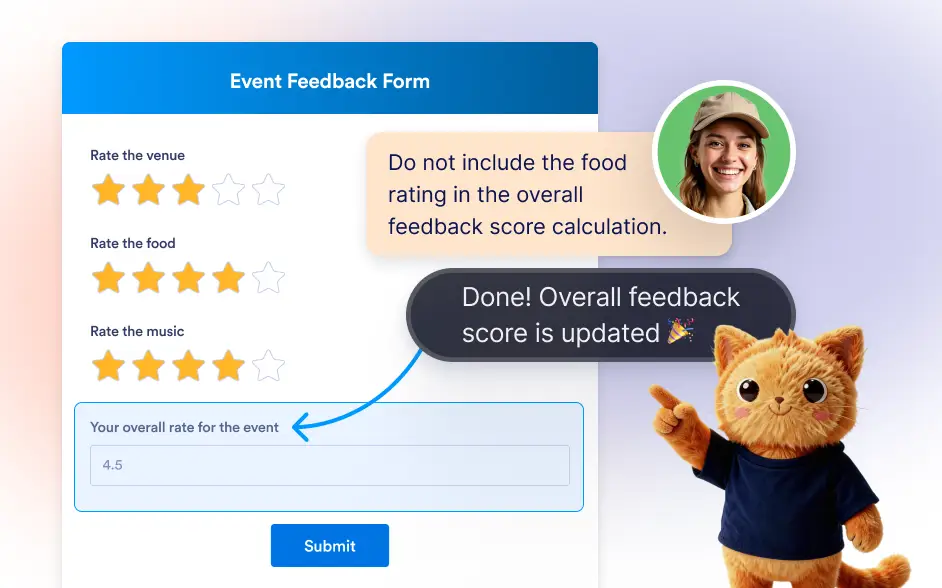
Yes. Jotform AI can update widget settings and properties based on your instructions. This allows you to adjust how a widget behaves or customize its configuration without manually editing the widget settings.
Yes. Jotform AI can add new widgets to introduce advanced functionality or remove existing widgets if they are no longer needed. This makes it easy to manage form features and keep your form optimized for your use case.