
Simply describe the style you want and Jotform AI will adjust your form’s layout, theme, and button styles automatically. This helps you create forms in seconds.
Customize Form Design Instantly with AI
Jotform AI helps anyone create visually appealing forms without design experience. Simply describe how you want your form to look and AI will adjust the layout, apply themes, and update styling so your form matches your brand and style preferences.
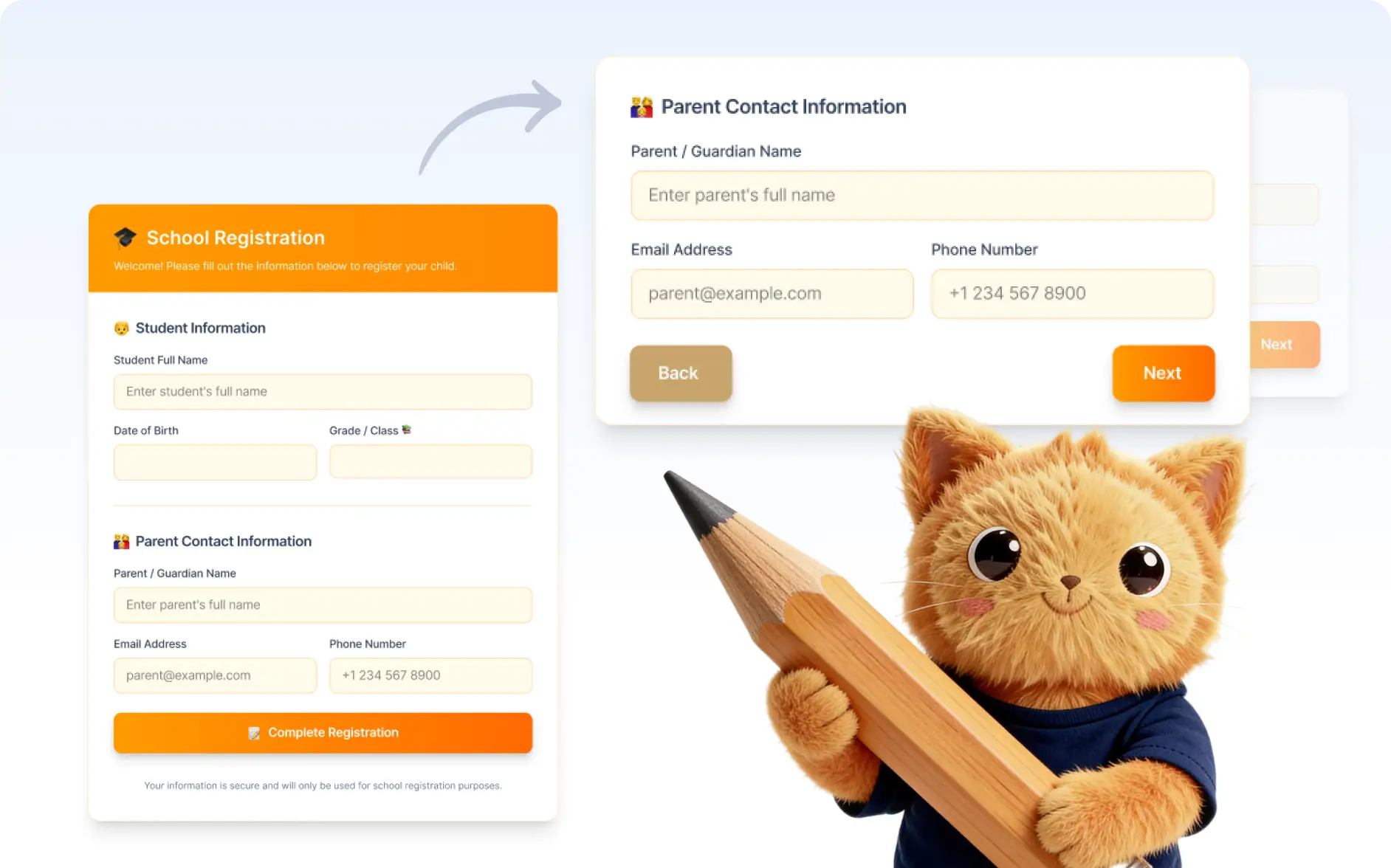
Switch Between Layout Styles
Instantly change your form structure between the classic form layout and the card layout. Choose the format that best fits your audience and improves the form filling experience.
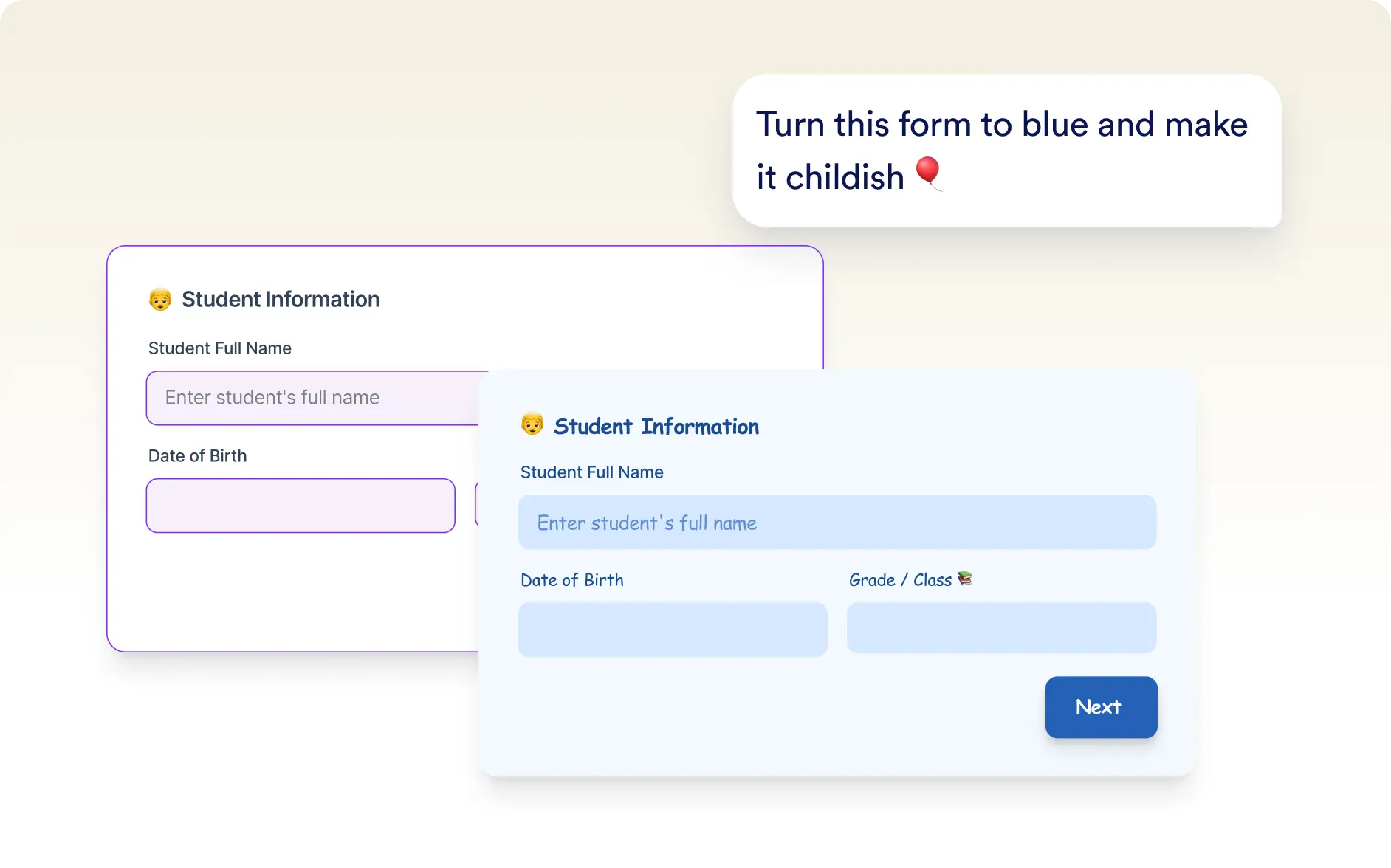
Apply Beautiful Themes
Quickly apply predefined themes to update colors, fonts, and visual elements. This helps your form look polished and consistent without manual styling.
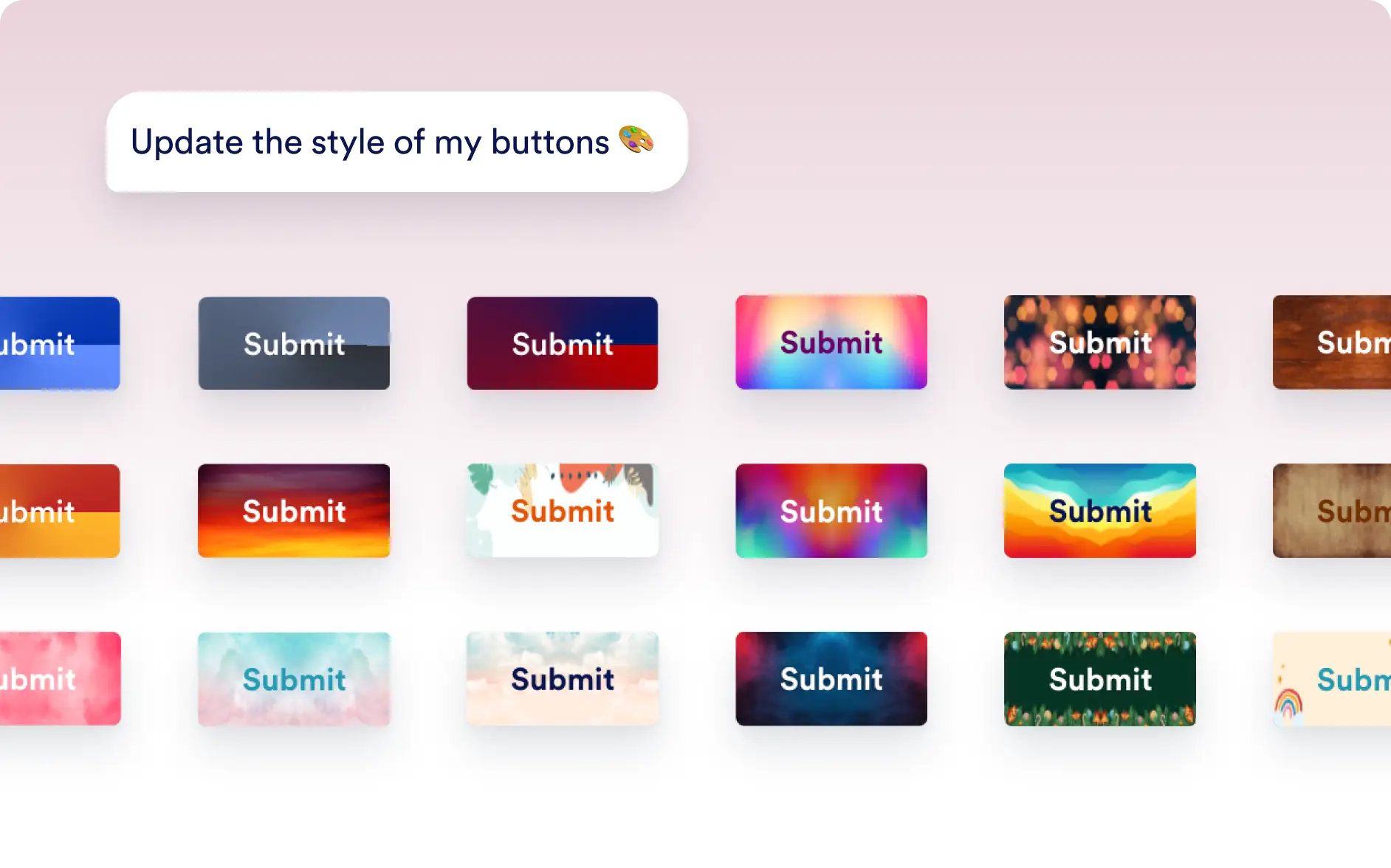
Style Form Buttons
Customize the look of your form buttons to match your design preferences. AI can update button styles so they align with the overall appearance of your form.
Frequently Asked Questions
Yes. You can describe how you want your form to look and Jotform AI will update the layout, theme, and styling while keeping your existing questions and fields.
Yes. After Jotform AI applies the design changes, you can further customize themes, layouts, and styles using the form designer.
Yes. Jotform AI can convert your form into a card layout with a single prompt, creating a step by step form experience that is easier for respondents to complete.