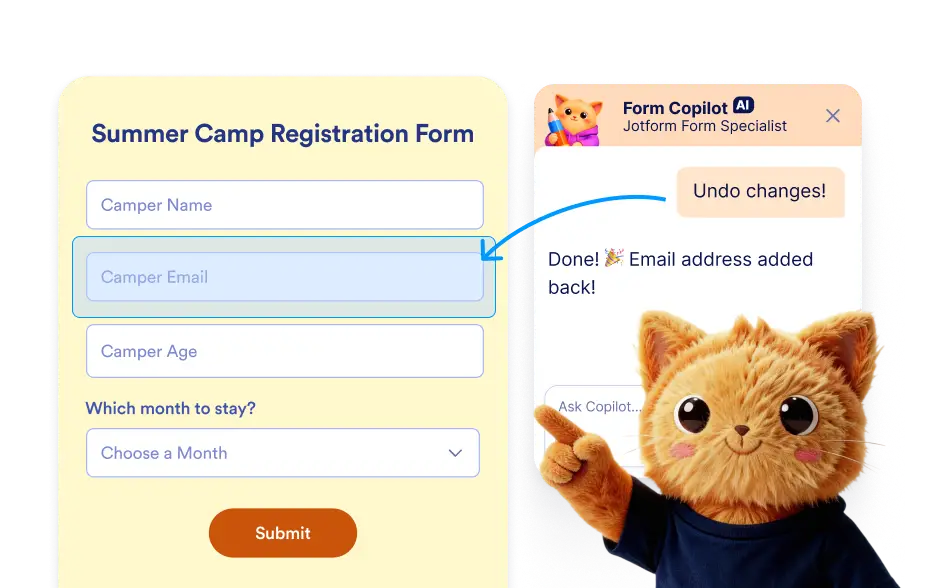
Jotform AI helps you stay in control by allowing you to undo or redo actions whenever needed.
Revert or Restore AI Actions in Your Form
Form building often involves trying different layouts, fields, and features before finding the best structure. Jotform AI makes this process safer and more flexible by allowing you to undo or redo actions performed during form editing.
Undo or Redo Form Changes
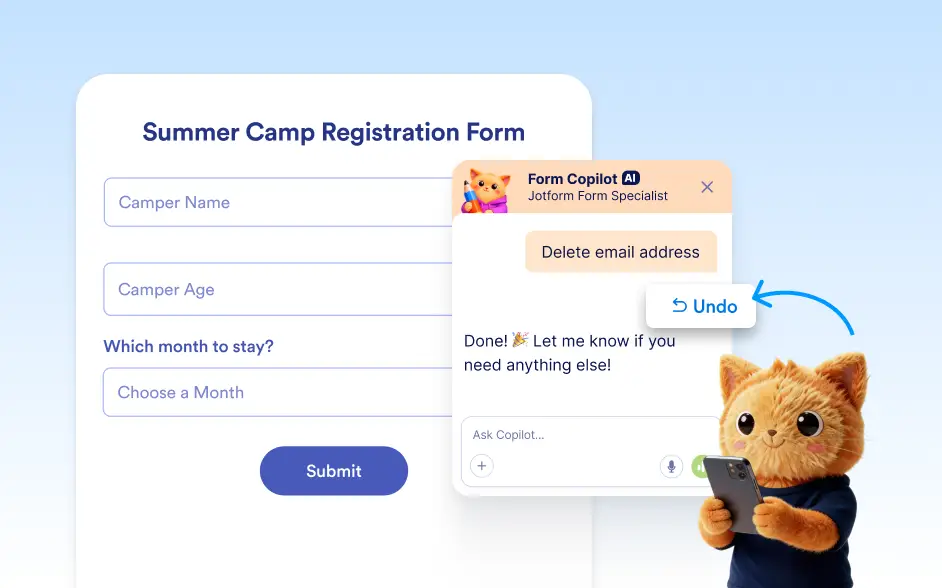
- Jotform AI allows you to quickly undo or redo changes made to your form. If an action such as adding, deleting, or modifying an element was performed by mistake, you can ask the AI to undo the last action and restore the previous version of the form.
- If you later decide that the original change was useful, you can also ask the AI to redo the action.
Frequently Asked Questions
You can simply instruct the AI to undo the last action. The form will immediately revert to the state before the most recent change was applied.
Yes. If you undo an action and later decide that you want the change back, you can ask Jotform AI to redo the action and restore it in your form.
Undo and redo allow you to safely experiment with AI powered edits. Since multiple changes can happen quickly, these controls help you maintain flexibility and easily revert or restore actions while refining your form.