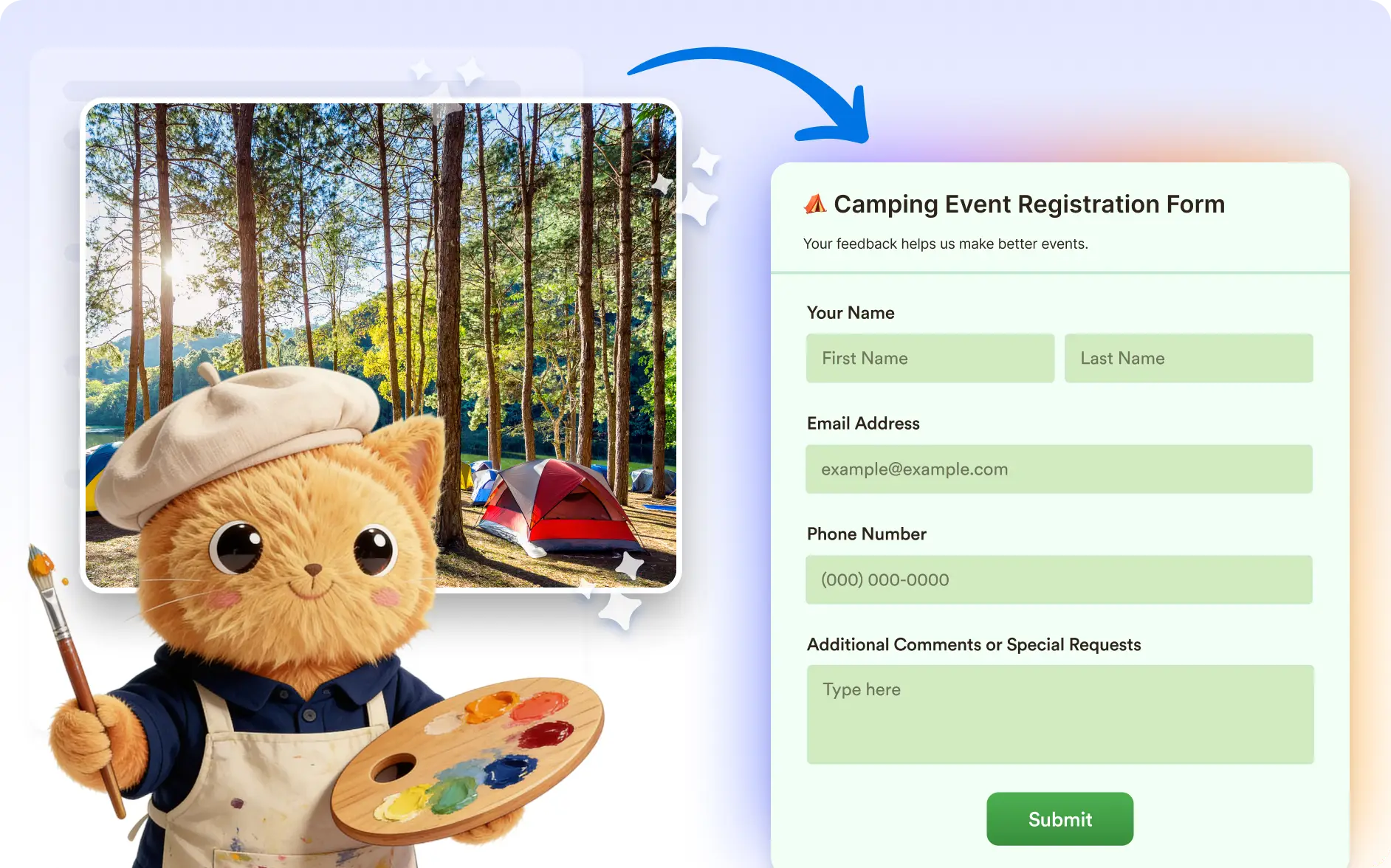
Upload a reference image and let Jotform AI transform your form’s appearance to match it. This helps you quickly create visually consistent forms without manual design work.
Automatically Match Your Form Design to an Image
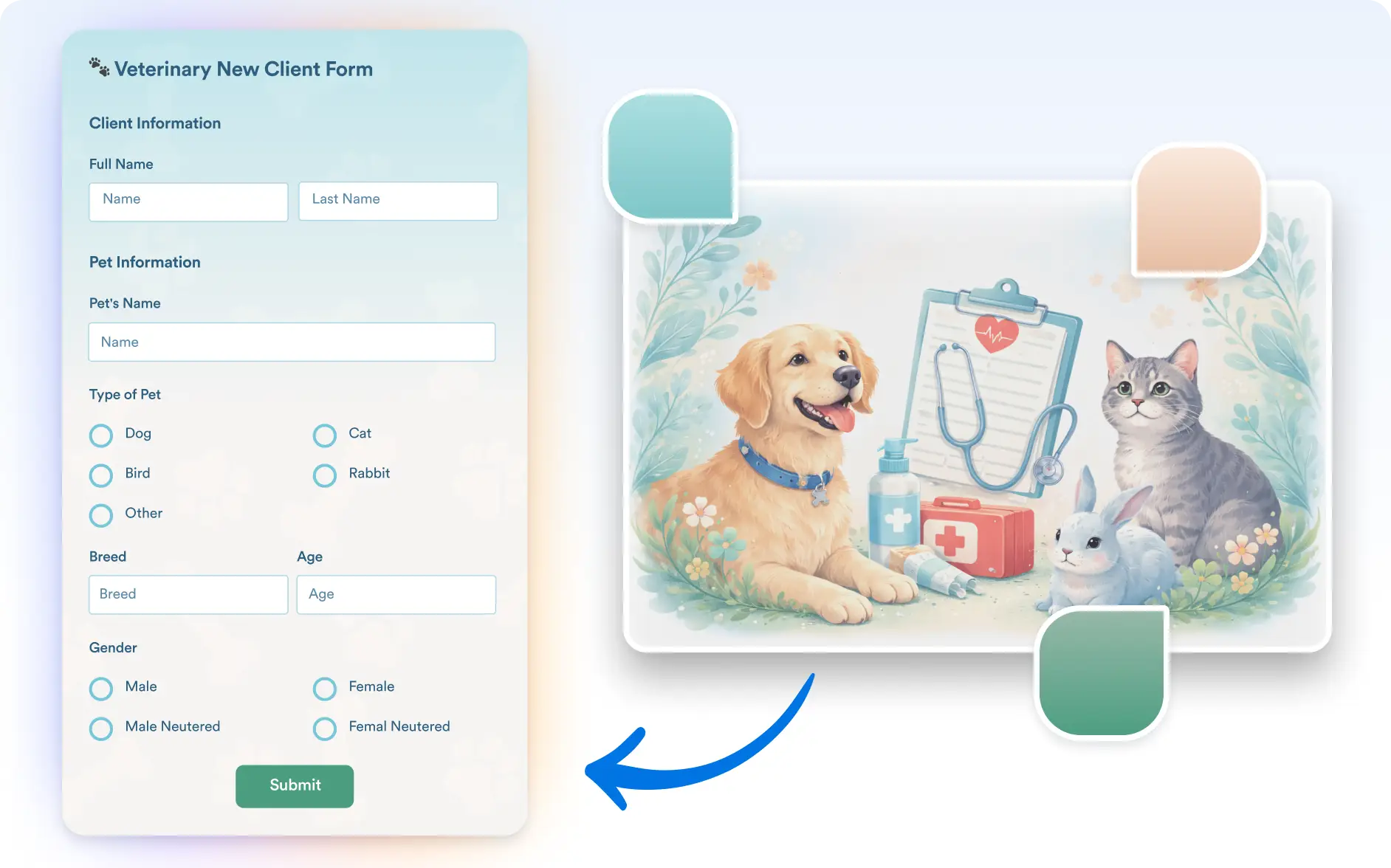
Make your forms visually consistent with your brand or design inspiration. Anyone creating forms for marketing, events, applications, or customer interactions can upload an image and let Jotform AI update the form’s colors, background, and button styles to match it.
Color Palette Detection
Jotform AI analyzes your uploaded image and automatically applies matching colors to your form elements. This helps your form reflect the same visual style without manual adjustments.
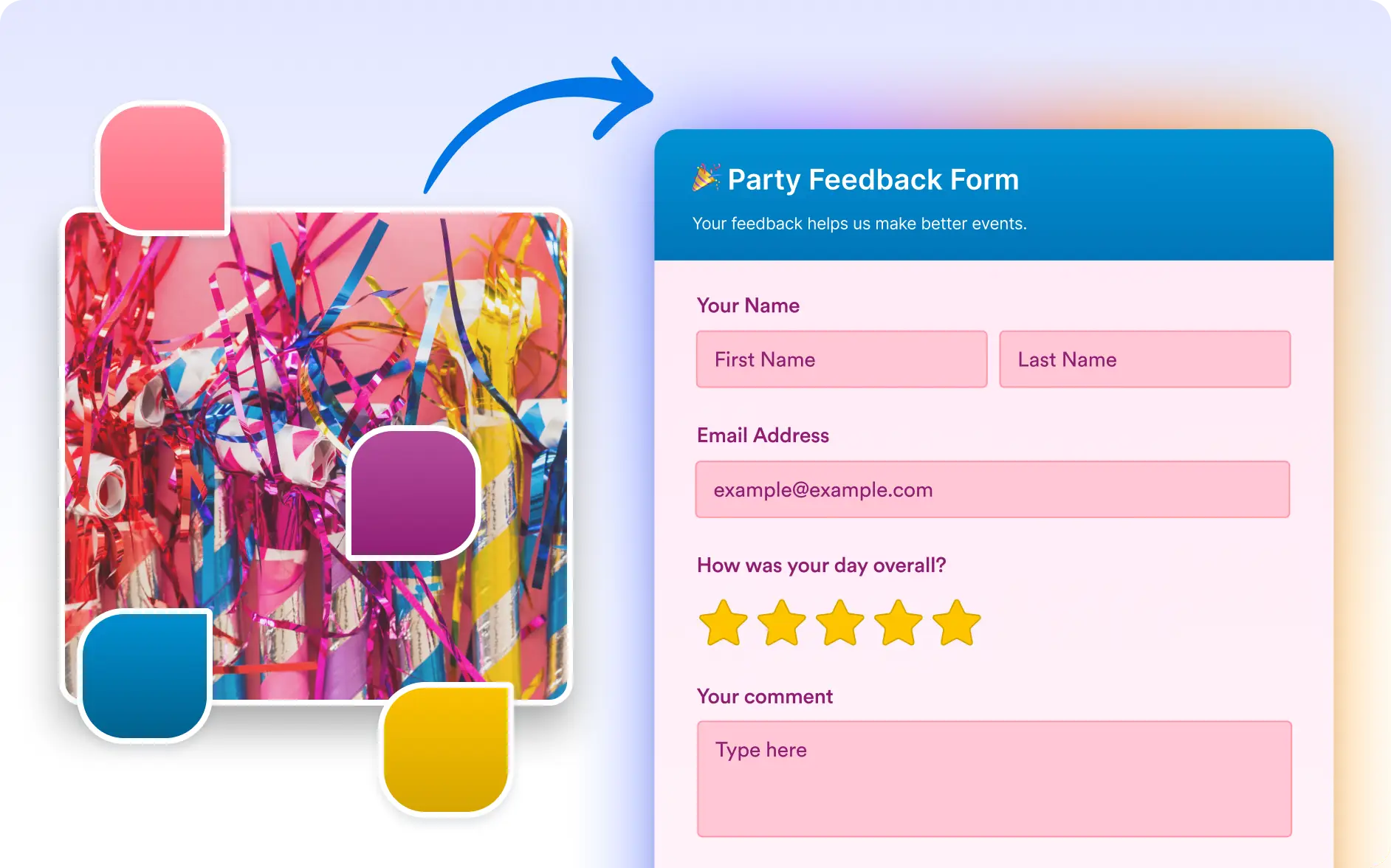
Automatic Background and Button Styling
Your form background and buttons are styled based on the colors detected in the image. This creates a polished and cohesive look that aligns with your design inspiration.
Frequently Asked Questions
Simply upload an image that represents the style or branding you want. Jotform AI will analyze the image and update your form colors, background, and buttons to match it.
You can upload logos, brand images, website screenshots, or any image that reflects the design style you want. Jotform AI uses the colors in the image to update your form appearance.
Yes. After Jotform AI updates the form appearance, you can still manually adjust colors, backgrounds, and other design settings to fine tune the final look.