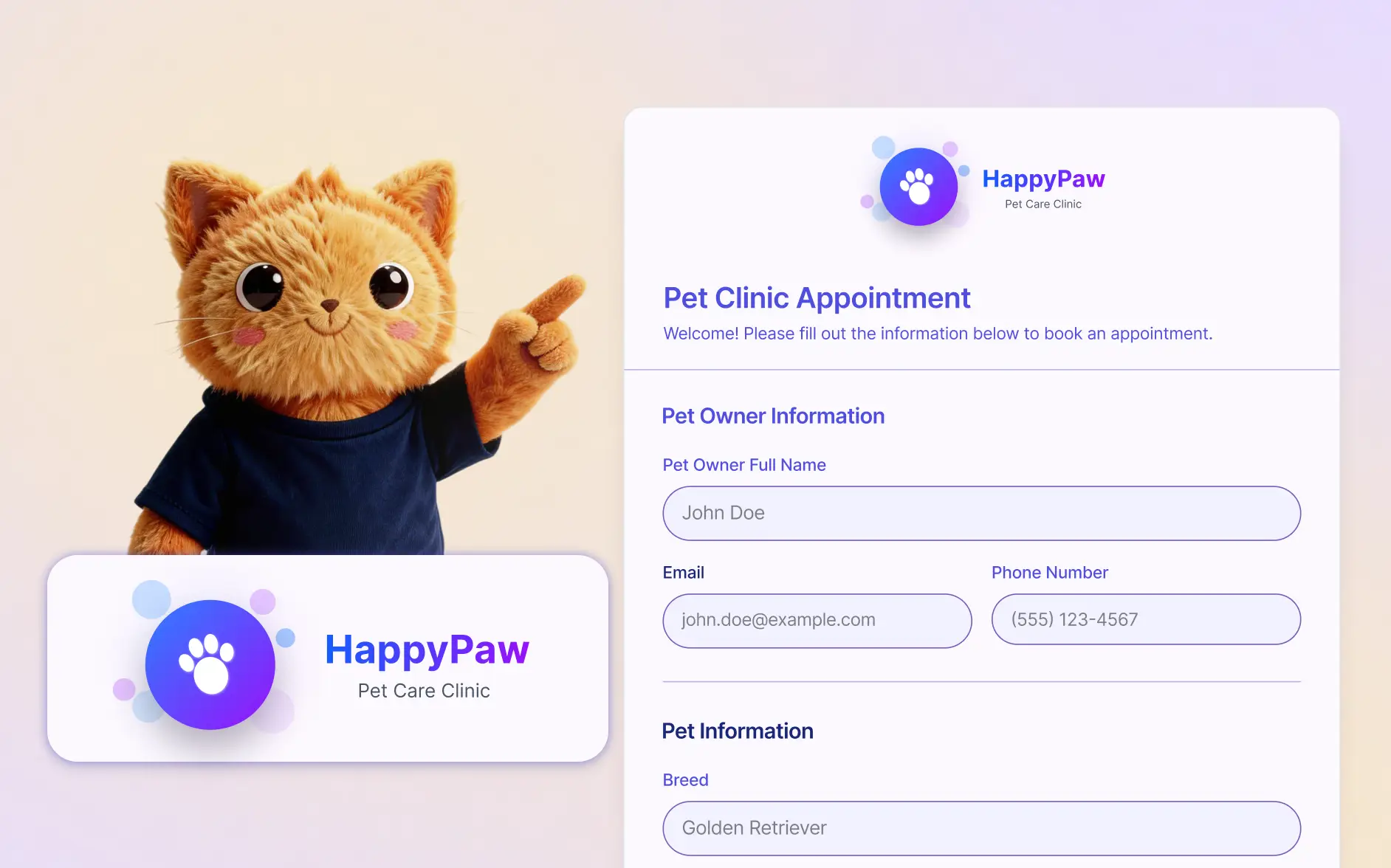
Add your logo in seconds by simply uploading an image. Jotform AI places it in the right spot so your form looks polished and aligned with your brand.
Keep Your Forms Branded with the Right Logo
Businesses, teams, and creators can keep their forms visually consistent by quickly updating the form logo with AI. Simply upload your logo and let Jotform AI apply it to your form so every submission experience reflects your brand.
Upload and Apply Your Logo
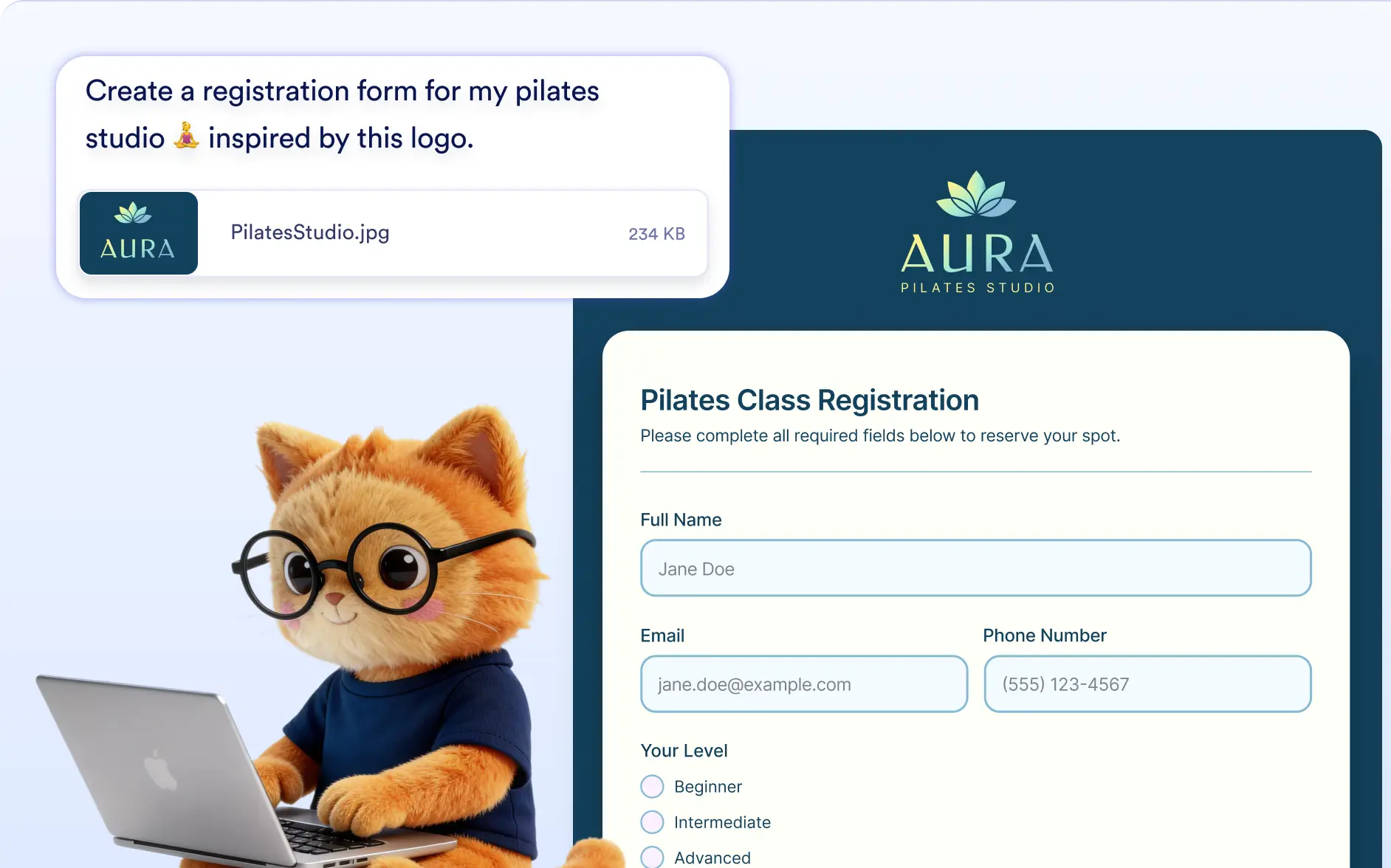
Upload your logo image and Jotform AI will instantly set it as the form logo. This helps your form look professional and recognizable for respondents.
Frequently Asked Questions
Upload your logo image in the conversation and Jotform AI will automatically place it on your form. This allows you to quickly add branding without manually adjusting the design.
Yes. You can upload a different image anytime and Jotform AI will update the form logo so your branding always stays current.
You can upload common image formats such as JPG/JPEG, PNG, and GIF. Jotform AI will apply the image as your form logo to create a branded experience for respondents.