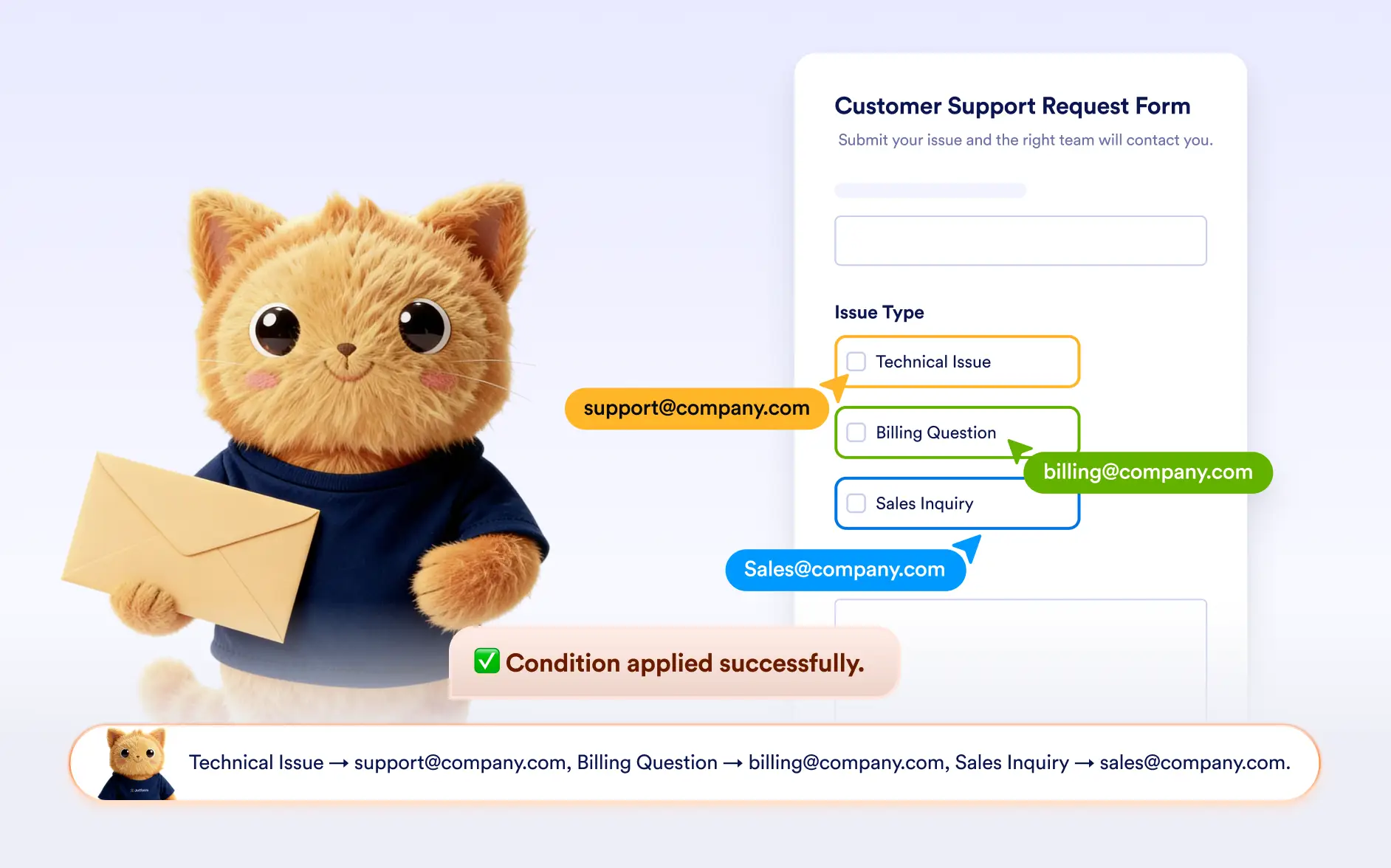
Explain your logic that controls which email is delivered and who receives it after a form is submitted and let Jotform AI build it for you.
Direct Submissions to the Right Inbox
Describe your workflow to Jotform AI to automatically create conditions that send emails to different recipients or trigger different notification or autoresponder emails based on form responses.
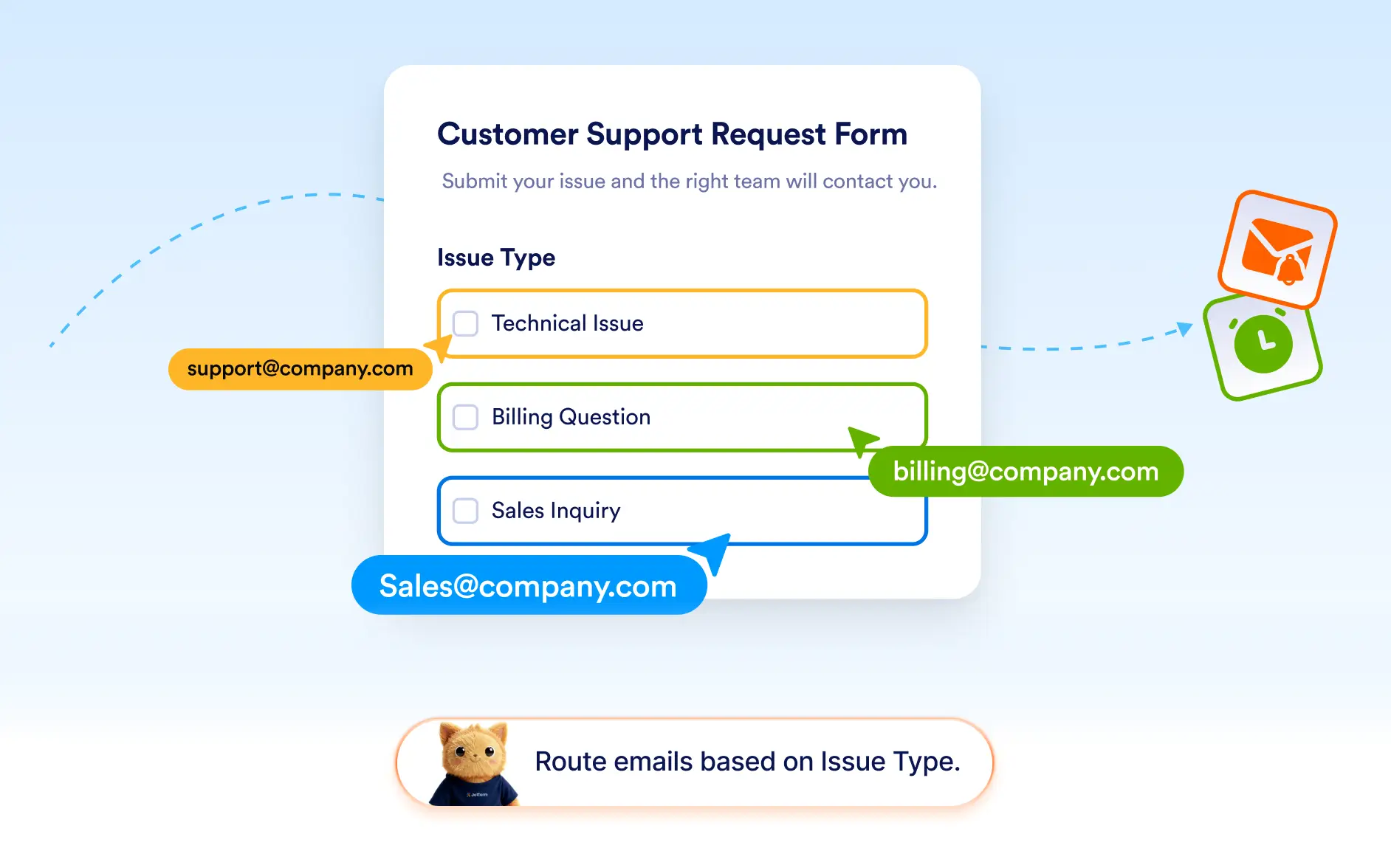
Route Emails to Different Recipients
Jotform AI can configure conditions that change the recipient of notification or autoresponder emails. Submissions can be sent to different departments, team members, or contacts depending on the answers provided.
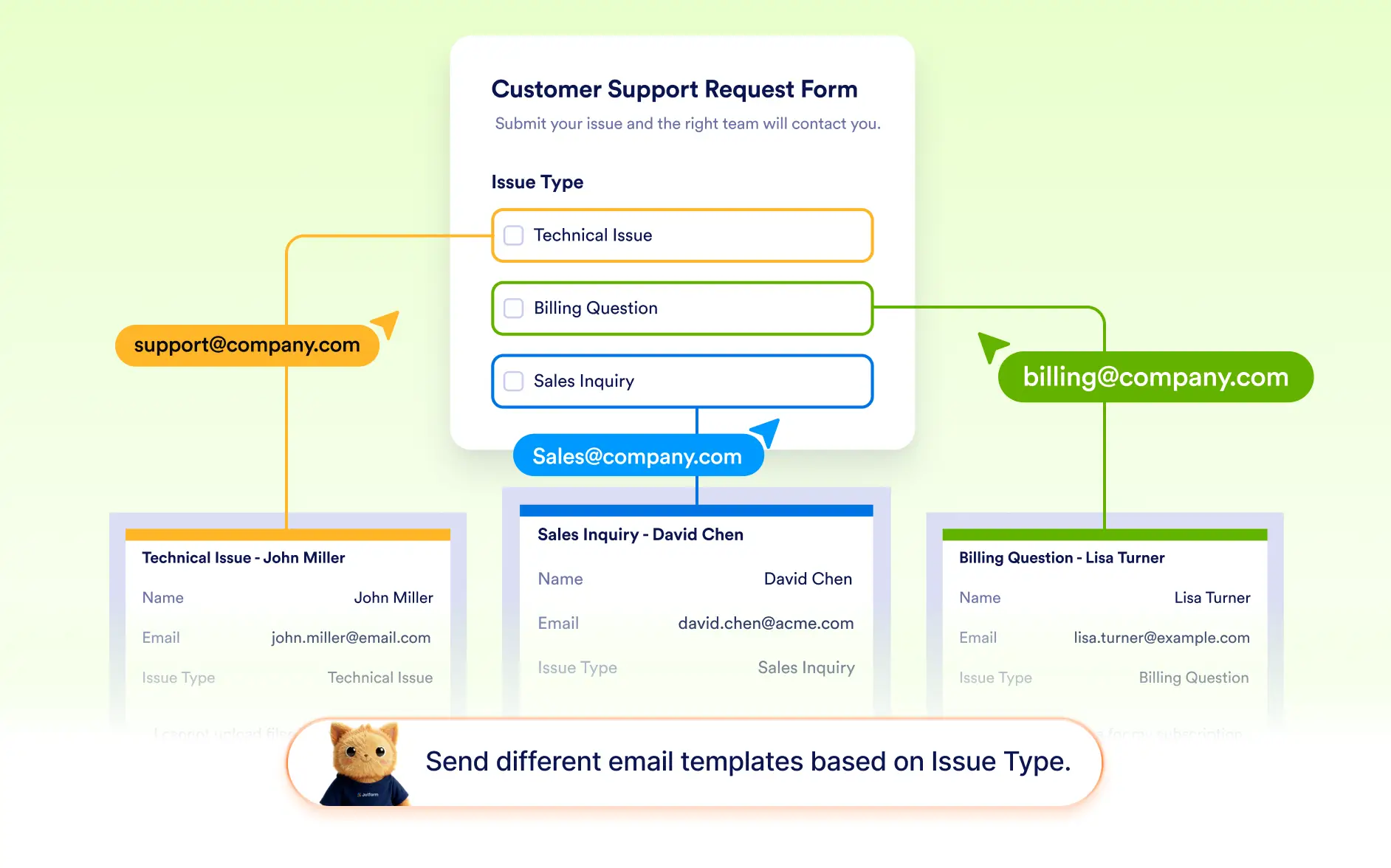
Trigger Alternative Email Messages
Instead of only changing the recipient, Jotform AI can also select a different email setup. This allows you to send customized follow-up emails or notifications depending on how the form was completed.
Frequently Asked Questions
Yes. Jotform AI can generate conditions that send notification or autoresponder emails to different recipients depending on the responses in the form.
Yes. You can configure conditions that send an entirely different email setup when specific answers are selected, helping deliver more relevant notifications or follow-ups.
Yes. The condition can be applied to both types of emails; notifications sent to form owners or teams, and autoresponder emails sent to respondents.