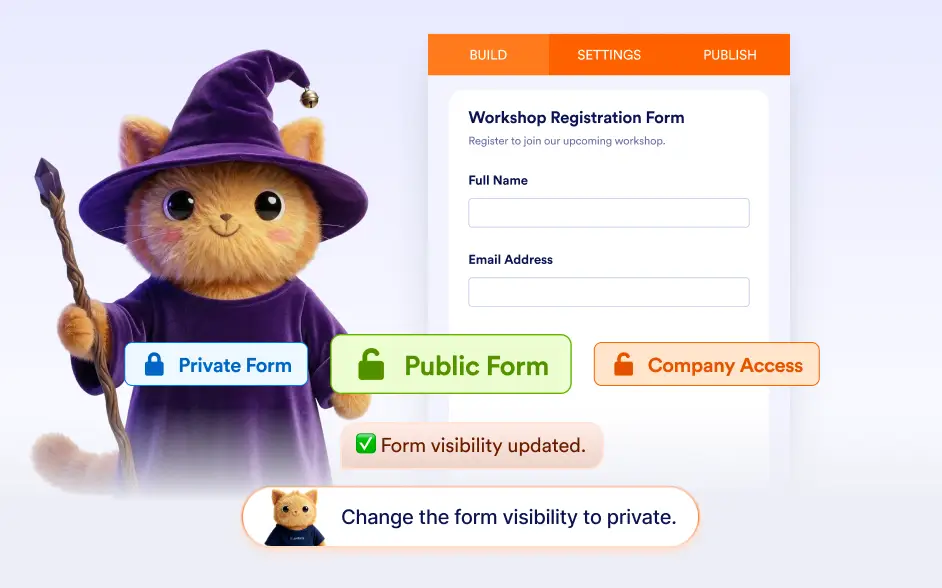
Control who can view, submit, or collaborate on your form by updating access permissions with simple AI instructions.
Set Form Visibility and User Permissions
Jotform AI helps you quickly configure how people can access and interact with your form. You can ask the AI to make your form private for restricted access or public so anyone with the link can submit it.
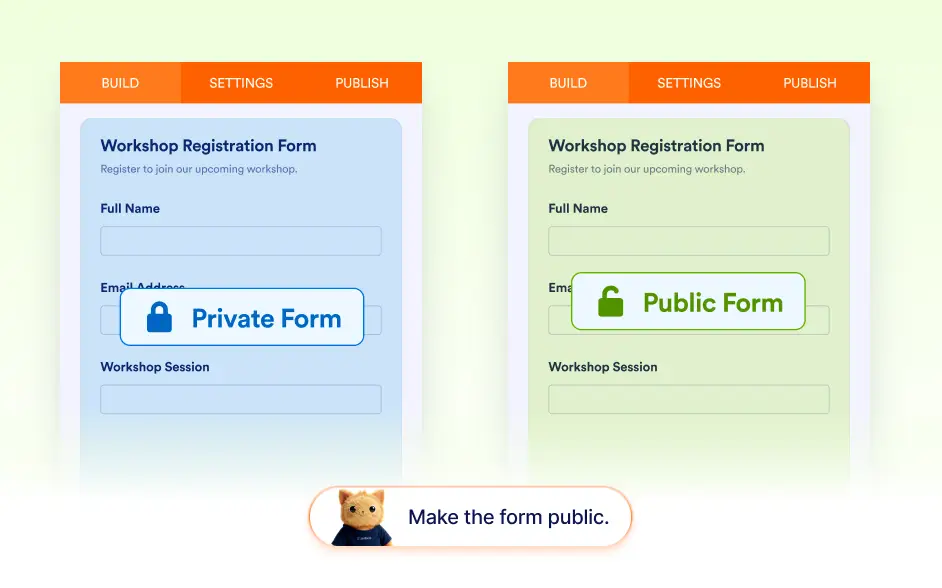
Set Form Visibility to Public or Private
With Jotform AI, you can easily control whether your form is publicly accessible or restricted. Simply ask the AI to make your form public so anyone with the link can access it, or set it to private when you want to limit access.
Set Permissions and Invite Collaborators
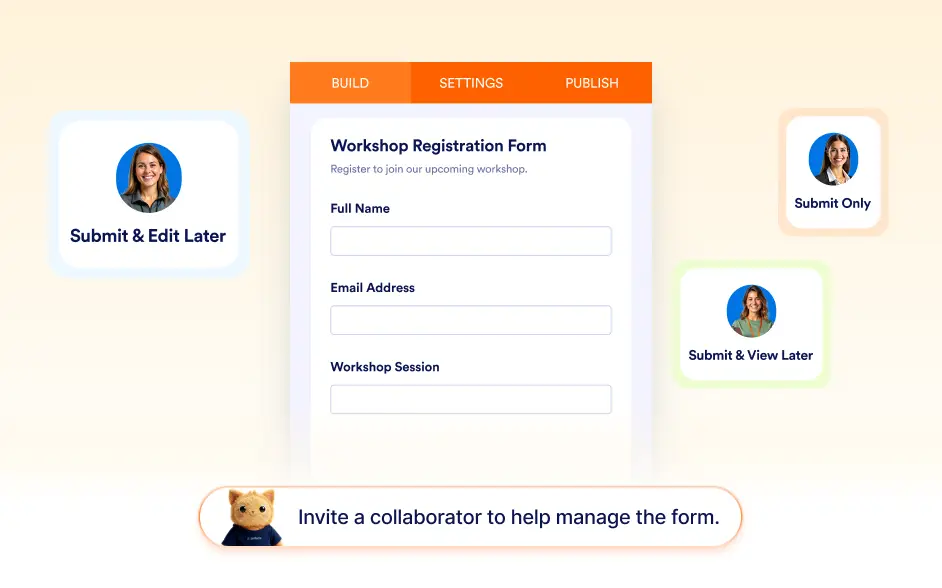
- Jotform AI can also help you define how users interact with your form and who can help manage it. You can assign permissions that allow respondents to submit only, submit and view their submissions later, or submit and edit their responses later.
- In addition, the AI can invite collaborators so teammates can work together on building and updating the form.
Frequently Asked Questions
Yes. Jotform AI can change your form’s visibility settings and set it to public or private based on your instructions.
Yes. Jotform AI can assign permissions such as submit only, submit and view later, or submit and edit later, depending on how you want respondents to interact with their submissions.
Yes. You can ask Jotform AI to invite specific people to collaborate on your form so they can help build, edit, or manage it.