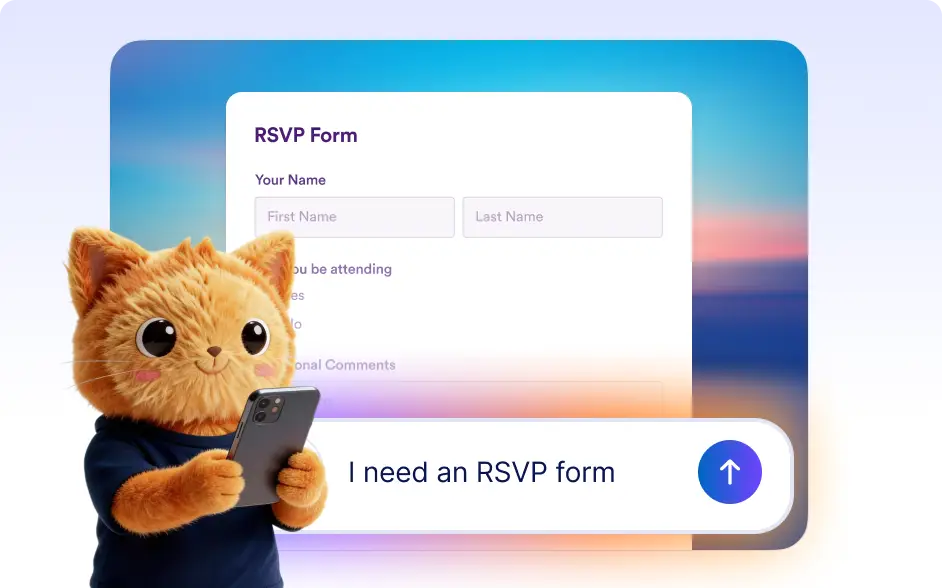
Simply describe your requirements, upload reference files, or chat about your needs and AI will generate questions, fields, and layout automatically.
Generate Complete Forms Using AI Conversations
Chat with Jotform AI Autopilot to create forms without manual setup. Explain what you need, refine the form through conversation, and instantly generate structured fields tailored to your workflow.
Create from Descriptions, Images, or Documents
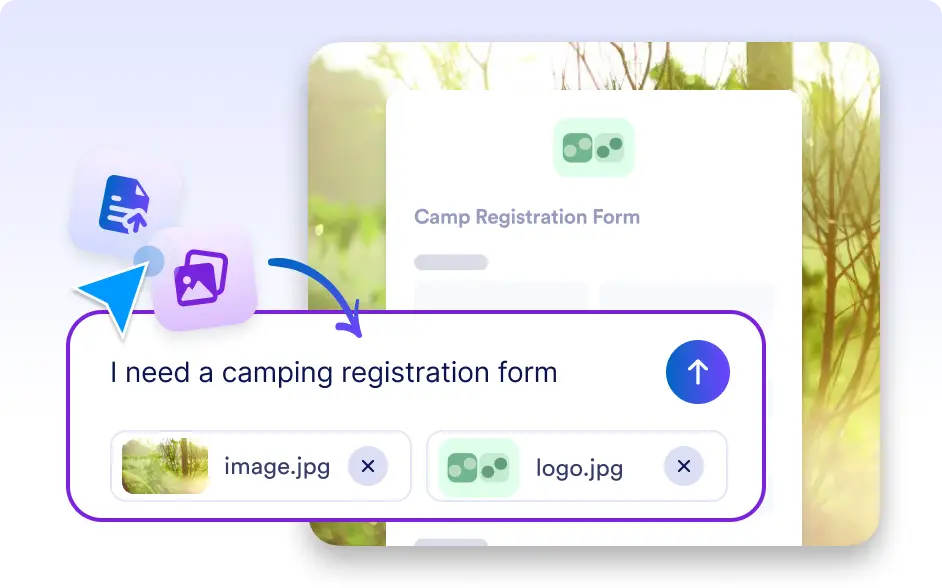
Provide context for your form by typing a description or uploading files like PDFs, screenshots, or documents. Autopilot analyzes your input and builds a form structure that matches your requirements.
Frequently Asked Questions
Autopilot can generate many types of forms including contact forms, surveys, registration forms, order forms, feedback forms, and internal workflow forms based on your description.
Yes. You can attach files such as PDFs, screenshots, or other documents to provide additional context. Autopilot analyzes the content and uses it to create a more accurate form.
Absolutely. Once Autopilot creates the form, you can continue refining it through conversation or edit it manually in Jotform’s form builder to match your exact needs.