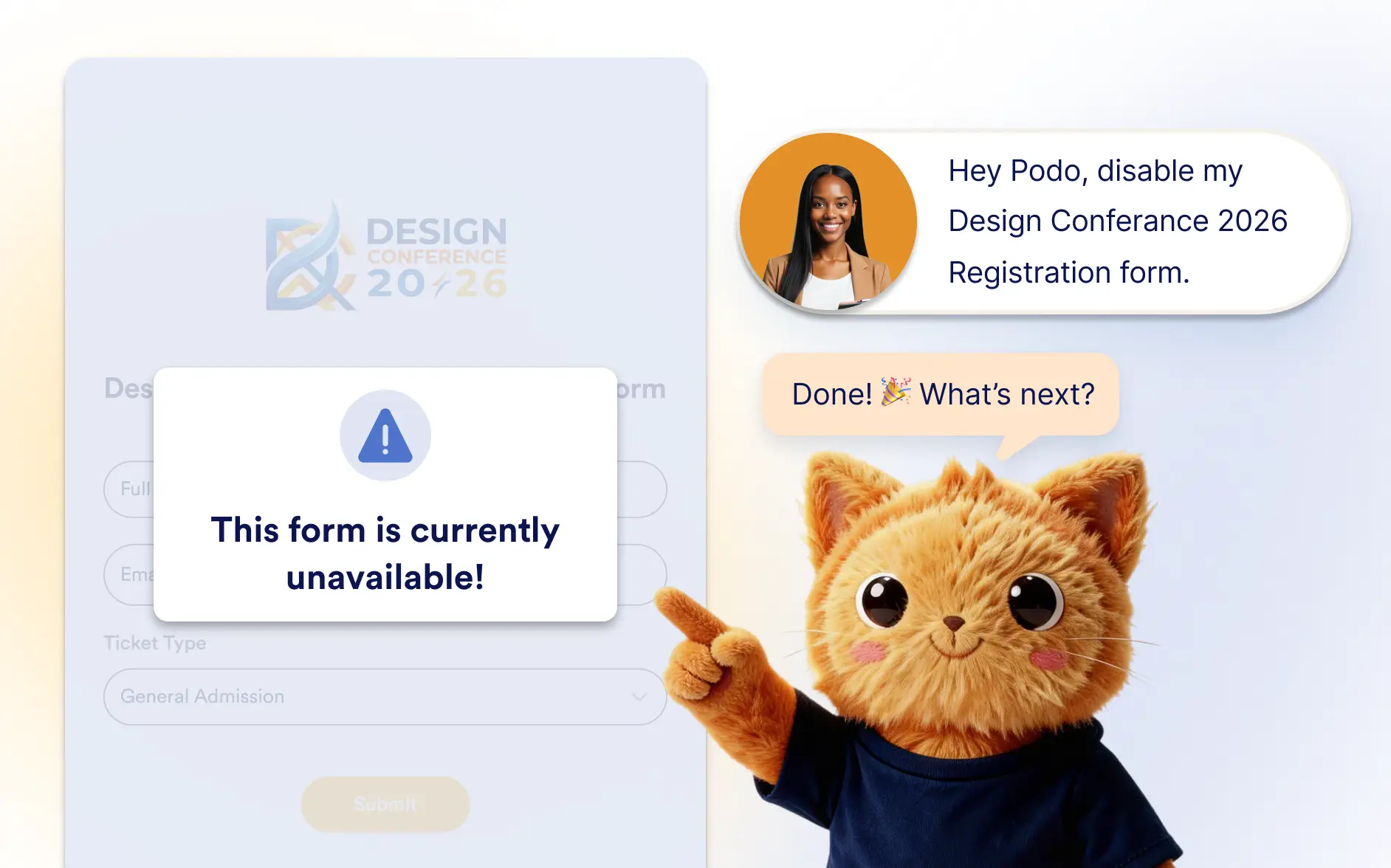
Pause or reopen your forms whenever you need. Jotform AI helps you control form availability so submissions only happen when your form is active and relevant.
Control When Your Forms Accept Submissions
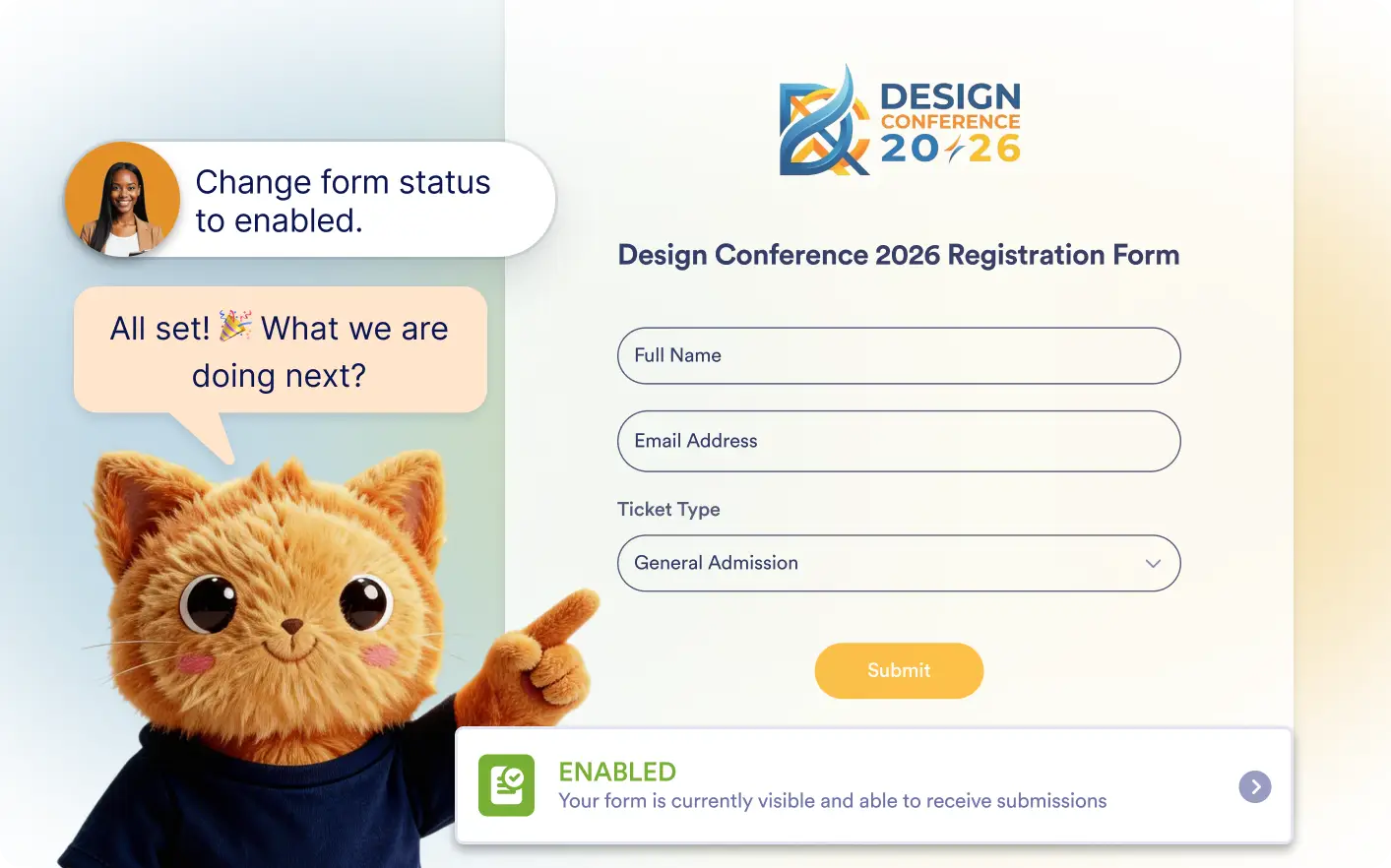
Jotform AI helps you control when your forms are active. Easily disable forms when submissions are no longer needed and enable them again anytime for events, campaigns, or recurring use.
Turn Forms On or Off Instantly
Ask Jotform AI to enable or disable your form in seconds. This makes it easy to stop submissions once a campaign, event, or project has finished.
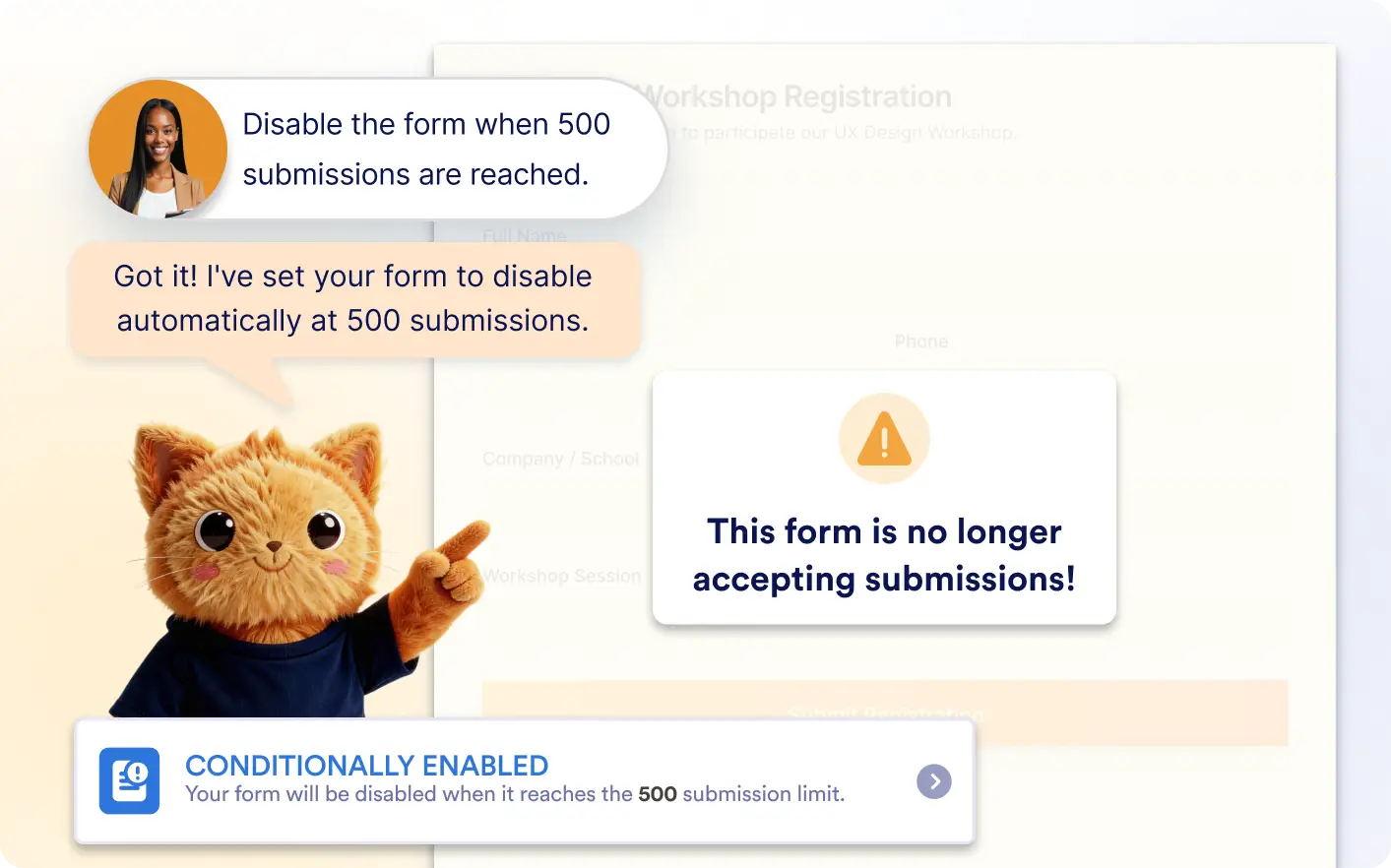
Disable Forms Automatically
Jotform AI can help you stop accepting submissions automatically when certain conditions are met. For example, a form can close after reaching a submission limit, on a specific date, or based on other availability settings.
Frequently Asked Questions
Yes. If your form is disabled, you can ask Jotform AI to enable it again anytime. This allows you to quickly reopen the form without manually changing settings.
No. Jotform AI can update the form status for you through simple instructions, making it easier to manage when your form is active without navigating multiple settings.