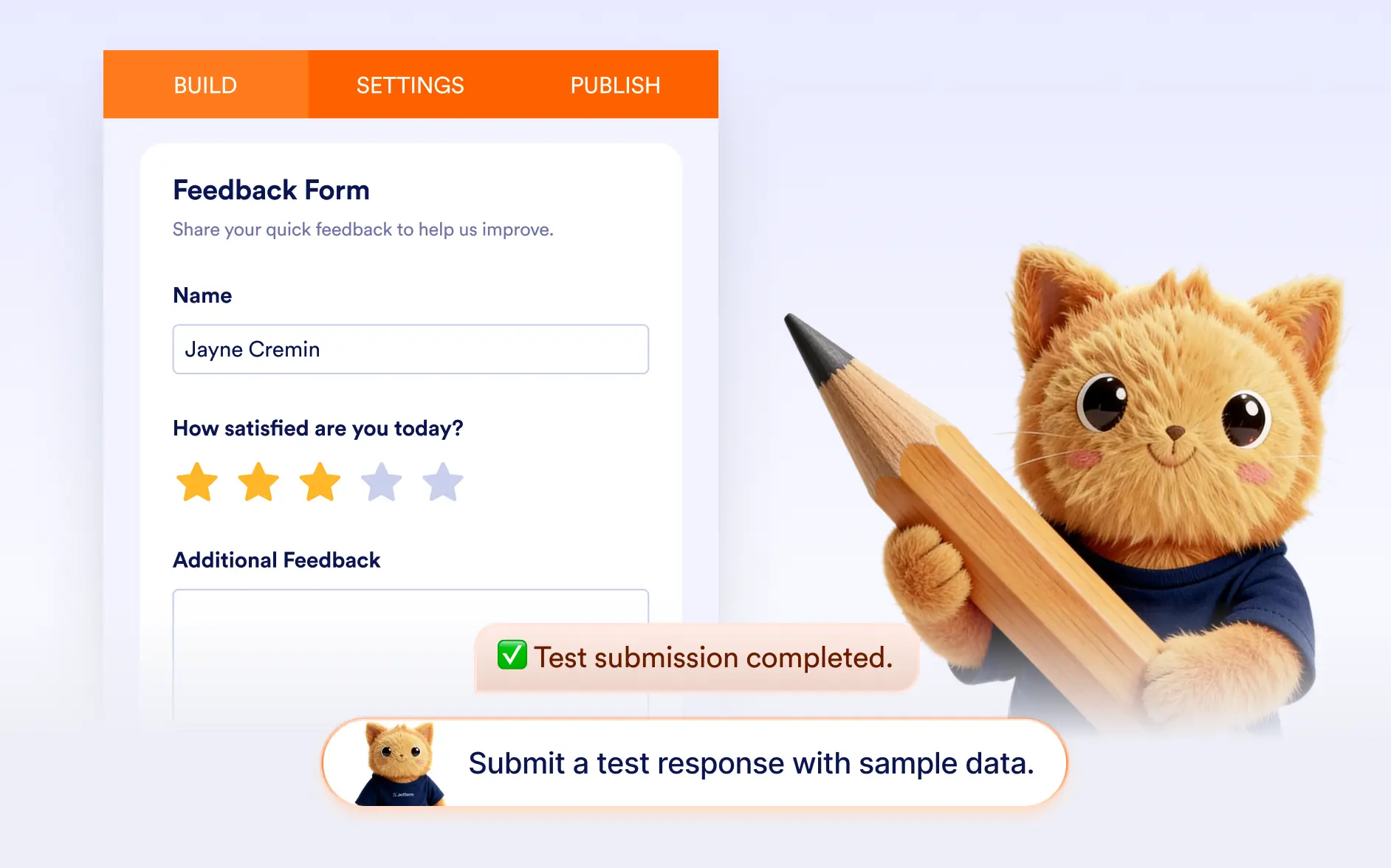
Instantly preview your form and simulate a real submission. without manually filling every field.
Preview Form and Simulate Submissions
Form creators, teams, and businesses can instantly preview their forms and test how submissions work. Jotform AI opens the form in preview mode and fills it with relevant data so you can quickly validate your form.
Instant Form Preview
Quickly see how your form looks to respondents. Jotform AI can provide the published form link for previewing, or automatically open the form in preview mode when generating a test submission.
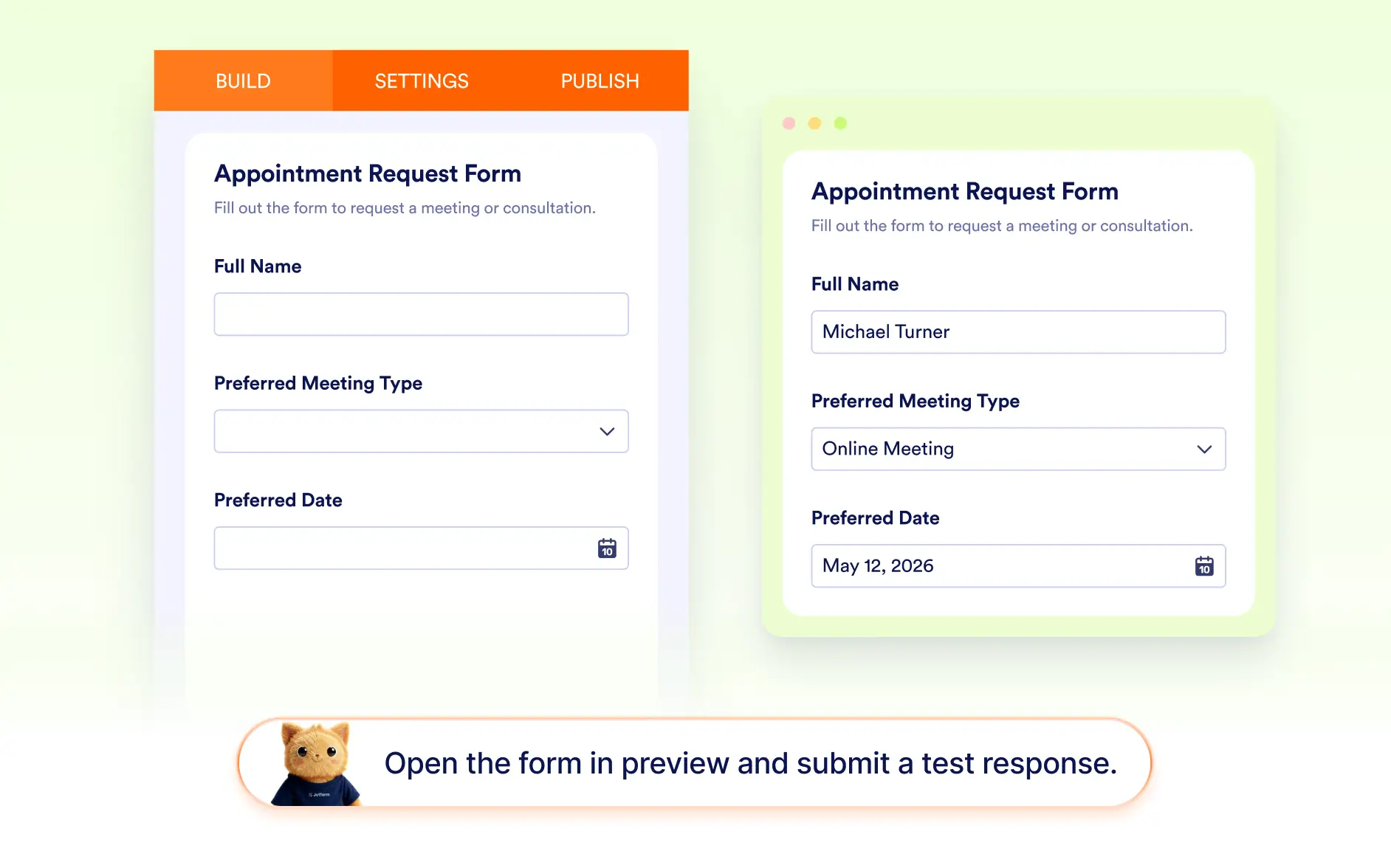
AI-Generated Test Submission
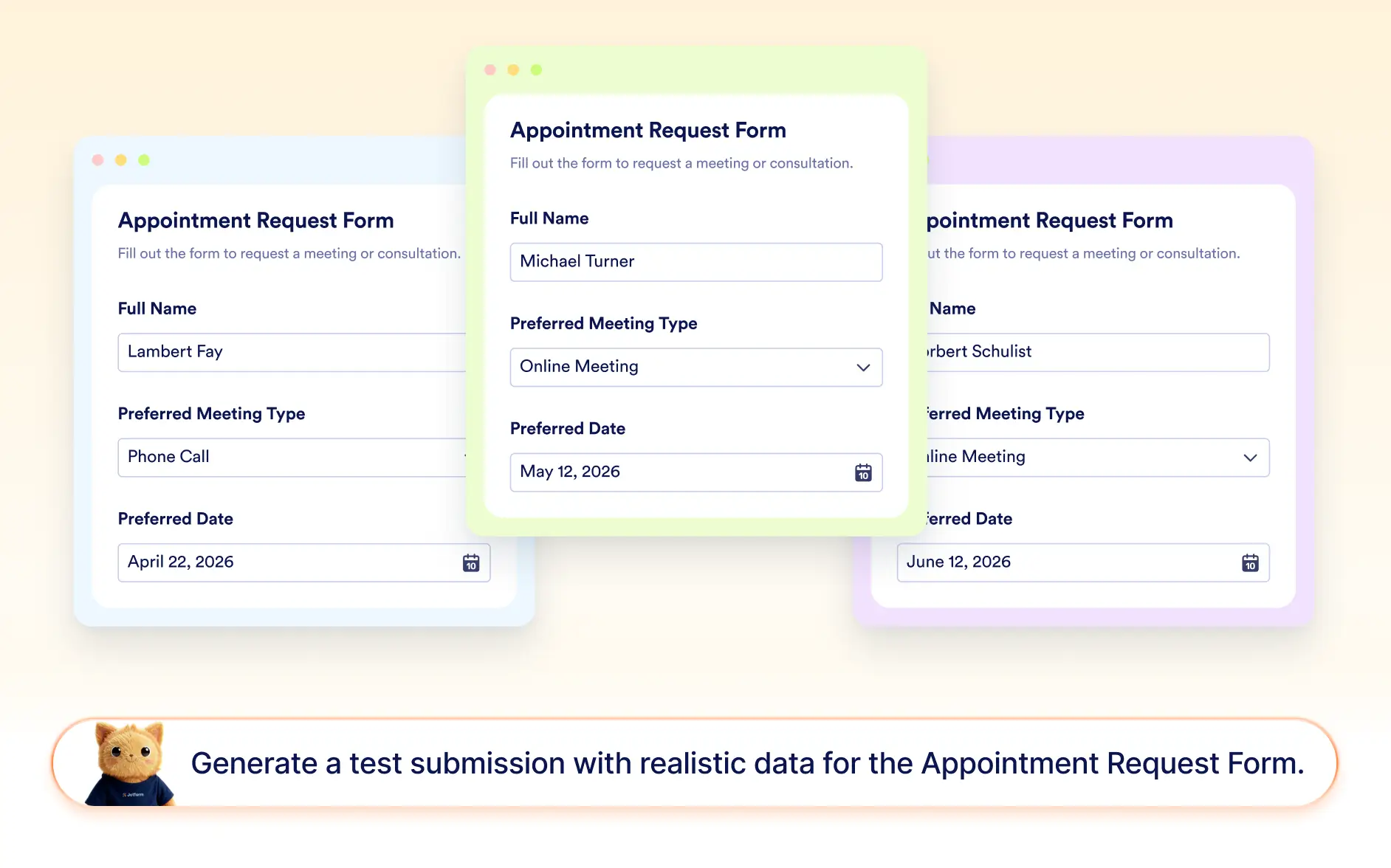
Jotform AI fills the form with relevant sample data so you can simulate a real submission. Once completed, you can submit the form directly from the chat to confirm everything works correctly.
Frequently Asked Questions
You can test your form by previewing it and submitting a sample response. Jotform AI can open the form in preview mode and fill it with relevant data so you can review the entire submission process.
Yes. Jotform AI can generate a test submission by automatically filling your form with relevant sample data, helping you simulate a real response without manually entering information.
Once submitted, the test response is saved like a normal submission. You can review how the data appears in your submissions table and check emails, workflows, or integrations triggered by the form