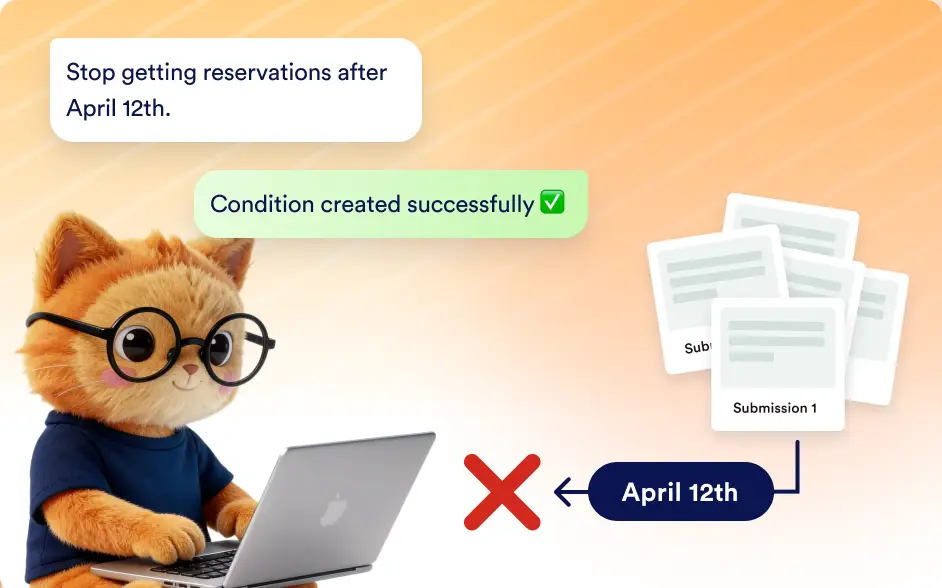
Automatically close your form when the right moment arrives. Set a specific date, limit the number of submissions, or combine both to ensure your form stops collecting responses exactly when you need.
Automatically Disable Forms When Conditions Are Met
Control when your form stops accepting submissions without manual monitoring. This helps teams running registrations, limited offers, or seasonal campaigns close forms at the right time and inform visitors clearly.
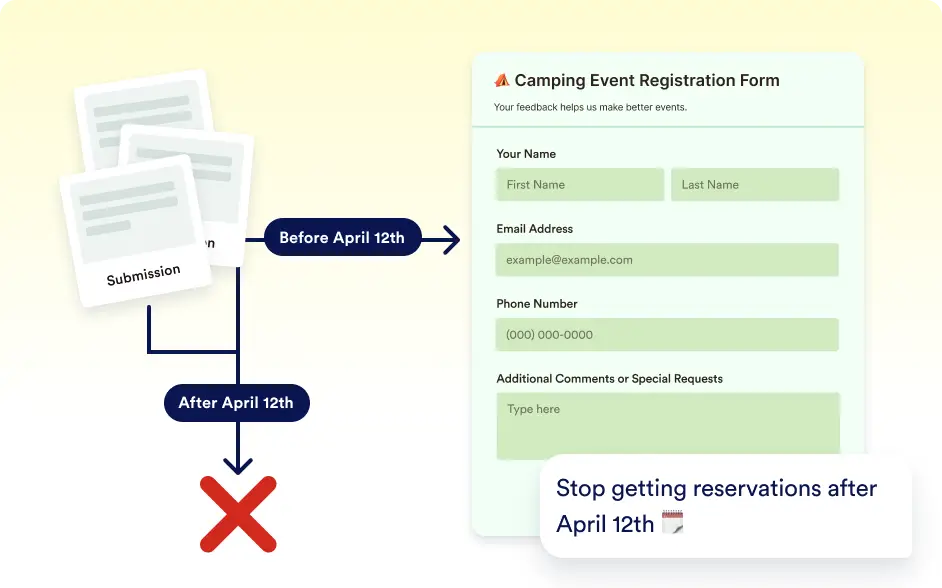
Disable Forms at a Specific Date and Time
Set a specific date and time for your form to stop accepting submissions. This helps enforce deadlines for event registrations, applications, or promotional campaigns.
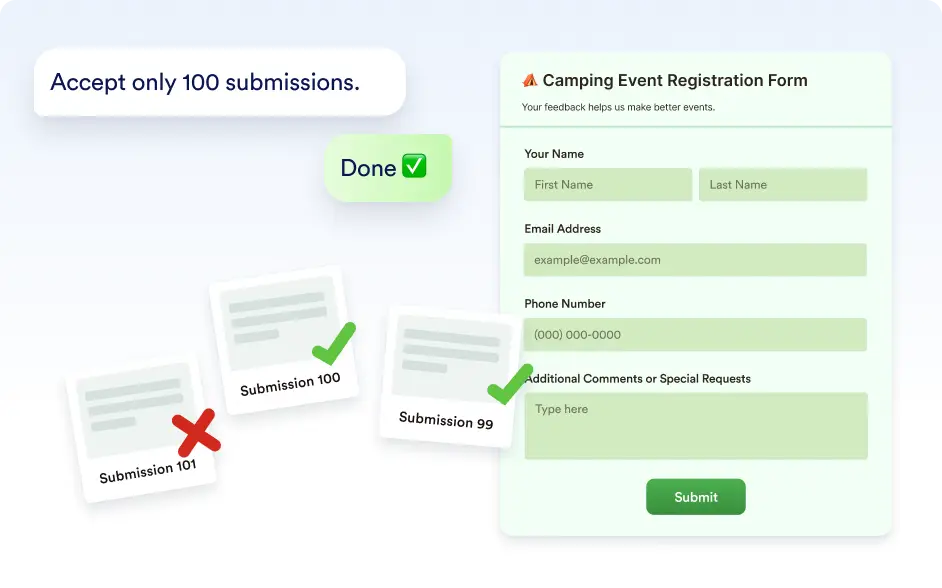
Automatically Close Forms After a Submission Limit
Define how many responses your form should accept. Once the limit is reached, Jotform AI automatically disables the form so you never receive more submissions than planned.
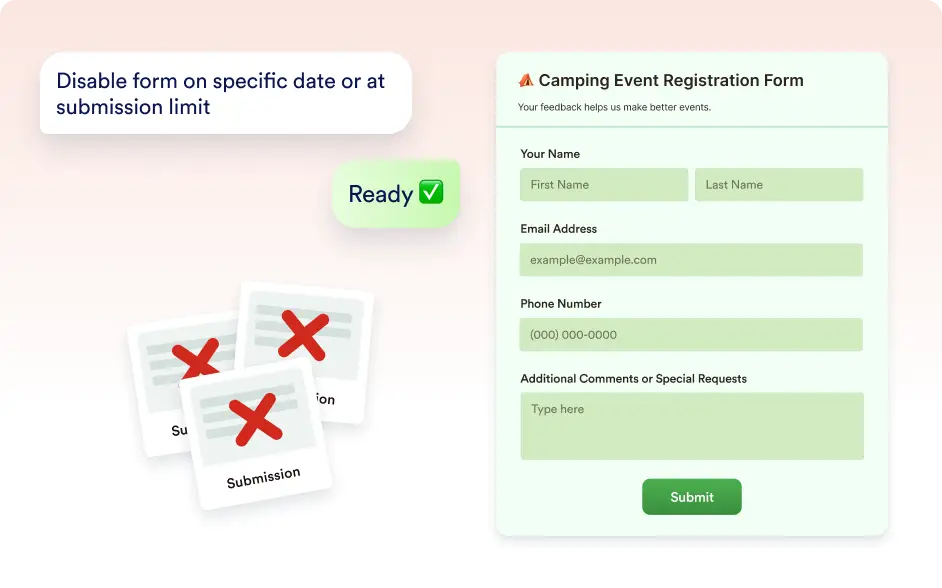
Combine Time and Submission Limits
Use both conditions together to control your form more precisely. The form will automatically disable when either the submission limit is reached or the scheduled date arrives.
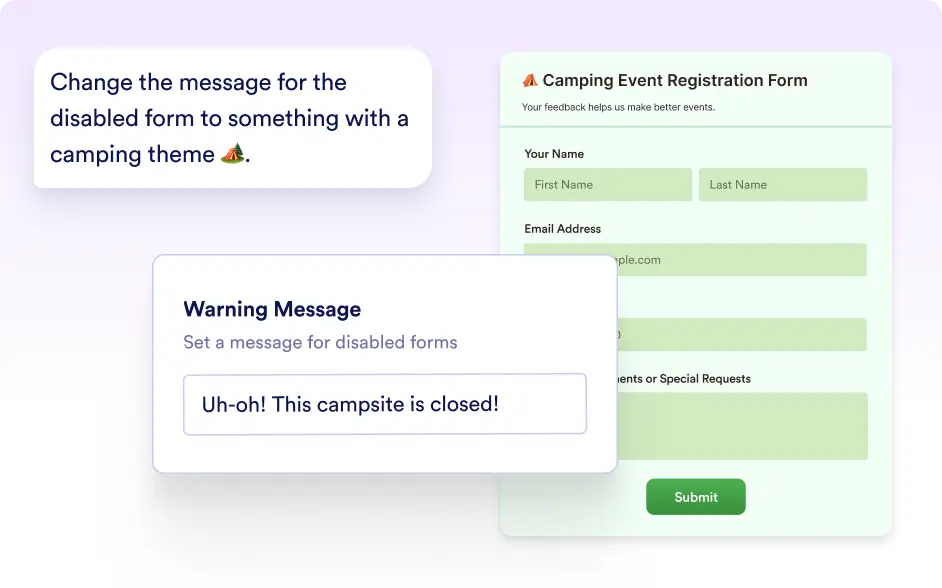
Show a Custom Message When the Form is Disabled
Display a custom message to inform visitors when your form is no longer accepting responses. This helps set clear expectations and improves the experience.
Frequently Asked Questions
Yes. You can describe how you want your form to behave, such as “close the form after 100 submissions” or “disable the form on June 30 at 5 PM,” and Jotform AI can configure the settings for you.
Yes. You can ask Jotform AI to configure limits for registrations, applications, or limited offers so your form automatically closes when the desired number of responses is reached.
Yes. If your plans change, you can ask Jotform AI to modify the closing date, adjust the submission limit, or remove the restriction entirely.