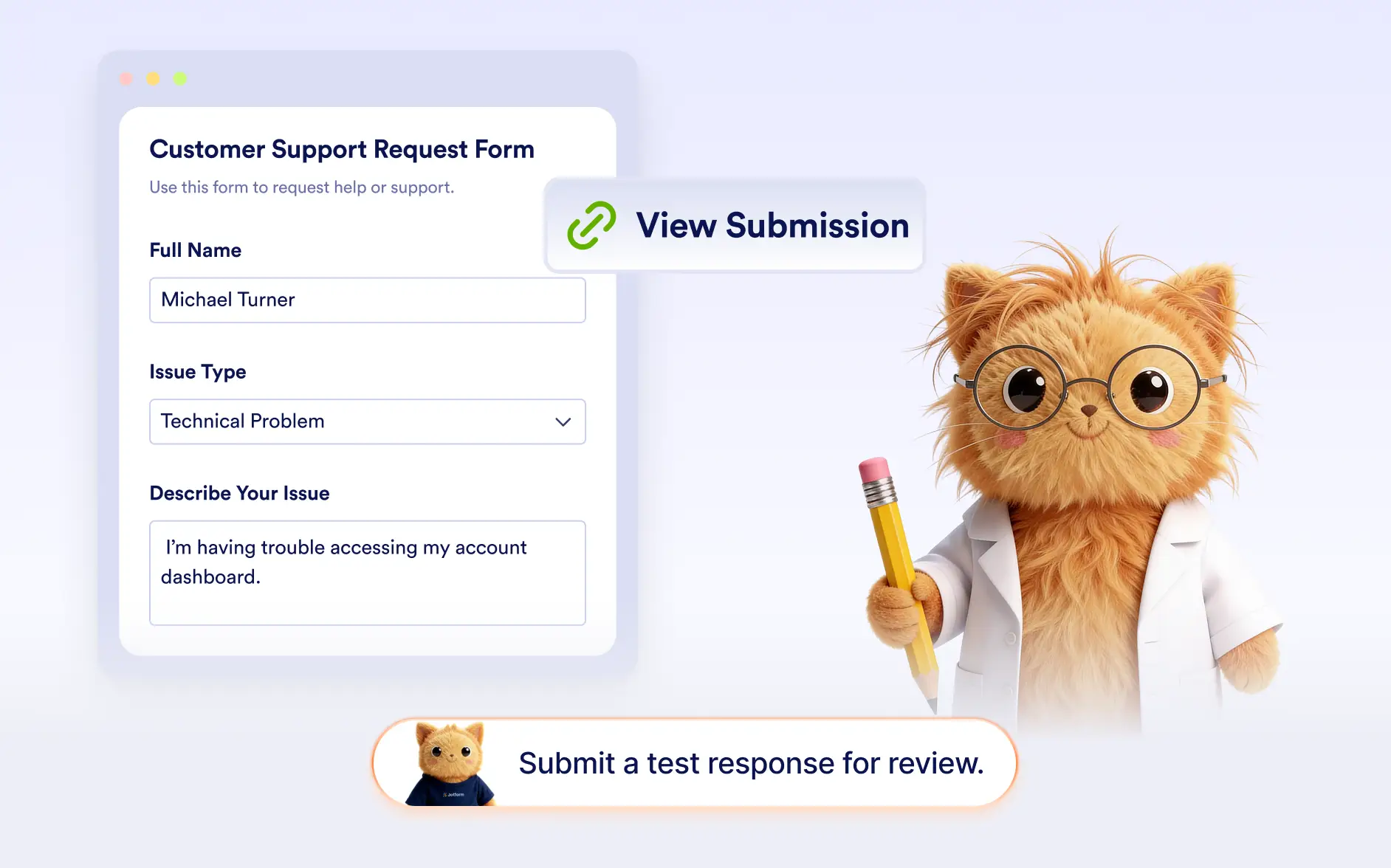
Quickly access your test submission without searching through submissions. provides a direct link so you can instantly review the response.
Review Individual Test Responses
Easily check how their form responses appear after submitting a test entry. Jotform AI provides a direct link to the submission so you can quickly review the data and confirm everything works correctly.
Access to Your Test Submission
After a test submission is completed, Jotform AI provides a direct link to the submitted response. This allows you to instantly open the submission and review the captured data.
Frequently Asked Questions
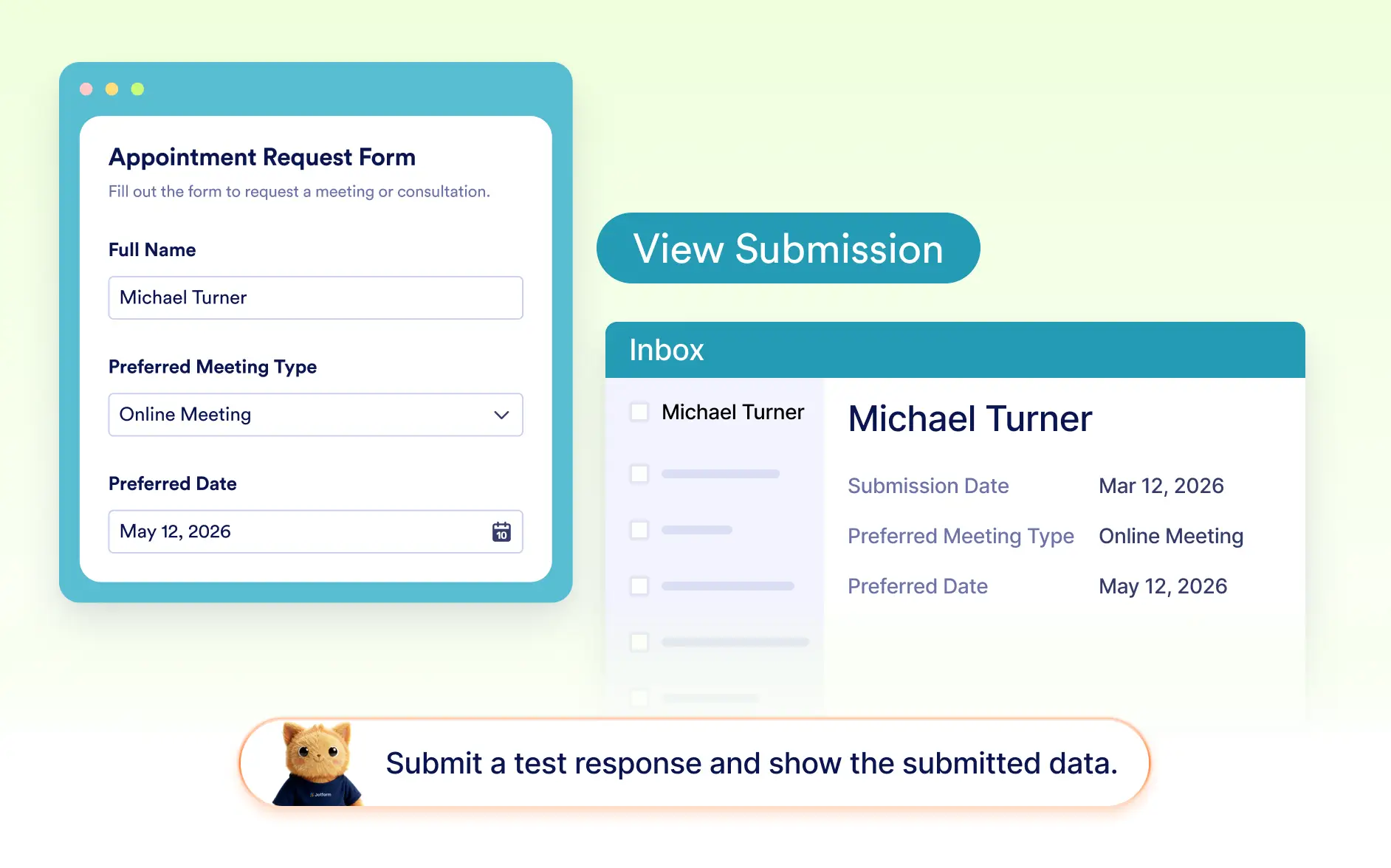
After submitting a test response, Jotform AI provides a direct link to the submission. You can open the link to instantly review how the response appears.
Reviewing a test submission helps you confirm that your form fields collect the correct information and that responses appear as expected before sharing the form with real users.
Yes. Once the test form is submitted, it is saved like a regular submission. This allows you to review how the data appears in your submissions.