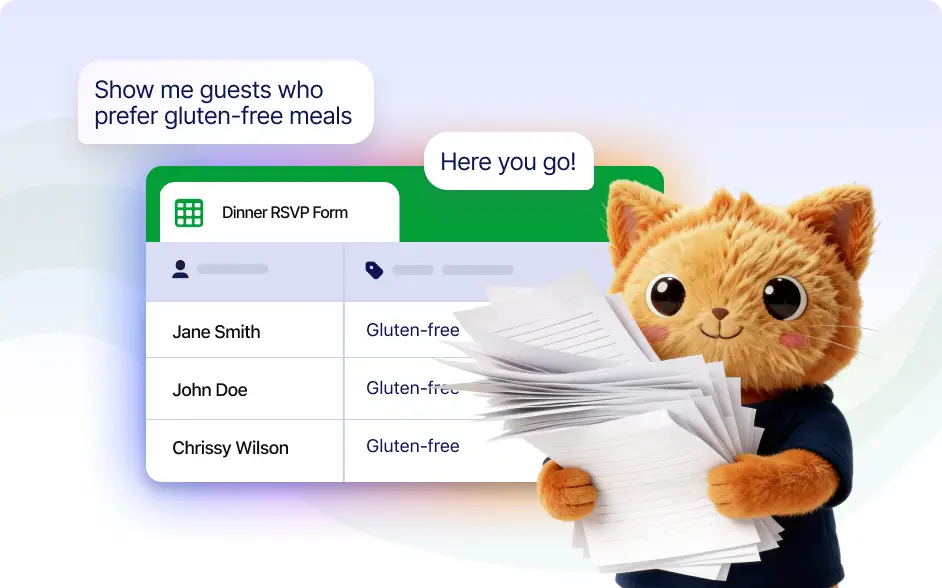
Find specific forms, recent submissions, or entries with certain values without manual filtering.
Find Forms and Submissions with AI
Ask Autopilot to find a specific form or submission and it will locate it in seconds. You can search by form name, submission details, or filters such as email address or recent activity.
Find Any Form in Your Account Instantly
Find any form in your account by simply describing it. Autopilot can locate the form and provide a direct link so you can edit, review, or share it immediately.

Filter Form Submissions With AI
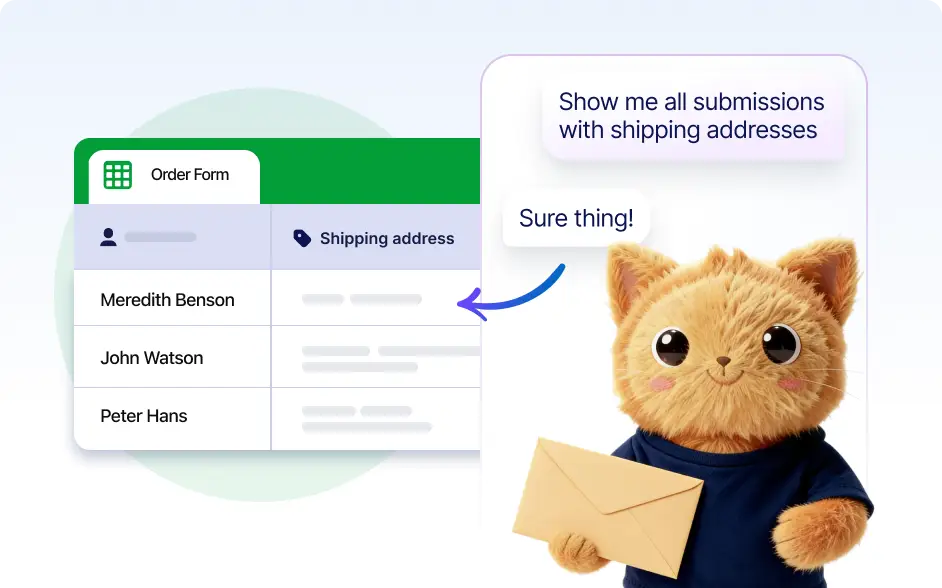
Search through submissions by asking for specific criteria like the latest submission or entries with a certain email address, making it easier to locate important data quickly.
Frequently Asked Questions
Yes. You can ask Autopilot to locate any form by describing it. It will find the form and provide a direct link so you can quickly open, edit, or share it.
Yes. You can search submissions using filters like email address, name, or other field values. Autopilot analyzes your request and returns the matching submissions.
Yes. You can ask Autopilot to show the most recent submissions or latest responses for a specific form so you can quickly review the newest data.
Yes. When Autopilot finds a form, it provides a direct link so you can immediately edit, manage, or share the form.
Yes. Autopilot can search across your entire Jotform account, helping you quickly locate forms or submission data without browsing through multiple folders.