Setup Form Emails with AI
Simplify form email setup with Jotform AI. Describe the notifications or confirmation emails you need, and the AI will automatically configure the right email settings for your form.
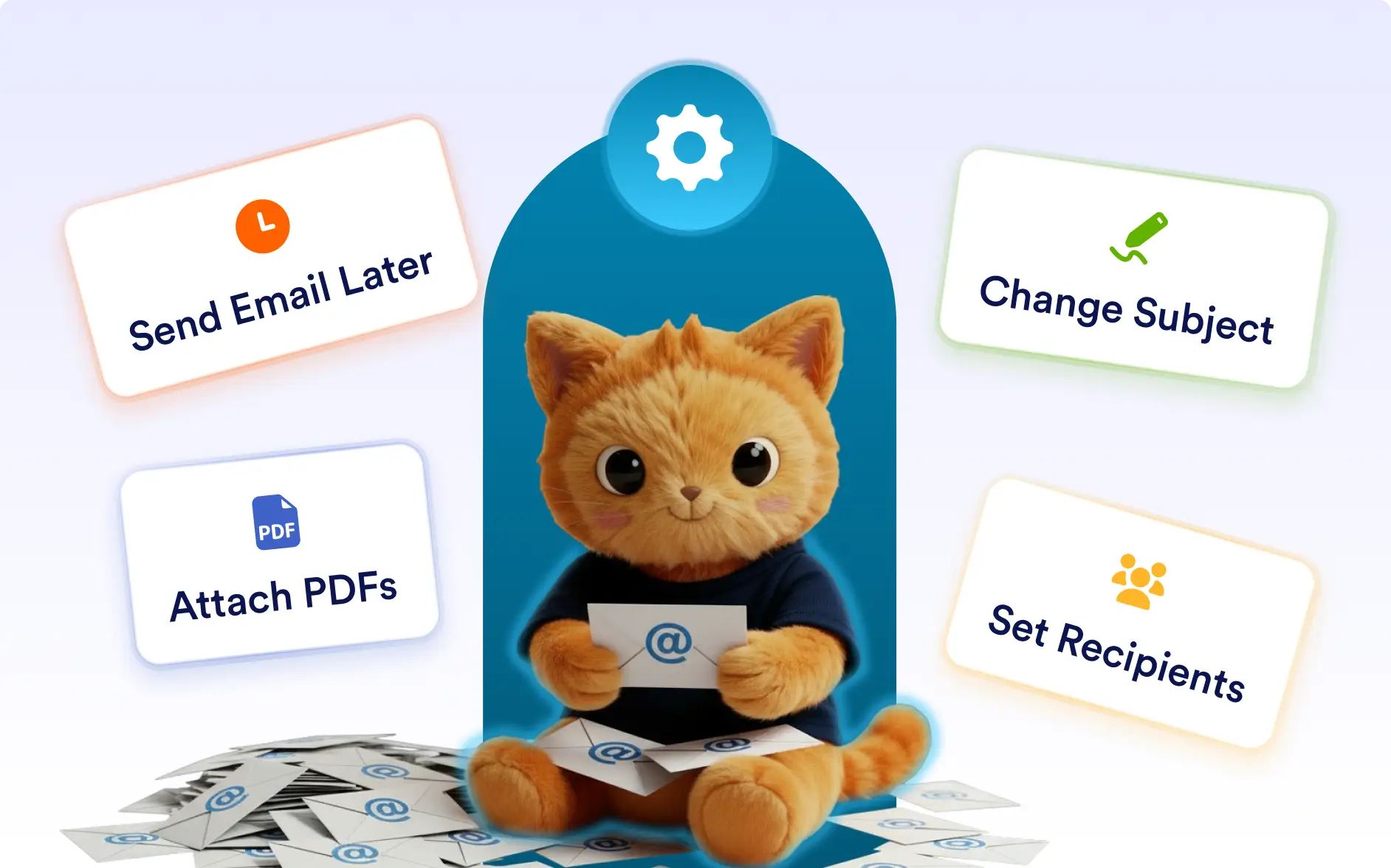
Manage form email settings faster with simple prompts. Jotform AI can configure recipients, email content, sending conditions, and attachments in seconds.
Email Configuration with AI
Anyone using Jotform forms can simplify email configuration with Jotform AI. Whether you need to notify your team about new submissions or send confirmation emails to respondents, you can describe your requirements and Jotform AI will configure the email settings automatically.
Customize Email Content
Jotform AI can configure email subject lines, message content, logos, and which form fields appear in the email so every notification is clear and informative.
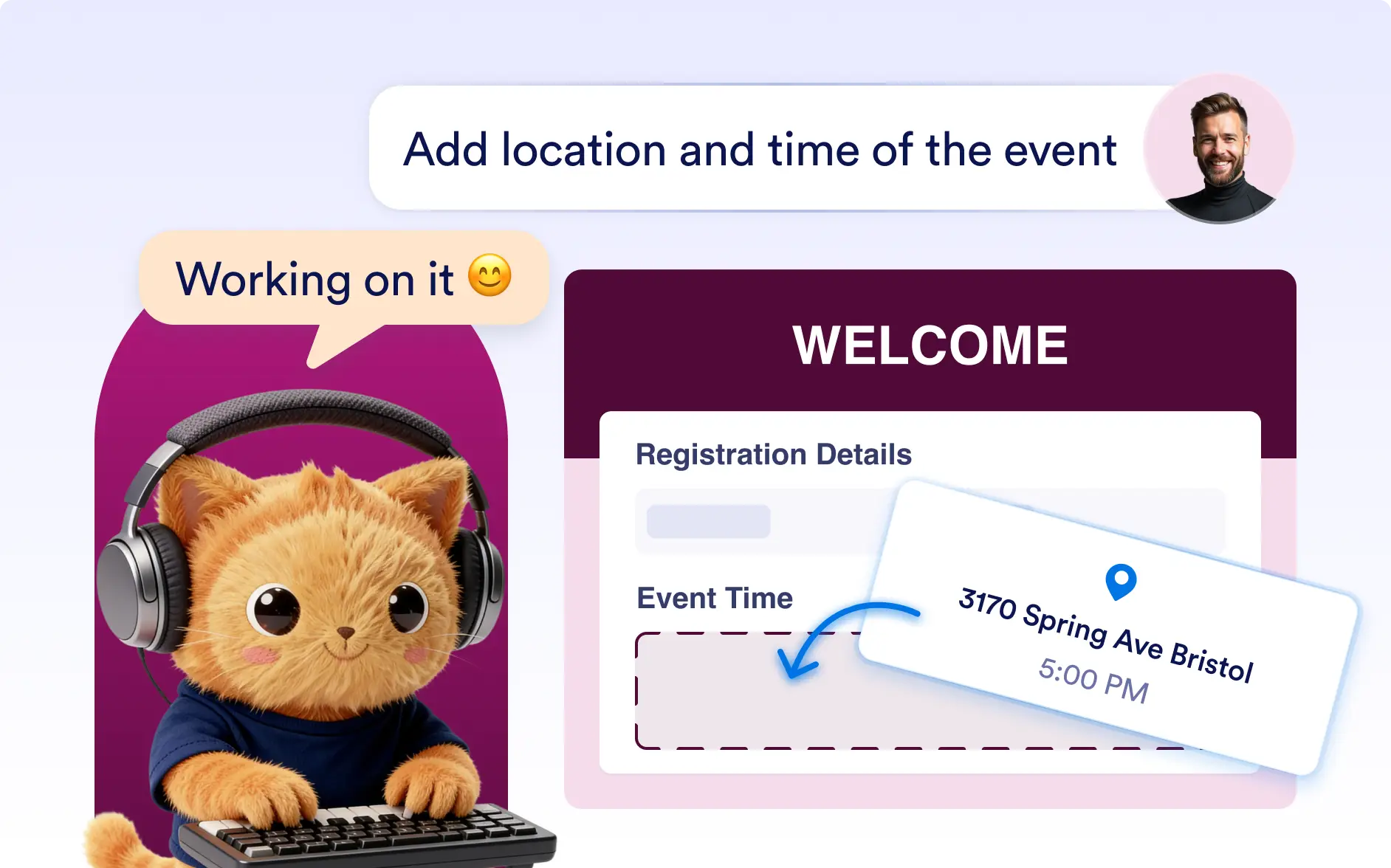
Manage Email Recipients
Quickly define who receives notification emails or where autoresponder emails should be sent by selecting the appropriate email fields or adding recipients.
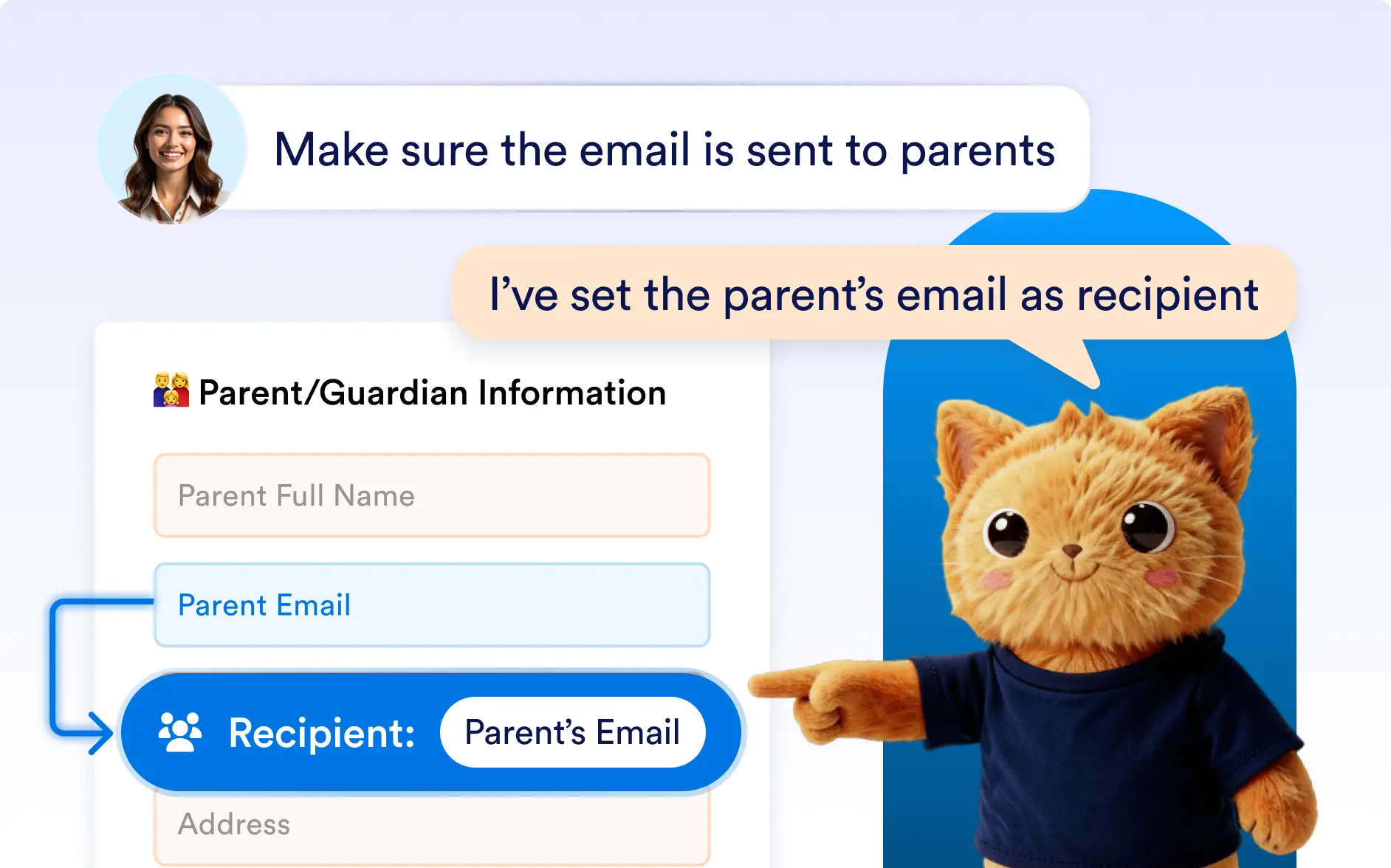
Configure Advanced Email Settings
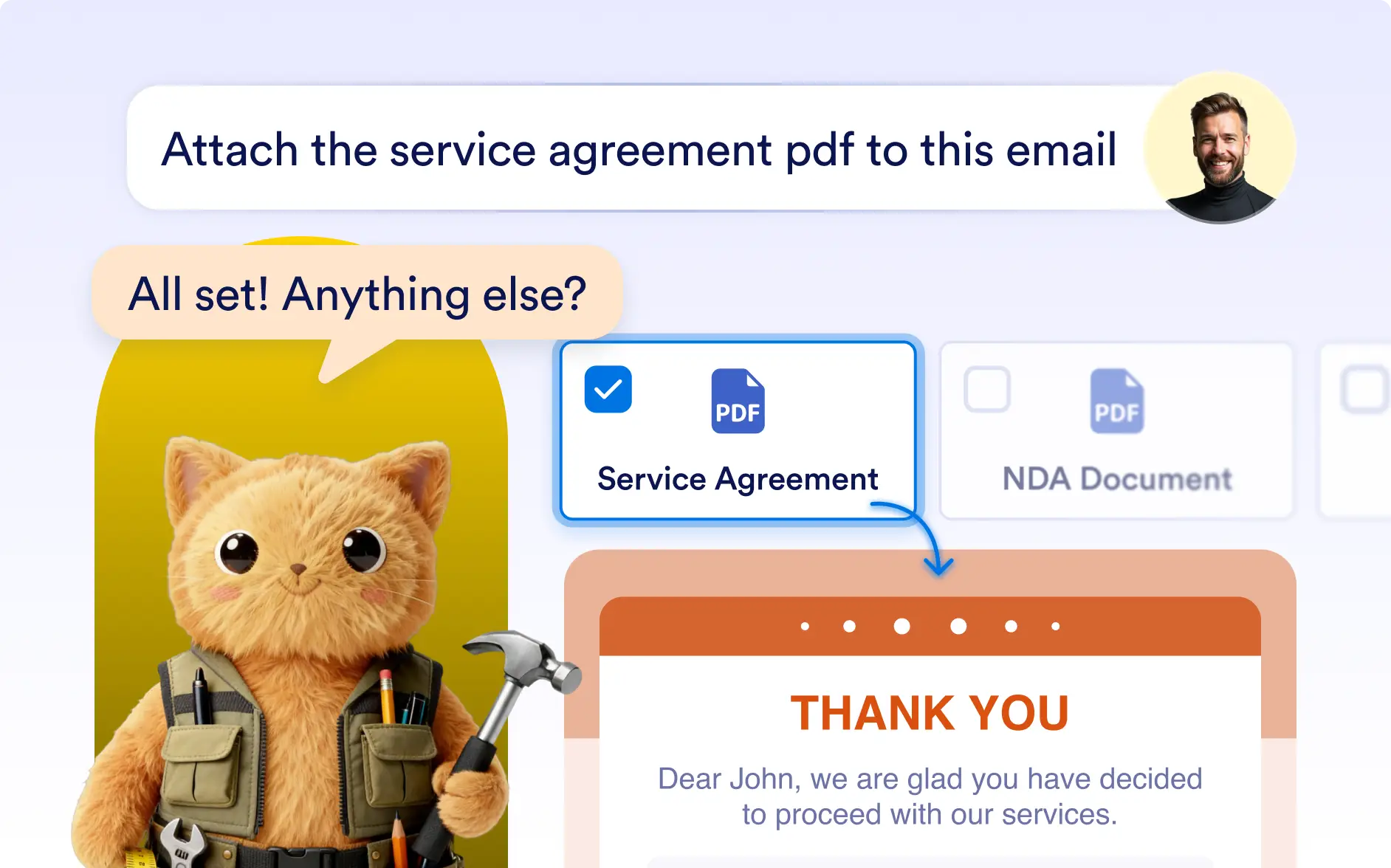
Jotform AI can set sender email addresses, configure attachments such as PDF copies of submissions, and determine when emails should be triggered.
Frequently Asked Questions
Yes. You can describe how you want your emails to work and Jotform AI will configure both notification emails for your team and autoresponder emails for form respondents.
Yes. Jotform AI can configure which fields appear in the email so you only receive the information that matters.
Yes. Jotform AI can configure advanced email settings including sender address, attachments such as PDF files, and conditions that determine when emails are sent.