Protect Your Forms with a Password
Control who can access your forms by setting a password in seconds. Jotform AI helps you quickly protect sensitive forms so only people with the password can open and submit them.
Add an extra layer of privacy by requiring a password before anyone can view your form. Jotform AI makes it easy to enable or remove password protection whenever you need.
Restrict Form Access with Password Protection
Keep your forms private by requiring a password before they can be opened. Teams, organizations, educators, and event organizers can use password protection to ensure that only the intended audience can access and submit the form.
Enable or Disable Protection Anytime
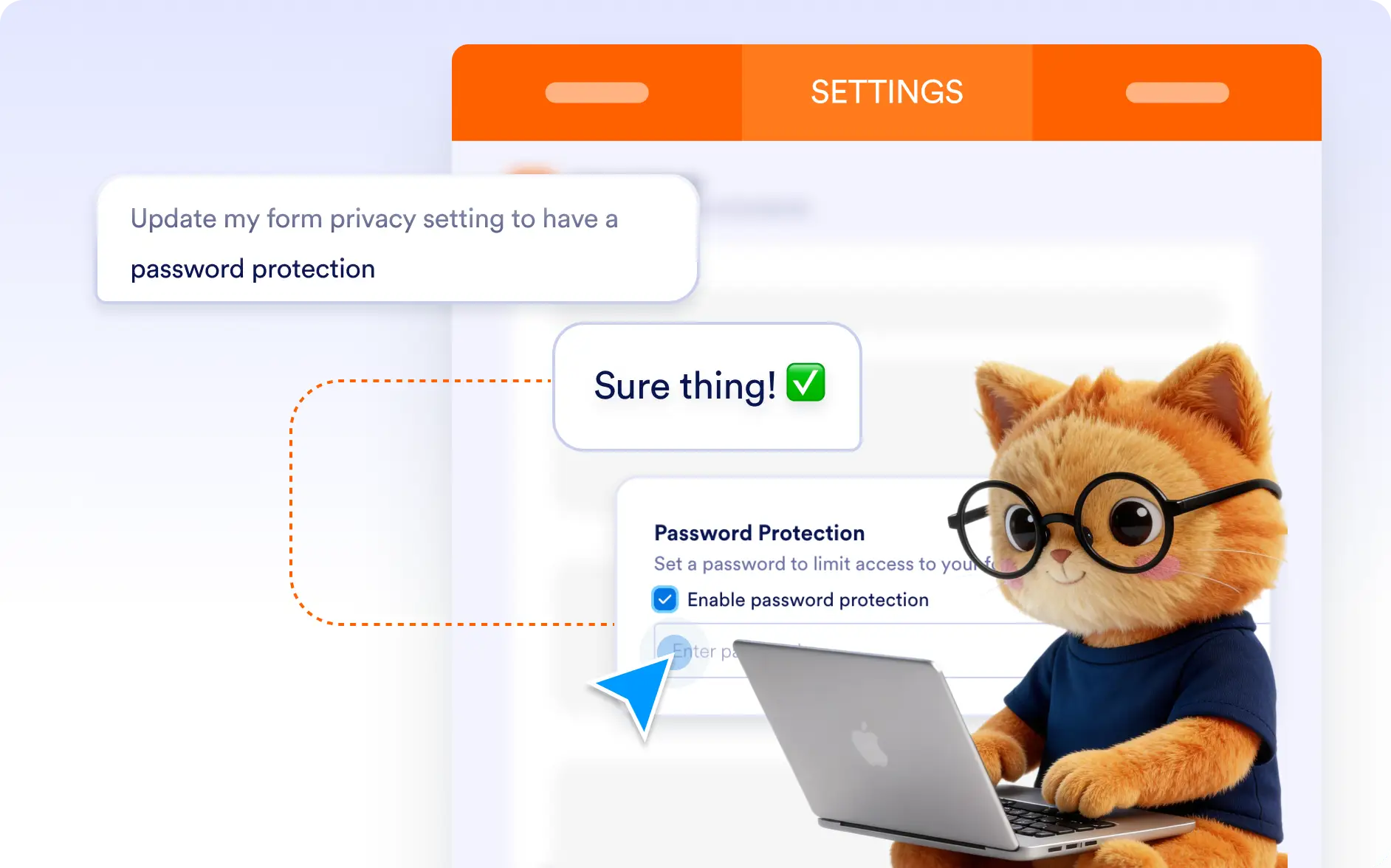
Turn password protection on or off anytime. Jotform AI updates your form access settings instantly without complex steps.
Frequently Asked Questions
Yes. You can simply tell Jotform AI to protect your form with a password, and it will automatically enable password access and apply the password you provide.
Yes. If you want to make your form publicly accessible again, you can ask Jotform AI to disable the password and it will update the form settings for you instantly.
Yes. You can ask Jotform AI to change the password at any time, allowing your audience to access with the new password.