Automatically Style Form Emails
Create professional form emails without manual design adjustments. Describe the style you want and Jotform AI will format your notification and autoresponder emails automatically.
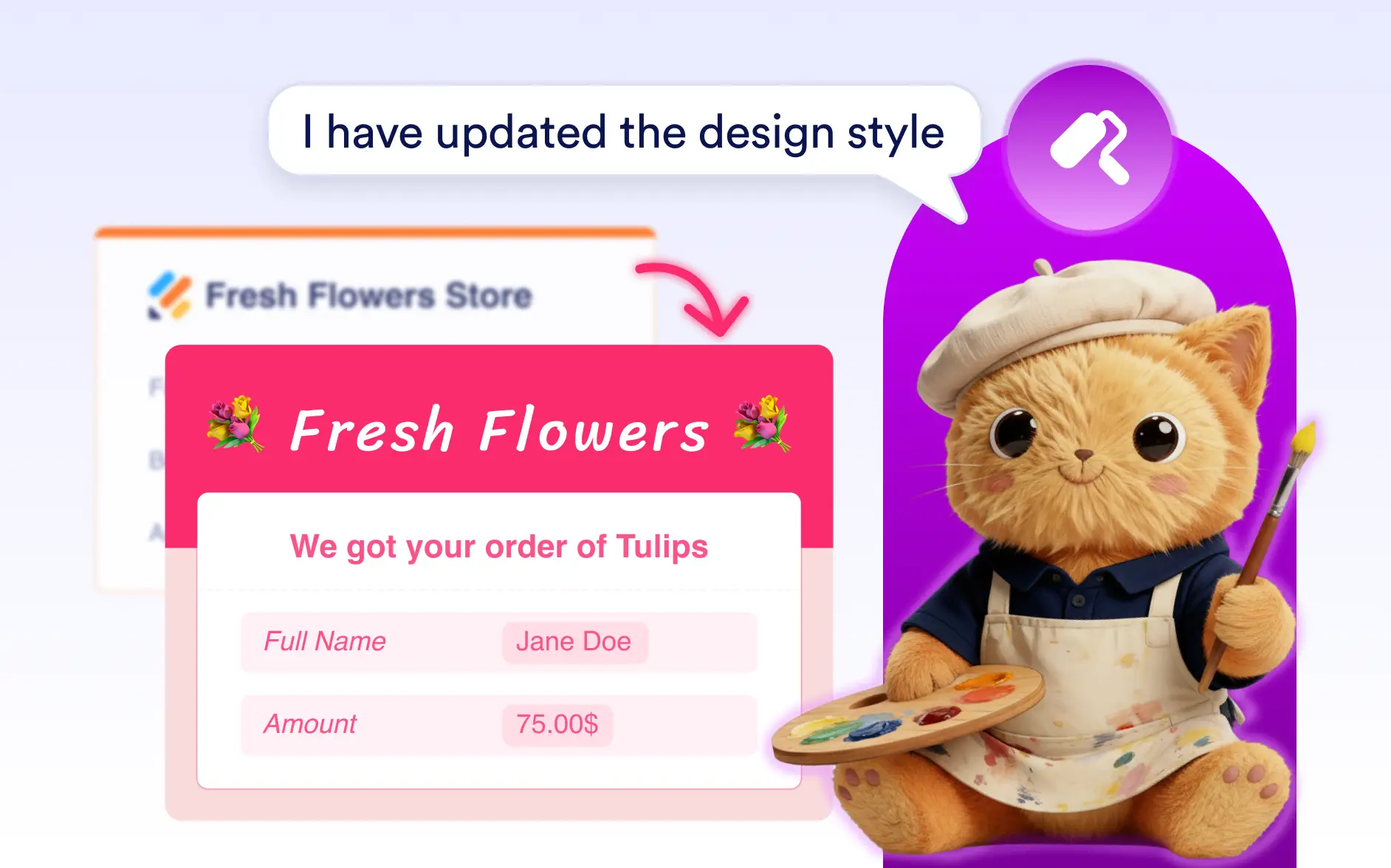
Style your form emails in seconds with simple prompts. Jotform AI can adjust colors, fonts, spacing, and layout to create clean and professional email designs.
Design Better Form Emails with AI
Anyone using Jotform forms can quickly design better looking emails with Jotform AI. Whether you want to match your brand style or improve readability, simply describe the design and Jotform AI will apply visual styling to your notification and autoresponder emails.
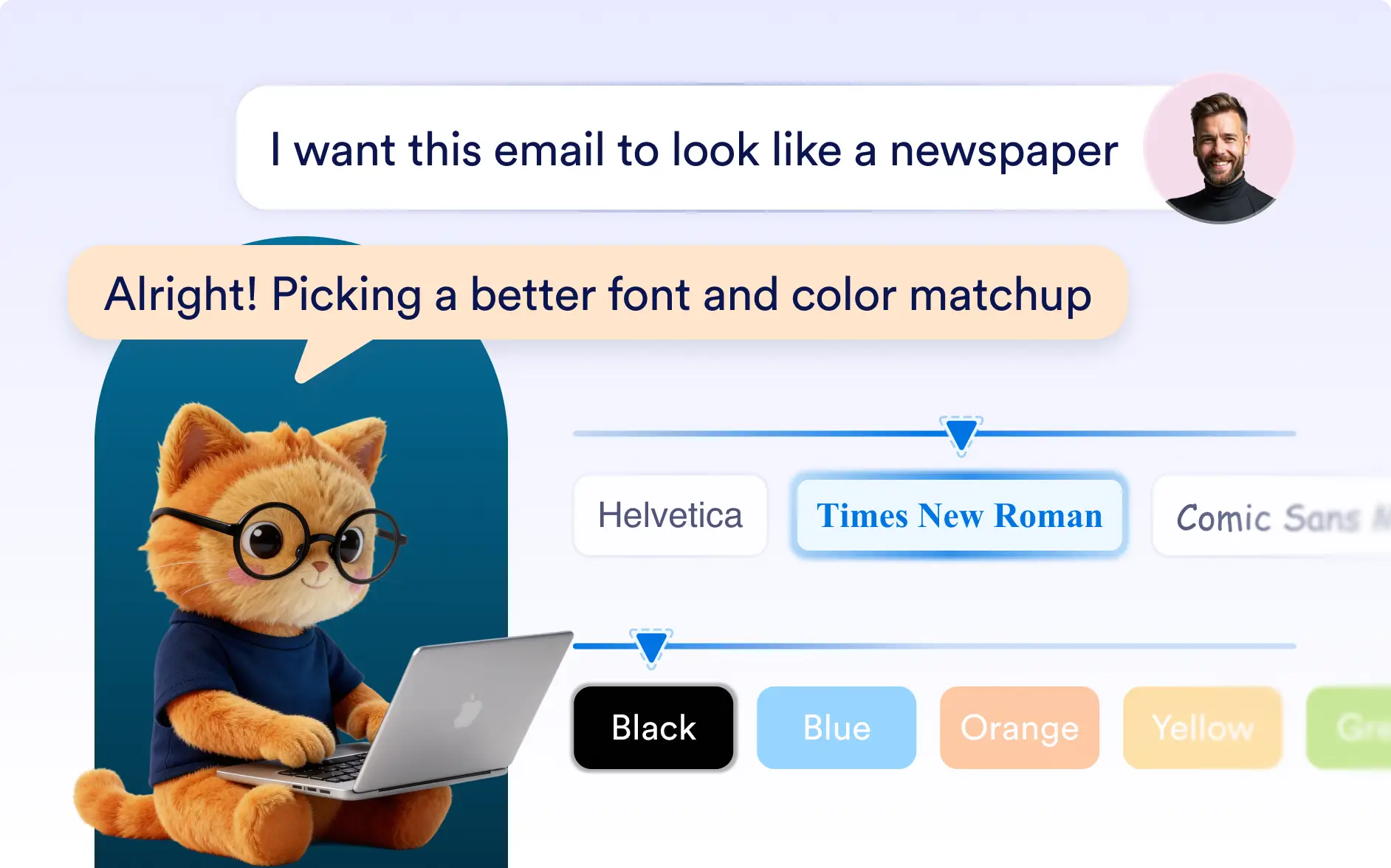
Customize Colors and Fonts
Jotform AI can update email colors, font styles, and text sizes to match your preferred design or brand identity. This helps ensure your notification and autoresponder emails look consistent and visually professional.
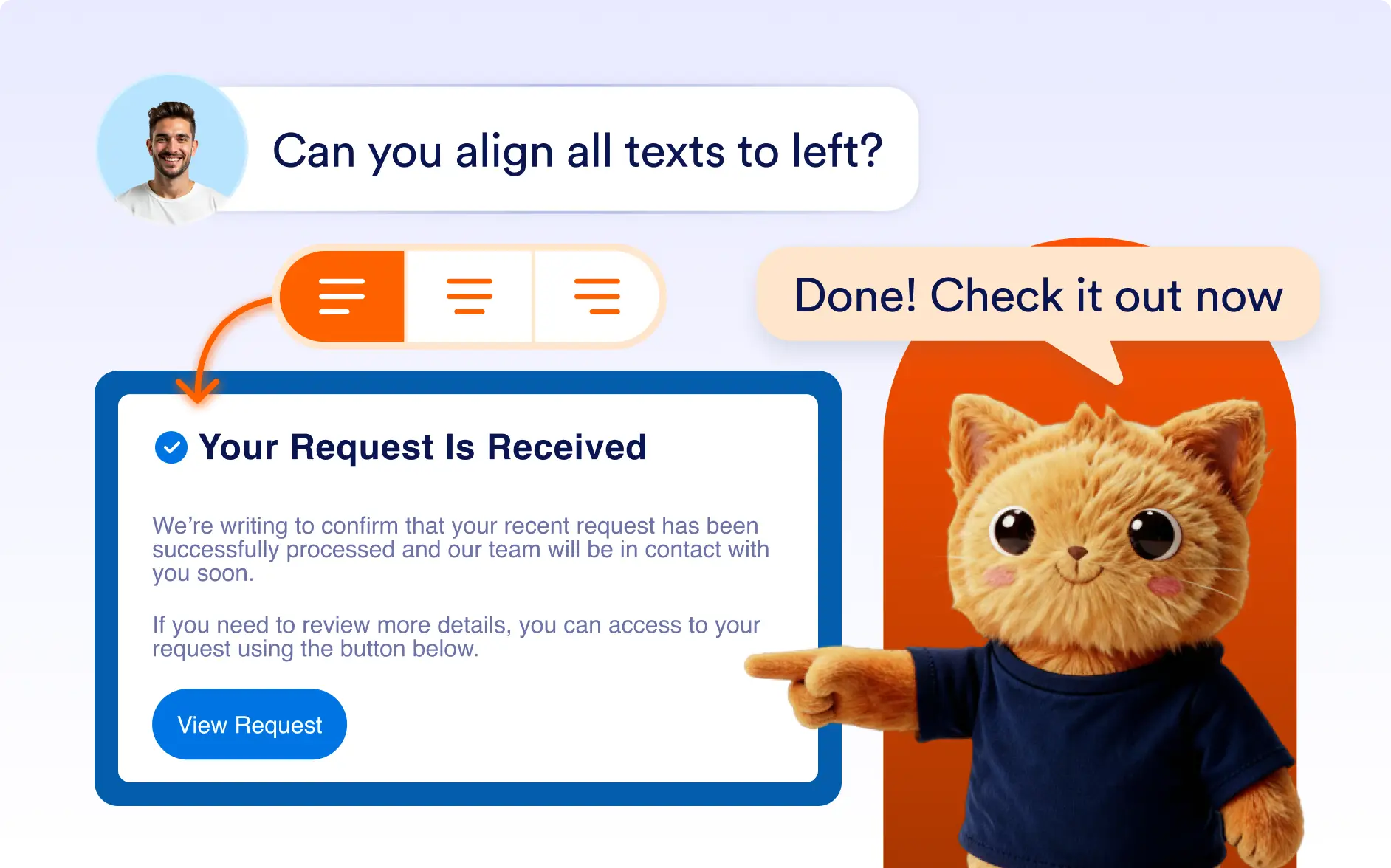
Adjust Layout and Spacing
Improve readability by automatically adjusting spacing, alignment, and section layout. Jotform AI organizes your email structure so the content appears clean, balanced, and easy to scan.
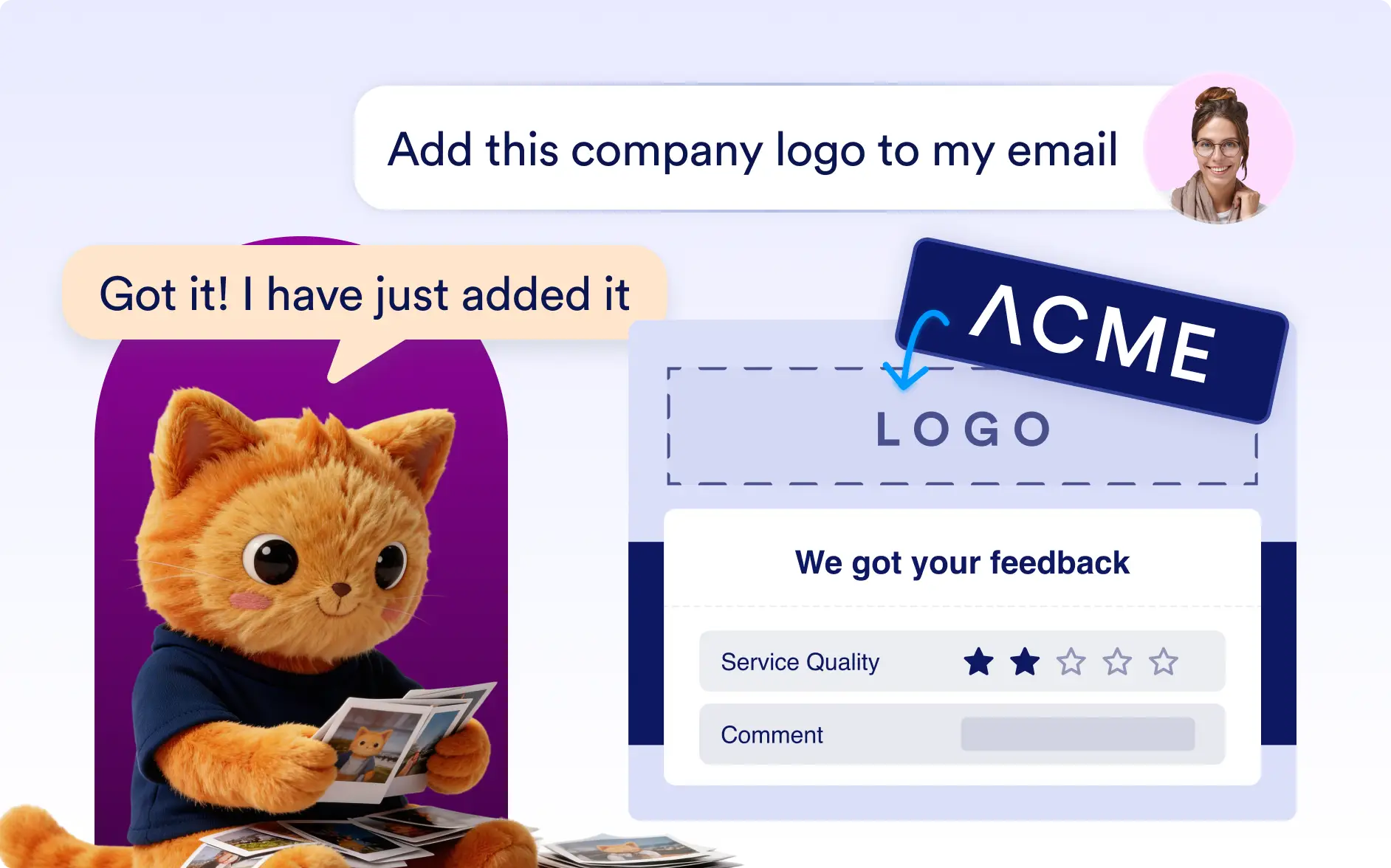
Add Logos
Upload your logo and Jotform AI can automatically place it within the email layout. It can also adjust the logo size and position so your emails look more polished and branded.
Frequently Asked Questions
Yes. You can describe the style you want and Jotform AI will update the colors, fonts, layout, and other visual elements of your emails.
Yes. Jotform AI can apply specific colors, fonts, and logos so your notification and autoresponder emails follow your brand identity.
Yes. After Jotform AI applies the design, you can still adjust colors, layout, or other styling details whenever needed.