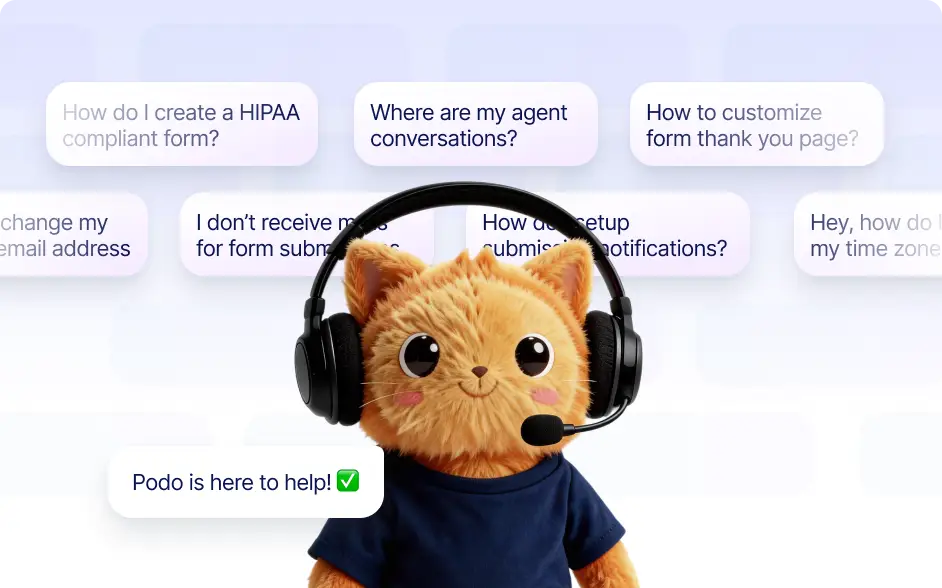
Jotform AI Autopilot acts as your built in product assistant. It answers questions, guides you through features, and helps you find the right tools or contact support quickly.
Ask Questions and Get Guided Help Across Jotform
Autopilot helps you understand Jotform features and workflows. Ask product questions, learn how to build forms, navigate the platform, and receive step by step guidance instantly.
Get Help Using Features and Contact Support
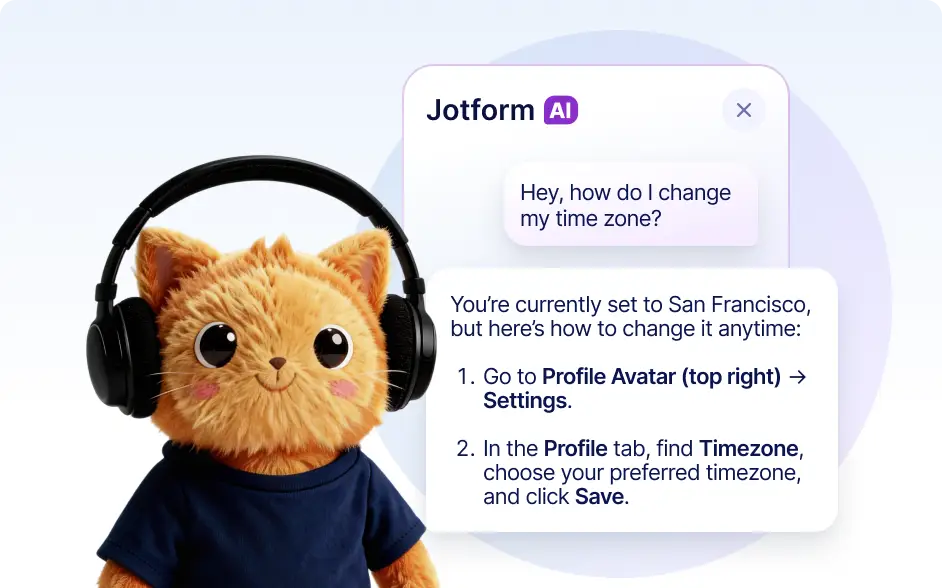
- Ask Autopilot how to build forms, configure fields, or use advanced features. It provides clear guidance so you can complete tasks and learn the platform faster.
- Autopilot can guide you to the right help resources or assist with contacting Jotform support. It helps you create support tickets and find the right solutions quickly.
Frequently Asked Questions
Autopilot can answer product questions, explain features, guide you through building forms, and help you navigate different parts of the Jotform platform.
Yes. You can ask how to perform specific tasks such as creating forms, configuring fields, or setting up workflows and Autopilot will provide clear guidance.
Yes. If you need additional help, Autopilot can assist you in creating a support ticket or connecting with Jotform’s support team.
Yes. You can describe the issue you are experiencing and Autopilot will suggest solutions or guide you through steps to resolve the problem.