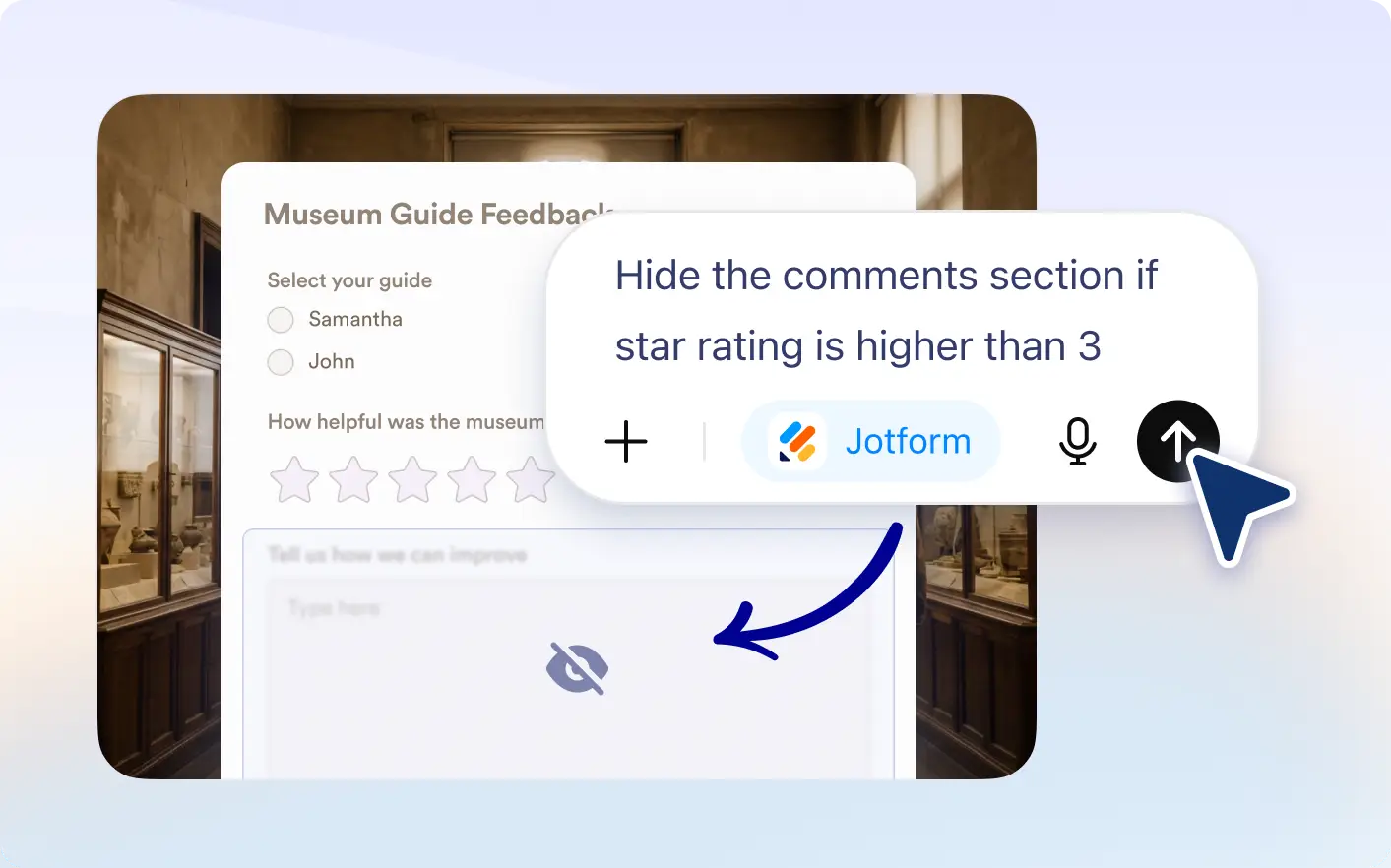
in plain language and let Jotform ChatGPT handle the setup for you to show or hide rules to more tailored field visibility without manual effort.
Create form logic by typing your needs
Ideal for anyone using Jotform, this feature lets you connect your account and use ChatGPT to generate conditions like showing or hiding fields, making powerful form logic easy without technical effort.
Show Fields Based on Responses
Automatically display hidden fields when users provide specific answers. You can reveal one or multiple fields at once to guide users through a more relevant and personalized form experience.

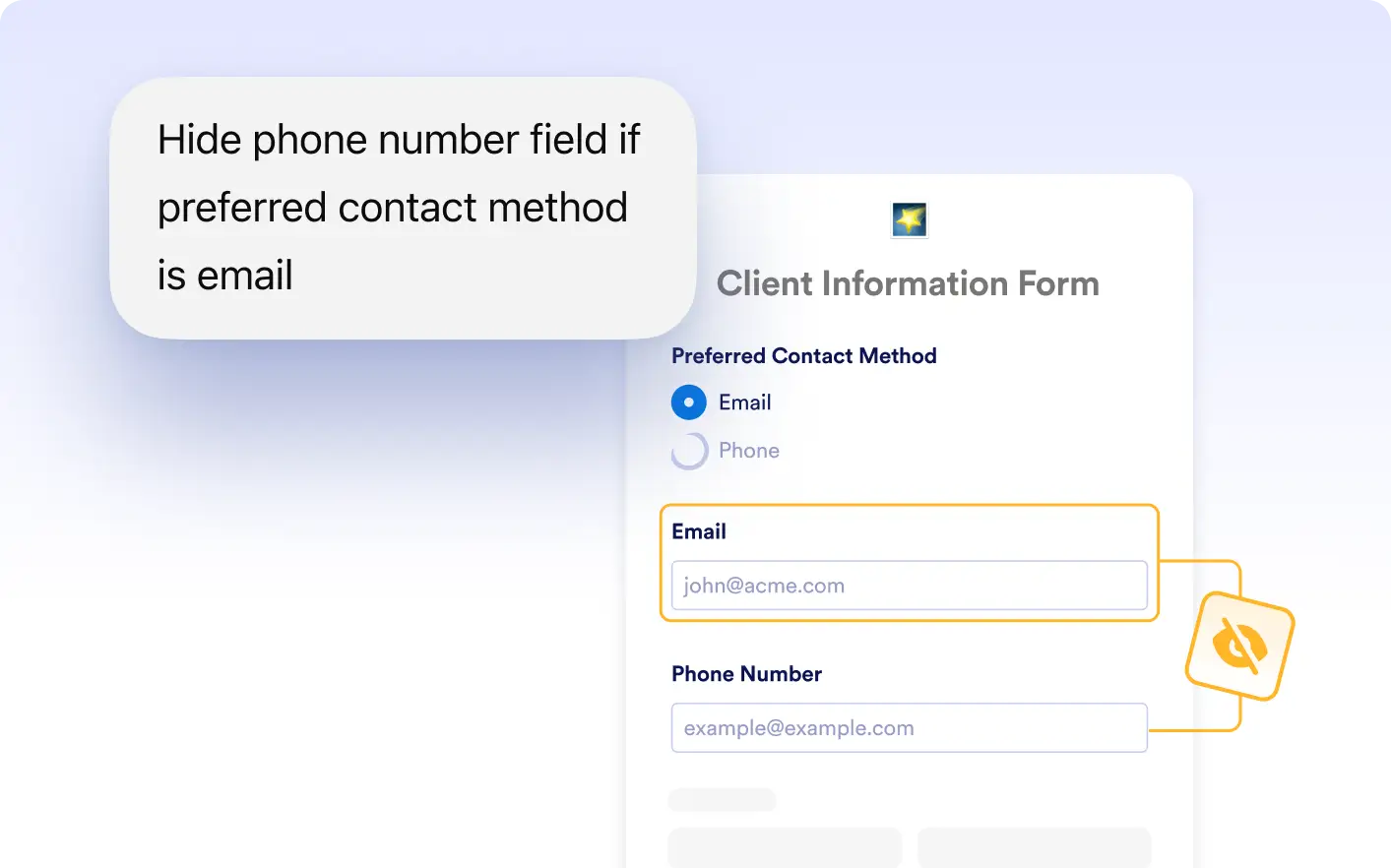
Hide Fields When Not Needed
Hide unnecessary fields based on user input to keep your forms clean and focused. Remove one or multiple fields dynamically so users only see what is important to them.
Frequently Asked Questions
Yes, you can display one or several fields at the same time based on a single user response.
Yes, you can hide one or multiple fields depending on how users answer specific questions.
Yes, you can create conditions where the same field appears or disappears depending on different user responses.