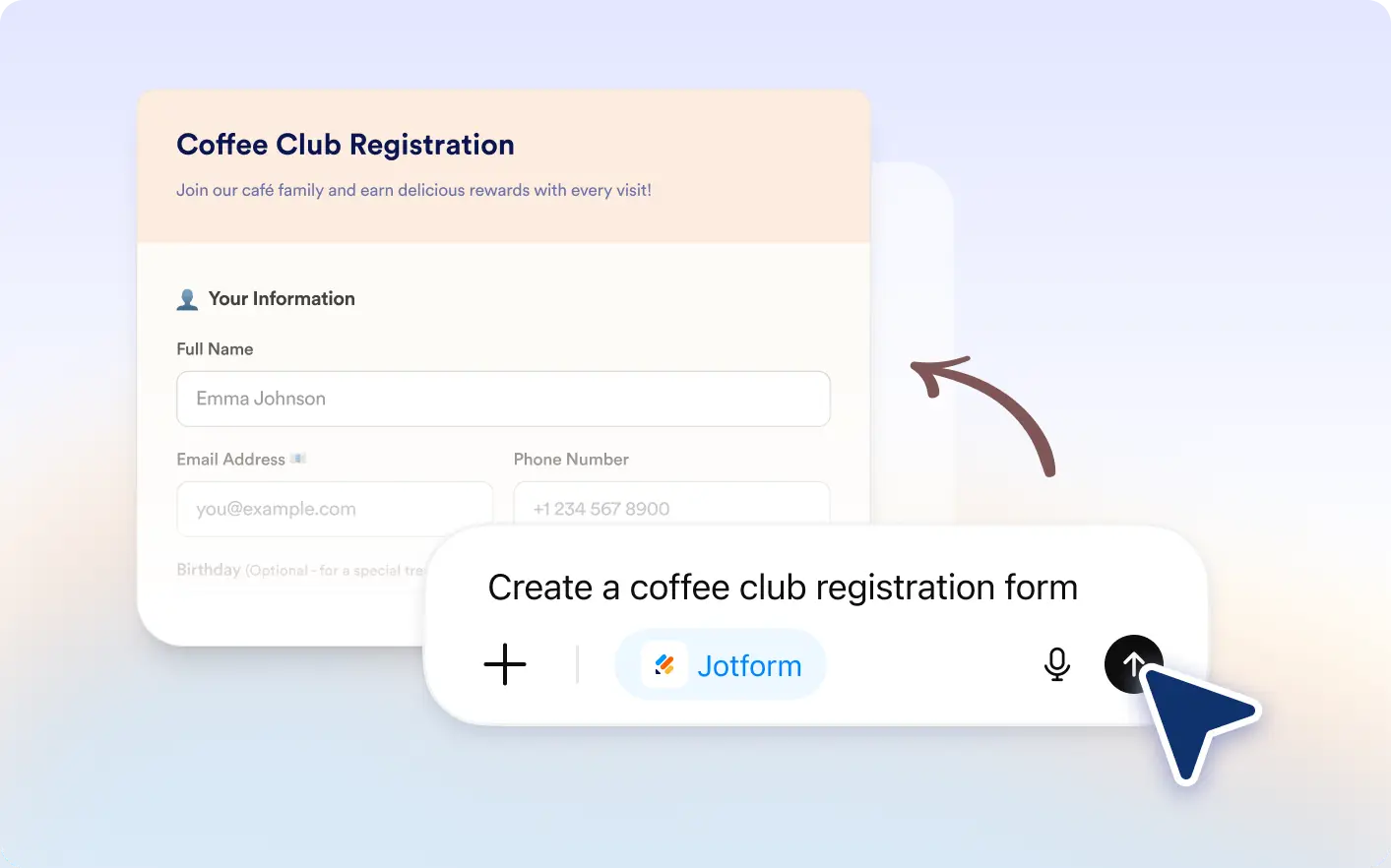
Skip manual setup and build forms faster inside ChatGPT. Just explain your needs and Jotform creates a ready to use form in seconds.
Build Forms From Simple Prompts
Use natural language inside ChatGPT to create forms for surveys, registrations, applications, feedback, and more without manual setup.
Frequently Asked Questions
Have questions about this feature? Explore the FAQs below for quick answers.
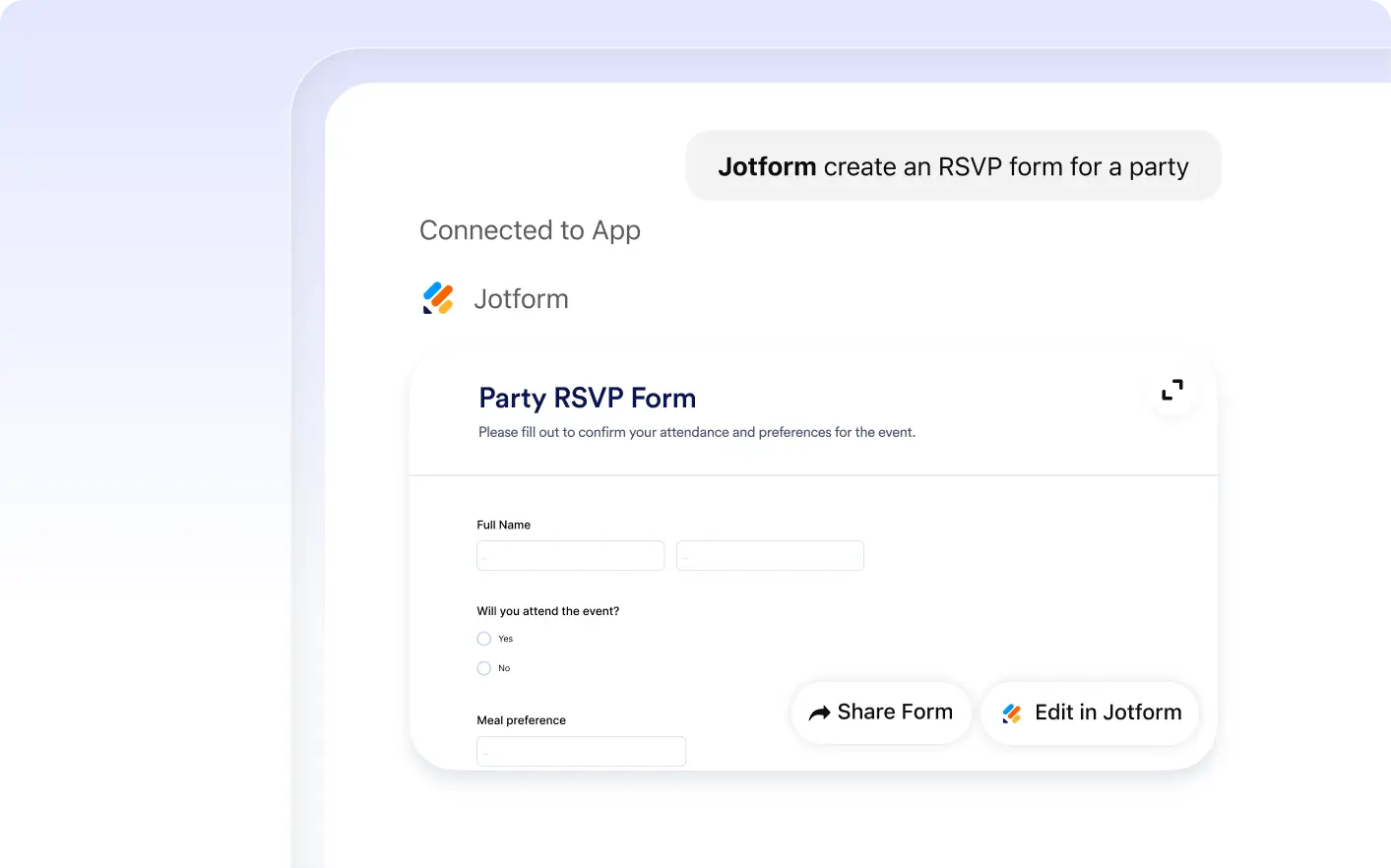
Simply type a short description of the form you need in the Jotform ChatGPT app. For example, ask for a job application form or customer survey, and Jotform will generate it instantly.
Yes. After your form is created, you can edit fields, update questions, change the design, configure notifications, and adjust settings to match your needs.
You can create contact forms, lead forms, registration forms, applications, surveys, appointment requests, intake forms, payment forms, and many other custom forms quickly.