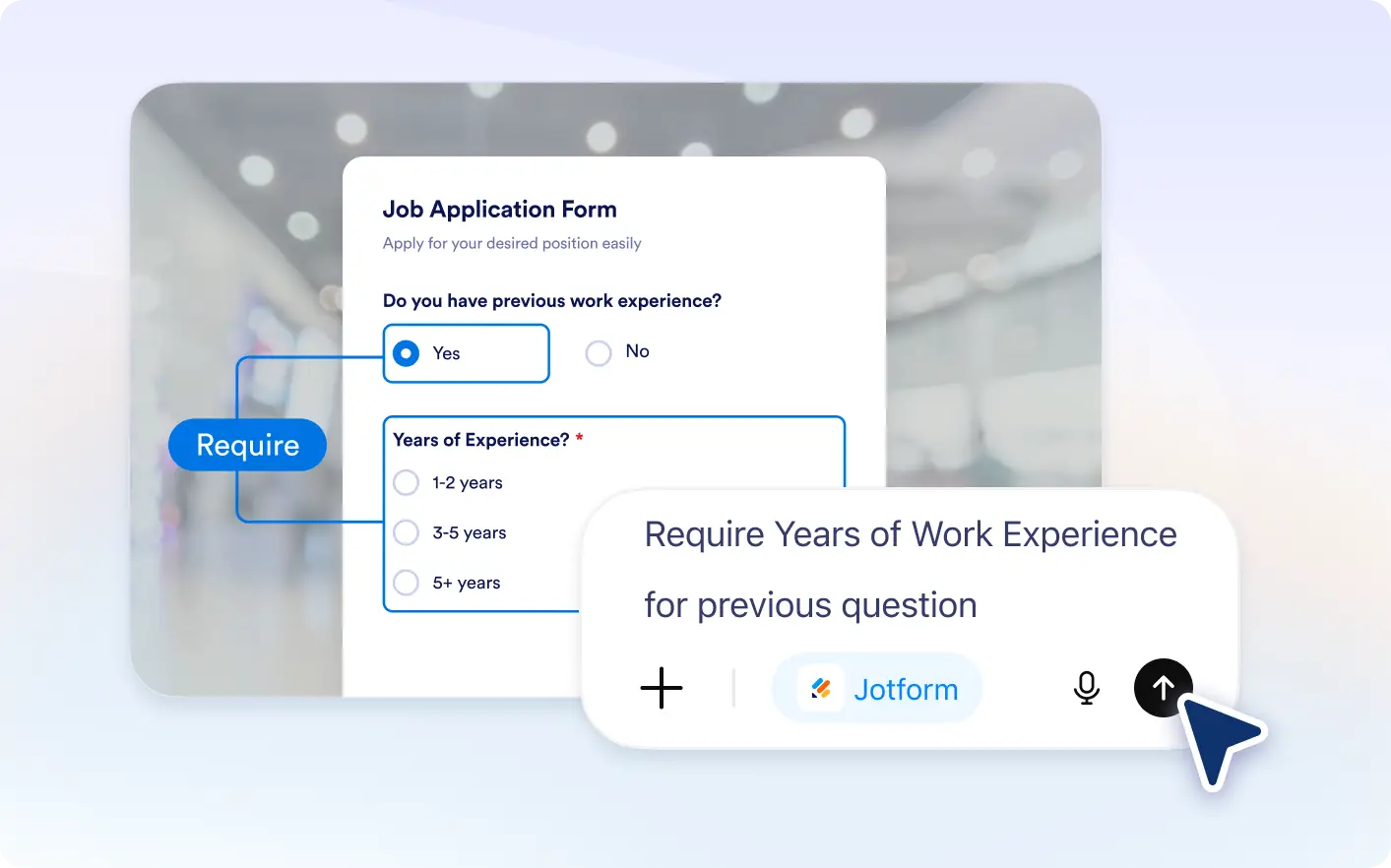
Define when fields should be required or enabled using simple instructions, and let Jotform ChatGPT App create the and easy to complete.
Make Forms Flexible With Field Control
Ideal for teams and businesses, this feature lets you use Jotform ChatGPT to decide when fields must be filled or become interactive, helping you collect the right information at the right time.
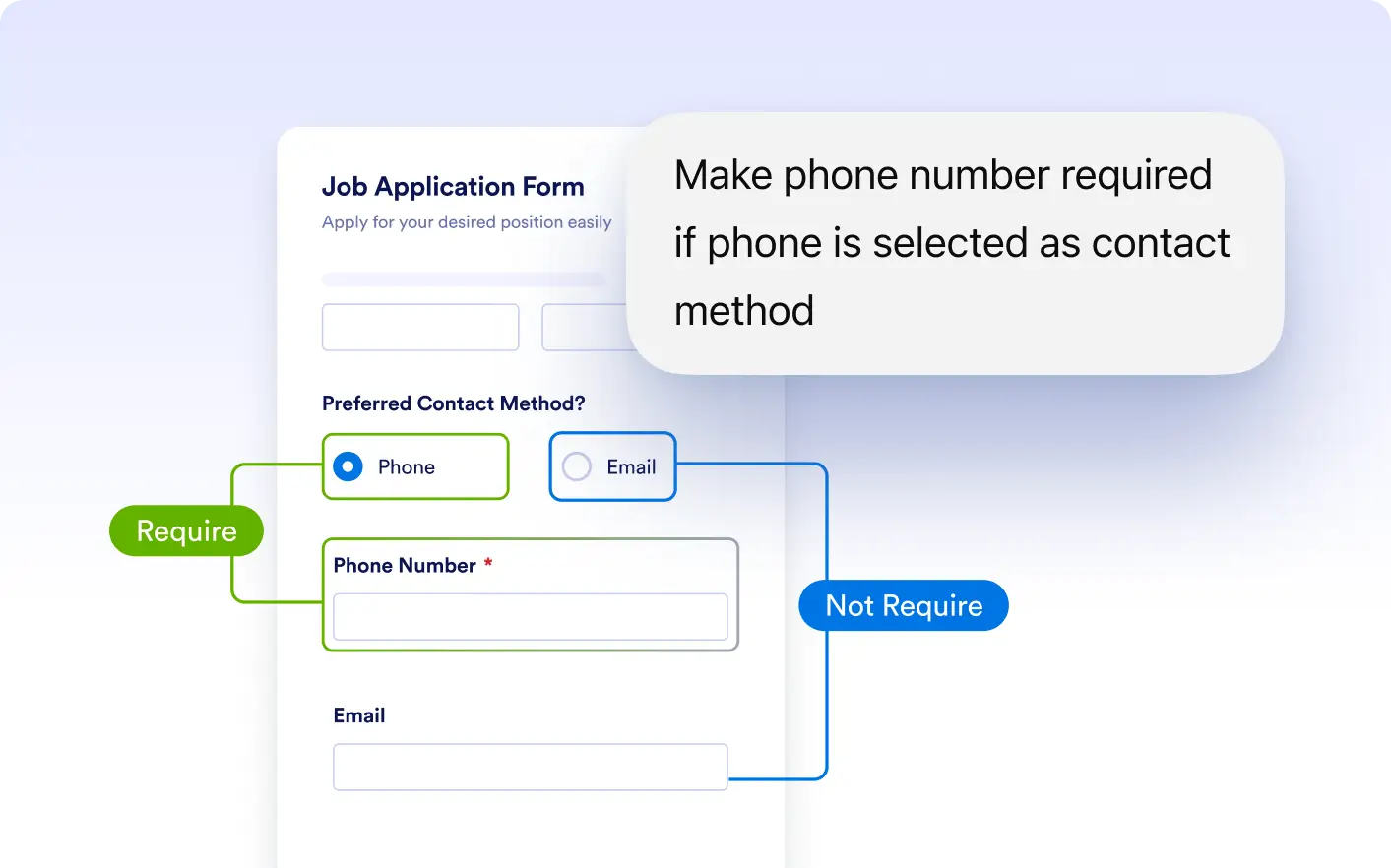
Set Fields as Required Dynamically
Automatically make fields required based on user responses. Ensure important information is collected only when it is relevant, improving form completion and data quality.
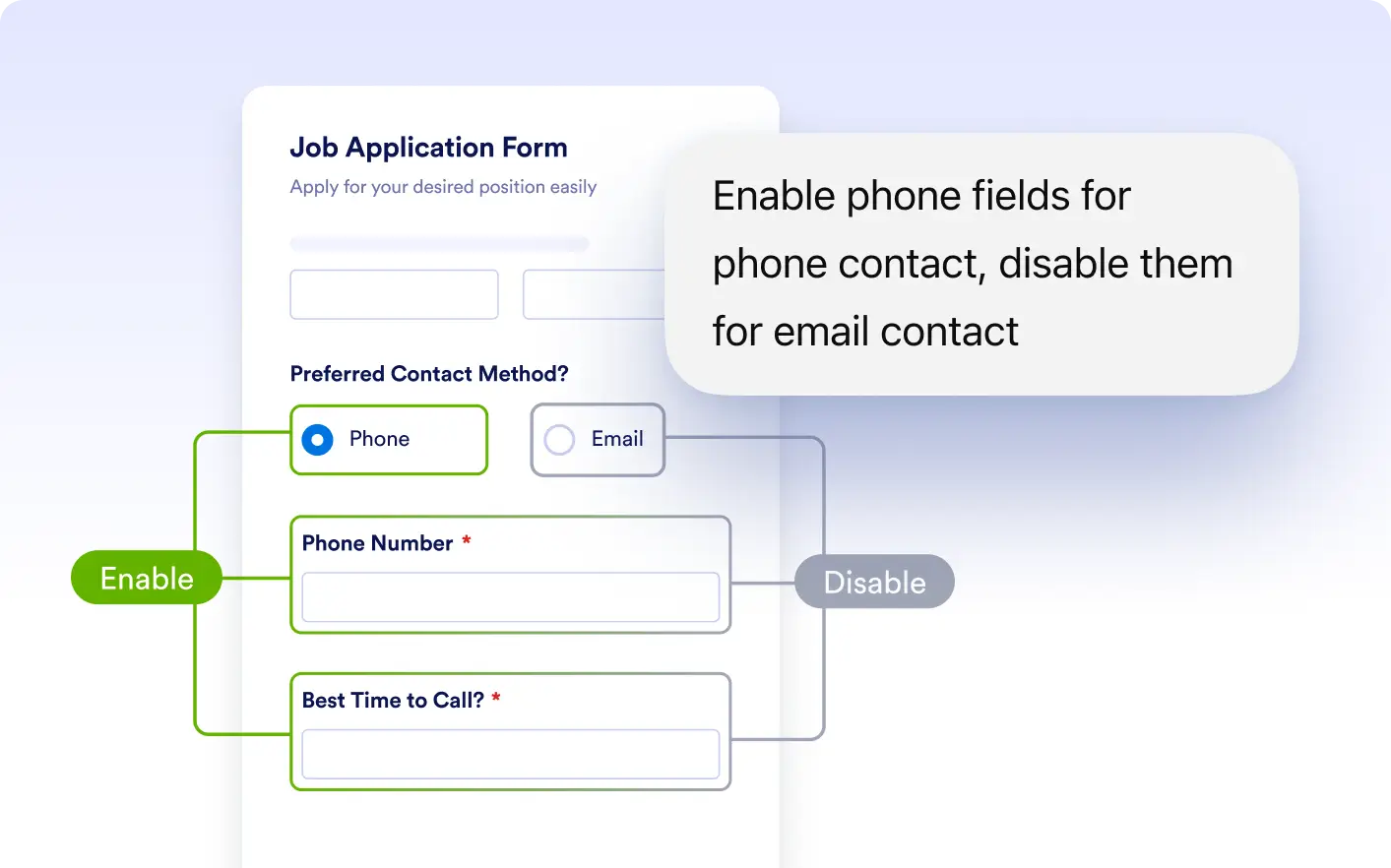
Enable or Disable Fields Based on Input
Control when fields are active or inactive depending on answers. Guide users through your form by allowing access only to fields that matter to their responses.
Frequently Asked Questions
Yes, you can require fields based on specific answers so users only complete them when necessary.
Yes, fields can become active or inactive depending on user input to guide the form flow.
Yes, you can combine conditions to control both requirement and availability based on user responses.