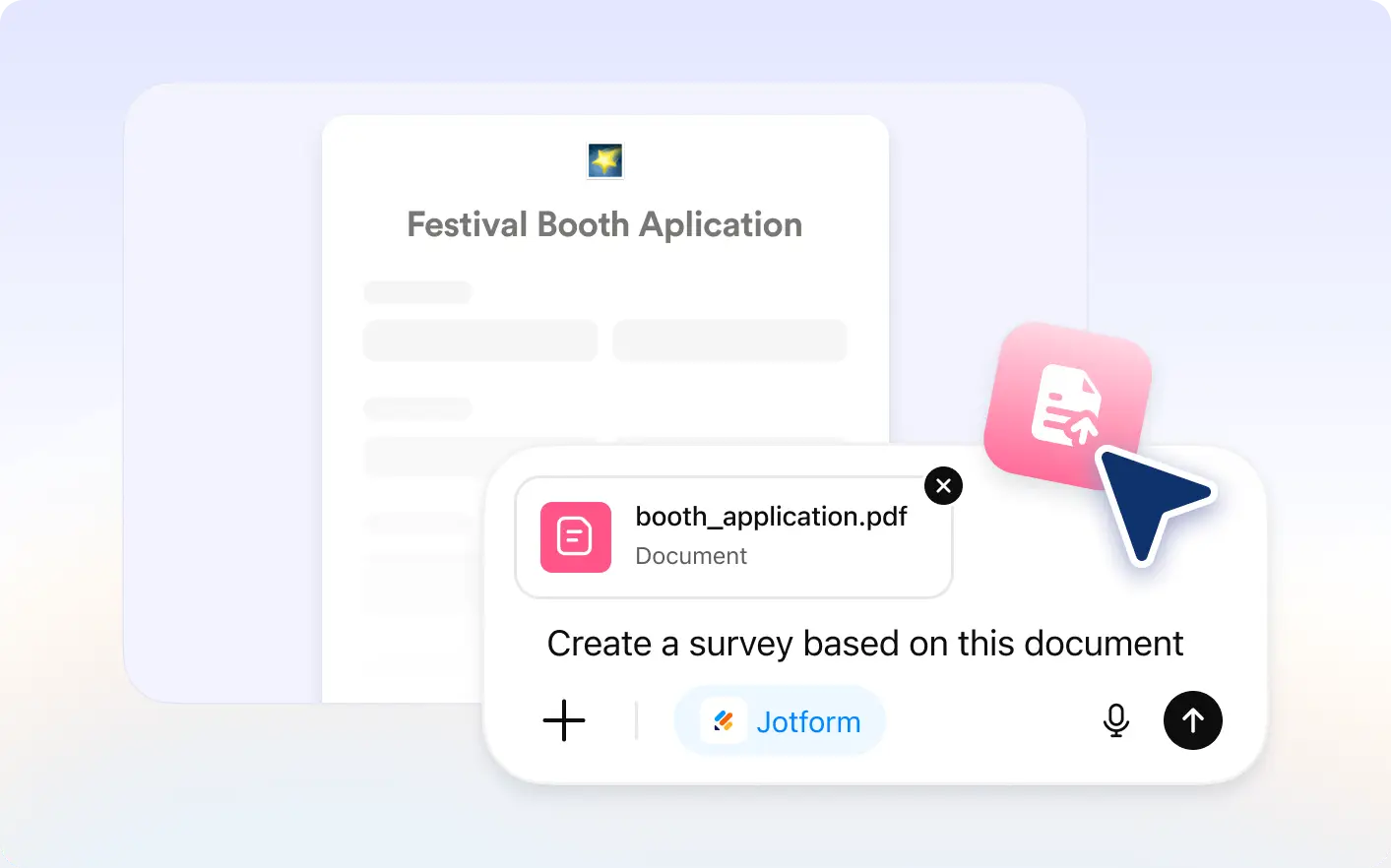
Save time by converting existing documents into ready to use forms. Add optional instructions for even more accurate results.
Generate Forms From Document Content
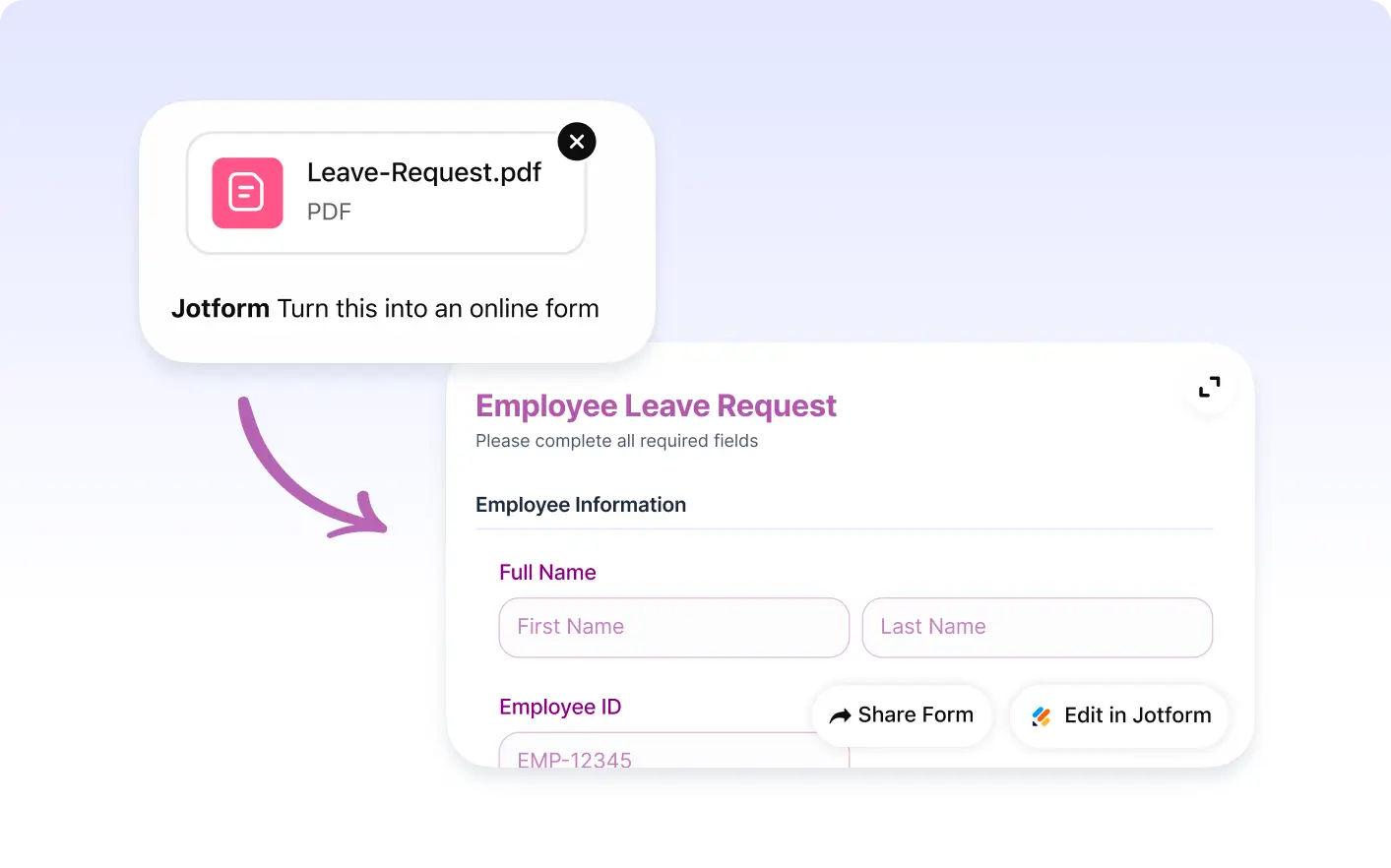
Upload a file with questions, fields, or information to collect. Jotform scans the content and creates a draft form ready to edit, customize, and share instantly with ease.
Turn Files Into Online Forms
Convert applications, questionnaires, checklists, PDFs, and other documents into digital forms without manual copying or setup.
Frequently Asked Questions
Have questions about this feature? Explore the FAQs below for quick answers.
Upload a document in the Jotform ChatGPT app. Jotform analyzes the content and generates a structured form with relevant fields you can edit instantly.
You can upload documents that contain questions, lists, applications, checklists, or structured information you want to collect digitally.
Yes. After creation, you can customize field labels, change field types, add or remove questions, and update the design before sharing.