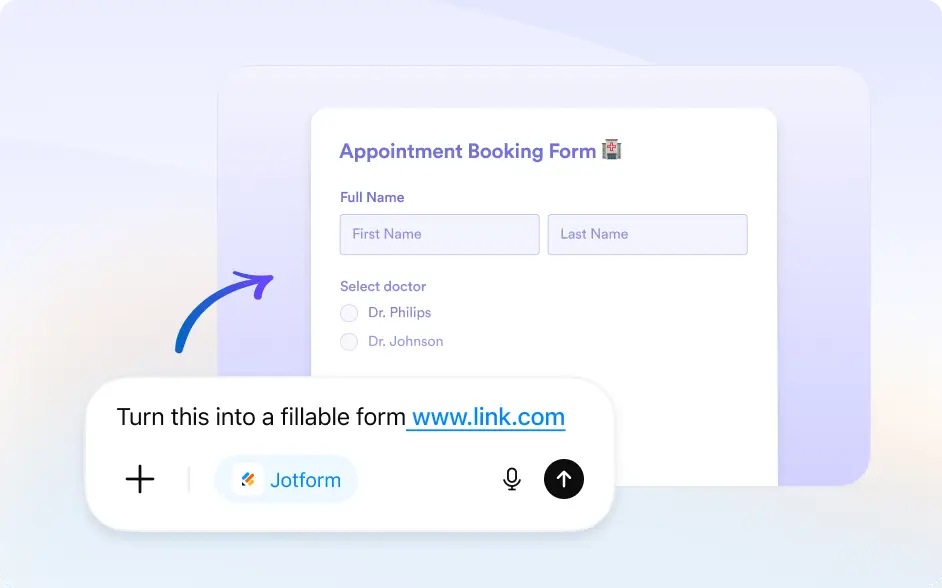
Skip copying content manually. Paste a website link and let Jotform create a ready to edit form based on the page content.
Generate Forms From Any Website
Use existing website content to build forms faster. Jotform understands webpage context and creates a ready-to-use form with matching questions and fields to edit and share instantly.
Paste a Website Link to Create a Form
Start by pasting any webpage URL. Jotform scans the content and automatically creates a structured form based on the information it finds.
Frequently Asked Questions
Have questions about this feature? Explore the FAQs below for quick answers.
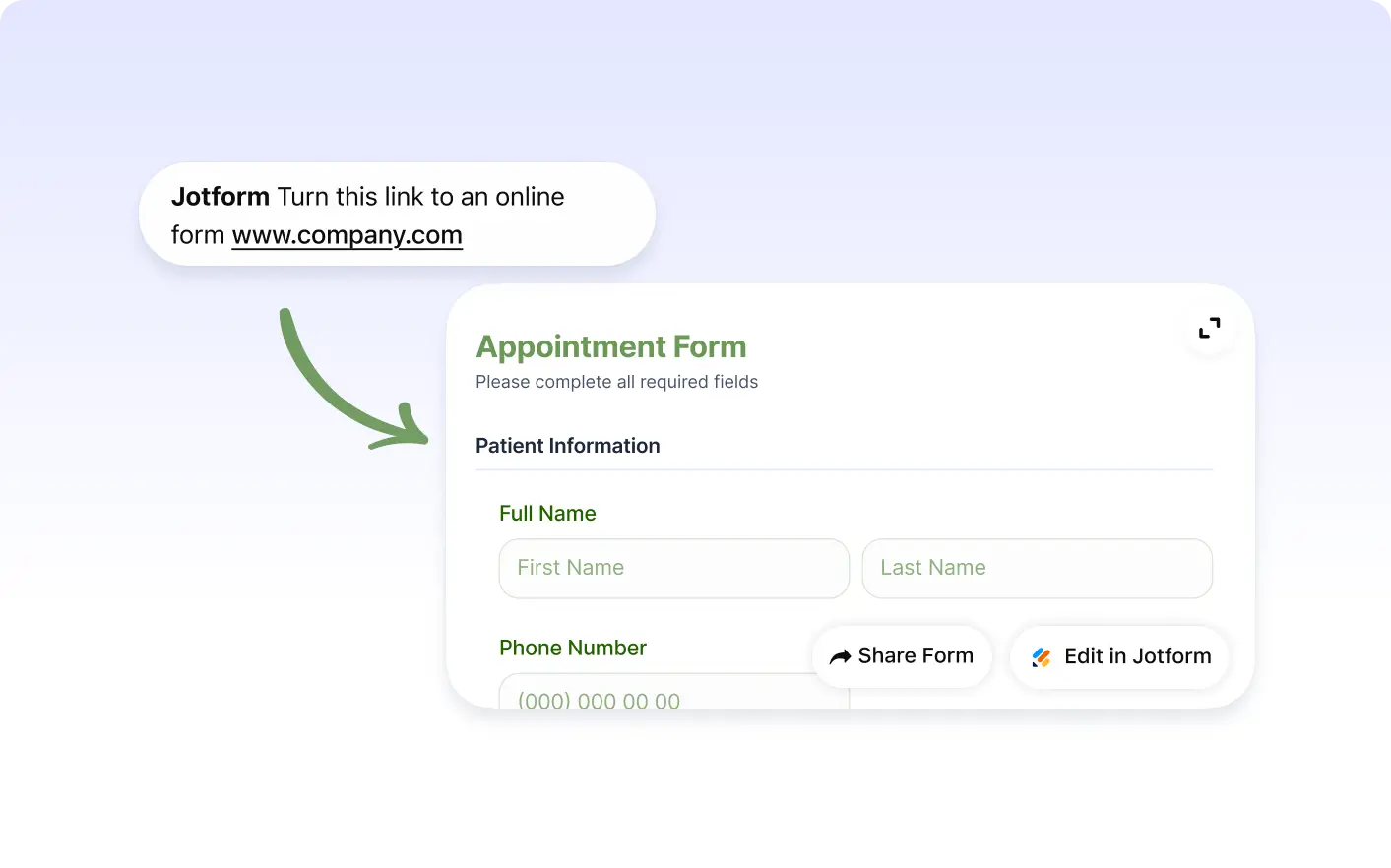
Paste a webpage URL into the Jotform ChatGPT app. Jotform analyzes the page content and generates a structured form with relevant fields you can edit.
Yes. You can add a short prompt with the website link. Jotform uses both your instructions and webpage content to create a more accurate form.
Yes. After the form is created, you can customize fields, labels, questions, layout, and design before sharing it.