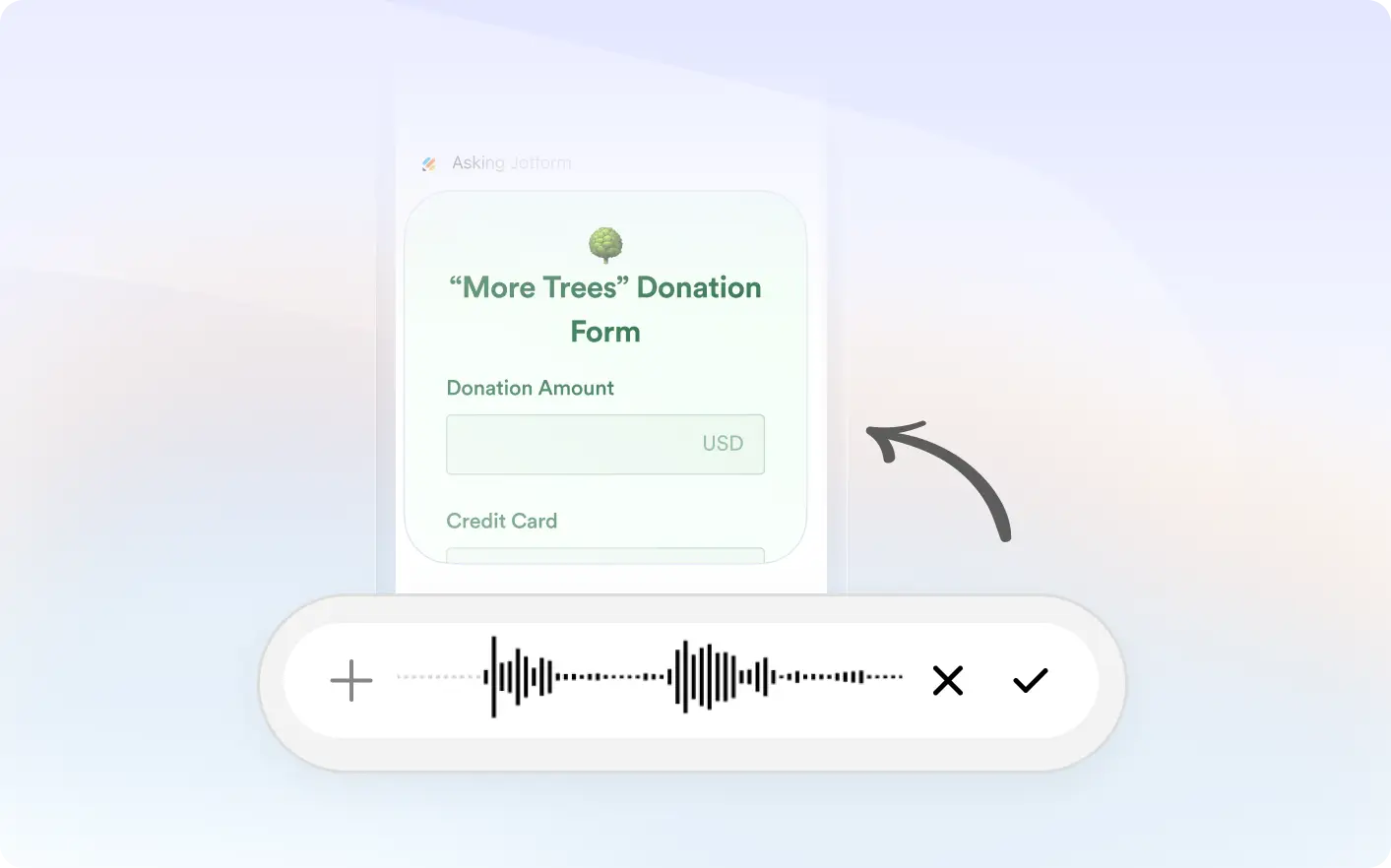
Skip typing and describe your form out loud. Jotform listens to your request and builds a ready to edit form in seconds.
Convert Speech Into Form Fields
Explain what information you need to collect and how the form should work. Jotform understands your voice input and automatically creates matching fields, questions, and layout ready to edit and share.
Turn Spoken Requirements Into Forms
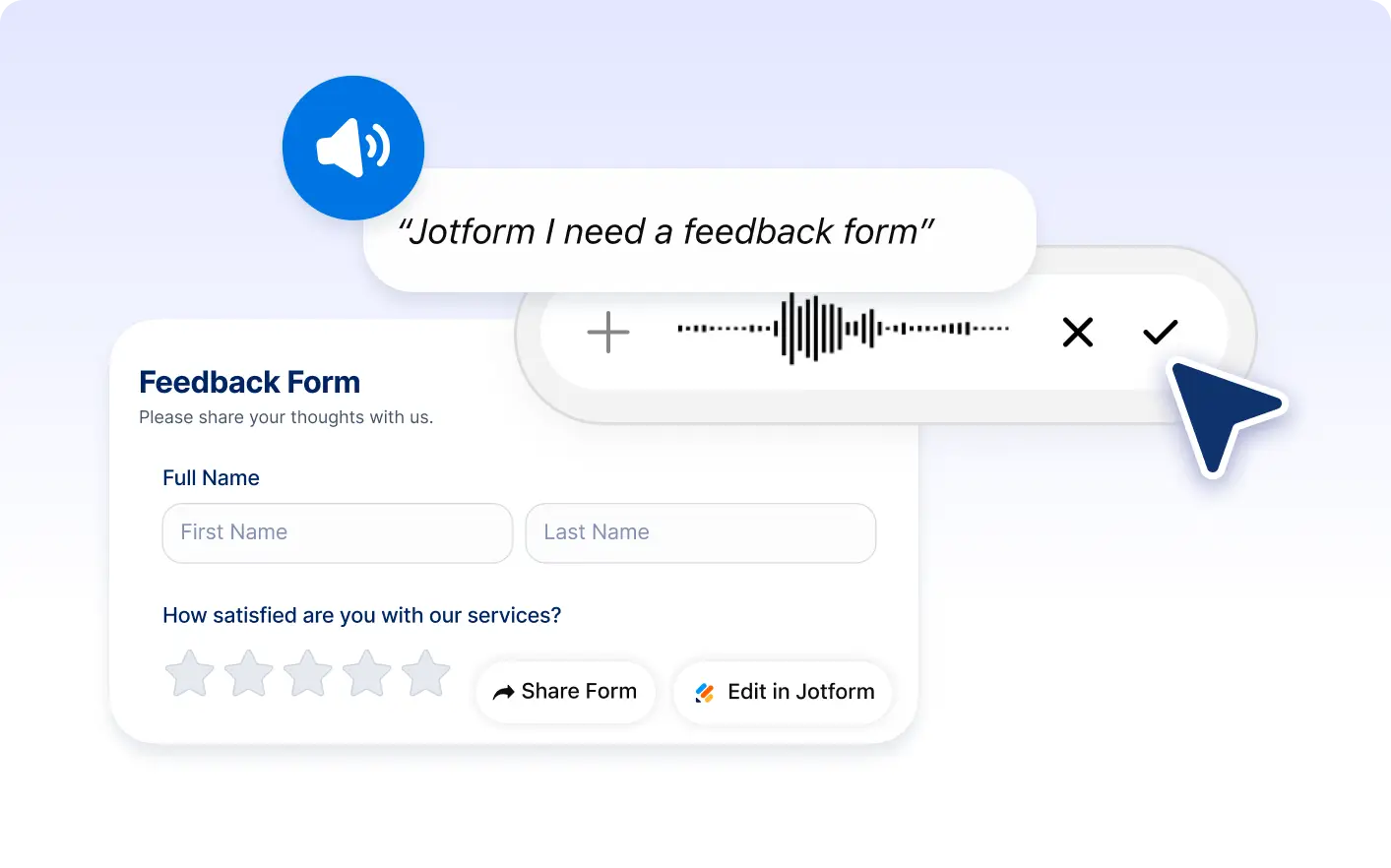
Use voice commands inside ChatGPT to create surveys, registrations, applications, feedback forms, and more without manual typing.
Frequently Asked Questions
Have questions about this feature? Explore the FAQs below for quick answers.
Speak your requirements in the Jotform ChatGPT app. Jotform converts your speech into text, understands your request, and generates a structured form automatically.
You can create surveys, registration forms, feedback forms, job applications, contact forms, event signups, and many other custom forms.
Yes. After the form is created, you can customize fields, labels, layout, settings, and design to match your exact needs.