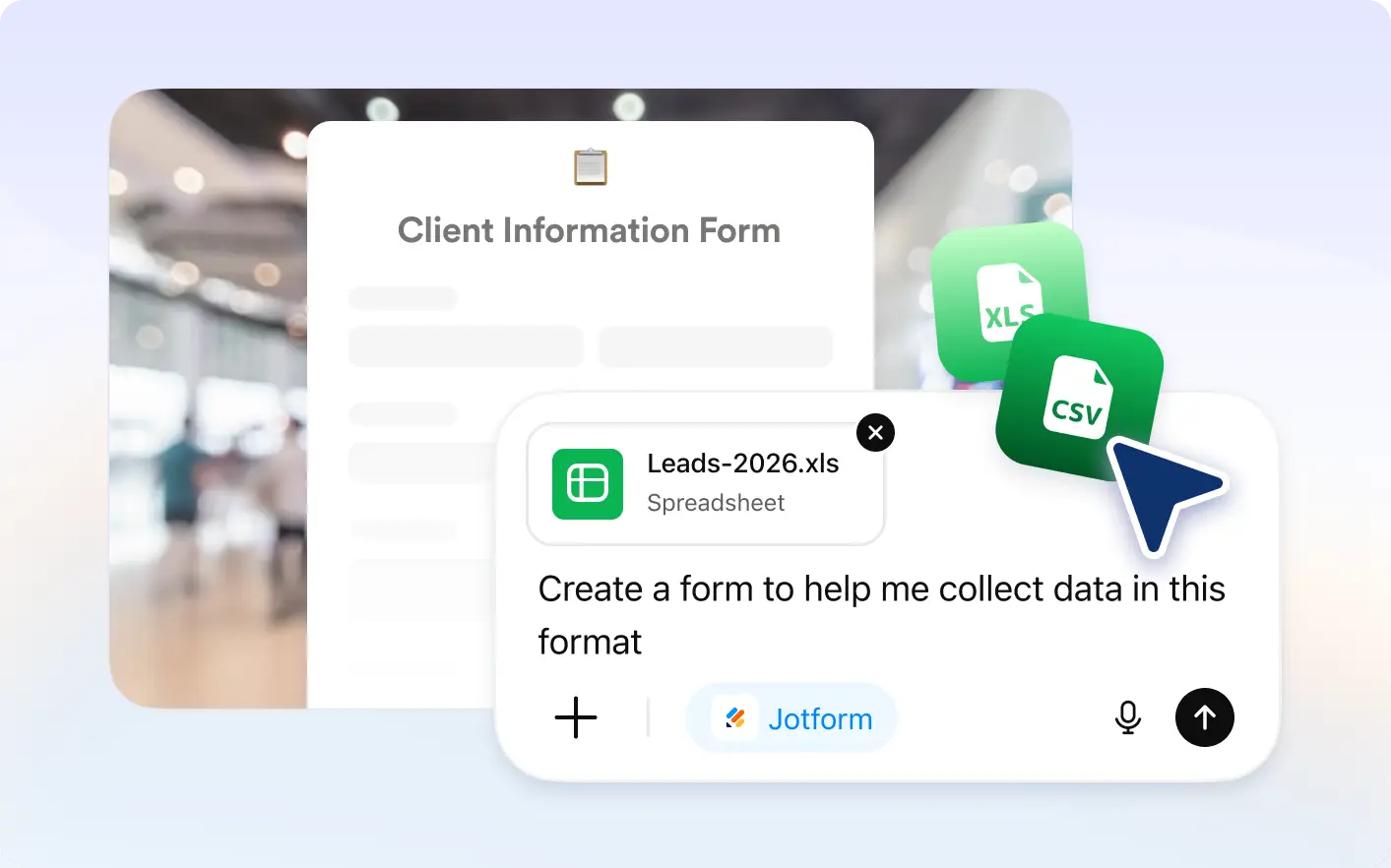
Save time by converting spreadsheet columns into form fields automatically. Jotform builds a ready to edit form in seconds.
Drag and Drop a Spreadsheet
Upload a CSV, XLS, or XLSX file inside ChatGPT and Jotform instantly converts each column into a structured online form with matching fields, labels, and layout ready to edit, customize, publish, and share anytime.
Match Spreadsheet Data to Form Fields
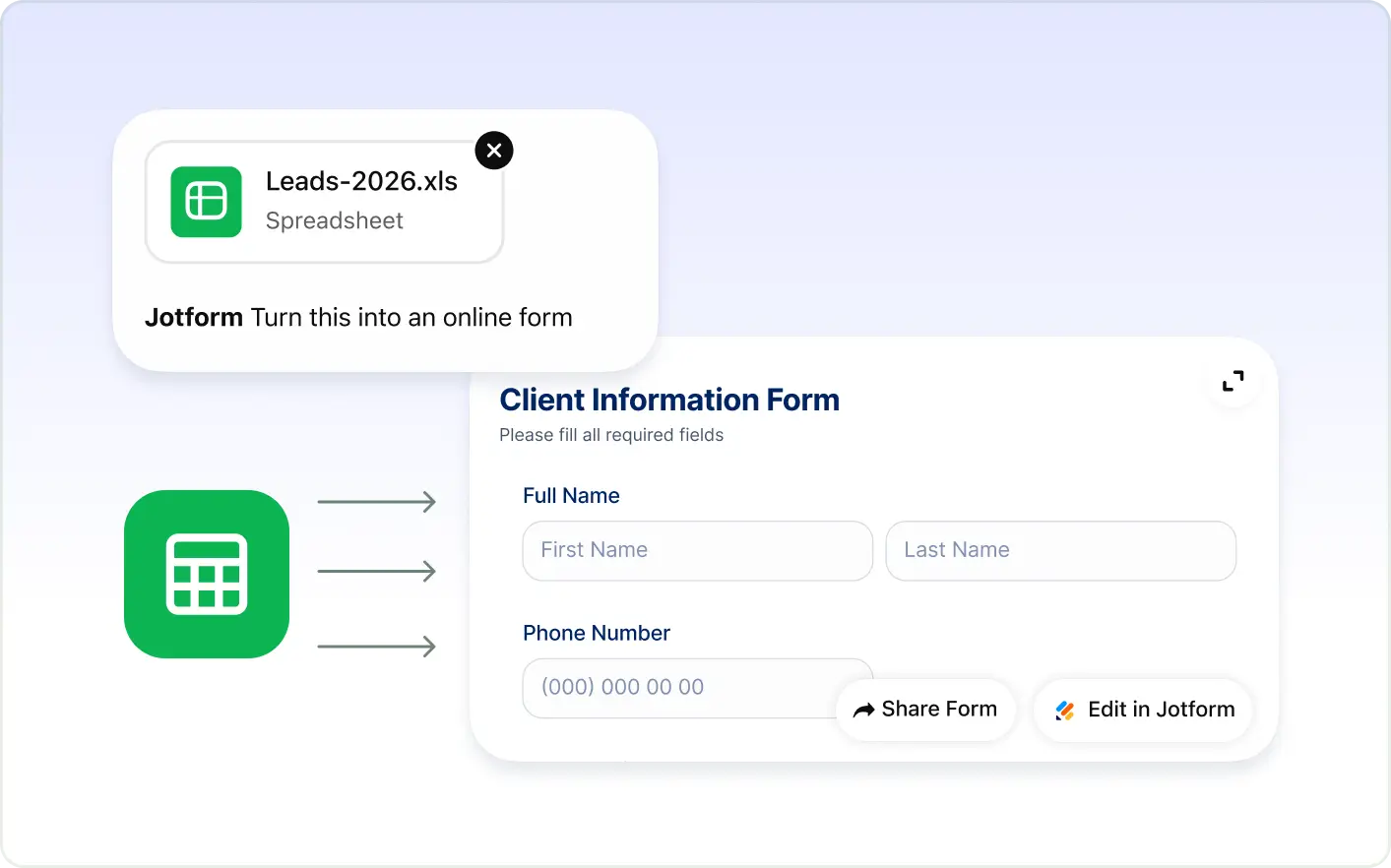
Use existing spreadsheet data to build forms faster. Jotform maps fields automatically and keeps options organized for better results.
Frequently Asked Questions
Have questions about this feature? Explore the FAQs below for quick answers.
You can upload CSV, XLS, or XLSX spreadsheet files in the Jotform ChatGPT app. Jotform reads the file structure and converts columns into form fields.
Jotform analyzes column names and data types in your spreadsheet, then creates matching fields such as text inputs, dropdowns, and selection options.
Yes. After the form is created, you can edit field types, add or remove questions, update layout, and fully customize the design before sharing.