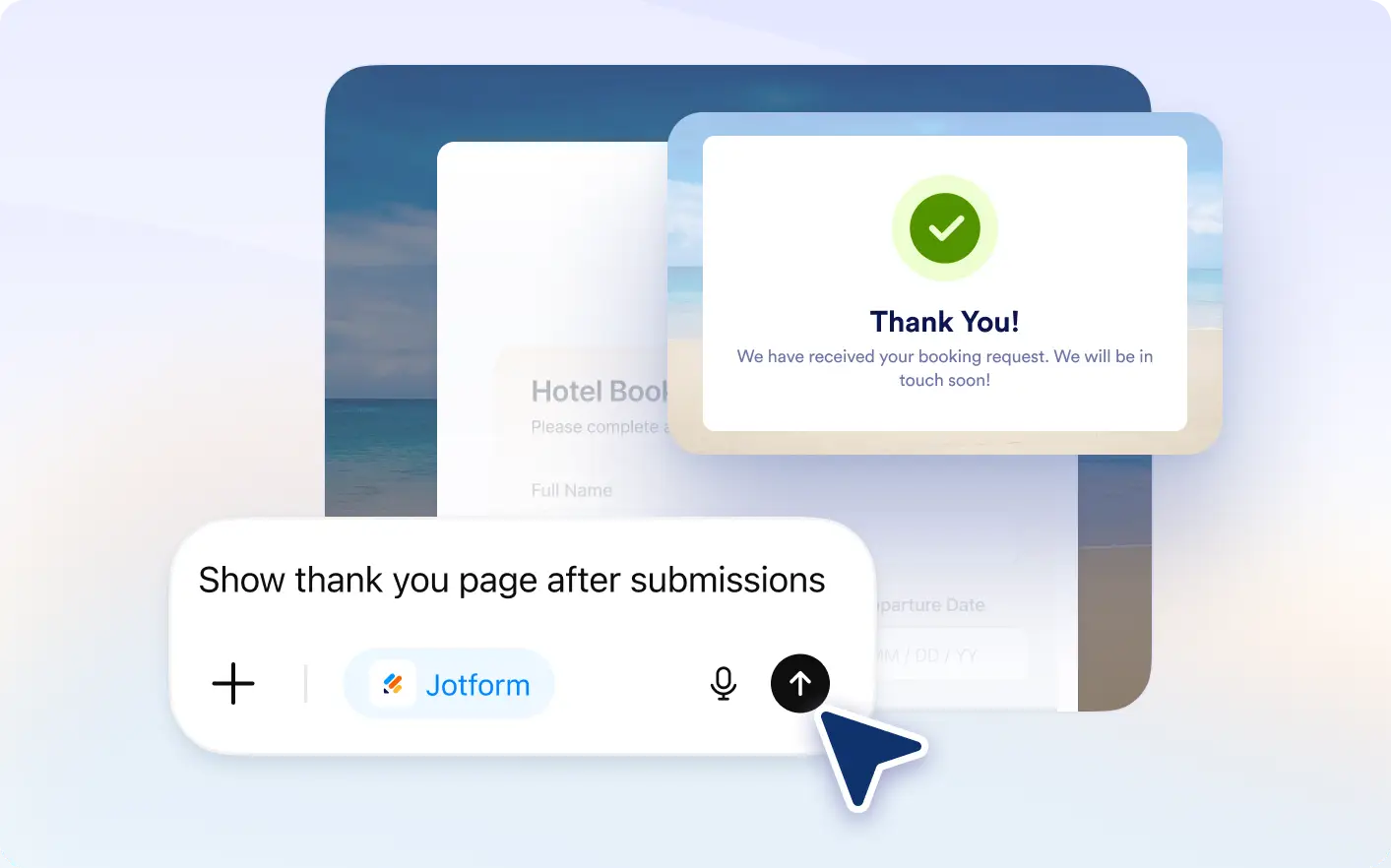
Describe what should happen after submission, and Jotform ChatGPT App will create logic to display the right message or page based on user input.
Customize Post Submission Experience
Ideal for teams and businesses, this feature lets you use Jotform ChatGPT to control thank you messages or redirects based on responses, helping you deliver more relevant follow up experiences.
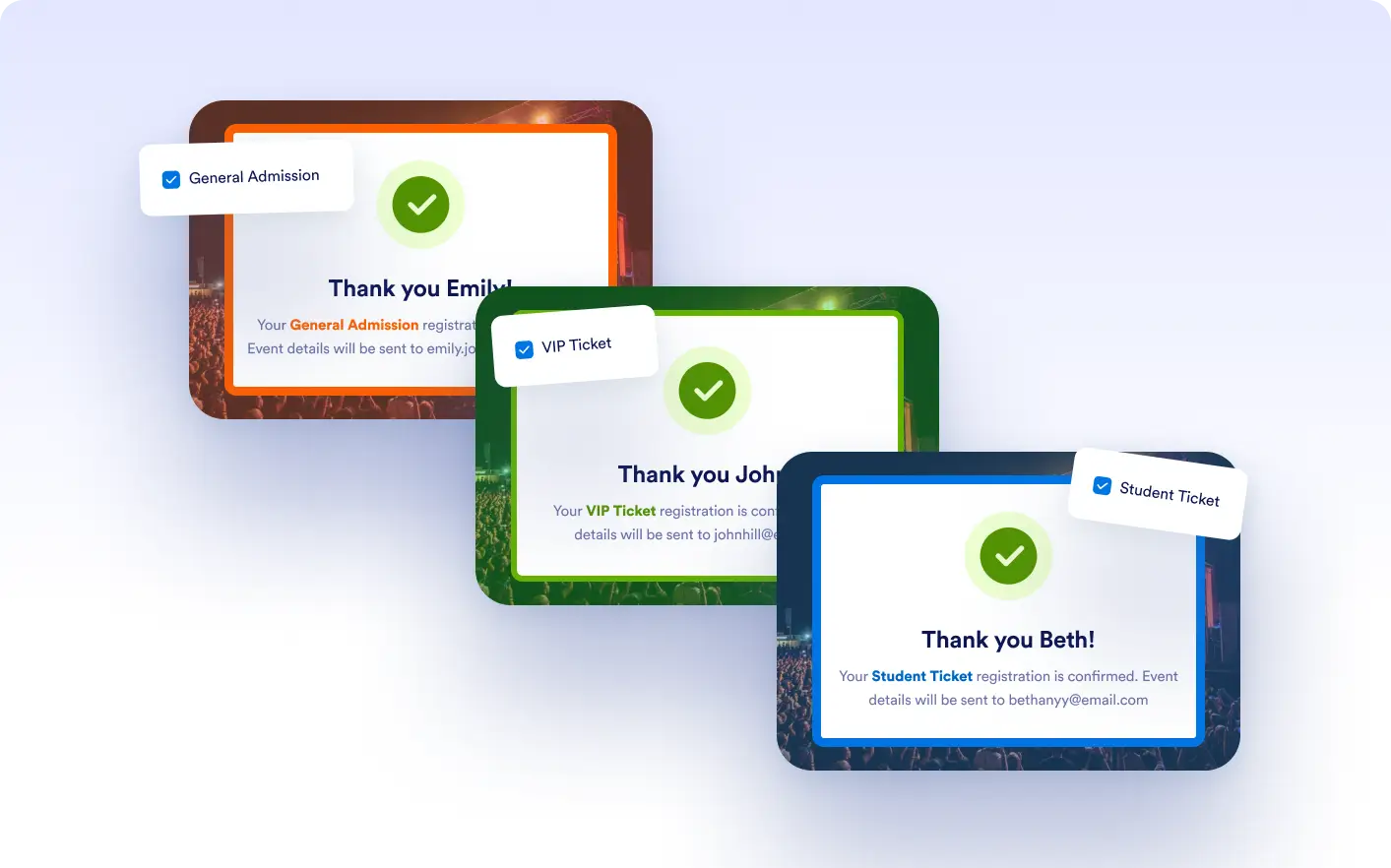
Show Custom Thank You Messages
Display different thank you messages based on user responses. Create a more personalized experience by tailoring messages to each submission.
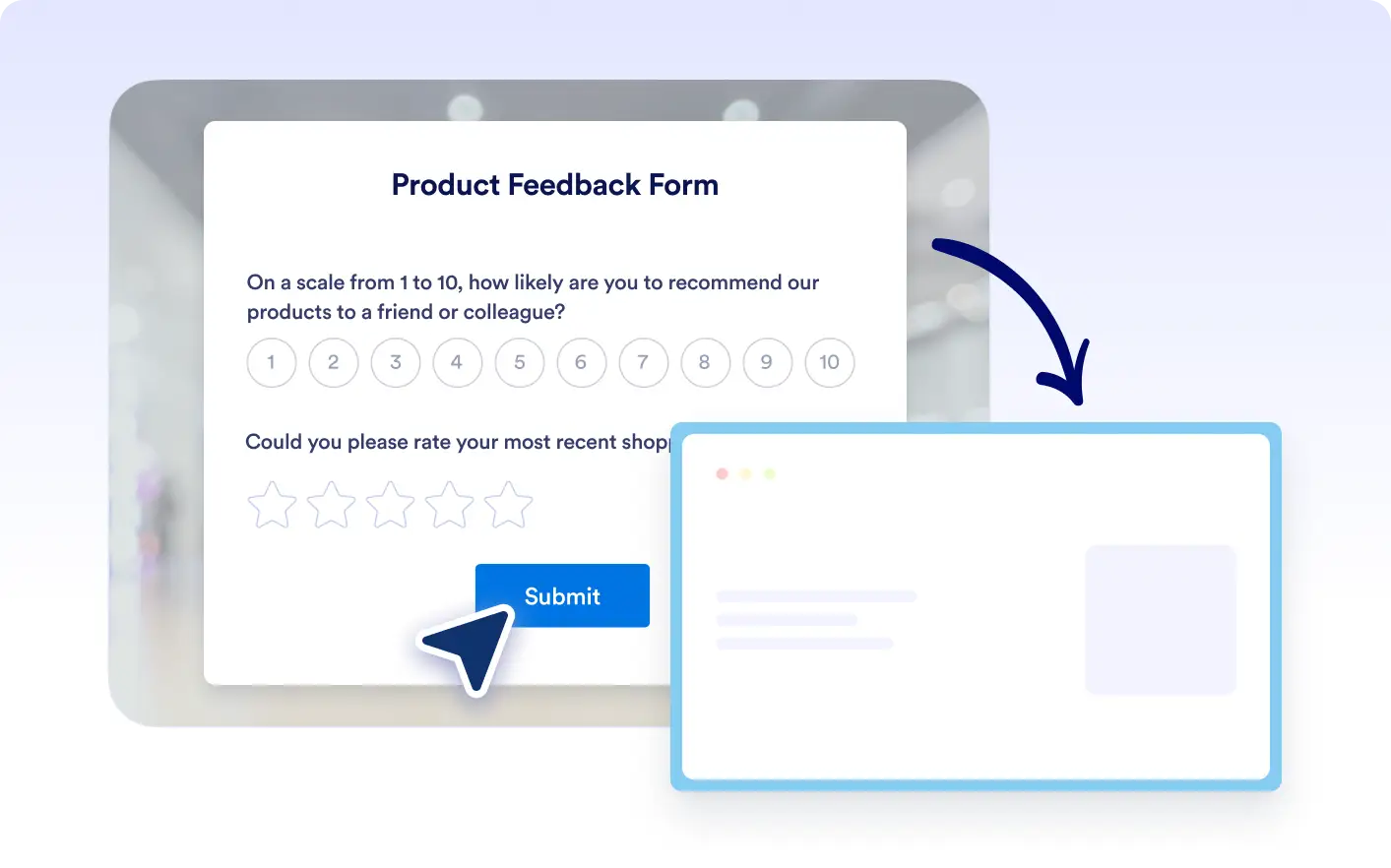
Redirect to Specific Pages
Send users to different pages after submission depending on their answers. Guide them to relevant next steps such as websites, offers, or additional resources.
Frequently Asked Questions
Yes, you can display custom messages depending on how users respond to your form.
Yes, you can send users to different pages based on their answers after they submit the form.
Yes, you can create conditions to either show messages or redirect users depending on the situation.