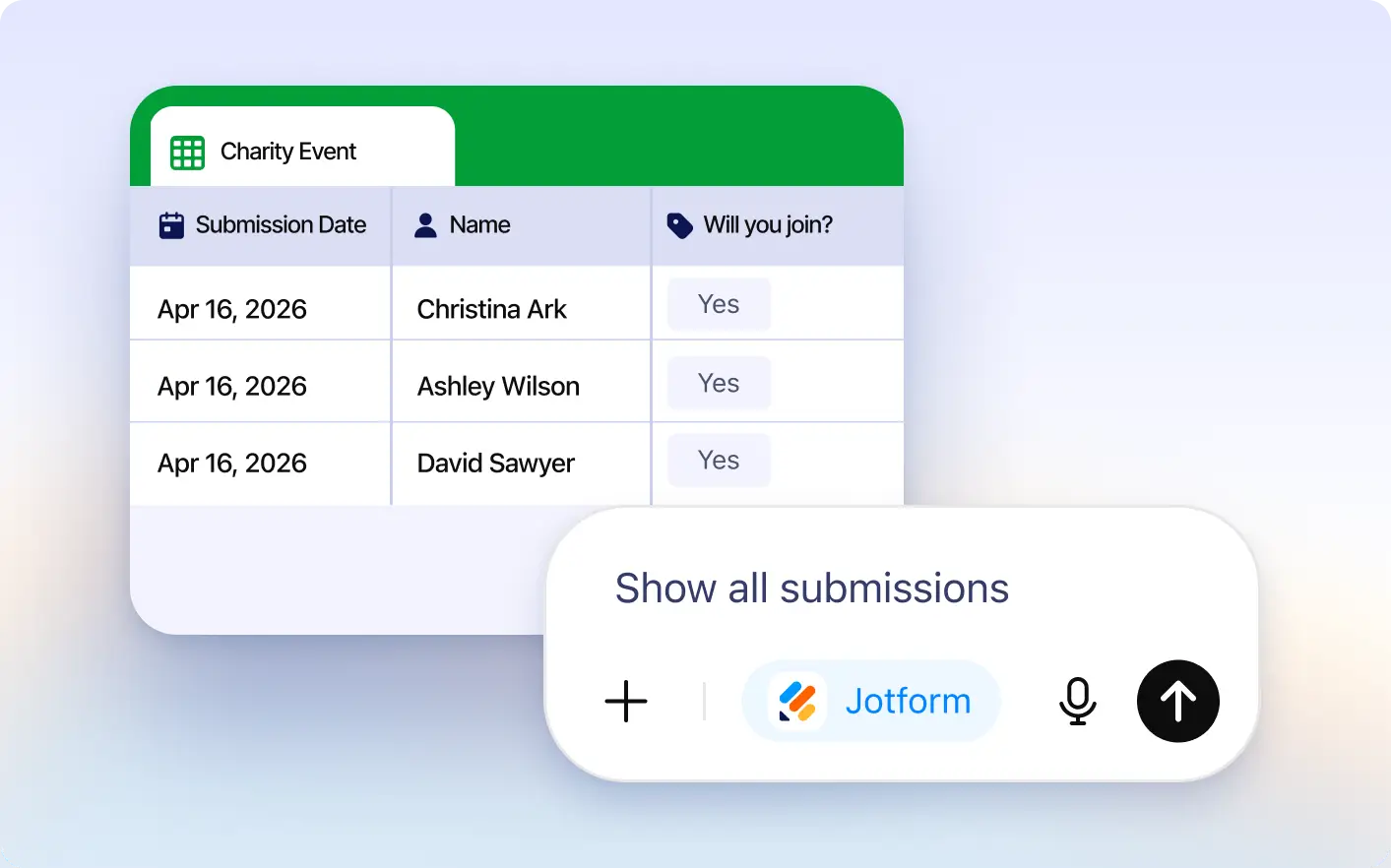
Skip switching tabs and checking dashboards manually. Access your latest form responses directly inside ChatGPT in seconds.
Check Form Submissions Instantly
View your form submissions directly in the Jotform ChatGPT App by simply typing which responses you want to see, making it fast and easy to access submission data without searching manually.
View Responses in Jotform Tables
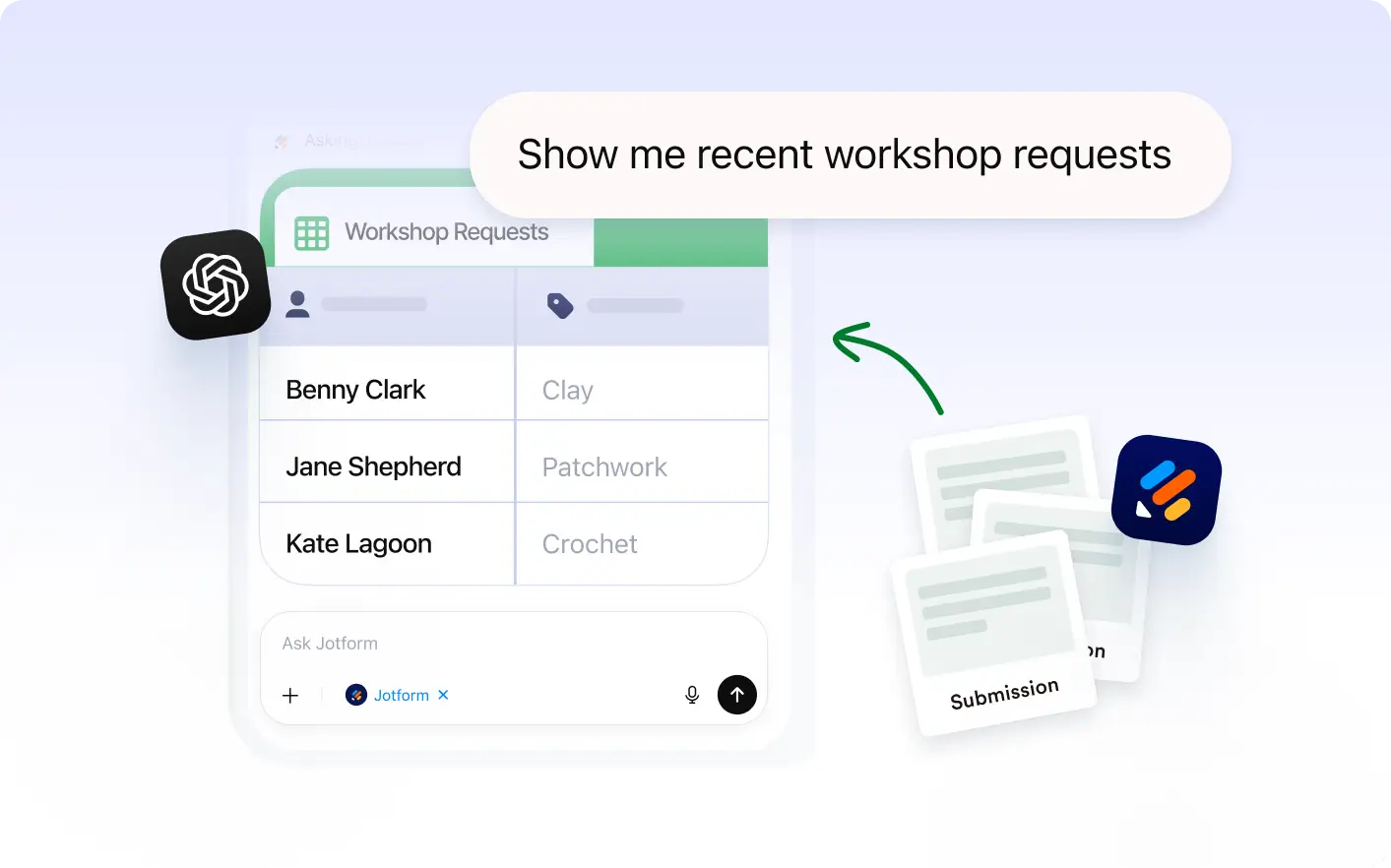
See form submissions organized in a clean table with fields, names, dates, and answers so reviewing responses is fast and simple.
Frequently Asked Questions
Have questions about this feature? Explore the FAQs below for quick answers.
Simply ask to view your submissions in ChatGPT. Jotform will retrieve responses for your selected form and display them instantly.
Yes. You can access submissions for forms connected to your Jotform account directly through the ChatGPT app.
Responses are shown in Jotform Tables, making it easy to review names, dates, answers, and other submitted details quickly.