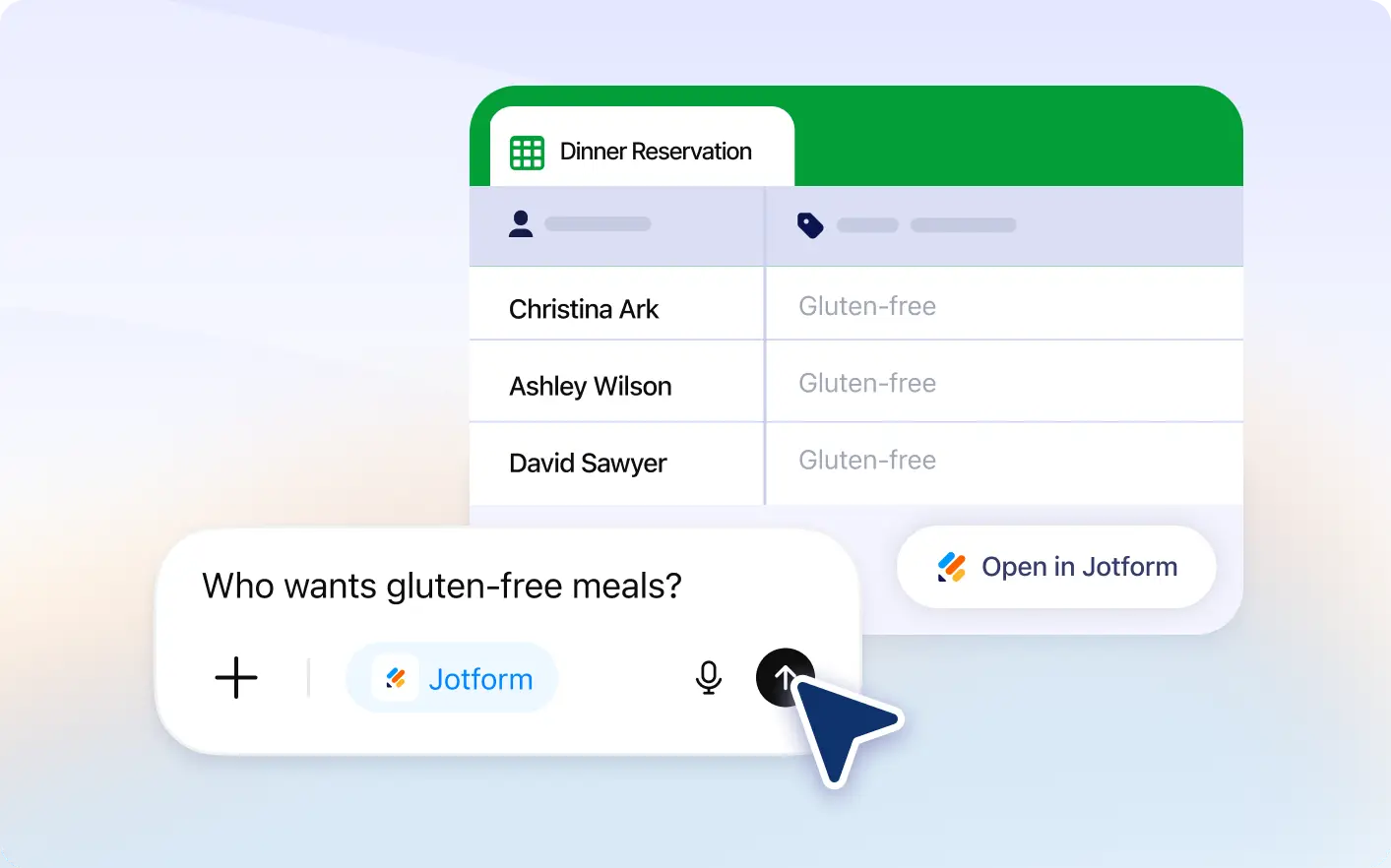
Skip manual searching through entries. Use simple prompts to filter submissions by names, dates, answers, status, and more.
Filter Submissions Instantly
Type what you need to see and Jotform will automatically filter your submissions, helping you review only the most relevant entries faster inside Jotform Tables with clear results.
Search Responses with Natural Language
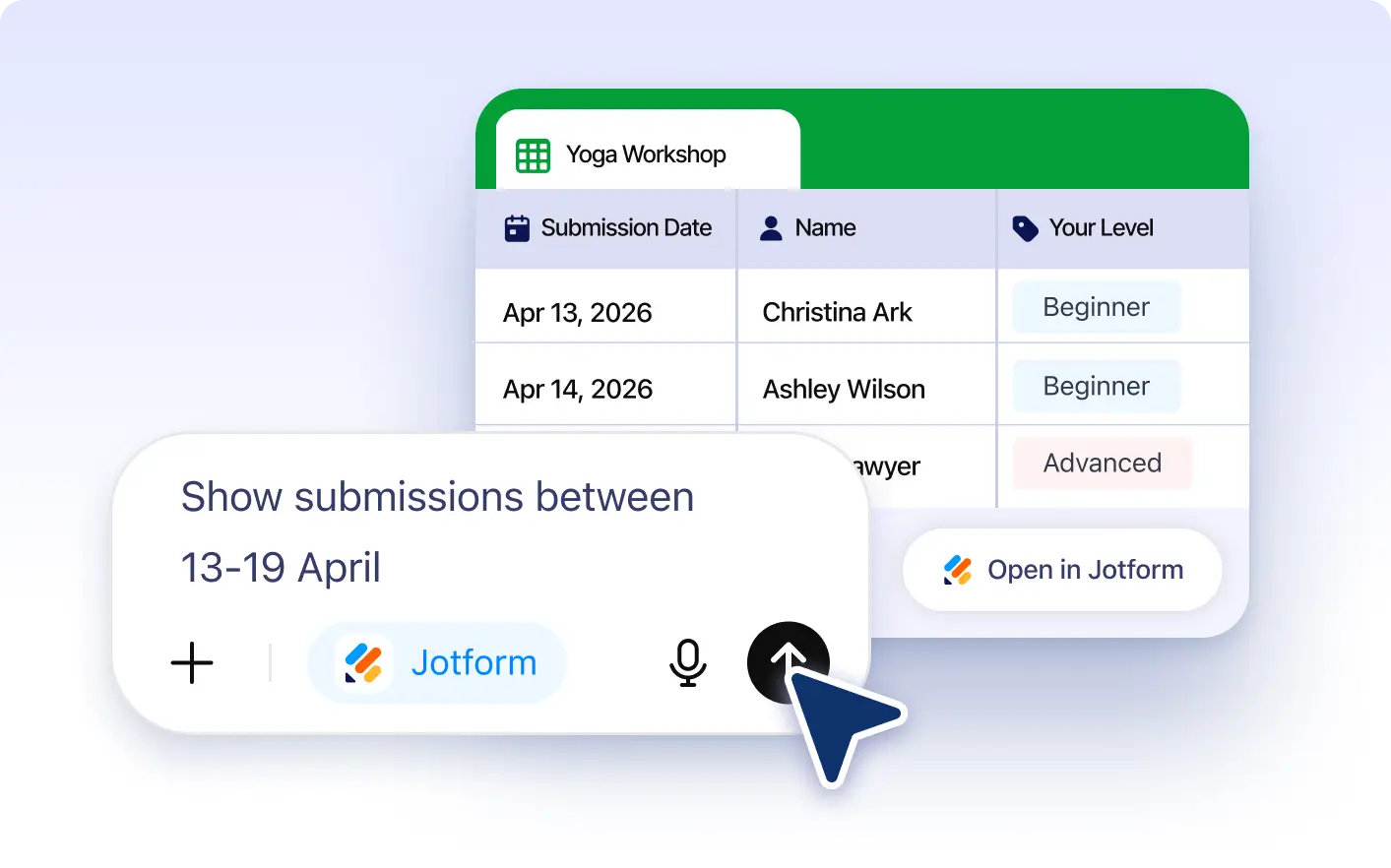
Use everyday language to find matching submissions. Ask for entries by keyword, date range, selected answers, or custom conditions.
Frequently Asked Questions
Have questions about this feature? Explore the FAQs below for quick answers.
Simply ask for submissions that match your criteria, such as specific names, dates, answers, or statuses, and Jotform will show filtered results.
You can filter by keywords, date ranges, selected responses, names, statuses, and other form field values depending on your form data.
Yes. You can filter submissions for forms connected to your Jotform account directly inside the ChatGPT app.