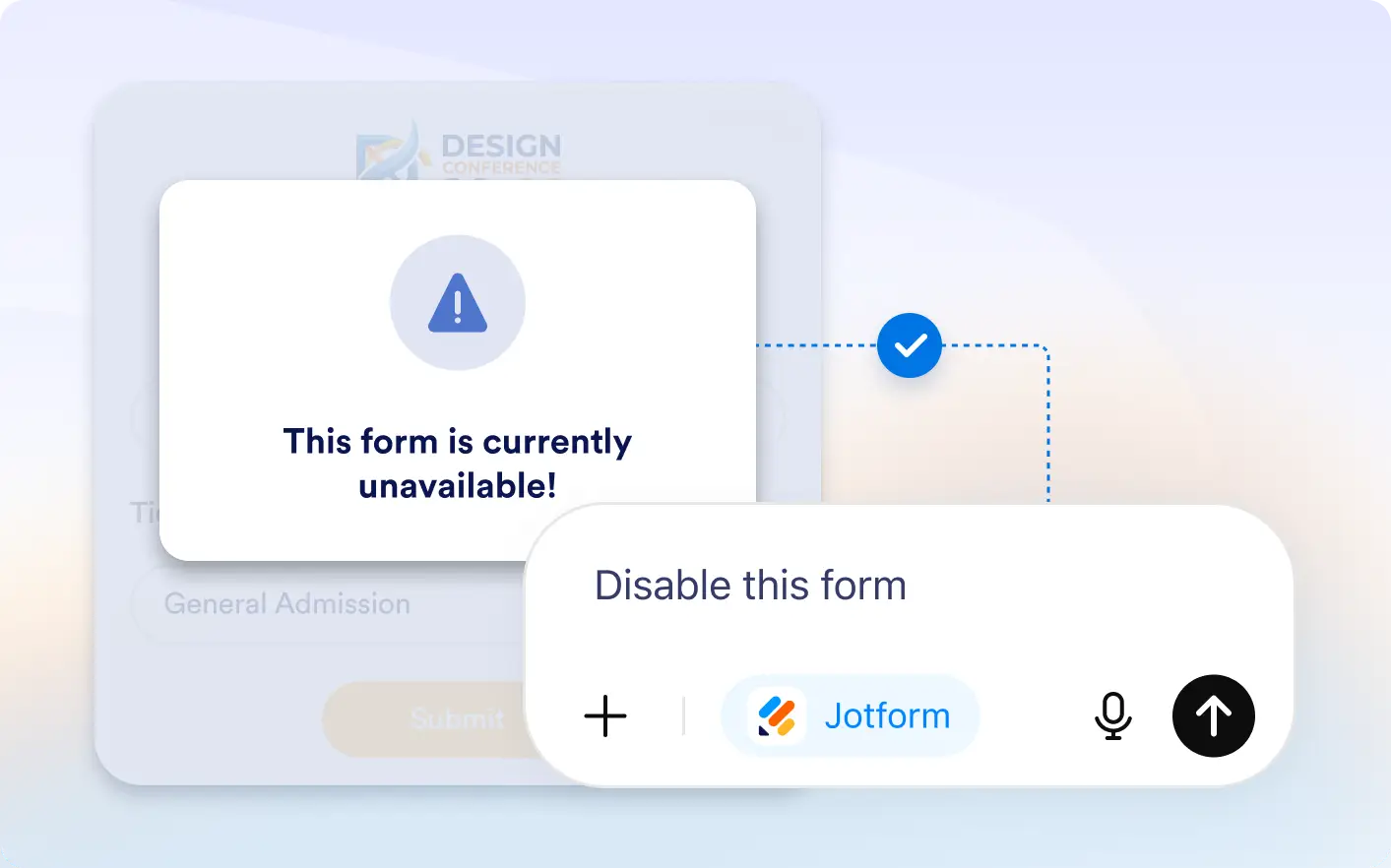
Enable or disable submissions anytime by changing your form status directly inside ChatGPT without opening the form builder or account dashboard.
Manage Form Status with a Prompt
Simply type enable form or disable form and Jotform updates your form status automatically, helping you manage forms in seconds directly inside the ChatGPT conversation window.
Manage Form Availability With AI
Control form availability faster. Open forms for new submissions or close them instantly from your ChatGPT conversation.
Frequently Asked Questions
Have questions about this feature? Explore the FAQs below for quick answers.
Simply type disable form in ChatGPT. Jotform will update the form status and stop new submissions instantly.
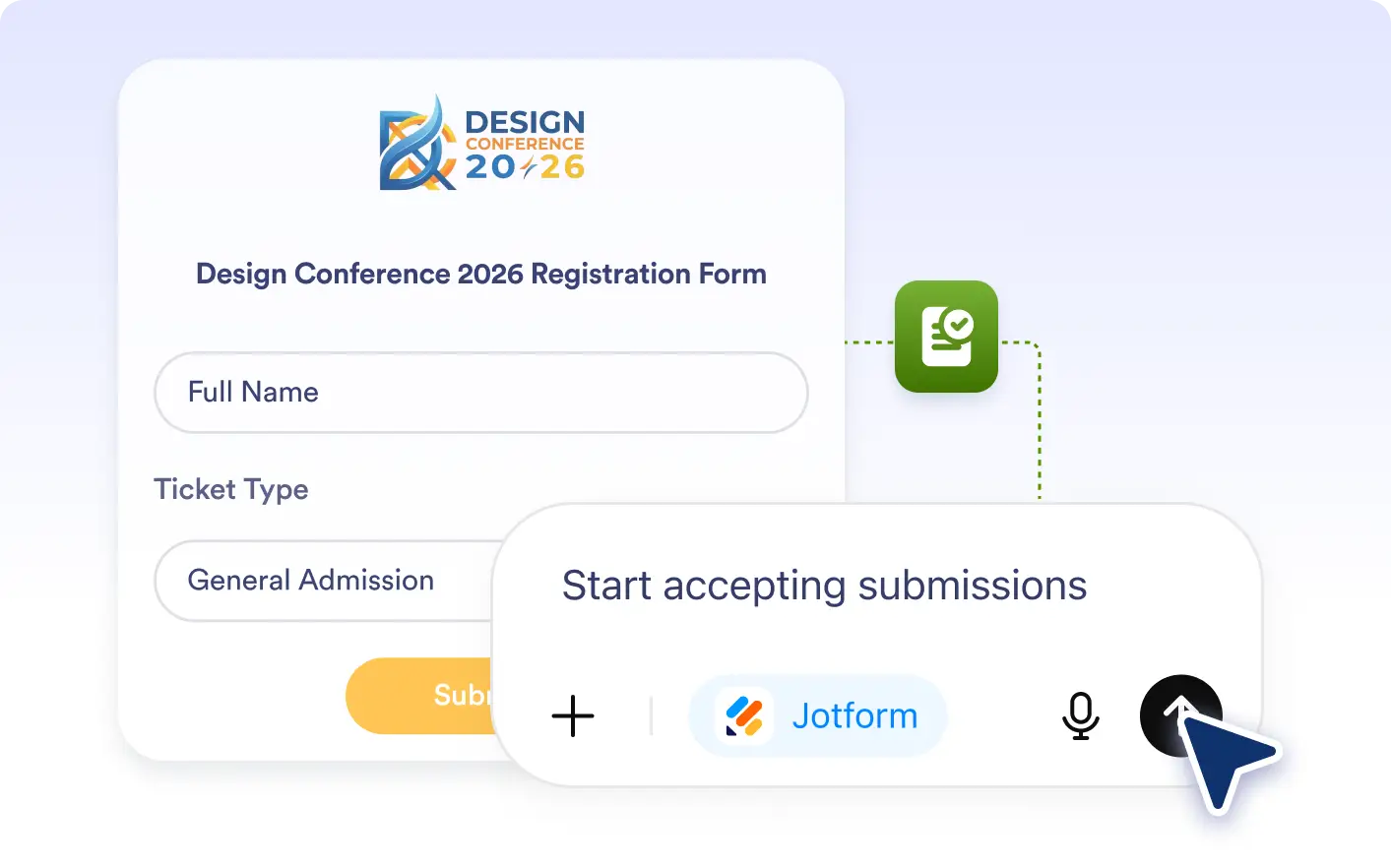
Type enable form in the Jotform ChatGPT app and your form will be reopened for new submissions immediately.
No. You can enable or disable forms directly inside the ChatGPT app without leaving the conversation.