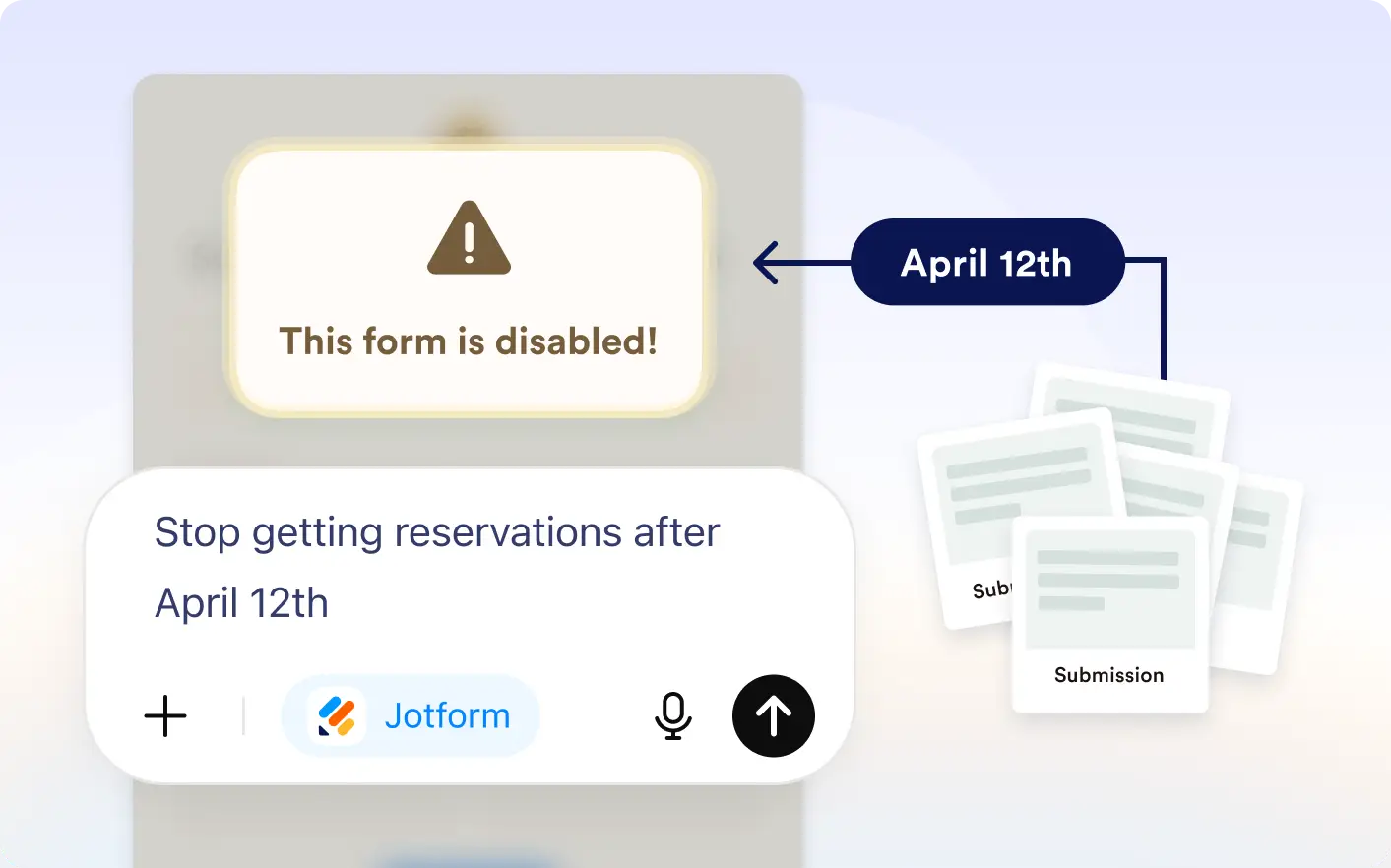
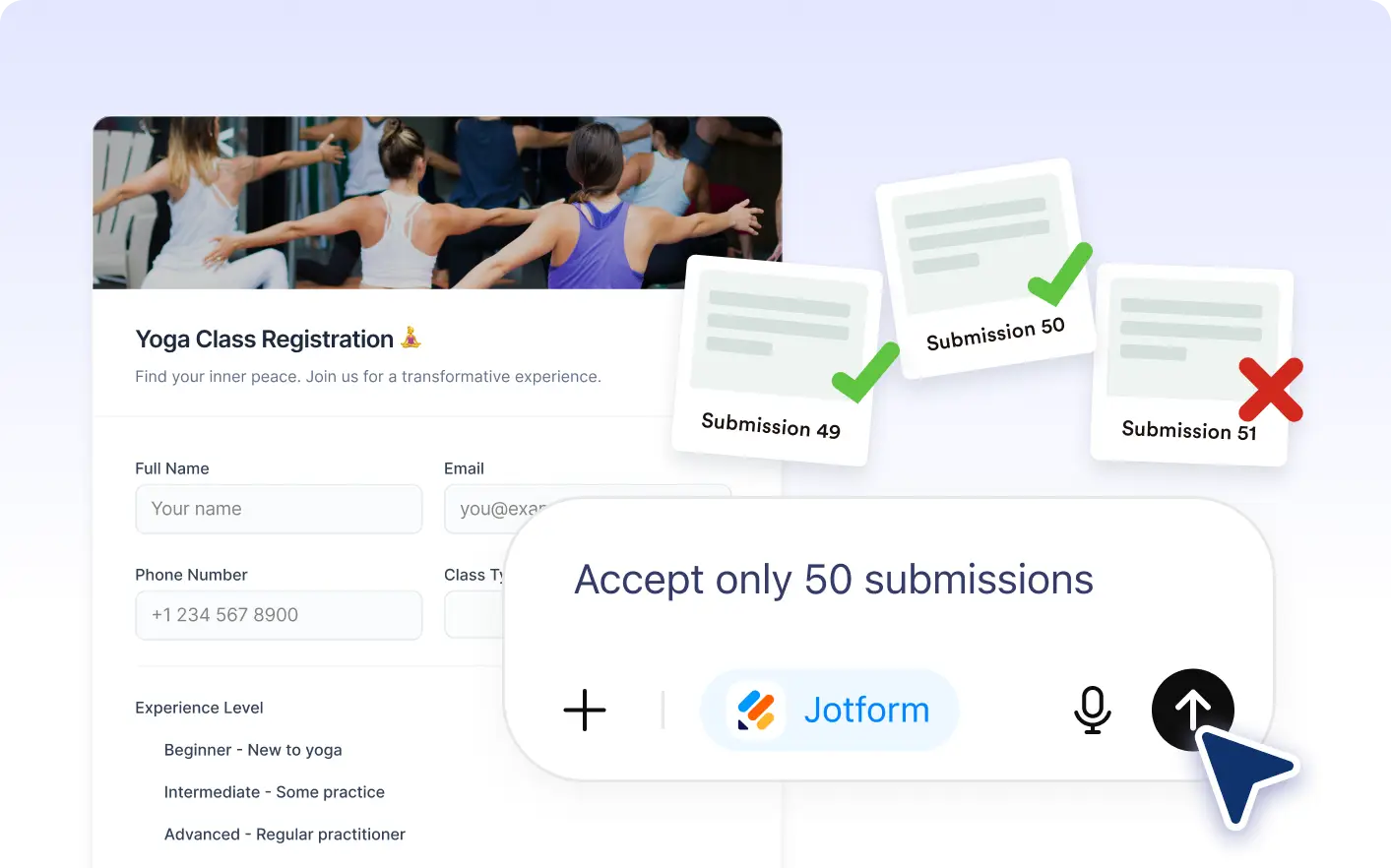
Automatically close your form at the right moment inside the ChatGPT app. Set a specific date, limit submissions, or combine both so responses stop exactly when you need.
Control When Forms Accept Submissions
Ask Jotform to close your form at a specific time, after a response limit, or when either condition is reached, giving you easy submission control directly inside the ChatGPT app.
Automatically Disable Forms When Conditions Are Met
Disable forms on a chosen date, after a submission limit, or both. Add a custom closed message so visitors know the form is no longer accepting responses.
Frequently Asked Questions
Have questions about this feature? Explore the FAQs below for quick answers.
Yes. You can ask ChatGPT to close your form after a number of submissions, on a certain date, or using both conditions together.
Yes. It is ideal for registrations, limited offers, applications, and seasonal campaigns where forms need to close automatically.
Yes. You can ask ChatGPT to change the date, adjust submission limits, or remove restrictions anytime.