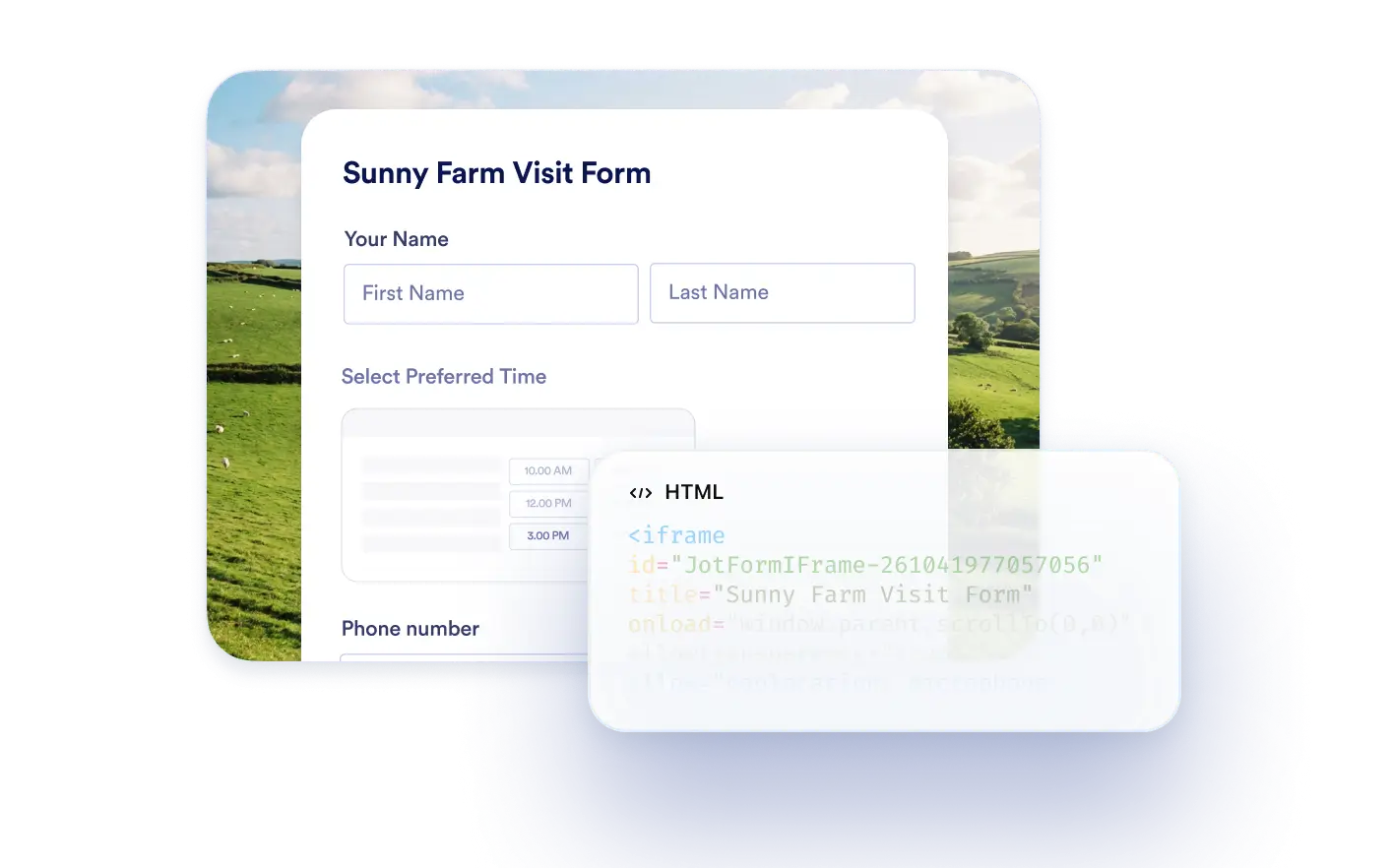
Generate iFrame embed snippets with simple prompts. Copy the code and embed your form into your website in seconds.
Create iFrame Embed Code for Your Forms
Developers, marketers, and website owners can quickly generate iFrame embed snippets using the Jotform ChatGPT App. Instead of navigating embed settings manually, you can request the snippet inside ChatGPT and add your form to any page with minimal effort.
Generate Snippets Inside ChatGPT
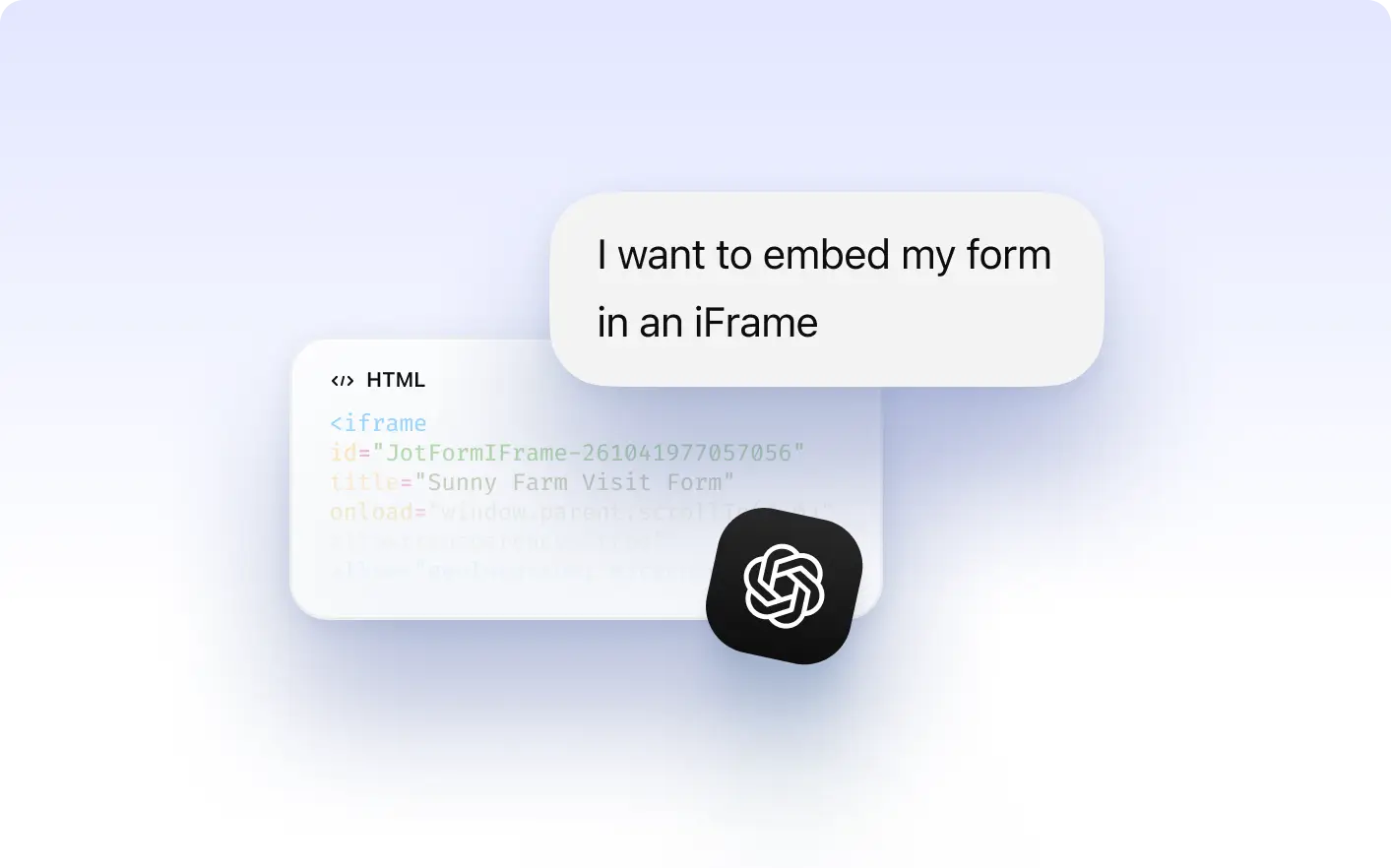
Ask ChatGPT to create an iFrame embed snippet for your selected form and receive accurate code instantly without switching platforms.
Frequently Asked Questions
Yes. After connecting your Jotform account, you can select any form and generate its iFrame embed code directly inside ChatGPT.
You can paste the snippet into your website HTML to display your form directly on your page.
No. The Jotform ChatGPT App generates the correct embed snippet inside ChatGPT so you can copy and use it immediately.