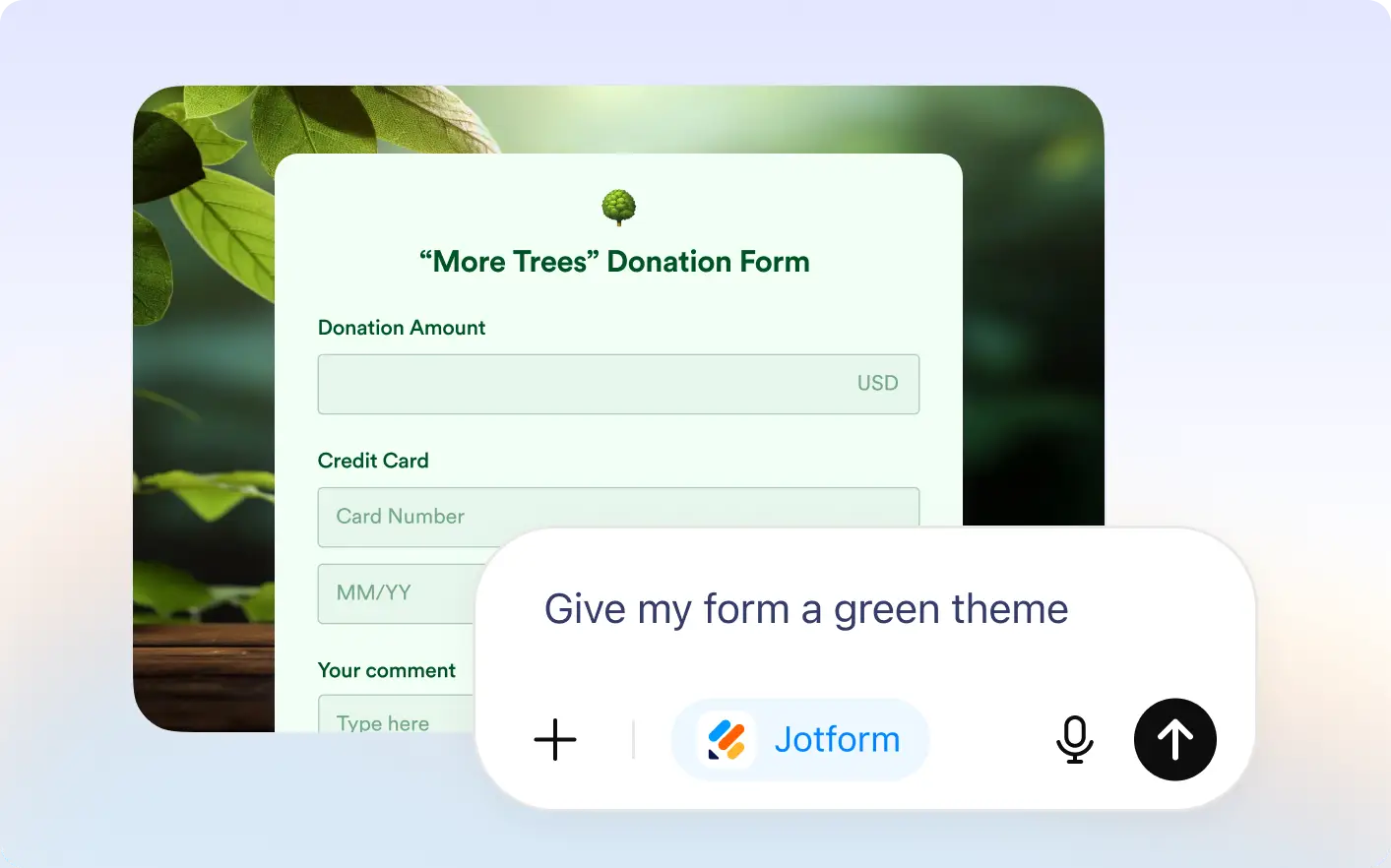
Instantly customize the look of your form by describing the style you want. Jotform AI applies visual changes automatically so your form matches your brand and design preferences.
Customize Form Design in ChatGPT
Skip manual design work and customize forms faster. Update colors, fonts, backgrounds, width, and branding instantly with simple prompts inside the Jotform ChatGPT app.
Design Your Form’s Appearance
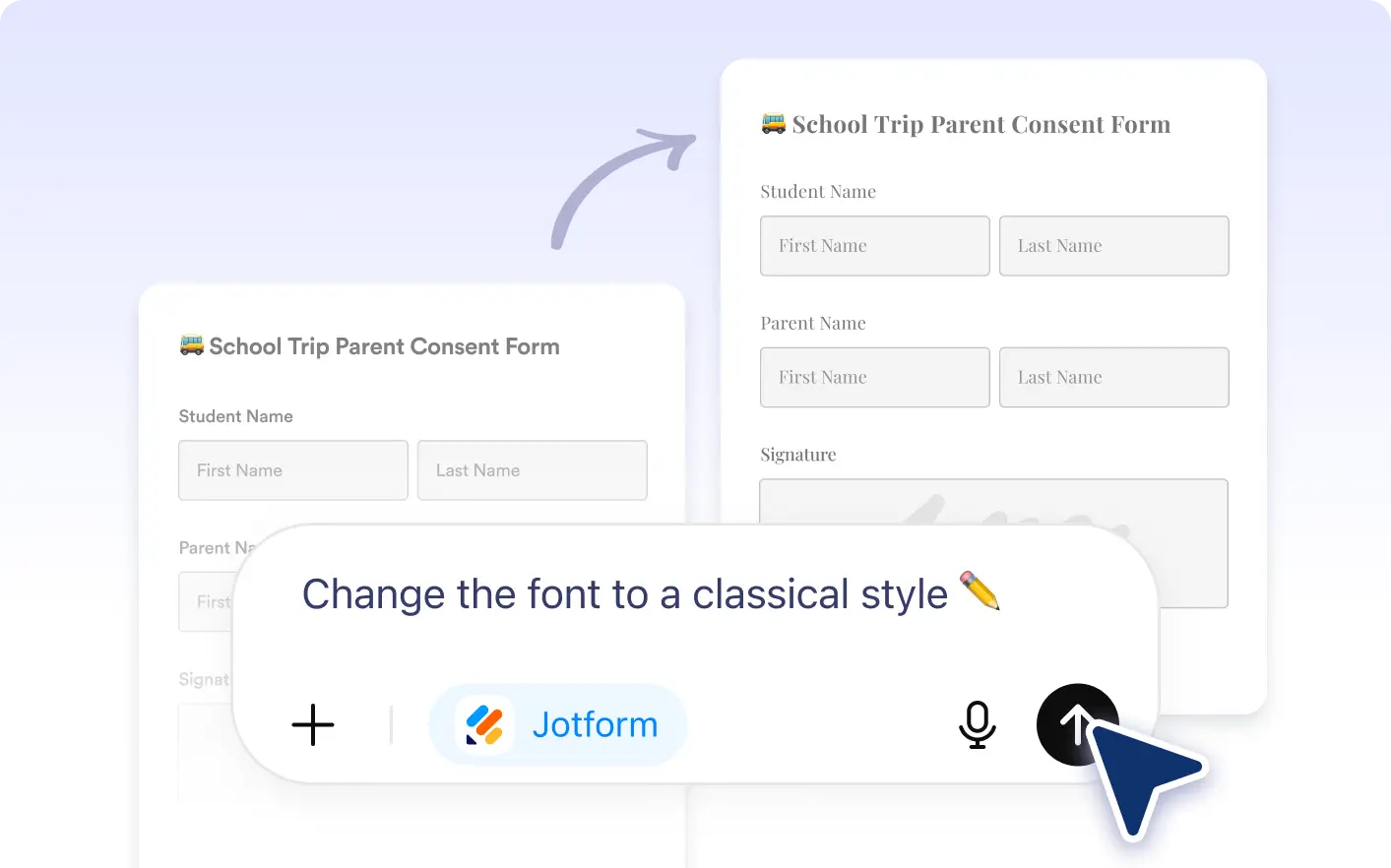
Ask ChatGPT to update colors, fonts, form width, backgrounds, or add your logo so your form looks professional, branded, and ready to share.
Frequently Asked Questions
Have questions about this feature? Explore the FAQs below for quick answers.
Yes. After Jotform applies design changes, you can continue editing colors, fonts, backgrounds, and layout settings anytime.
No. Simply describe the style you want, and Jotform will apply the visual updates for you.
No. Appearance updates only change the visual design. Your questions, fields, and logic stay the same.