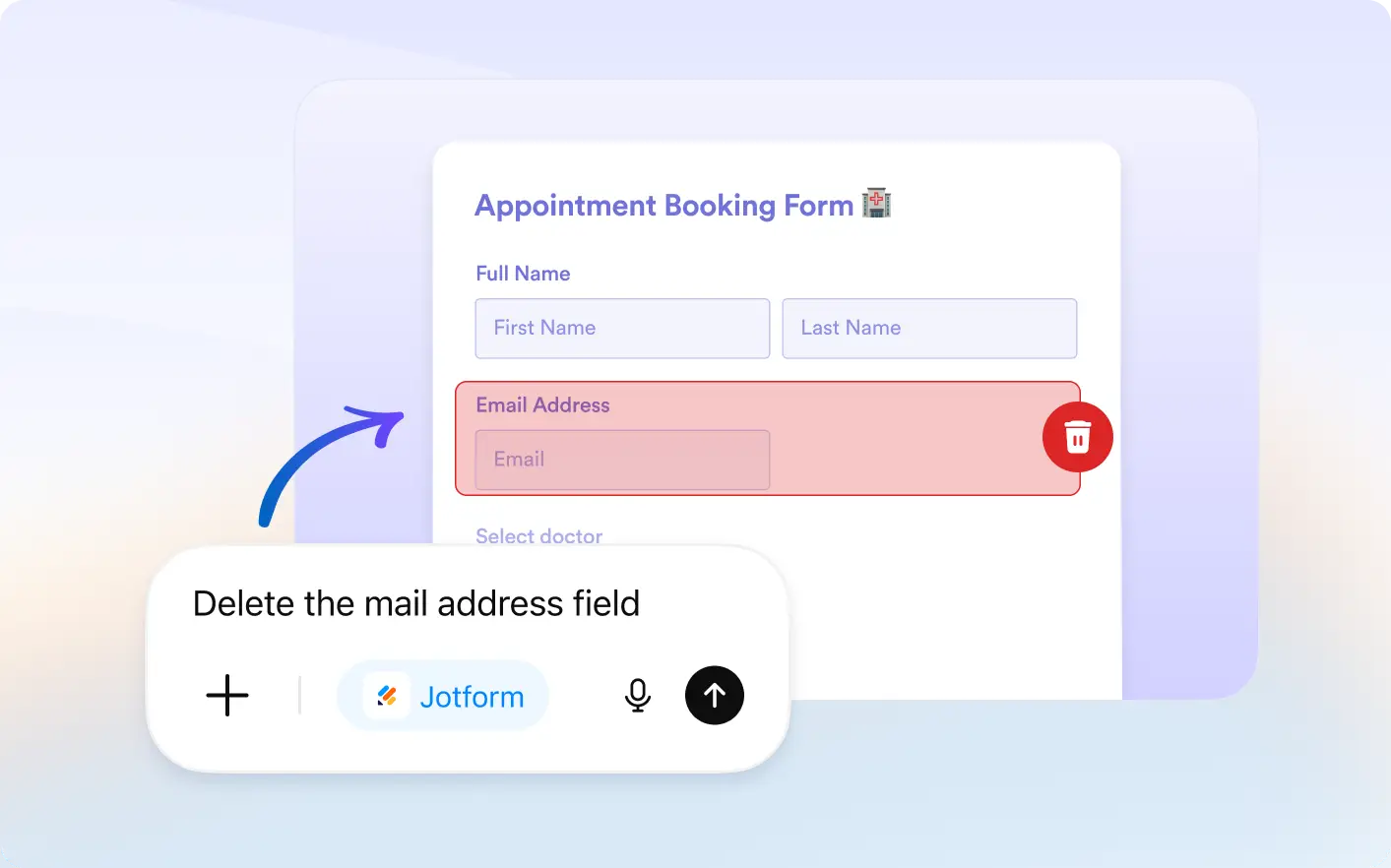
Quickly remove unwanted fields or duplicate existing ones using simple prompts, making form editing faster and more efficient.
Simplify Form Editing with Smart Field Control
Make quick adjustments to your forms with the Jotform ChatGPT App. Whether you need to remove extra fields or duplicate questions, anyone can easily manage form structure and keep everything aligned with their needs.
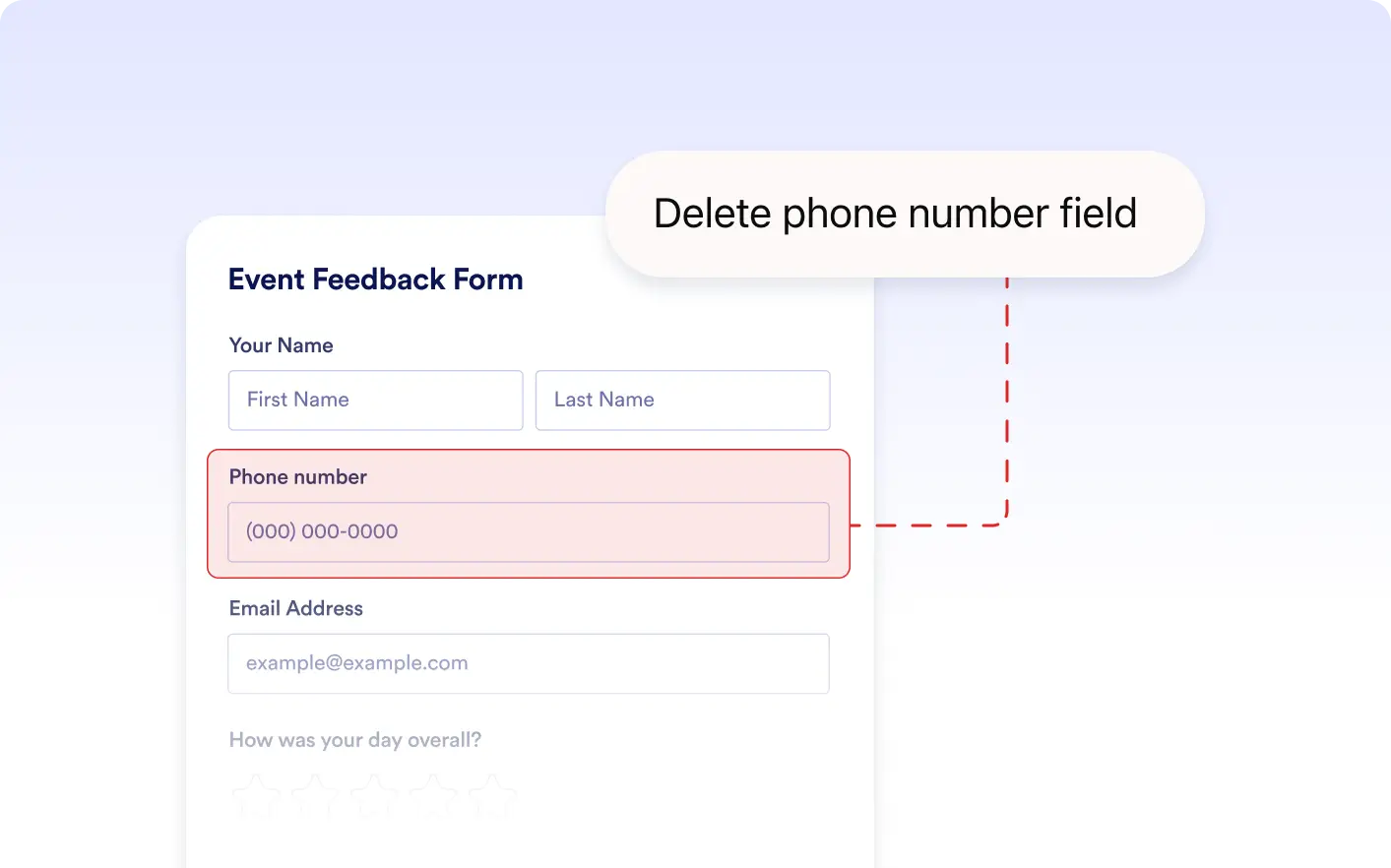
Delete Unwanted Fields Instantly
Remove unnecessary or outdated fields by simply telling AI what to delete. This helps keep your form clean and focused on collecting the right information.
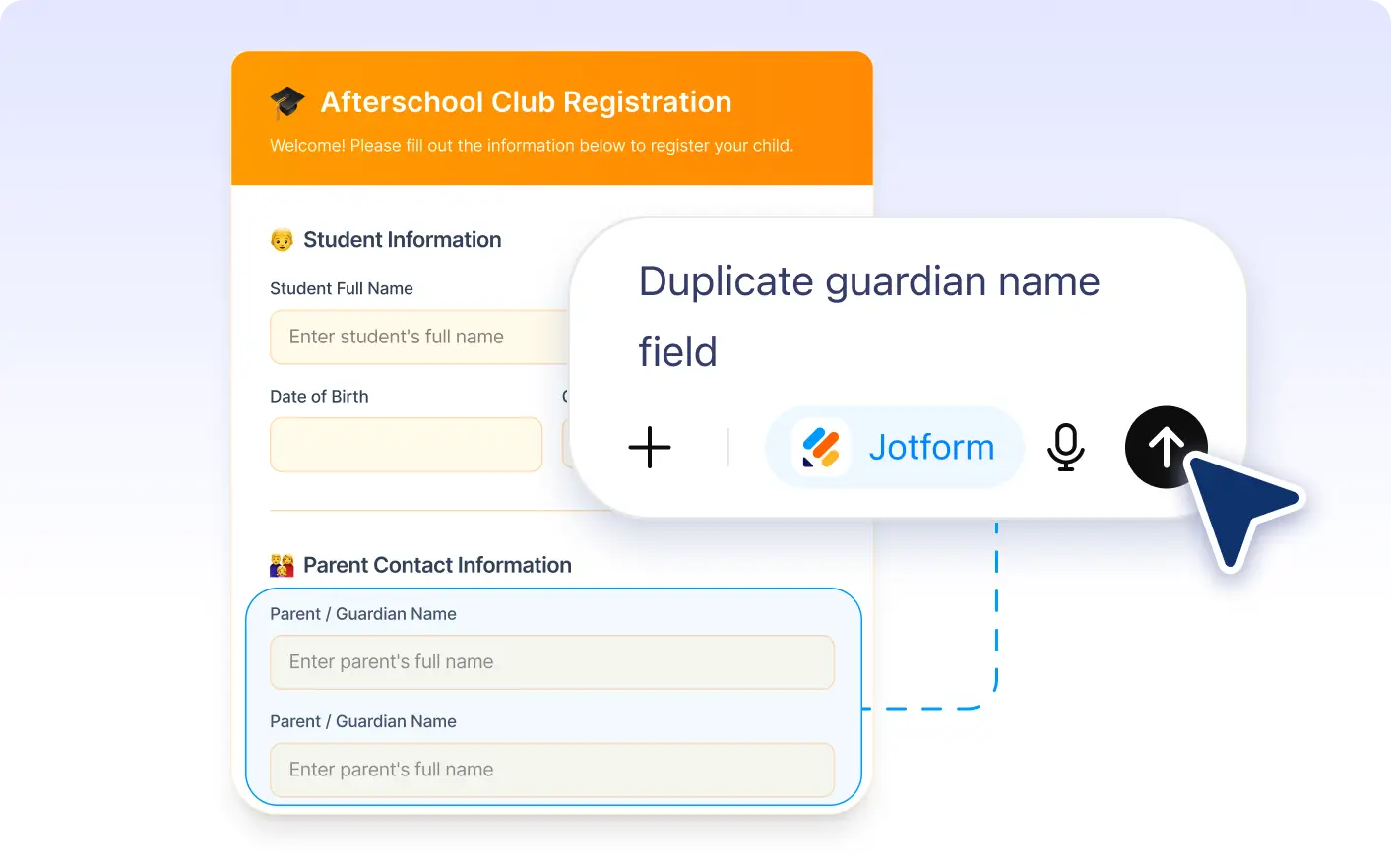
Duplicate Fields in Seconds
Quickly copy existing fields to reuse questions or create variations. This saves time and ensures consistency across your form.
Frequently Asked Questions
Just tell ChatGPT which field you want to remove, and it will delete it from your form instantly without manual editing.
You can use simple instructions like “delete the email field” or “duplicate the address field,” and the AI will handle the changes instantly.
Yes. You can give combined instructions like “duplicate the name field and remove the phone number field,” and the AI will update your form in one step.