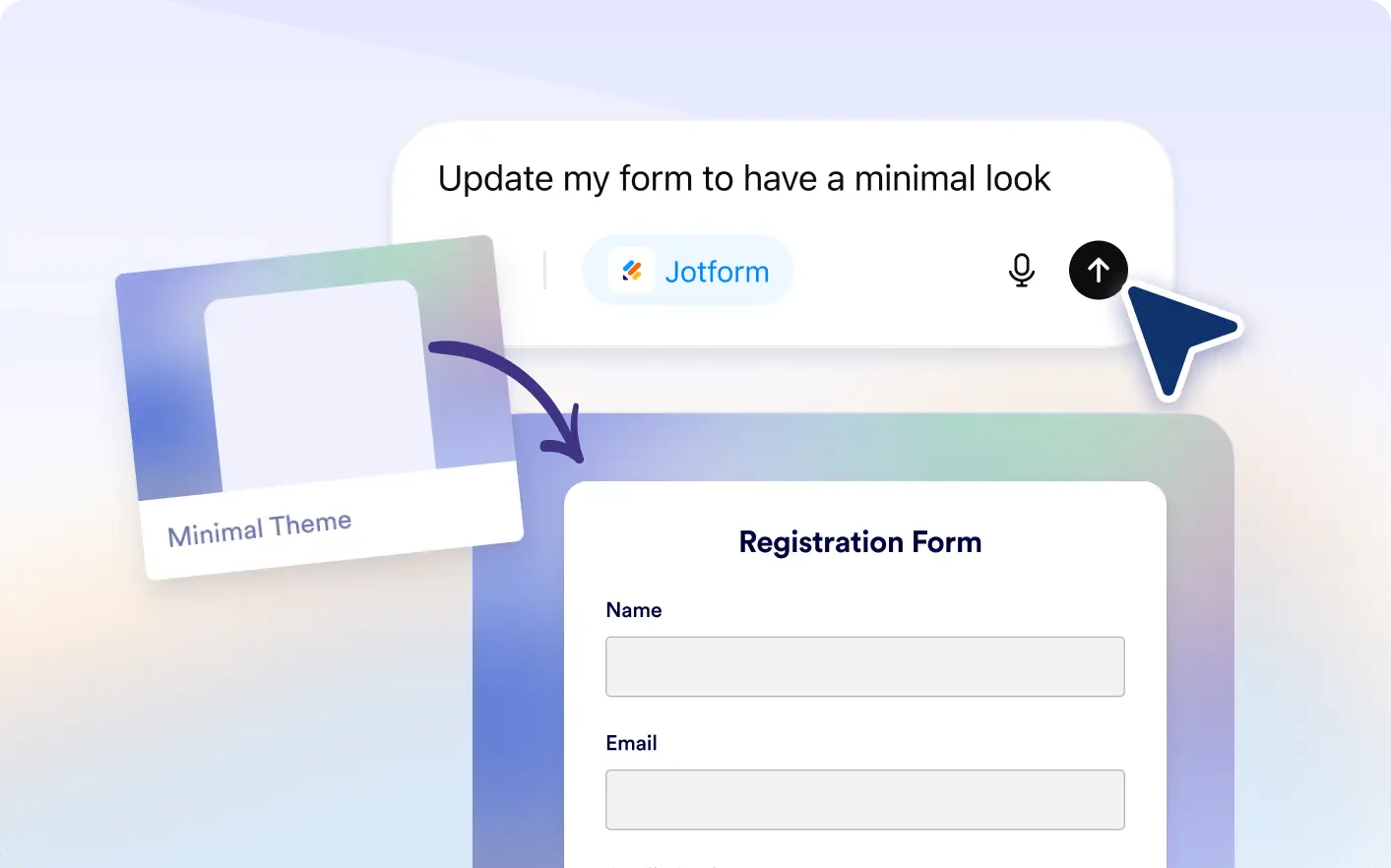
Create polished forms directly in ChatGPT with simple prompts. Switch layouts, apply themes, and update button styles without leaving the conversation.
Customize Form Design Instantly in ChatGPT
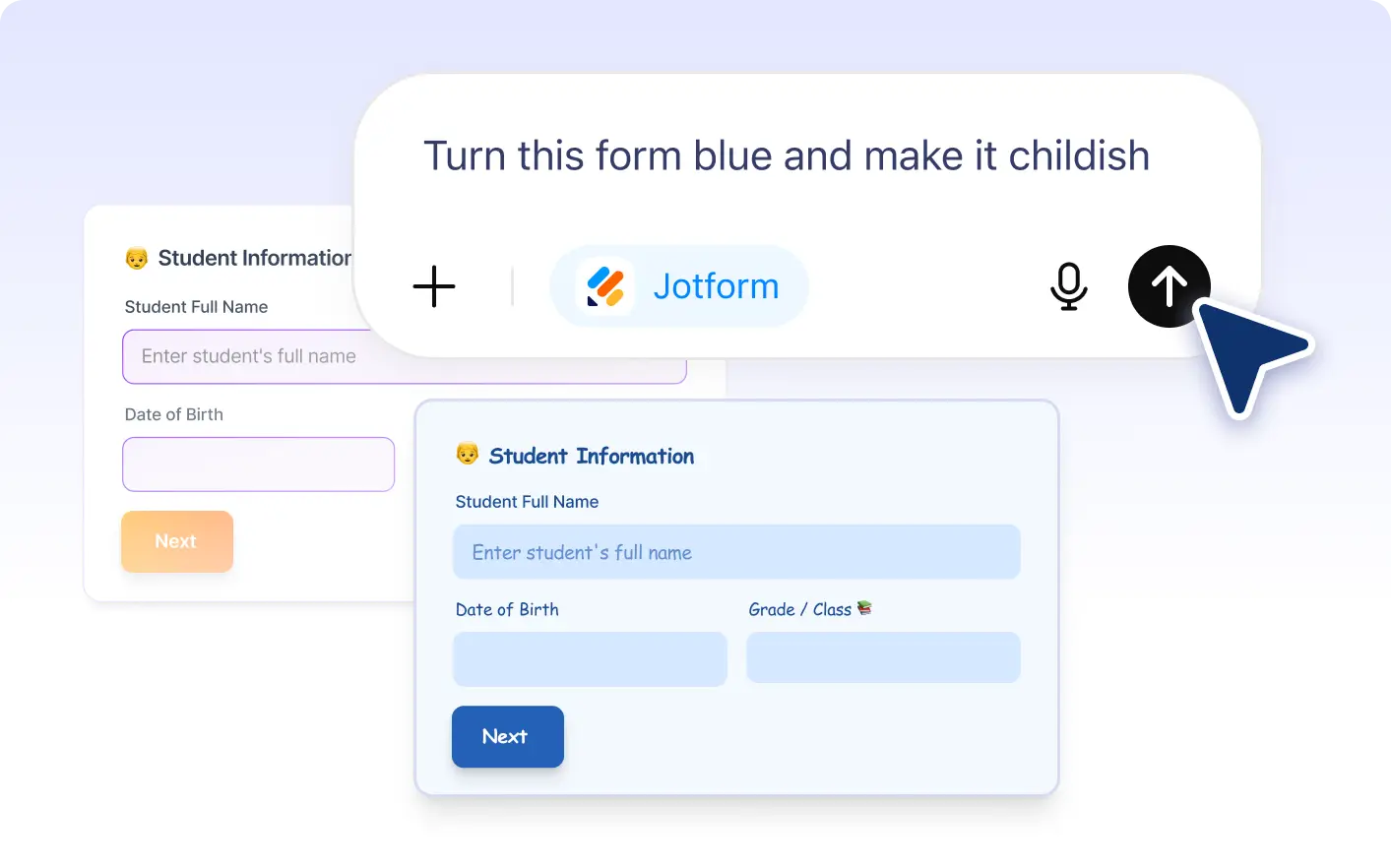
Use natural language in the Jotform ChatGPT App to change layouts, apply themes, and update styling so your form looks professional, polished, branded, and ready to share instantly.
Apply Themes and Style Buttons in ChatGPT
Change your form from a classic layout to a card layout with a simple prompt inside ChatGPT for a smoother step by step experience.
Frequently Asked Questions
Have questions about this feature? Explore the FAQs below for quick answers.
Yes. You can describe how you want your form to look in ChatGPT and Jotform will update the layout, theme, and styling instantly.
Yes. After Jotform applies changes, you can continue customizing themes, layouts, and styles in your form settings.
Yes. Jotform can convert your form into a card layout with a simple prompt inside ChatGPT, creating a more focused filling experience.