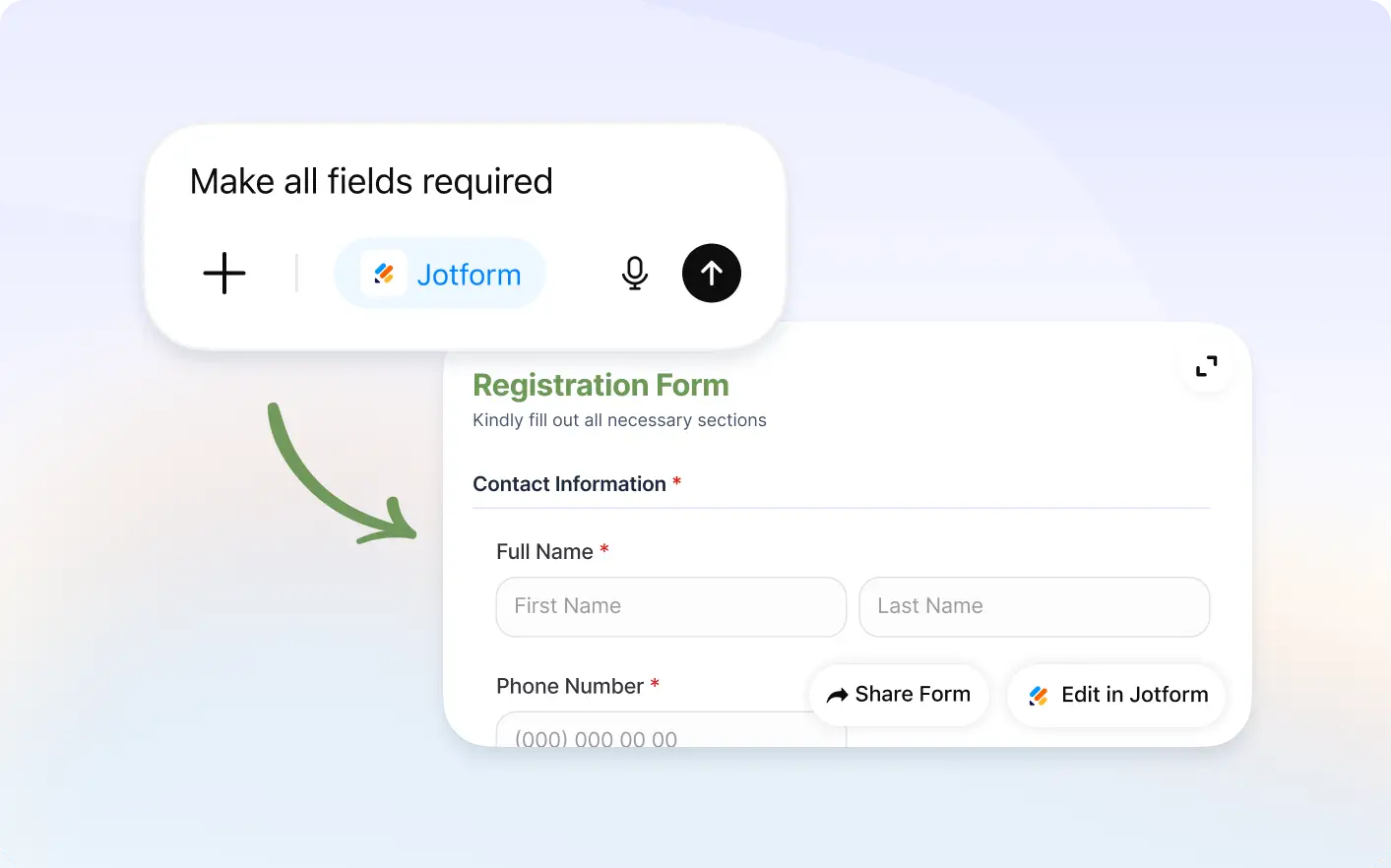
Quickly fine-tune your form fields with simple prompts, making your forms more accurate and easier for users to complete.
Adjust Field Settings with Ease
Refine every detail of your form using the Jotform ChatGPT App. From renaming fields to updating requirements and labels, anyone can customize field settings quickly to match their exact needs.
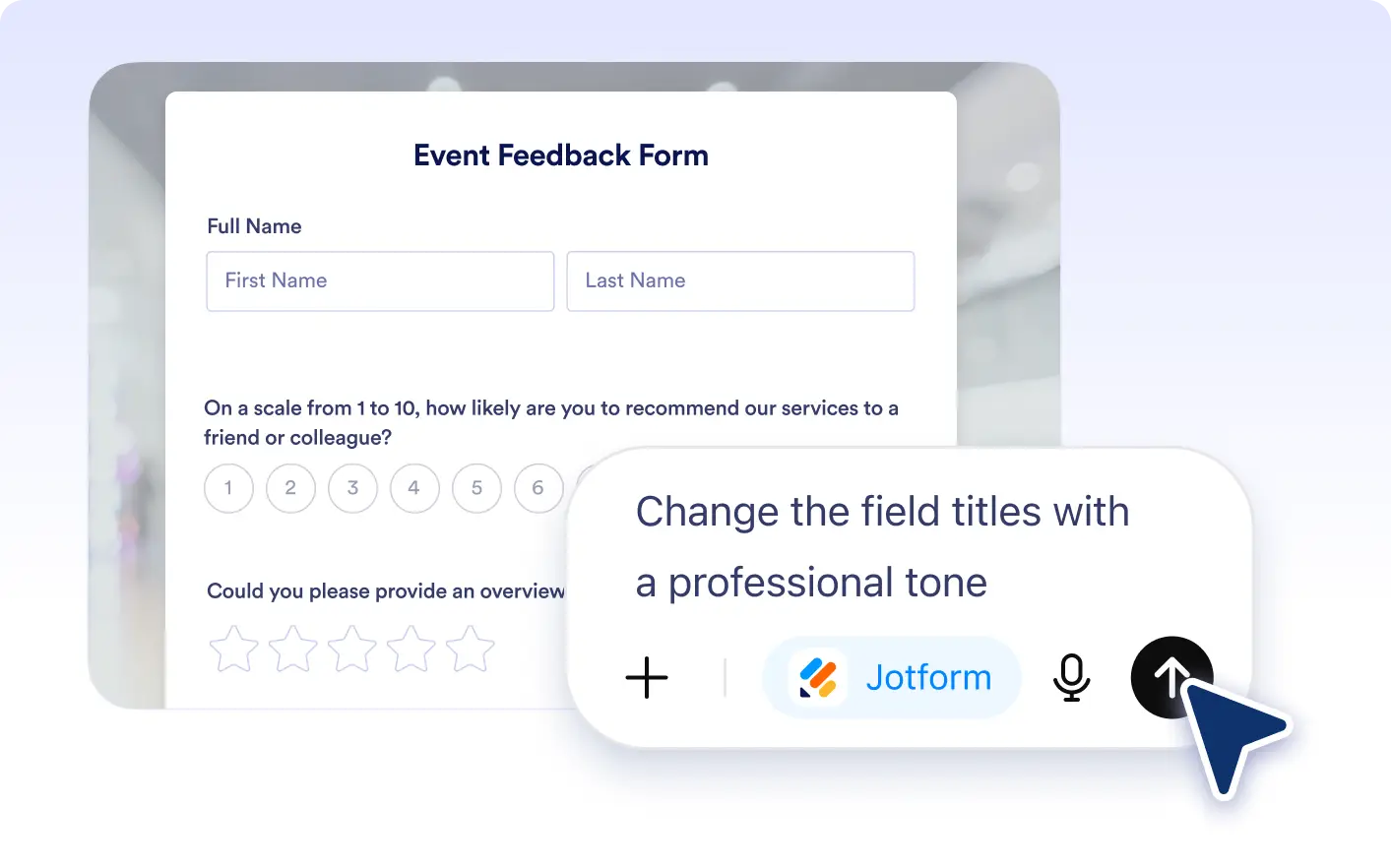
Instant Field Renaming
Rename fields in seconds to better match your form’s purpose and improve clarity for respondents without manually editing each field.
Flexible Field Requirements
Set fields as required or optional with a simple prompt to ensure you collect essential information while keeping forms user-friendly.

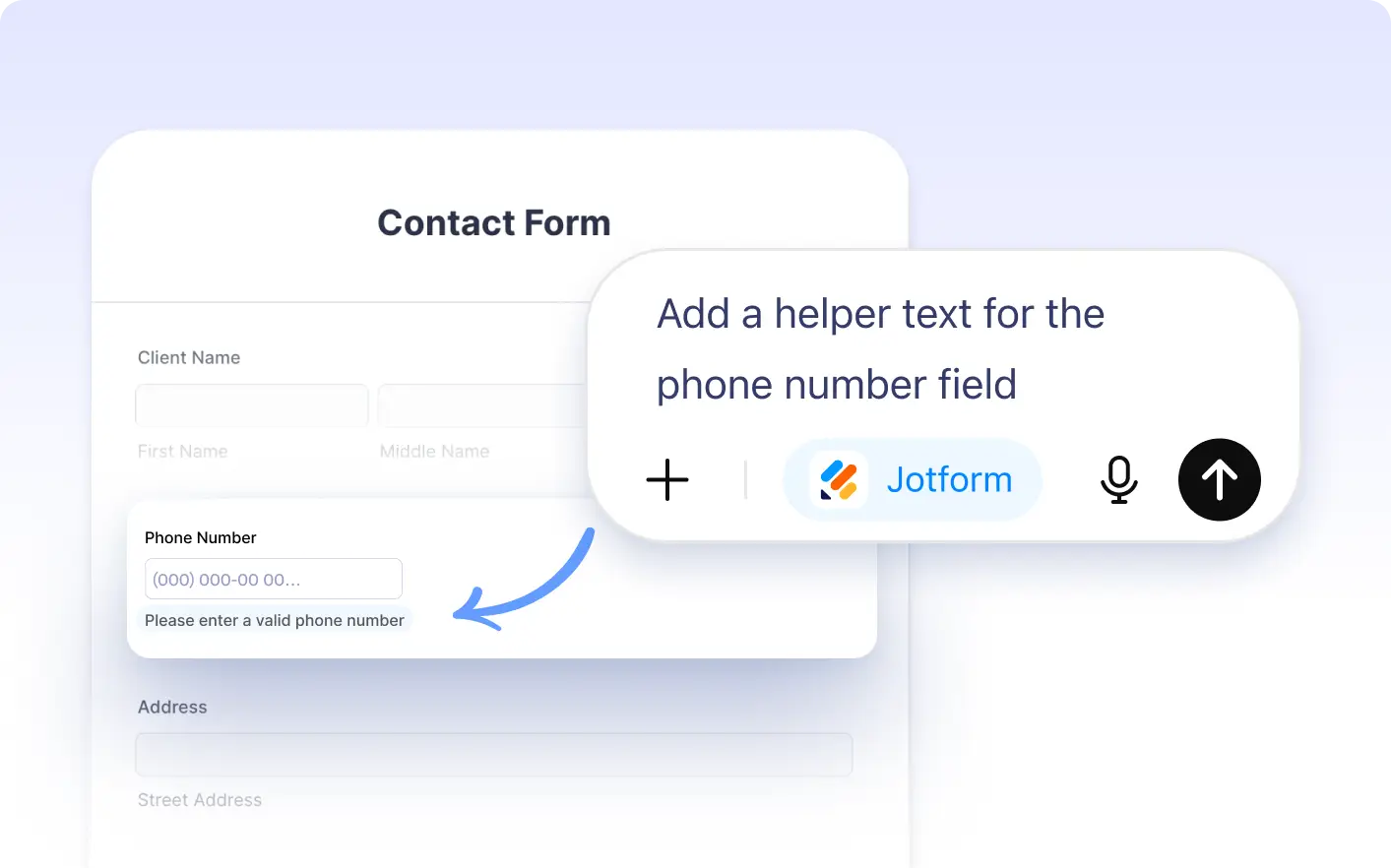
Custom Labels and Helper Text
Update field labels and helper text to guide users more effectively and reduce confusion during form completion.
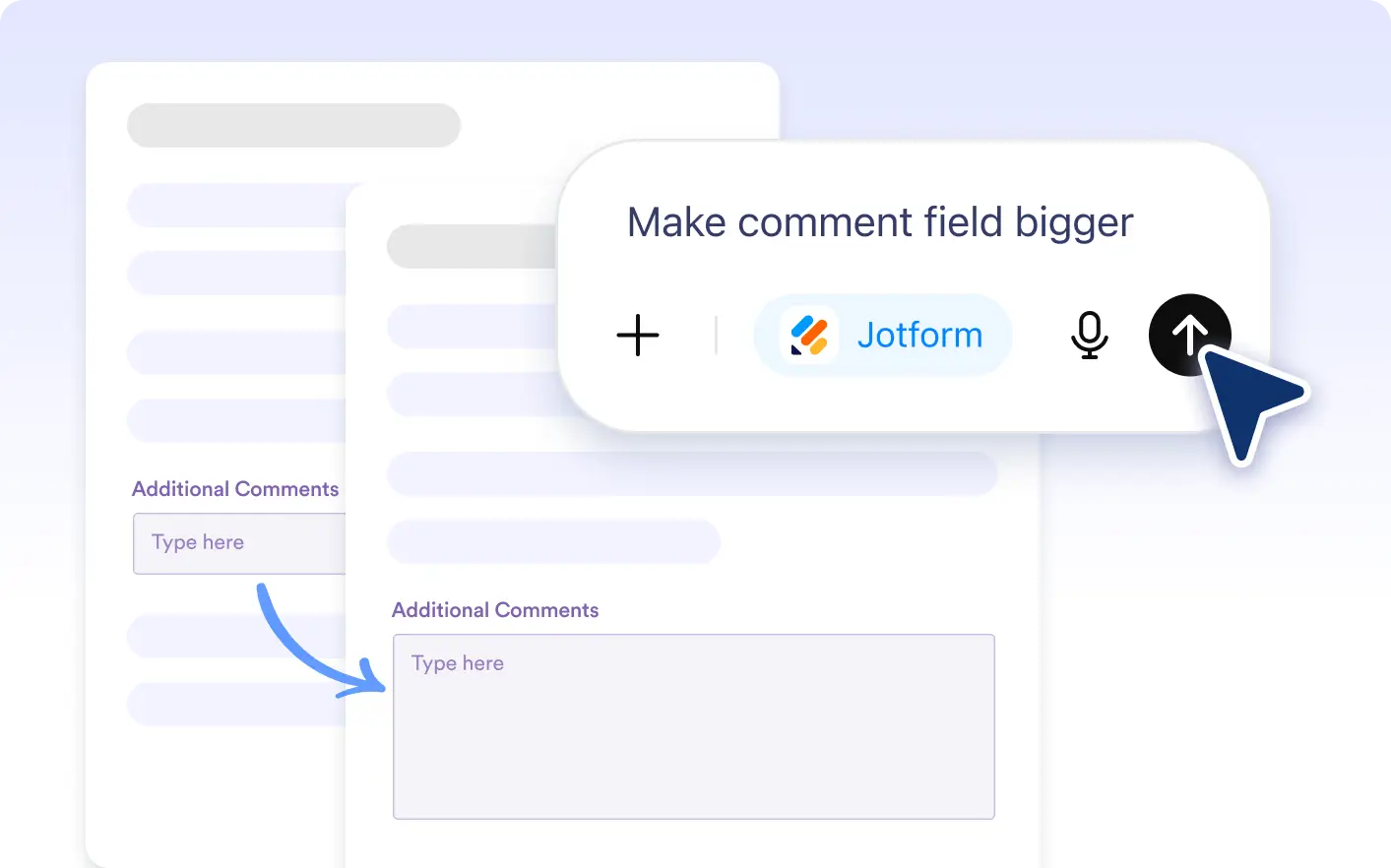
Adjust Field Size and Limits
Resize fields and set character limits to control input length and improve the overall layout and readability of your form.
Frequently Asked Questions
You can describe what you want to change, like “make this field required” or “rename this to phone number,” and the AI will apply the update instantly.
Yes. You can ask ChatGPT to change field size, add character limits, or update helper text to improve both design and usability.
No. You can use everyday language, and the ChatGPT will understand and apply the correct field settings for you.