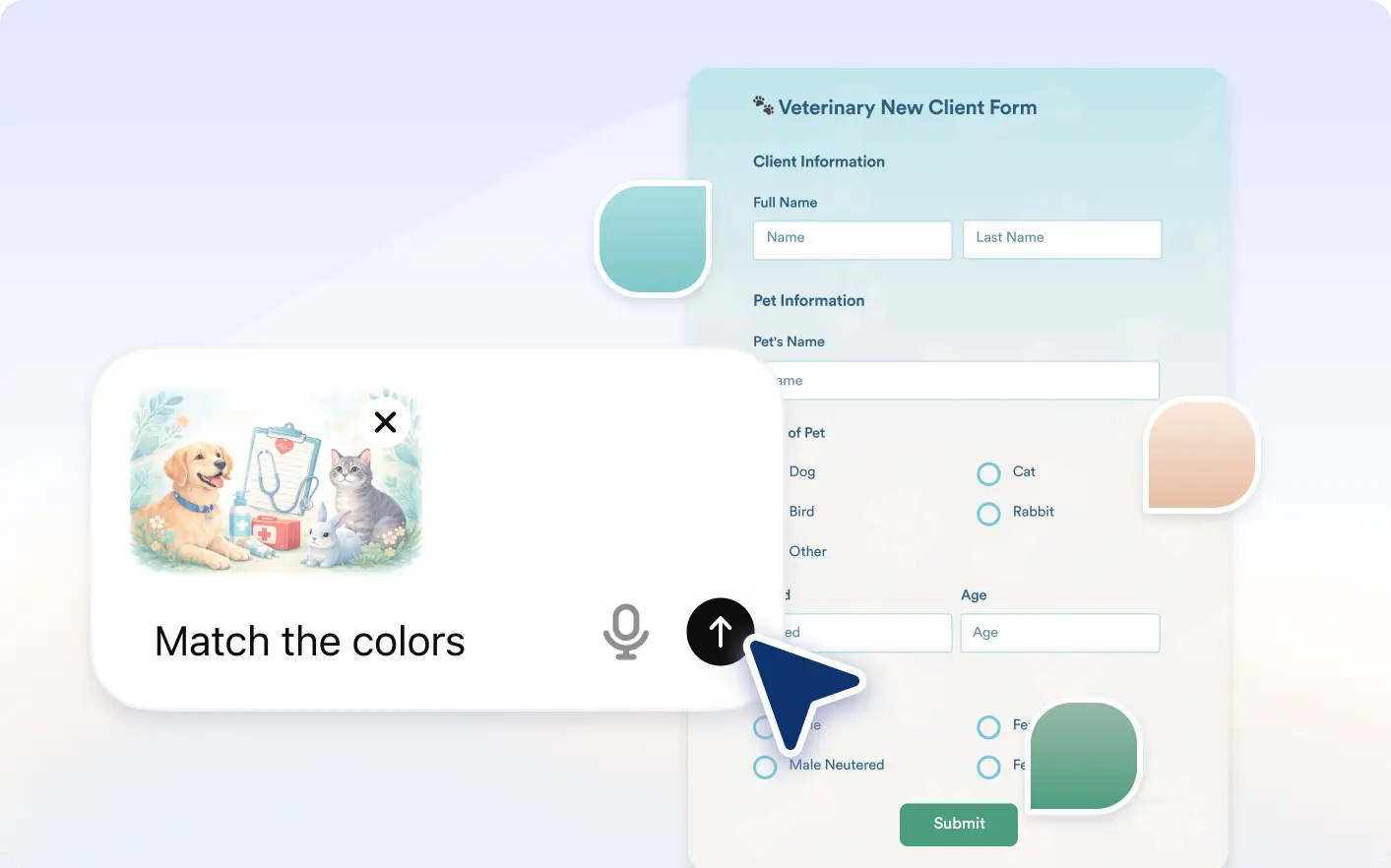
Upload a reference image and let Jotform ChatGPT app transform your form’s appearance to match it. This helps you quickly create visually consistent forms without manual design work.
Style Forms with Images in ChatGPT
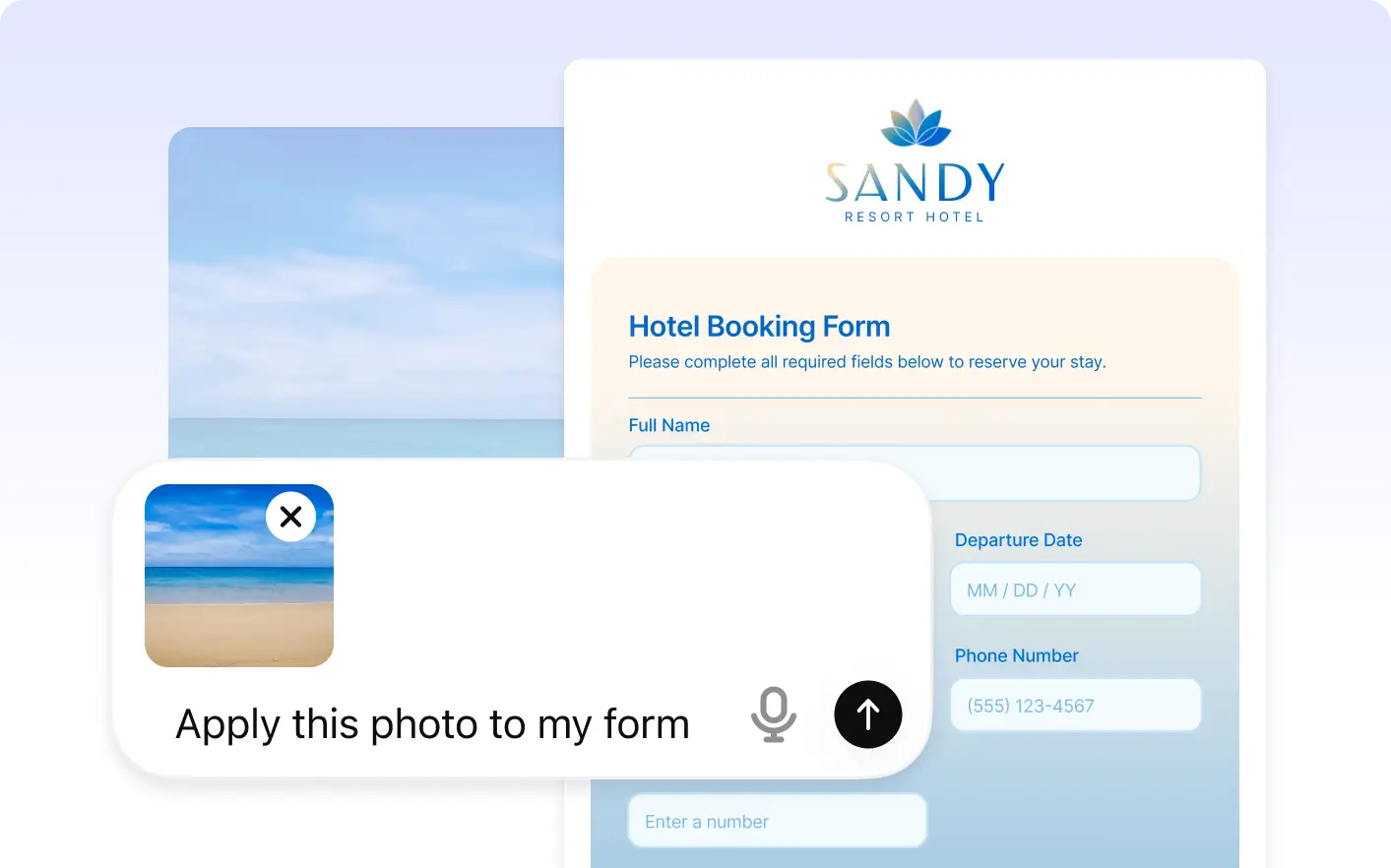
Use logos, brand visuals, screenshots, or inspiration images inside ChatGPT and Jotform will transform your form style to match the uploaded image with updated colors, theme, and layout.
Apply Matching Colors Automatically
Jotform analyzes your uploaded image in ChatGPT and applies matching colors to form elements for a polished and visually consistent design.
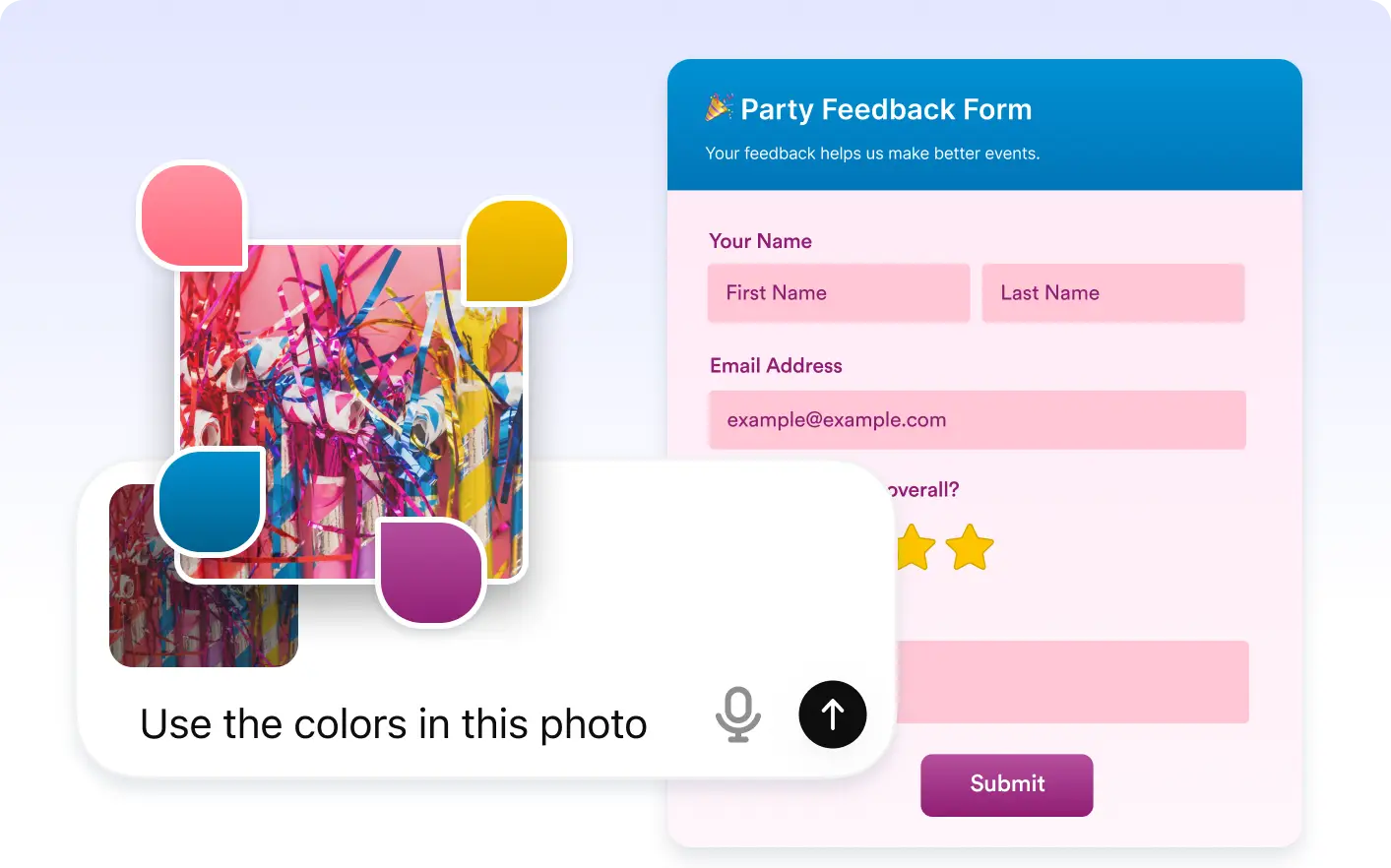
Style Backgrounds and Buttons Instantly
Your form background and buttons are updated based on detected image colors, creating a cohesive look directly inside ChatGPT.
Frequently Asked Questions
Have questions about this feature? Explore the FAQs below for quick answers.
Upload an image inside ChatGPT that reflects your preferred style or branding. Jotform will analyze it and update your form design automatically.
You can upload logos, brand graphics, website screenshots, mood boards, or any image that represents the style you want.
Yes. After Jotform updates the appearance, you can continue adjusting colors, backgrounds, and other design settings anytime.