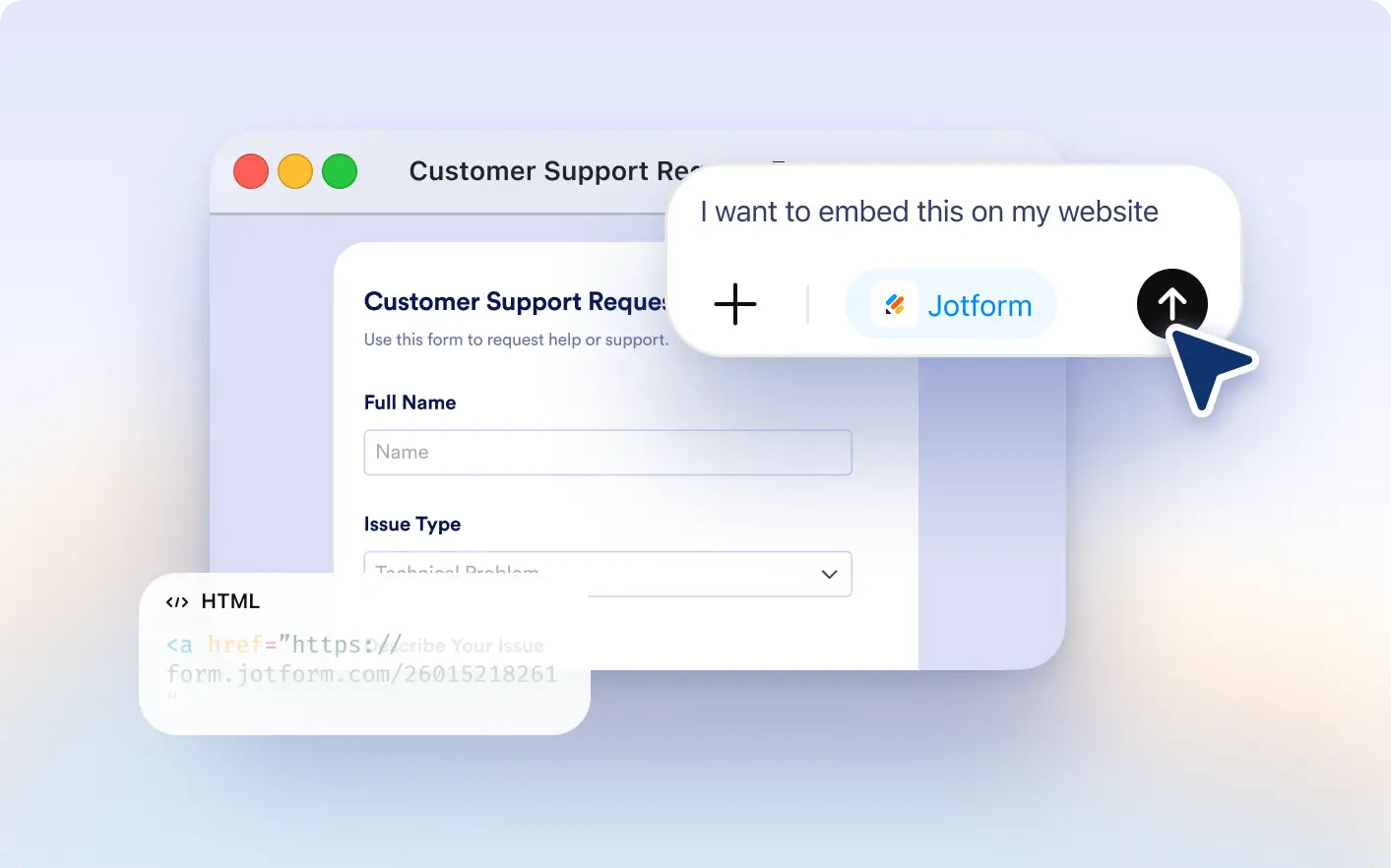
Generate popup trigger code with simple prompts. Add interactive form triggers to your website in seconds.
Create Popup Trigger Code for Your Forms
Website owners, marketers, and product teams can quickly generate popup trigger embed code using the Jotform ChatGPT App. Instead of configuring embed options manually, you can request the code inside ChatGPT and launch your form from buttons, links, or custom triggers on any page.
Generate Code Inside ChatGPT
Request popup trigger code for your selected form and receive ready to use embed snippets instantly without switching platforms.
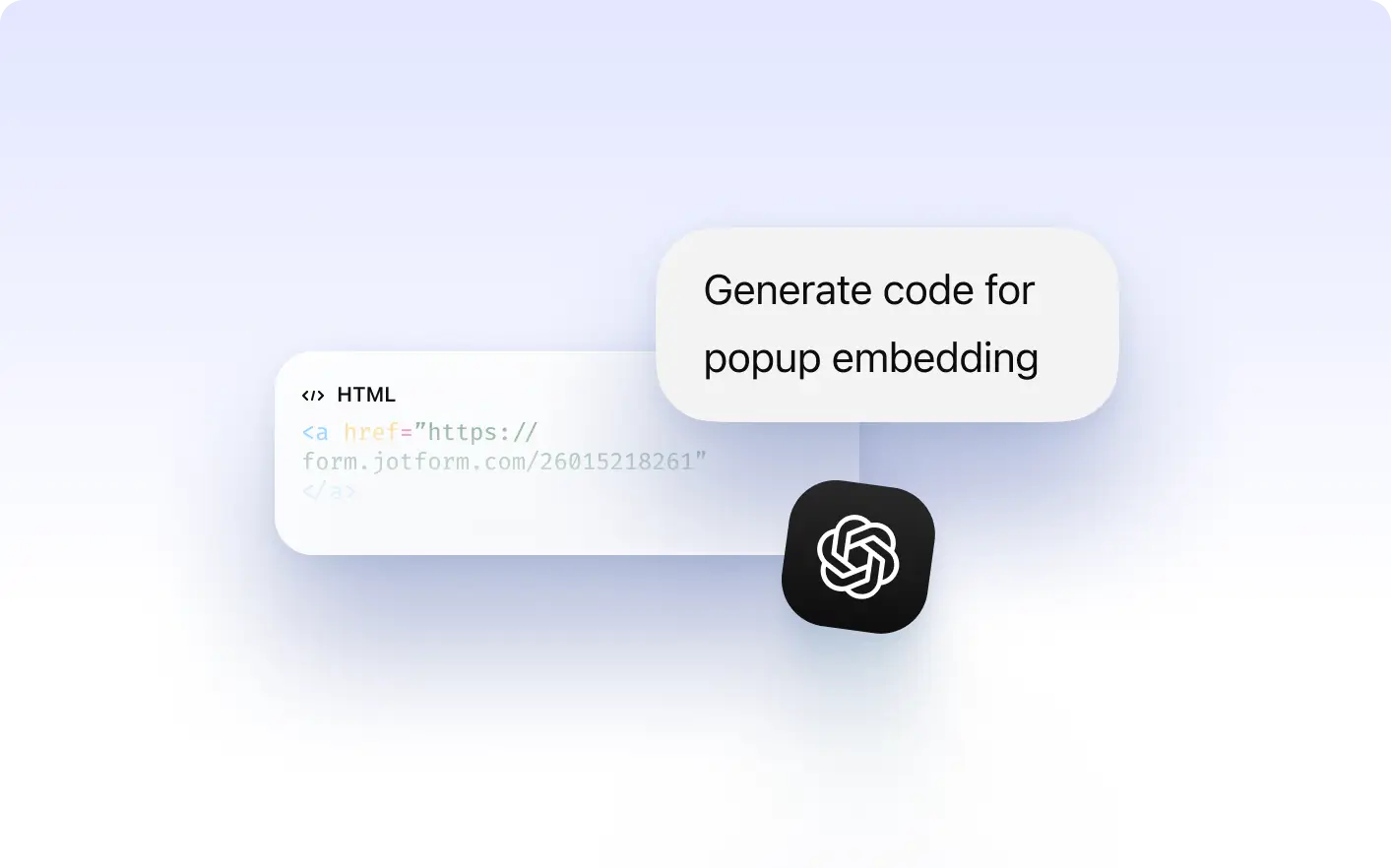
Launch Forms from Buttons or Links
Use popup trigger code to open your form when visitors click a button, link, or call to action on your website.
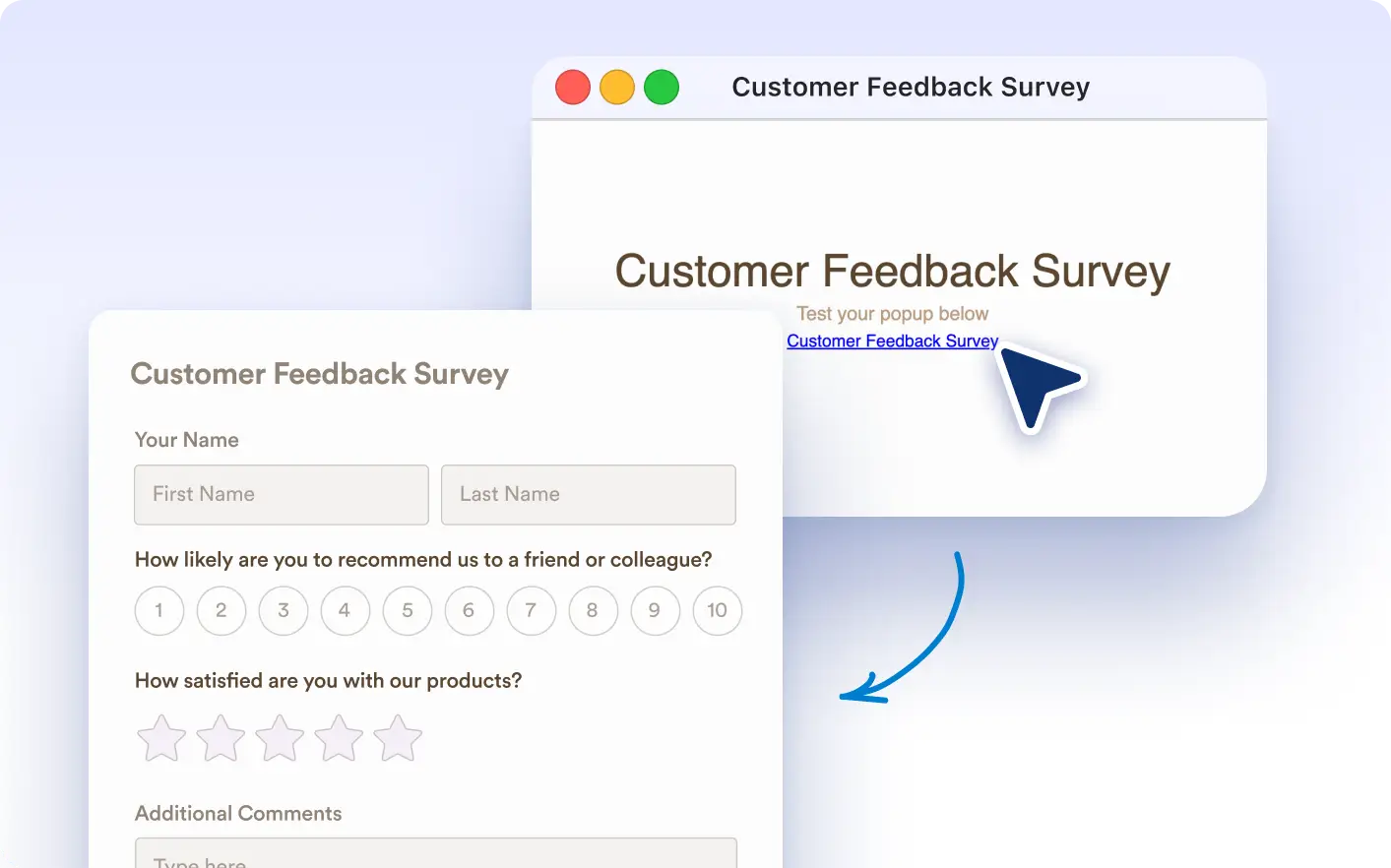
Create Interactive Form Experiences
Trigger forms at the right moment in the user journey to increase engagement and improve completion rates.
Frequently Asked Questions
Yes. After connecting your Jotform account, you can generate popup trigger code for any form directly inside ChatGPT.
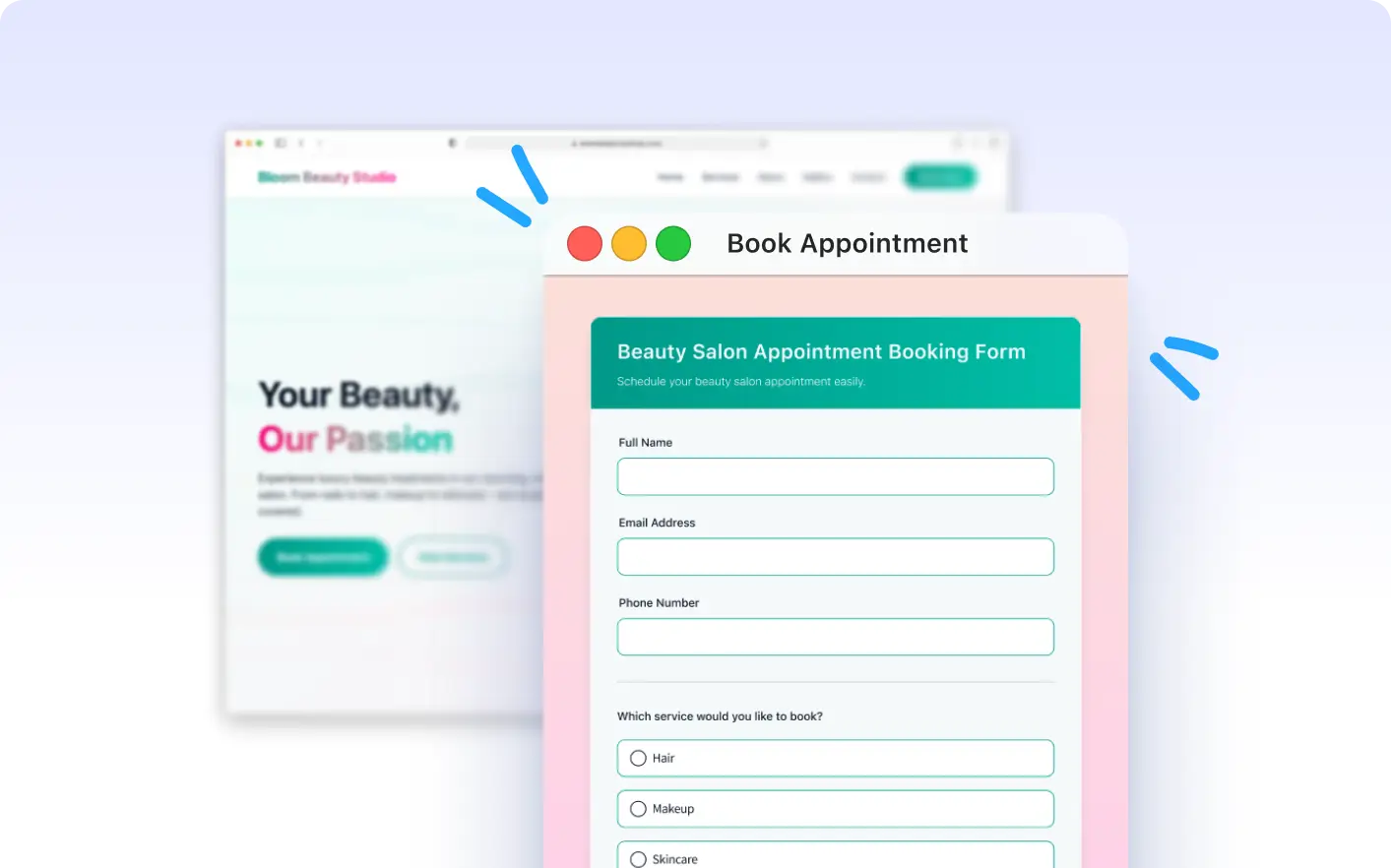
Popup trigger code opens your form when a visitor clicks a button or link on your page, creating a focused interaction without leaving the site.
No. The Jotform ChatGPT App generates the correct popup trigger code inside ChatGPT so you can copy and use it immediately.