
Make bulk updates to your form fields instantly . Keep your forms clean, consistent, and easy to manage without repetitive manual work.
Bulk Field Editing for Faster Form Management
Quickly manage multiple fields at once with the Jotform ChatGPT App. Whether you are building complex forms or making updates across many fields, you can streamline your workflow and maintain consistency without spending extra time on manual edits.
Edit Multiple Fields Instantly
Use Jotform ChatGPT App to update several fields at once, saving time and keeping your form consistent without manual edits.
Move and Organize Fields Together
Quickly reorder multiple fields in a single step using the Jotform ChatGPT App to improve your form layout and flow.

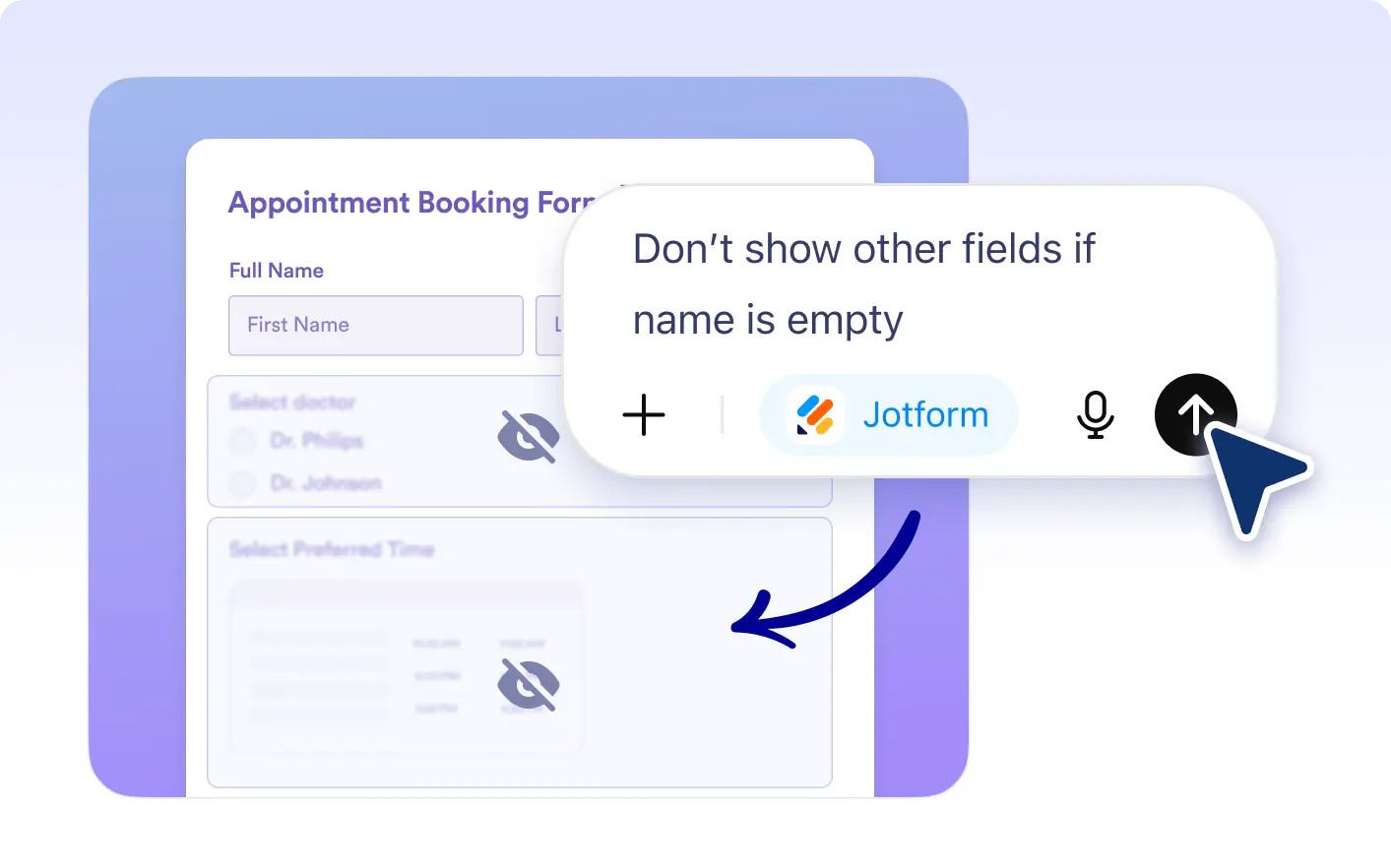
Bulk Hide or Remove Fields
Jotform ChatGPT App lets you hide or delete multiple fields at once so you can keep your form clean and focused.
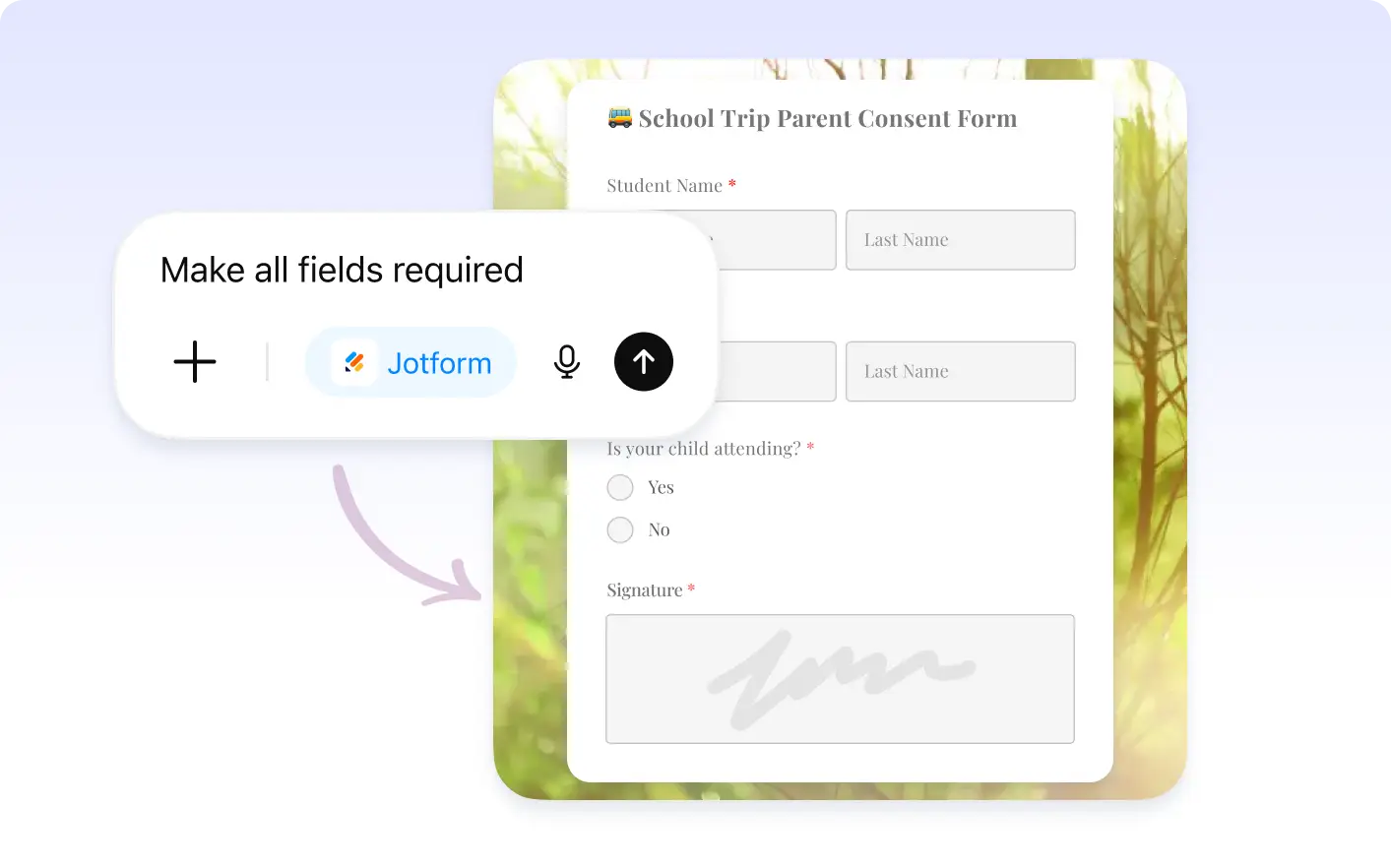
Set Requirements in One Step
Apply required or optional settings to multiple fields at the same time using Jotform ChatGPT App to collect the right information efficiently.

Frequently Asked Questions
Yes. You can move multiple fields together to restructure your form and improve the overall flow.
Yes. ChatGPT App allows you to quickly hide or delete multiple fields, helping you simplify your form without manual work.
Yes. You can describe the changes you want, and the Jotform ChatGPT App will apply them to multiple fields at once.