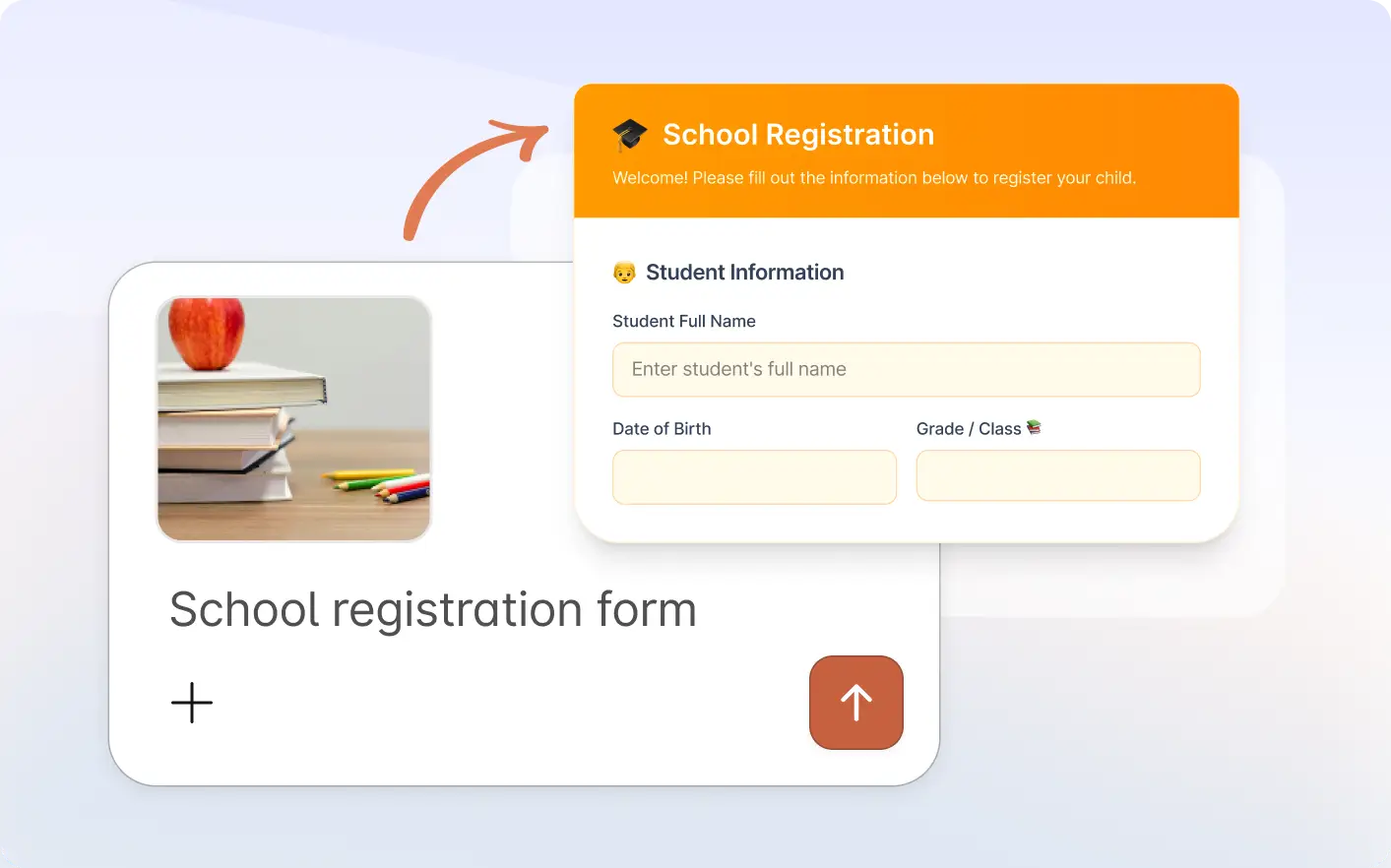
Use image context and optional prompts together to create smarter forms. Jotform analyzes visuals and builds forms with matching fields and questions.
Generate Forms Using Any Image
Upload an image showing your idea or use case. Jotform uses its visuals plus your instructions to create a structured form ready to edit, customize, and share instantly today with ease fast.
Create Forms Using Image Context
Use product photos, event flyers, menus, sketches, or screenshots to generate forms faster with accurate layouts based on your visual content.
Frequently Asked Questions
Upload an image in the Jotform Claude app and optionally add a short prompt. Jotform analyzes the image and generates a structured form with relevant fields.
You can use product photos, flyers, event posters, menus, sketches, screenshots, and many other visuals that help explain your use case.
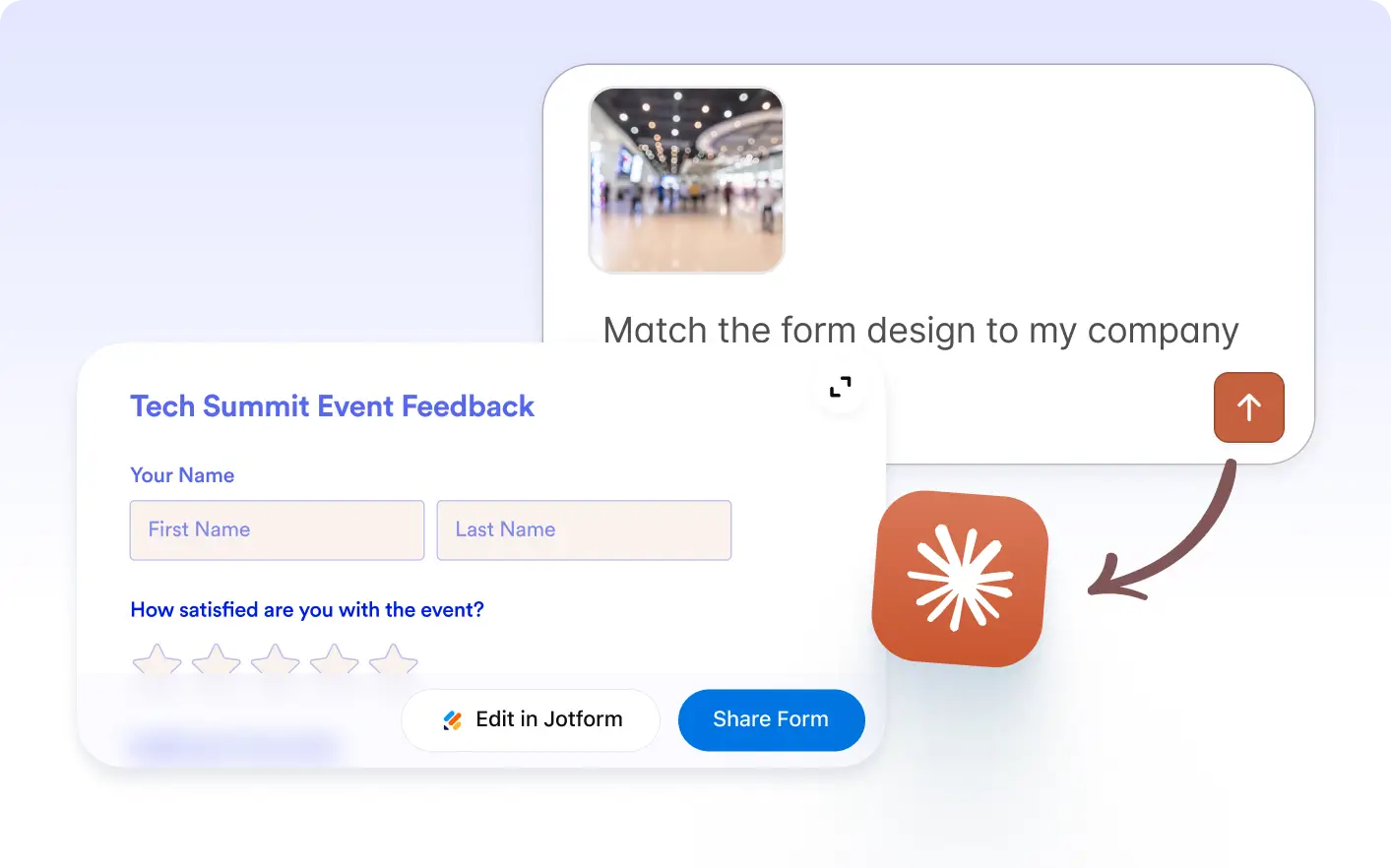
Yes. After the form is created, you can customize fields, labels, questions, layout, and design so it fits your exact workflow.