Enable or Disable Forms
Enable or disable your Jotform forms directly inside the Jotform Claude app. Just type a simple command and instantly update your form status without ever leaving the chat window.
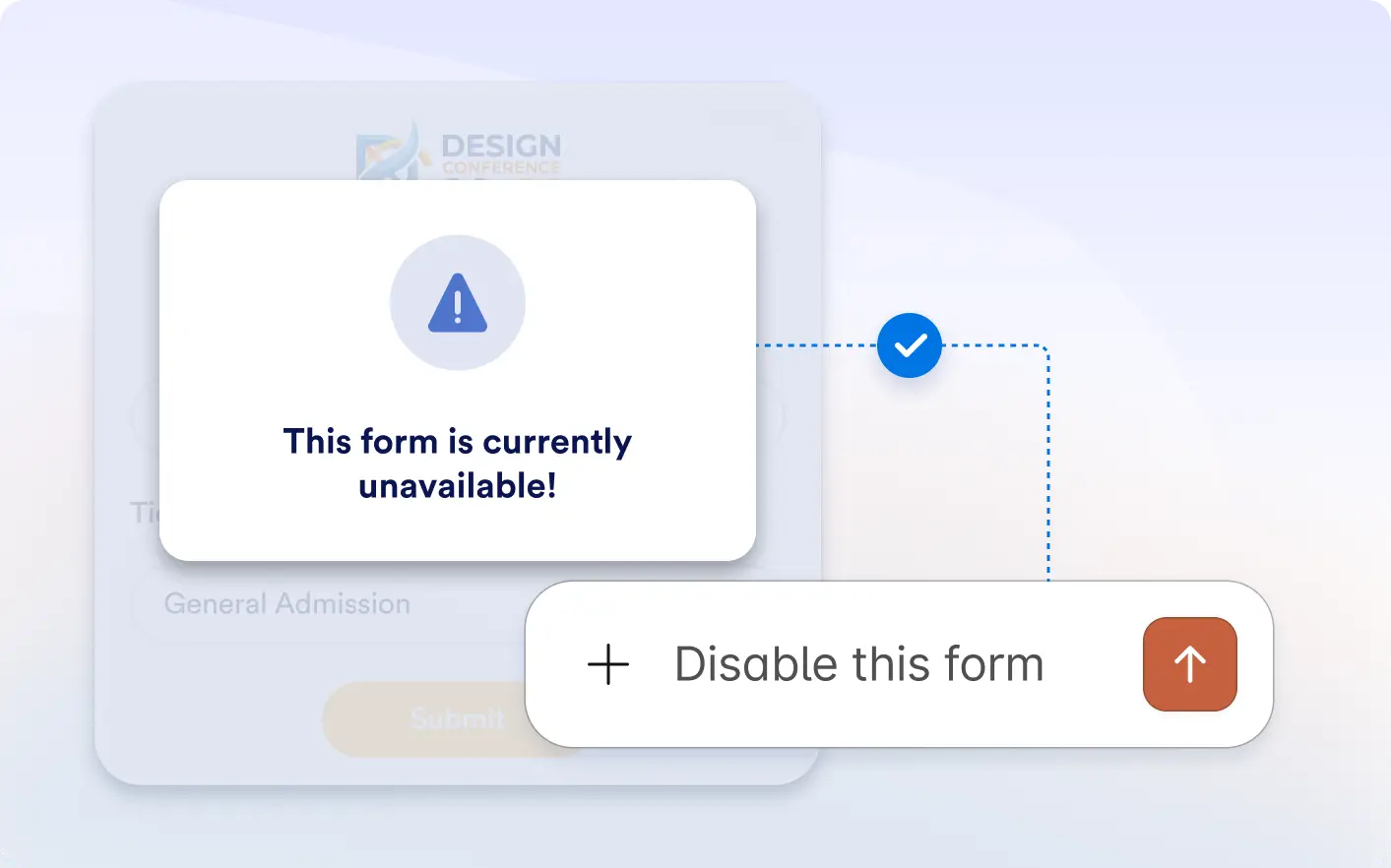
Enable or disable submissions anytime by changing your form status directly inside Claude without opening the form builder or account dashboard.
Manage Form Status with a Prompt
Simply type enable form or disable form and Jotform updates your form status automatically, helping you manage forms in seconds directly inside the Claude conversation window.
Manage Form Availability With AI
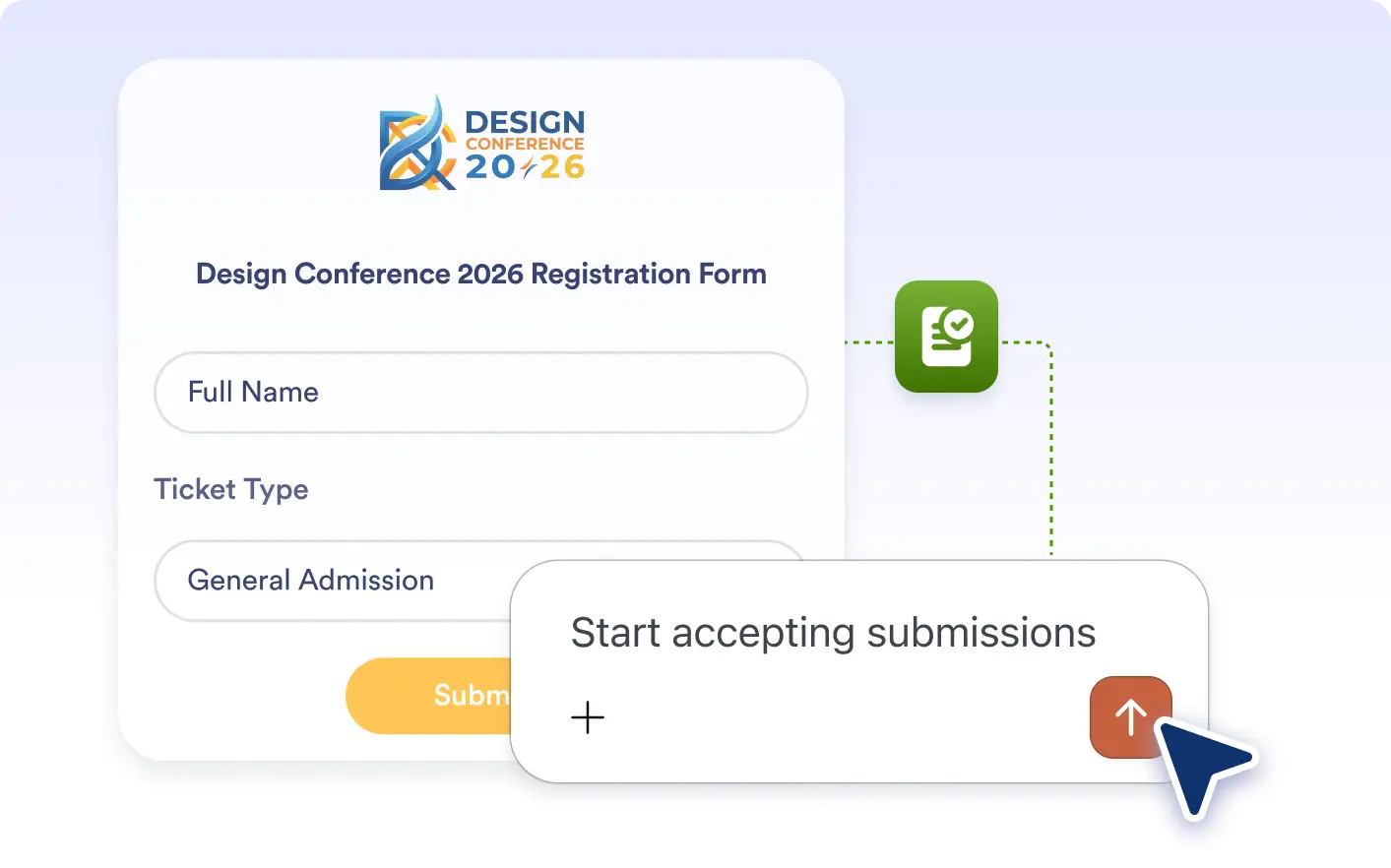
Control form availability faster. Open forms for new submissions or close them instantly from your Claude conversation.
Frequently Asked Questions
Have questions about this feature? Explore the FAQs below for quick answers.
Simply type disable form in Claude. Jotform will update the form status and stop new submissions instantly.
Type enable form in the Jotform Claude app and your form will be reopened for new submissions immediately.
No. You can enable or disable forms directly inside the Claude app without leaving the conversation.